Customer support
Ask My Chatty
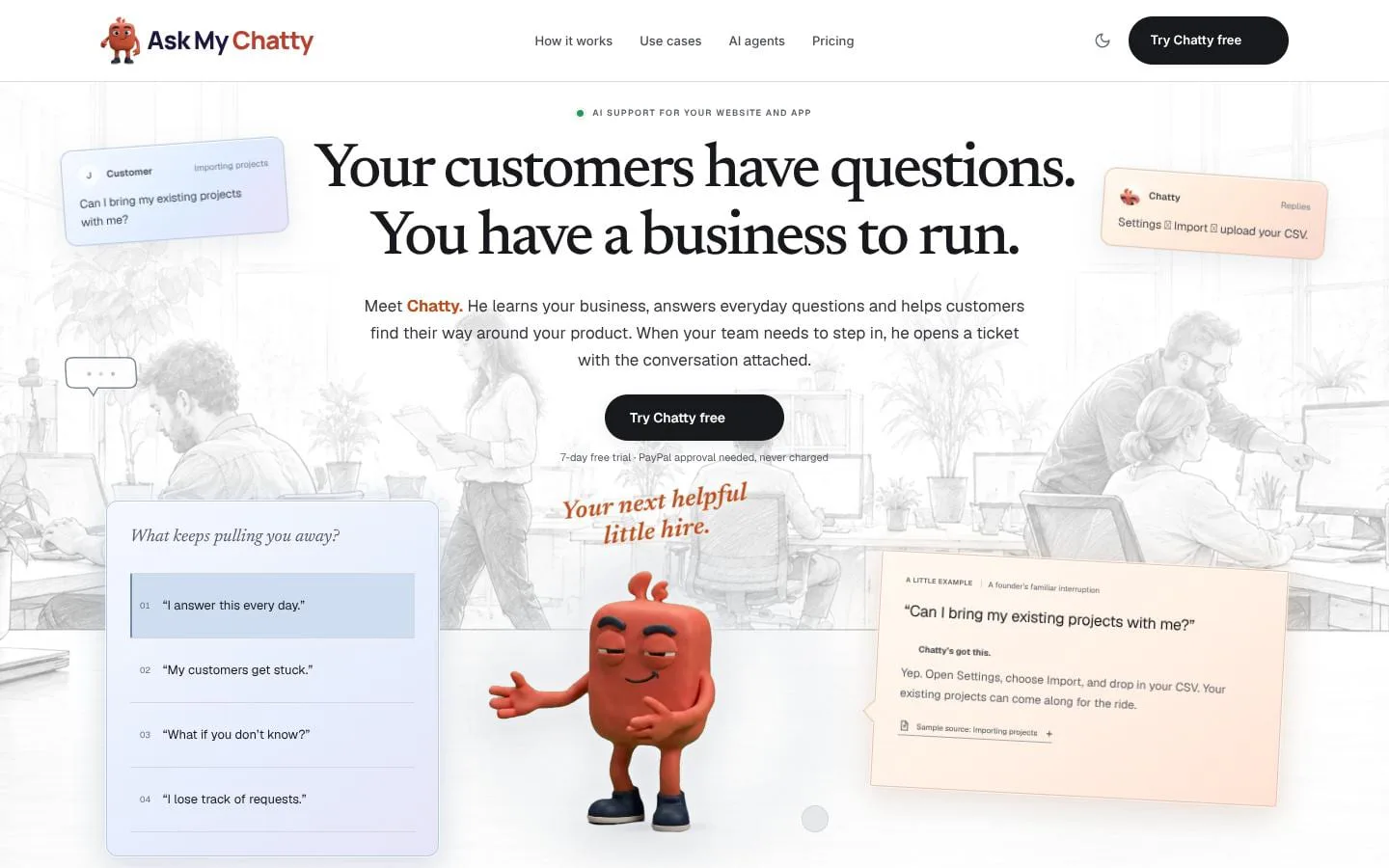
Your customers have questions. You have a business to run.
- Category
- Customer support
- Stage
- Growth
- For
- Founders and small businesses that want to answer customer questions and help users navigate their websites or apps.
About
Chatty learns your business, answers everyday customer questions and helps people find their way around your product. When your team needs to step in, the conversation comes with the ticket.
Features
- Problem
- Customers ask recurring questions that interrupt the team.
- How it works
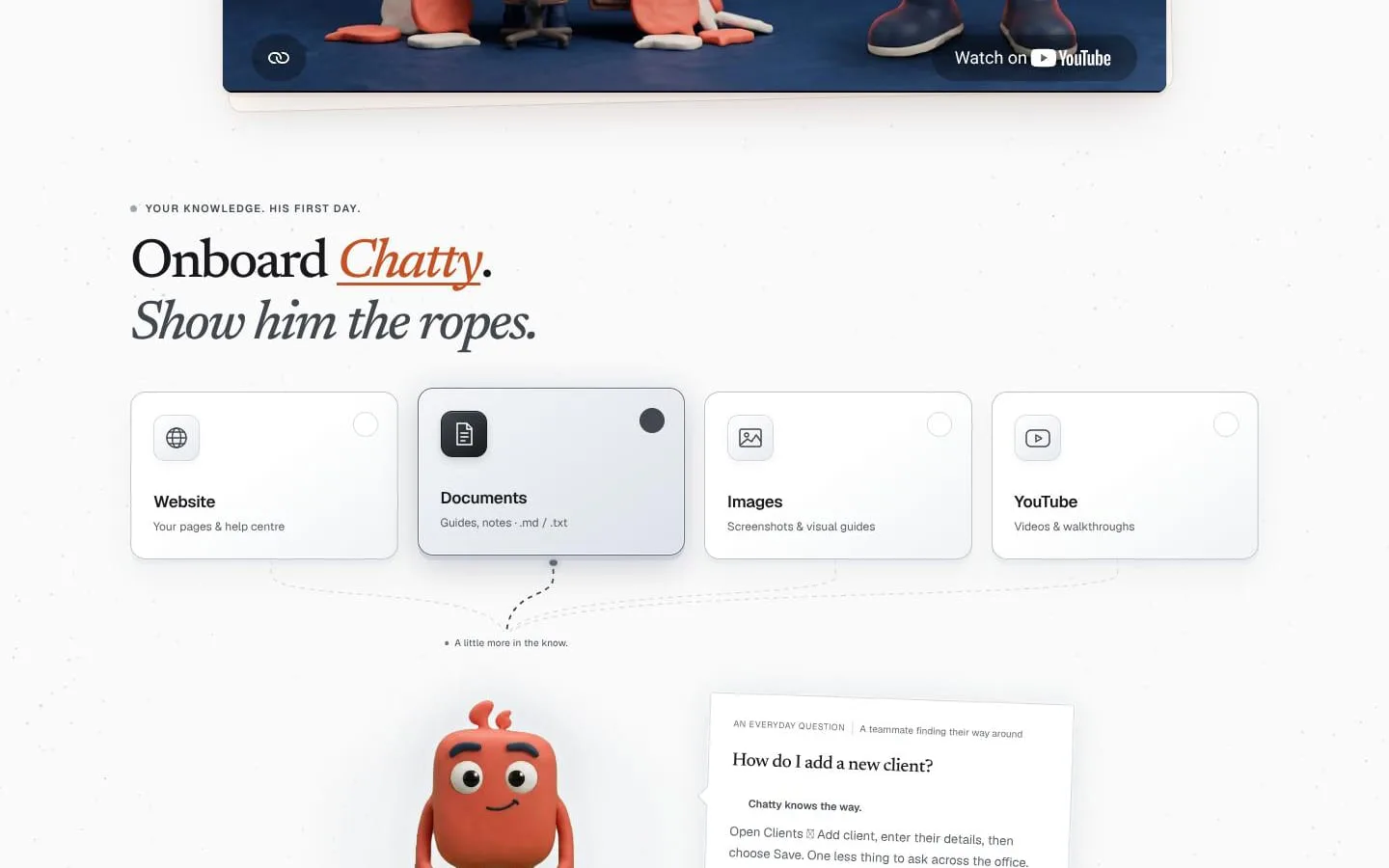
- Chatty answers using knowledge from websites, documents, images, and YouTube videos, with answers linked to their sources.
- Result
- Customers can get answers to everyday questions while the team spends less time repeating itself.
- Why
- Grounding answers in a business’s own material helps customers get useful guidance without requiring a teammate to respond each time.
- Problem
- Customers can struggle to find the right page or complete a task in a product.
- How it works
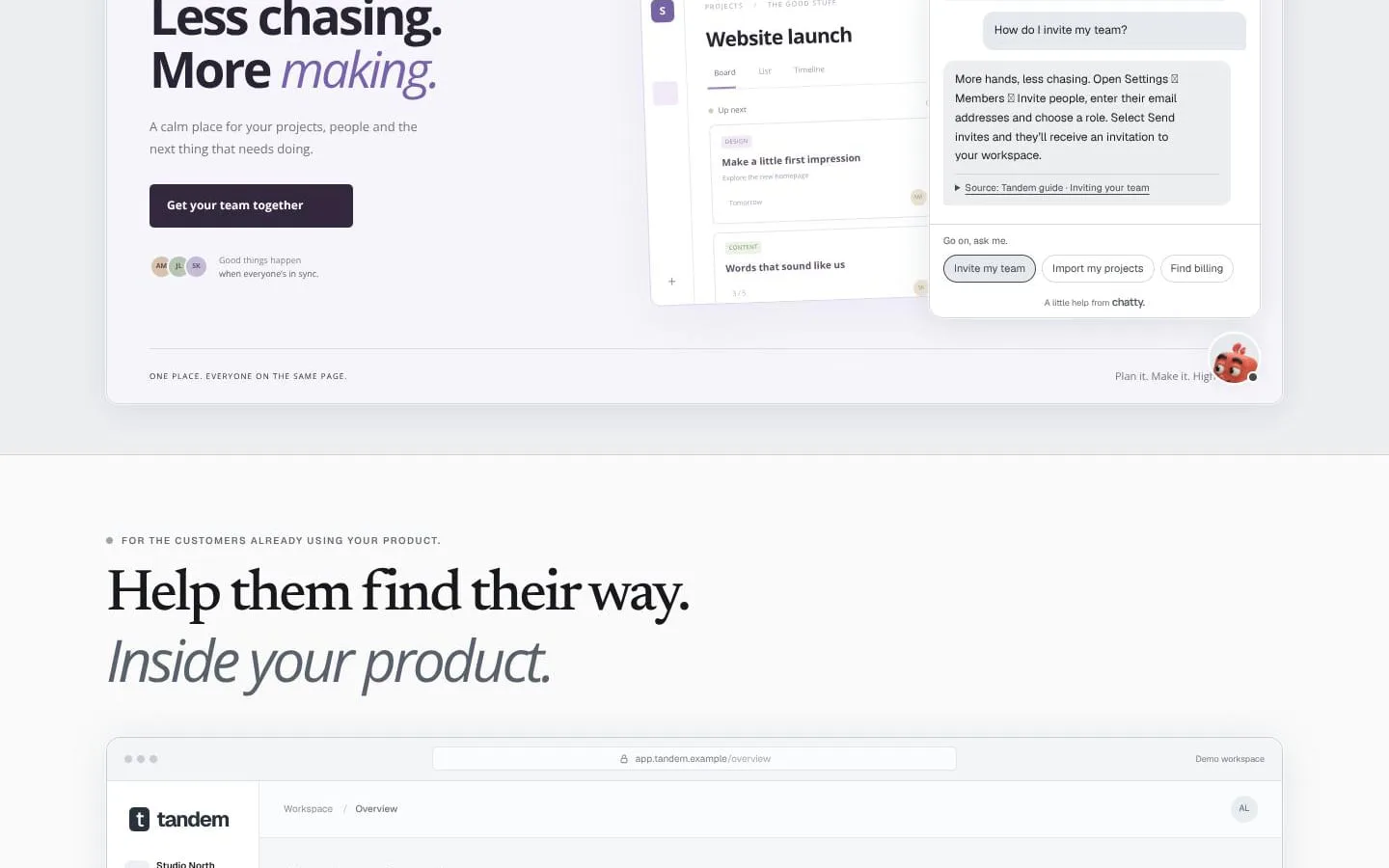
- Website and in-app chat windows let Chatty explain where to go and what to do, such as inviting a teammate or adding a client.
- Result
- Customers get a guided route through the product without needing to ask the business.
- Why
- Help delivered where customers are using a product can make navigation and everyday workflows easier to understand.
- Problem
- Some questions need a person, and guessing can make things worse.
- How it works
- When Chatty cannot answer or a request needs the team, it can open a ticket with the conversation attached.
- Result
- The team can review requests with the customer’s conversation rather than starting from scratch.
- Why
- A clear handover preserves context and gives the team a way to handle exceptions.
- Problem
- Teams need a place to follow conversations and requests that need attention.
- How it works
- The help desk includes an inbox, tickets board, and leads, with the option to reply to customers by email.
- Result
- Requests needing attention are easier for the team to review and manage.
- Why
- Bringing customer conversations and handovers into a shared workflow helps teams keep track of follow-up.
- Problem
- Business knowledge changes, and teams need to keep Chatty informed.
- How it works
- Teams can teach Chatty from website pages, documents, images, and YouTube, with website re-reading frequency depending on the plan.
- Result
- Chatty can answer using knowledge tailored to the business.
- Why
- Using existing guides and content gives Chatty material to draw on when helping customers.
- Problem
- Teams may want to work with their help desk through an AI assistant they already use.
- How it works
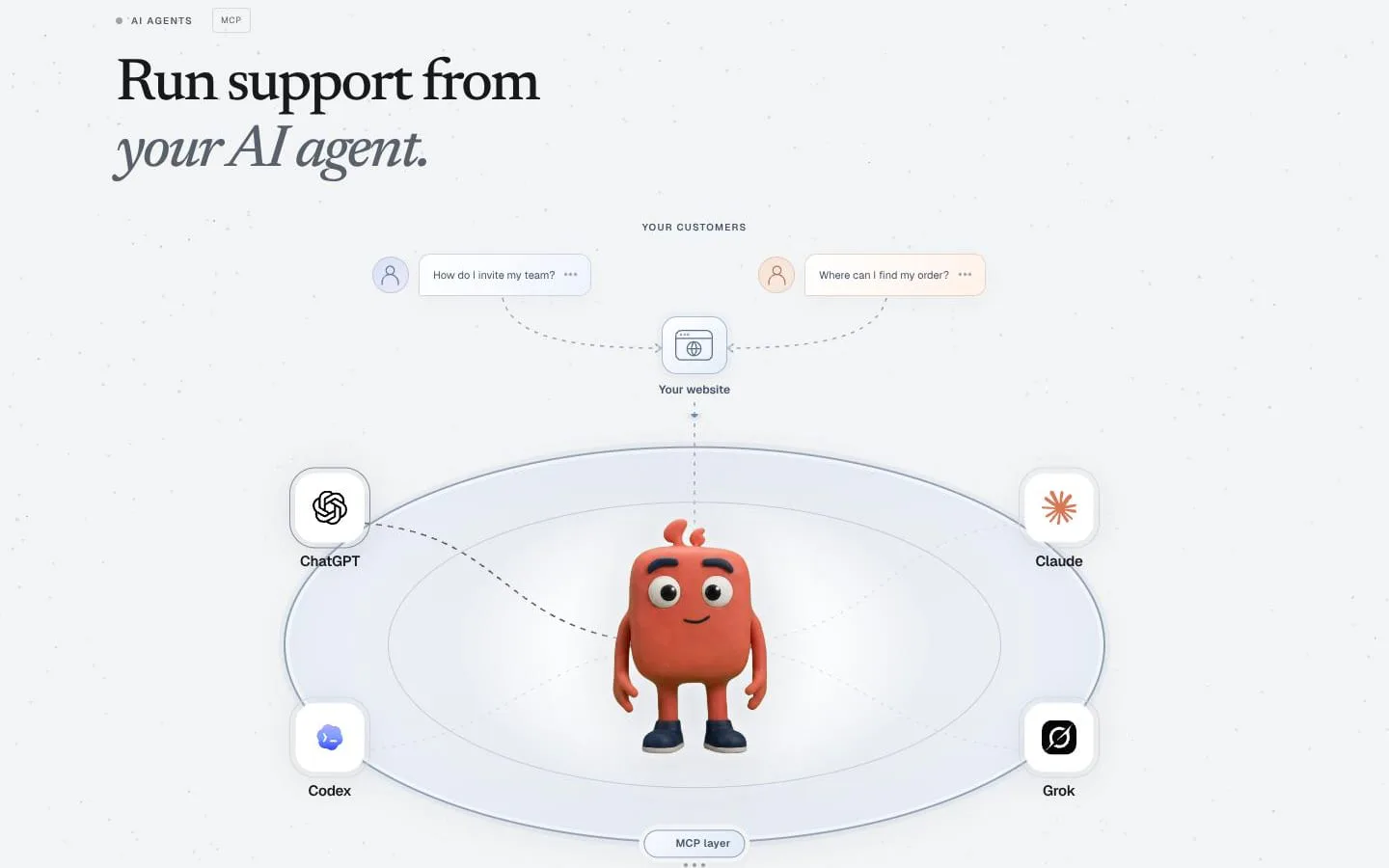
- Chatty supports connecting Claude or ChatGPT through MCP to search knowledge and work tickets.
- Result
- Teams can use a supported AI assistant to search knowledge and work tickets.
- Why
- The connection gives teams another way to access their knowledge and help desk work.
Product questions
What does Ask My Chatty do?
Ask My Chatty gives businesses an AI help desk for their websites and apps. Chatty learns from business content, answers common questions, guides customers through product tasks, and hands requests to a team when human help is needed.
Who is Ask My Chatty for?
Founders and small businesses that want to answer customer questions and help users navigate their websites or apps.
Screenshots