Productivity
Hopshot
Screenshot App for Windows and Mac That Cleans Up
- Category
- Productivity
- Stage
- Growth
- For
- Windows and Mac users who capture screenshots frequently and want to quickly drag them into apps, access them on their phones, and avoid desktop clutter.
About
Screenshot shelf for Windows and Mac: capture with a hotkey, drag into any app or website, open on your phone. Screenshots expire on their own.
Features
- Problem
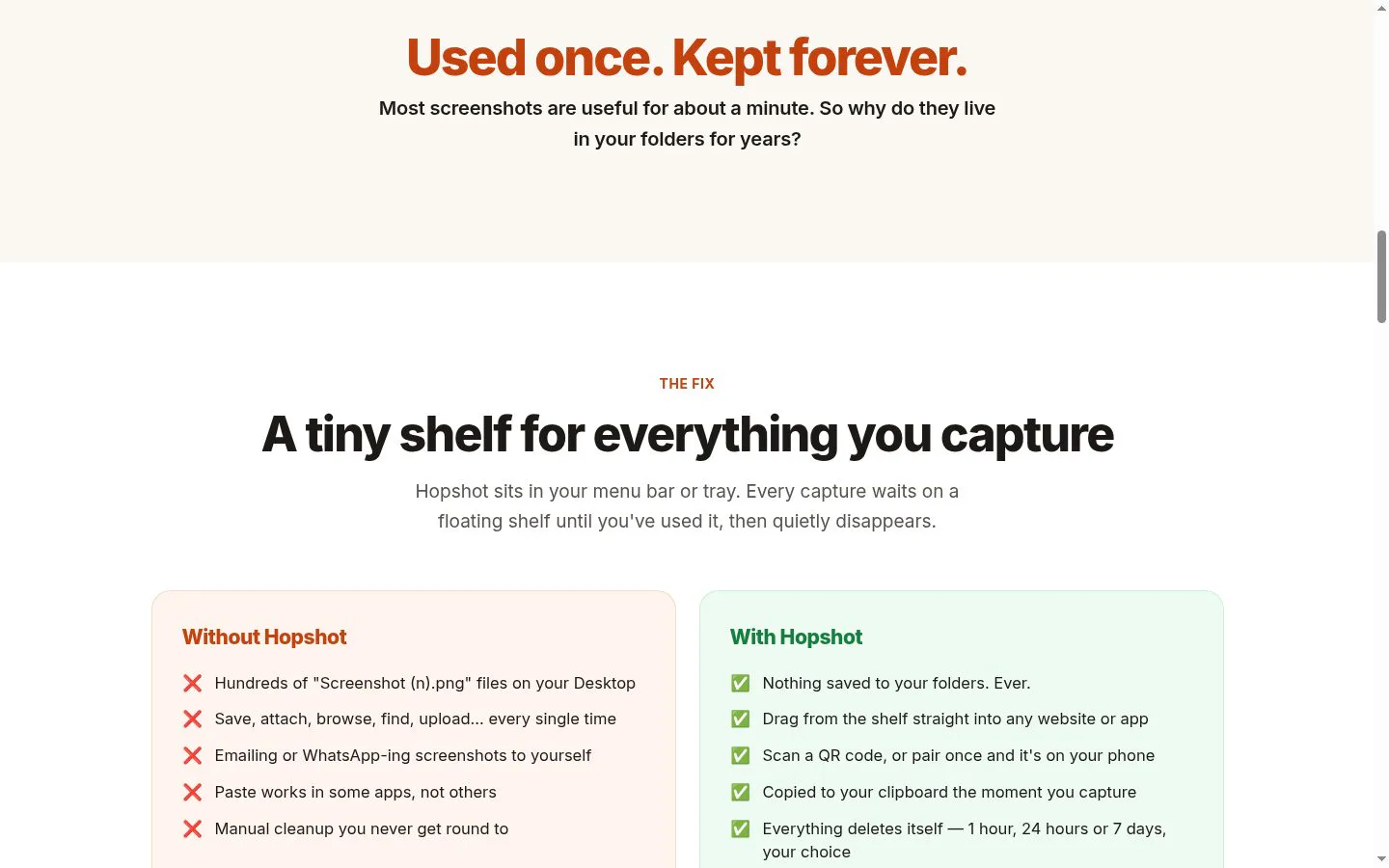
- Captures normally require browsing through files to find and attach them, and may overwrite the one screenshot on the clipboard.
- How it works
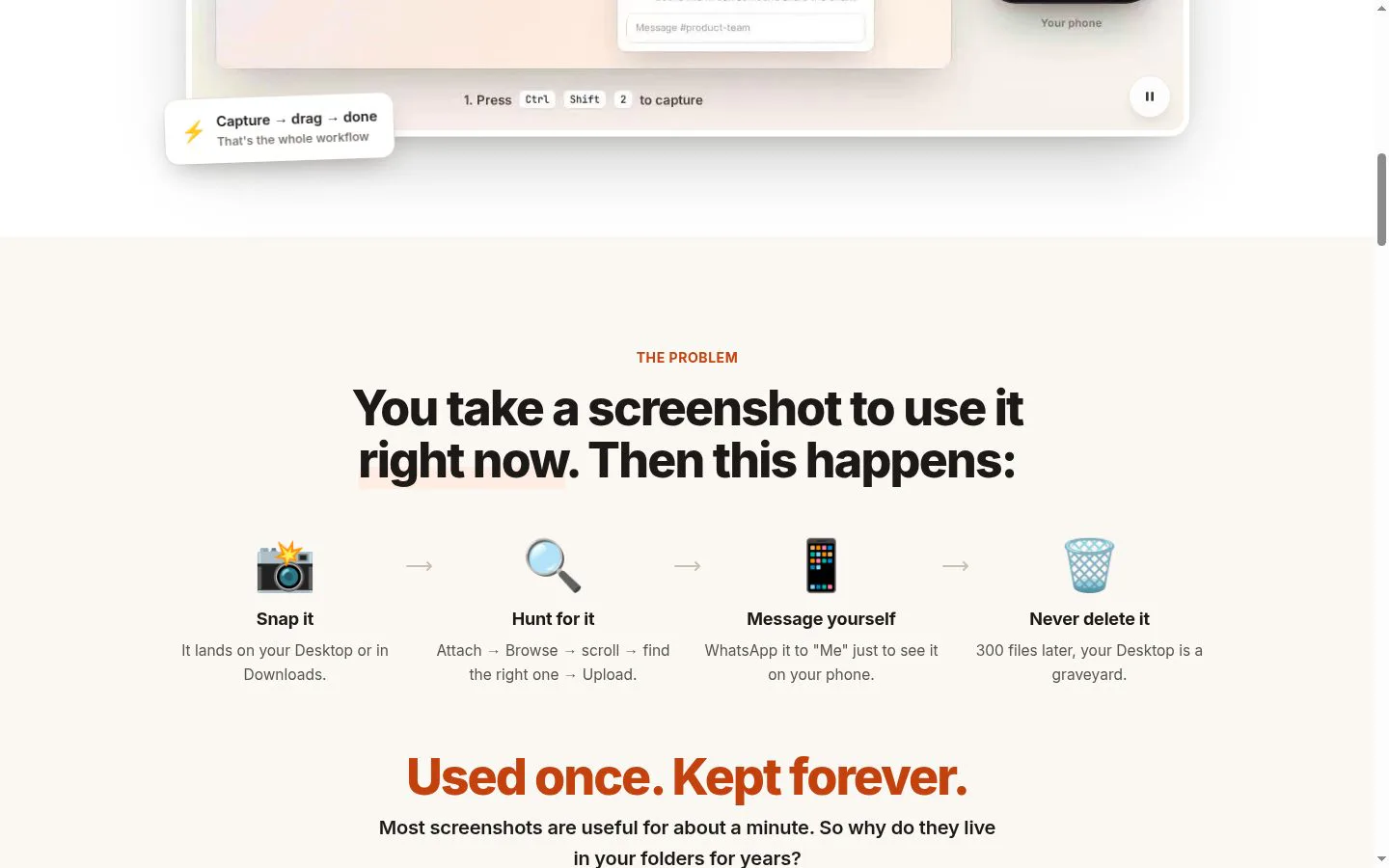
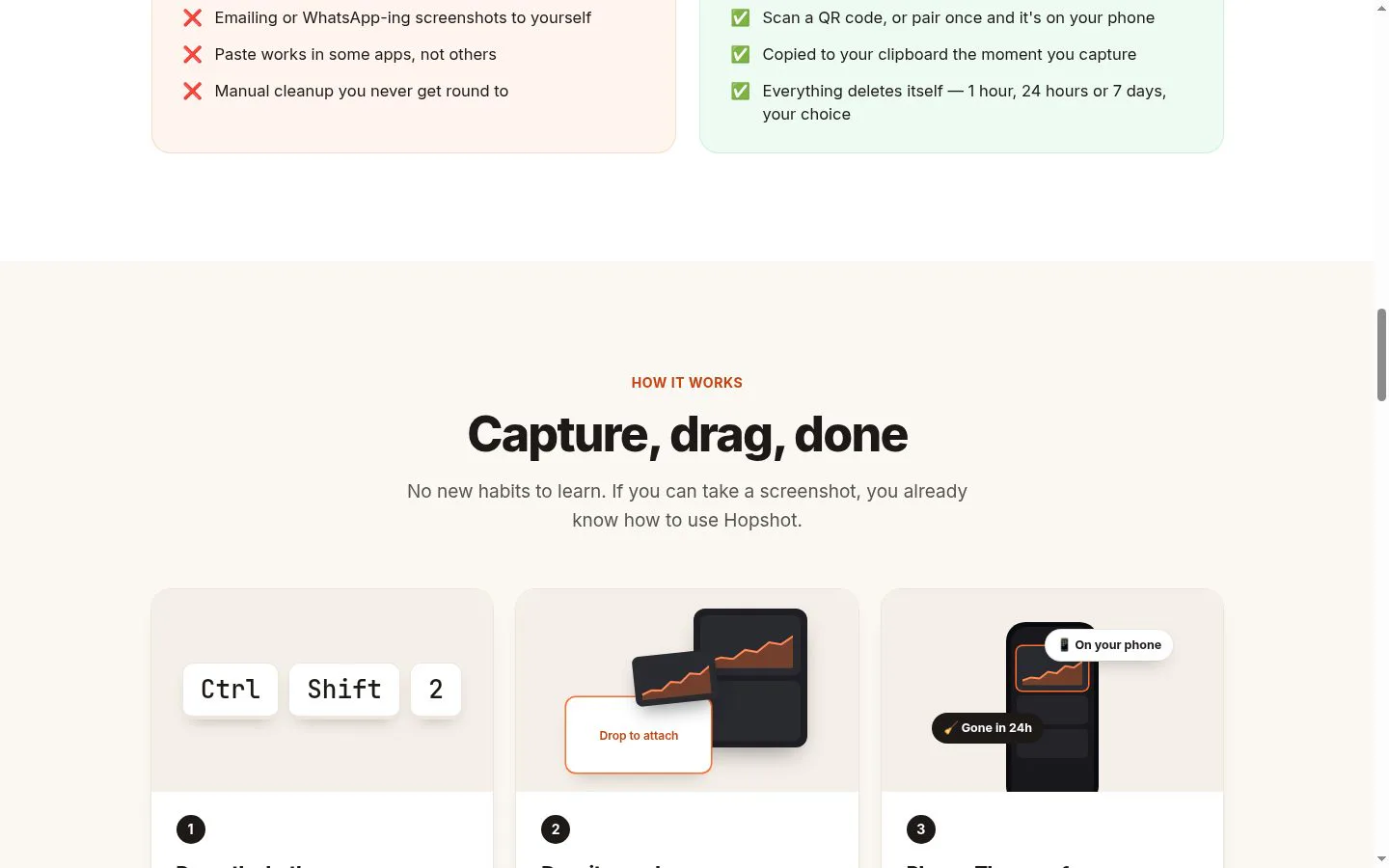
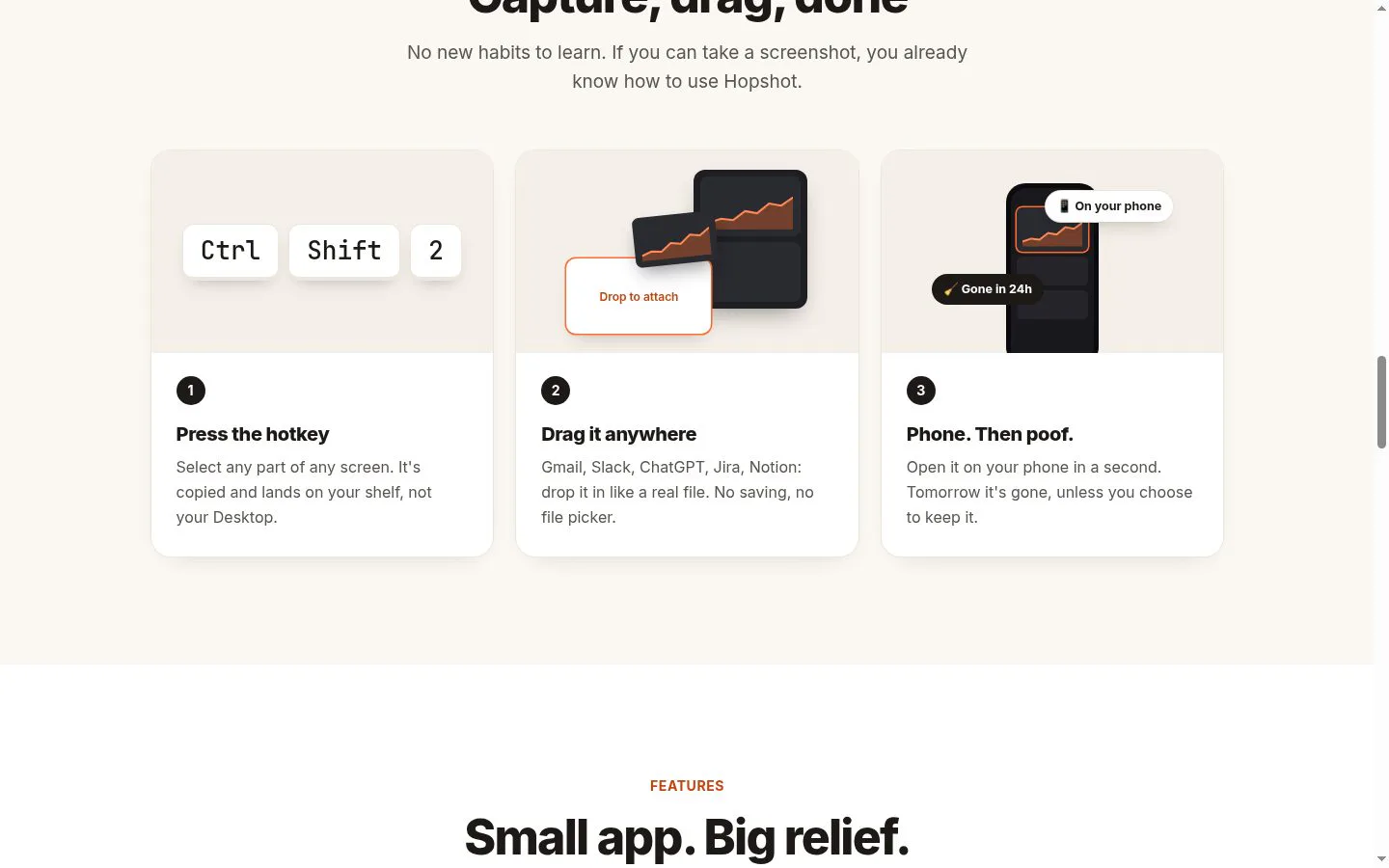
- Capture an area with a hotkey; it appears on a floating shelf and is copied to the clipboard without saving to a folder.
- Result
- Drag a screenshot from the shelf into an app or website, or paste it immediately.
- Why
- Keep recent captures readily available and make both clipboard use and direct dragging convenient.
- Problem
- Getting a screenshot onto a phone often means messaging or emailing it to yourself.
- How it works
- Pair a phone or scan a QR code to open captures in the phone's browser; the product also supports sending photos from phone to computer.
- Result
- View captures on a phone with a browser, and send photos back to the computer.
- Why
- Provide a direct way to access captures across computer and phone without requiring a phone app.
- Problem
- Screenshots left in folders accumulate and require manual cleanup.
- How it works
- Automatically expire captures after 1 hour, 24 hours, or 7 days, with an option to pin items to keep.
- Result
- A cleaner desktop and shelf that clears itself on the chosen schedule.
- Why
- Make temporary captures disappear while letting users retain selected items.
- Problem
- Sharing or syncing screenshots can raise privacy concerns.
- How it works
- Encrypt screenshots on the device before upload when they leave the computer; the decryption key is not sent to Hopshot's servers.
- Result
- Encrypted cloud copies are automatically deleted, by default after 24 hours and no later than 7 days.
- Why
- Protect captures that are sent off-device.
- Problem
- Frequent capture workflows can be cumbersome, especially across multiple monitors.
- How it works
- Offers custom hotkeys, arrow-key navigation, copy and delete controls, and captures across mixed displays and scaling.
- Result
- Manage captures with less mouse use and capture accurately across multi-monitor configurations.
- Why
- Support keyboard-led use and varied display setups.
Product questions
What does Hopshot do?
Hopshot is a Windows and Mac screenshot app that keeps captures on a floating shelf instead of in folders. Users can drag captures into apps, paste them from the clipboard, access them on a phone, and have them automatically expire.
Who is Hopshot for?
Windows and Mac users who capture screenshots frequently and want to quickly drag them into apps, access them on their phones, and avoid desktop clutter.
Screenshots