Productivity
AWNA: A Wee Notch App
A small but powerful notch for the top of your Windows screen.
- Category
- Productivity
- Stage
- Growth
- For
- Windows
- Platforms
- Windows
- Pricing
- Freemium; unlock all tabs with a single payment
About
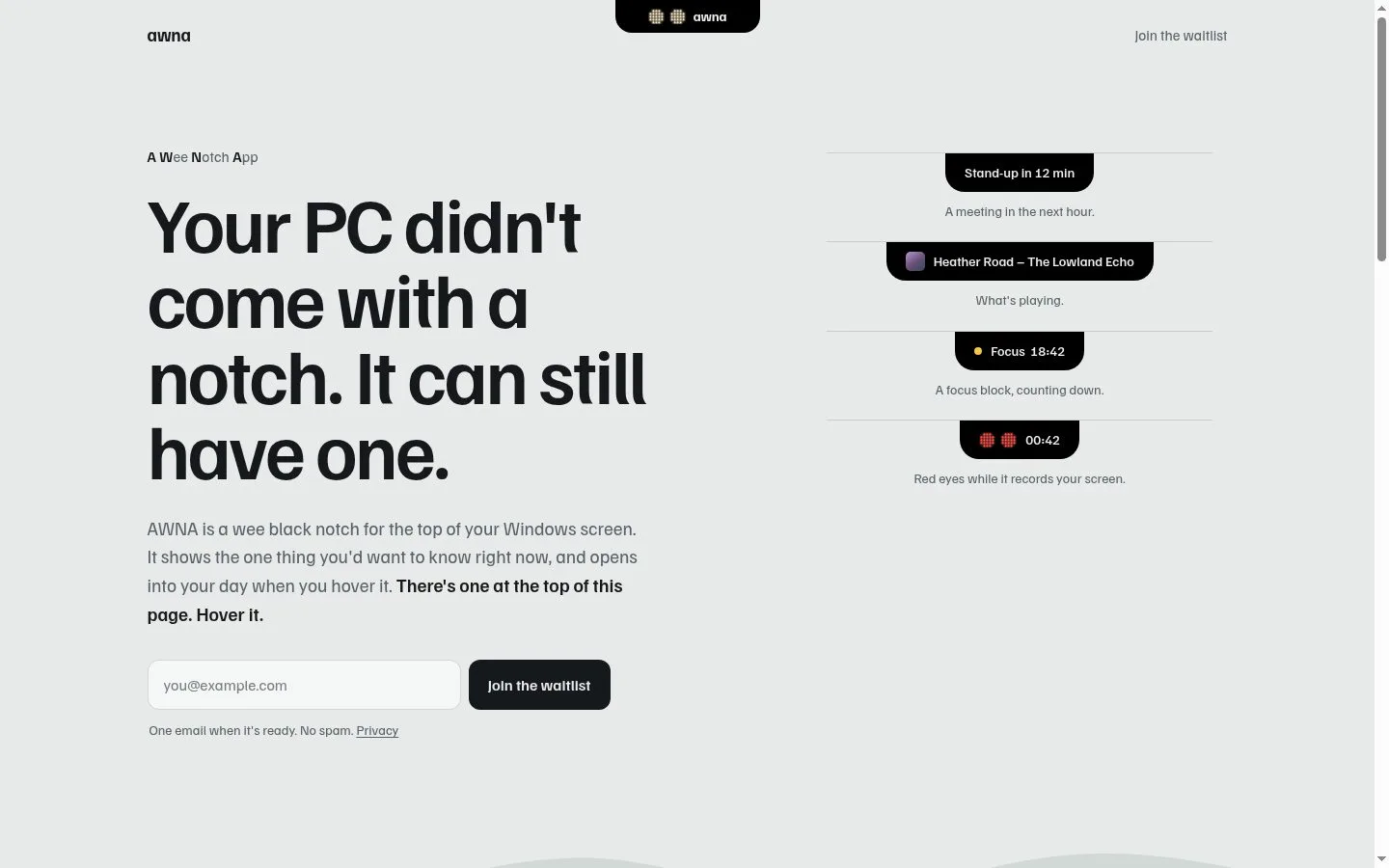
A small notch for the top of your Windows screen. Meetings, tasks, notes, a focus timer, music and more, one hover away.
Features
- Problem
- Upcoming meetings can be easy to miss.
- How it works
- Shows the next meeting from Google and Outlook, gives a pre-meeting nudge, and provides a Join button when applicable.
- Result
- Users can notice and join meetings with less context switching.
- Why
- The notch surfaces the most timely item at the top of the screen.
- Problem
- Files need a temporary place while moving between apps.
- How it works
- Accepts dropped files on a shelf and lets users drag them into another app later.
- Result
- Files can be staged and reused without cluttering the desktop.
- Why
- The shelf stays accessible from the notch.
- Problem
- Screen capture controls can be disconnected from captured files.
- How it works
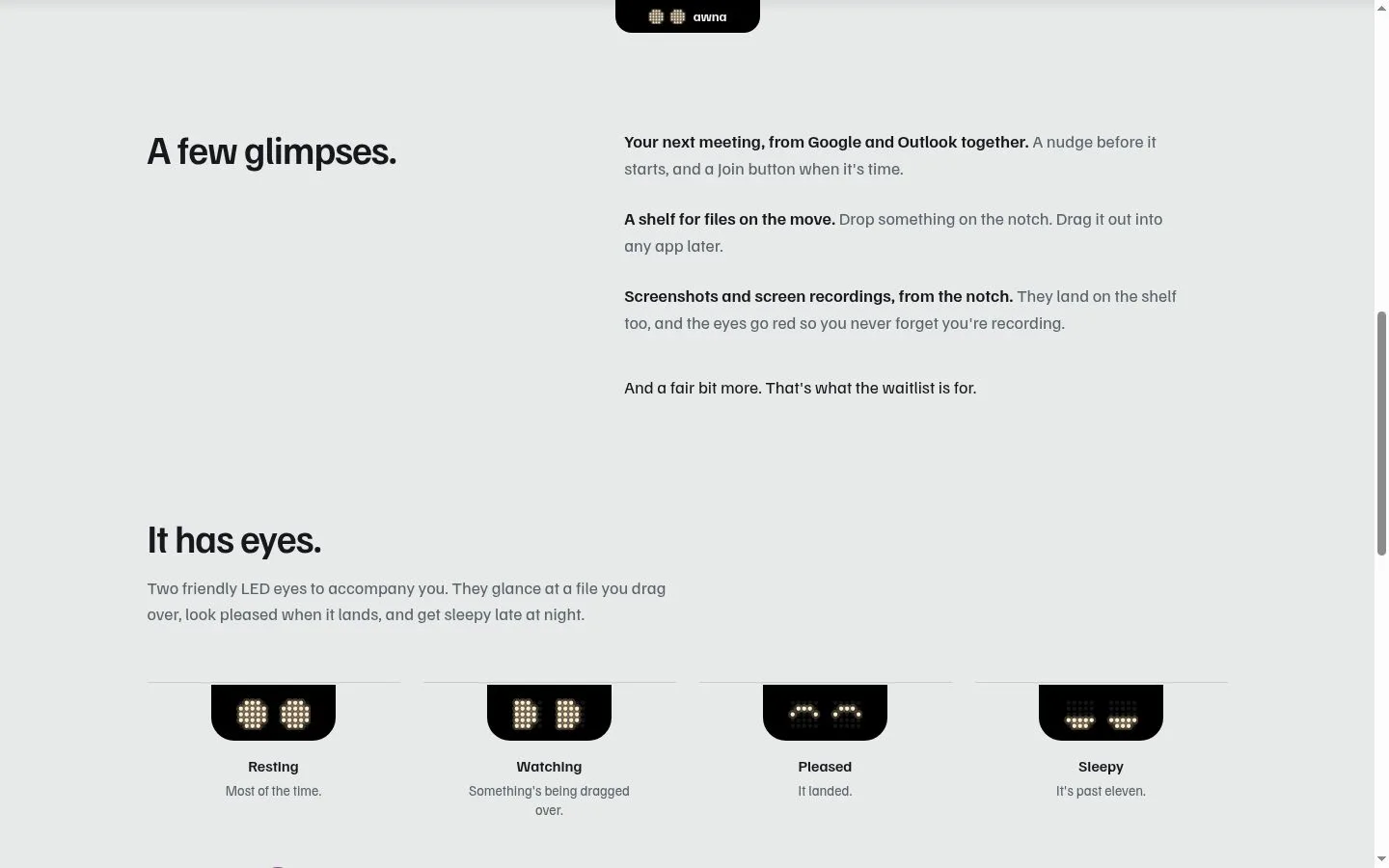
- Starts screenshots and screen recordings from the notch, places them on the shelf, and turns its eyes red while recording.
- Result
- Users can capture content and keep track of recording state.
- Why
- Visual recording status helps users remember an active capture.
- Problem
- Desktop utilities can be distracting or require accounts.
- How it works
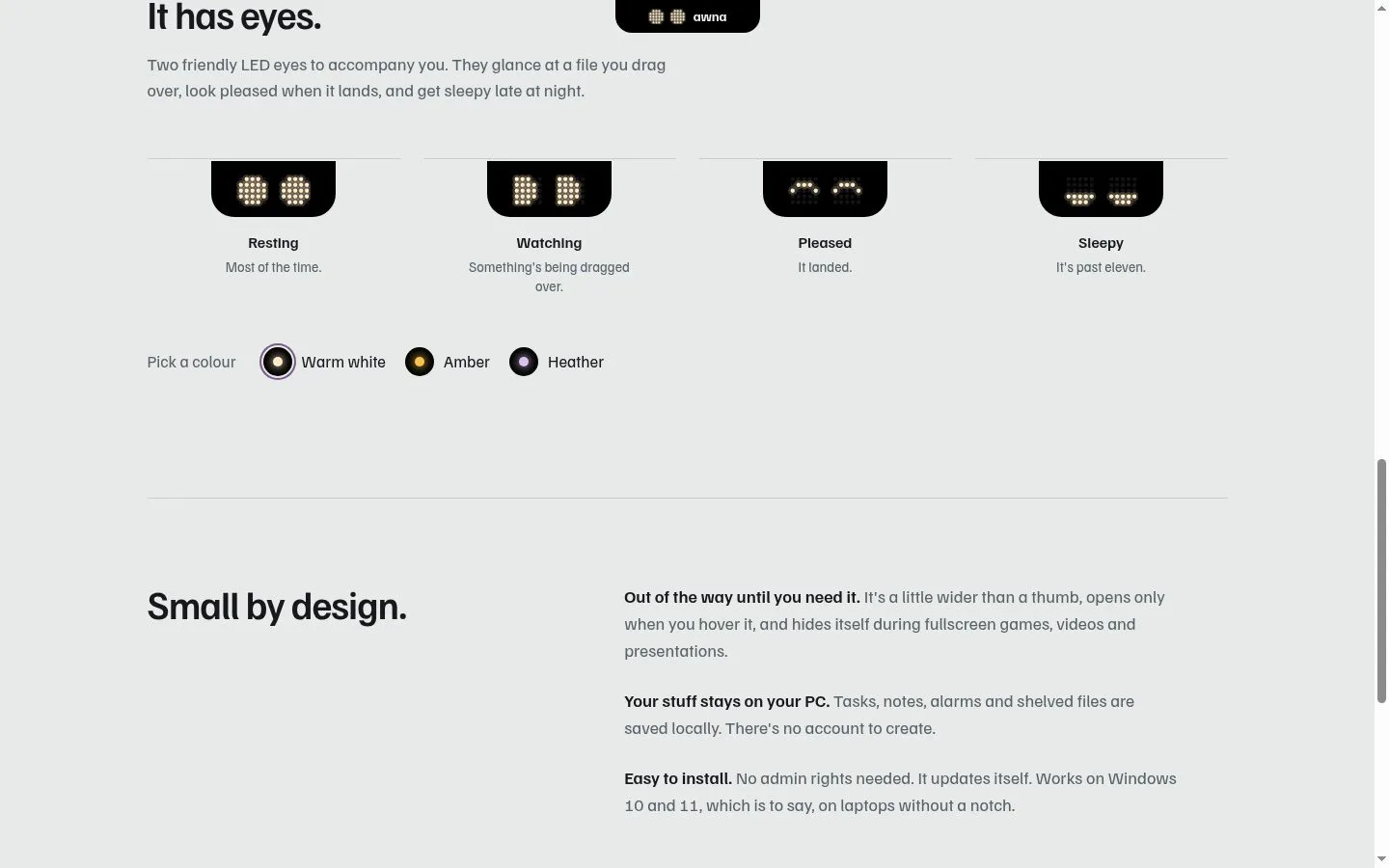
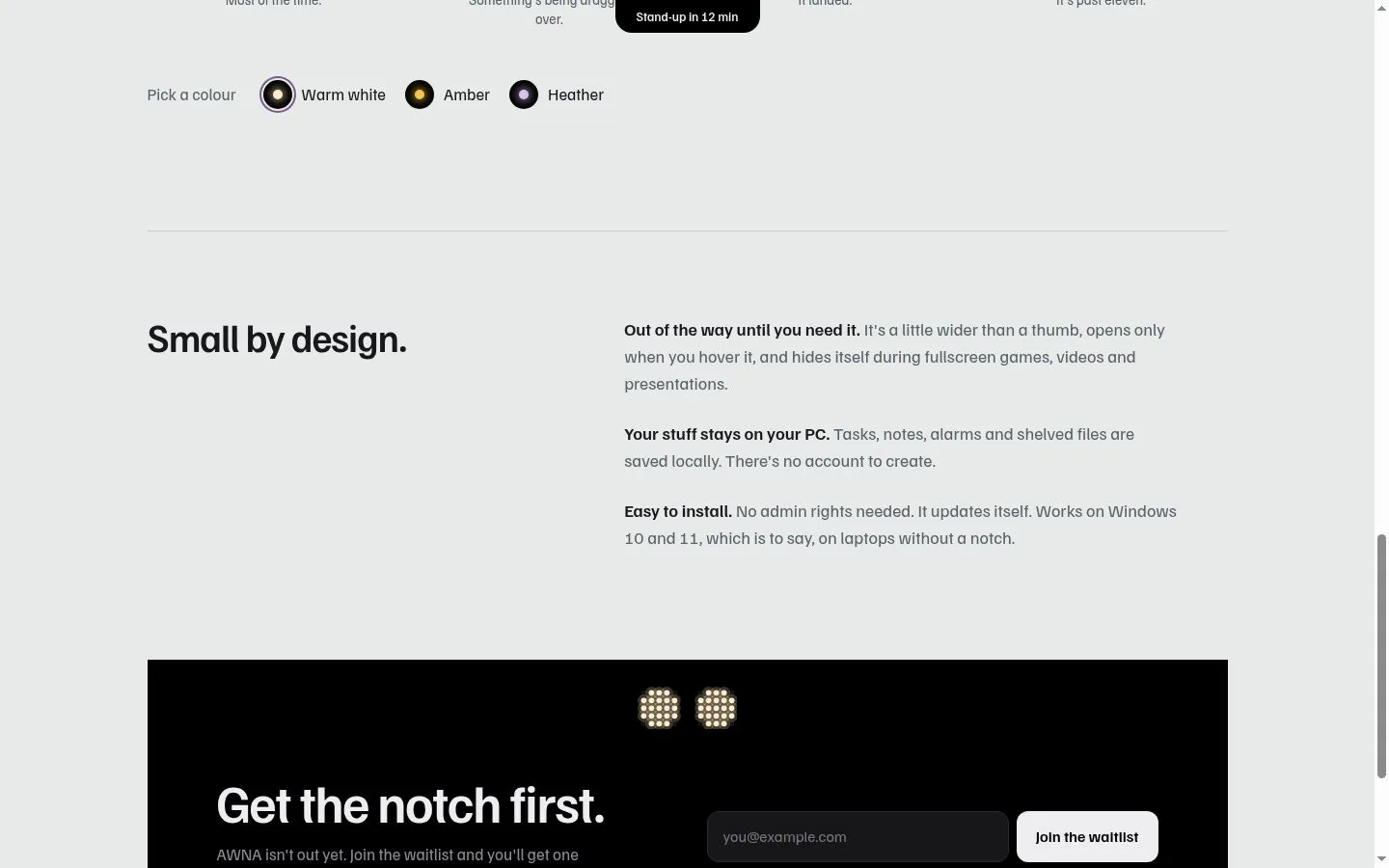
- Opens on hover, hides during fullscreen games, videos, and presentations, and saves tasks, notes, alarms, and shelved files locally without an account.
- Result
- Users get quick tools with less interruption and local storage.
- Why
- AWNA is designed to stay out of the way and keep user data on the PC.
Product questions
What does AWNA: A Wee Notch App do?
AWNA is a compact black notch for the top of Windows 10 and 11 screens that surfaces timely information and expands on hover into everyday utilities.
Who is AWNA: A Wee Notch App for?
Windows
How much does AWNA: A Wee Notch App cost?
Freemium; unlock all tabs with a single payment
Which platforms does AWNA: A Wee Notch App support?
- Windows
Screenshots