AI
WatermarkRemoverVideo
Remove watermarks, logos and text from your own videos without cropping the frame
- Category
- AI
- Stage
- Growth
- For
- Video creators, businesses, and individuals who need to remove watermarks, logos, captions, or timestamps from MP4 footage.
About
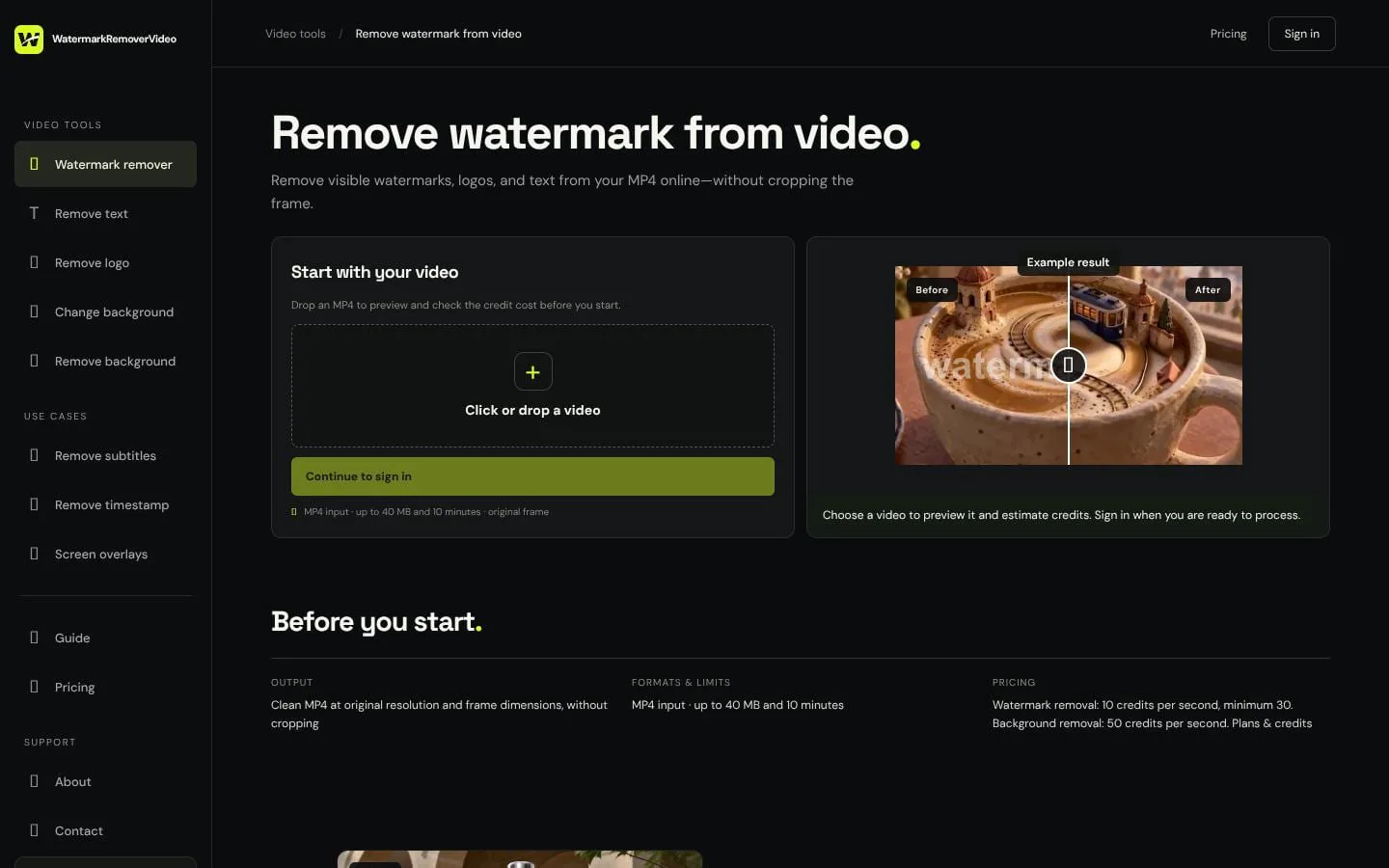
I built WatermarkRemoverVideo so you can clean up your own or authorized MP4 clips without cropping them. Upload an MP4 (up to 40 MB and 10 minutes), and the AI removes the watermark, logo, or burned-in text and rebuilds what was behind it. Also includes a background remover exporting transparent WebM VP9. Pricing is by the second: 10 credits/sec for watermark tools, 50 credits/sec for backgrounds.
Features
- Problem
- Watermarks and logos obstruct footage, and cropping them can trim the picture.
- How it works
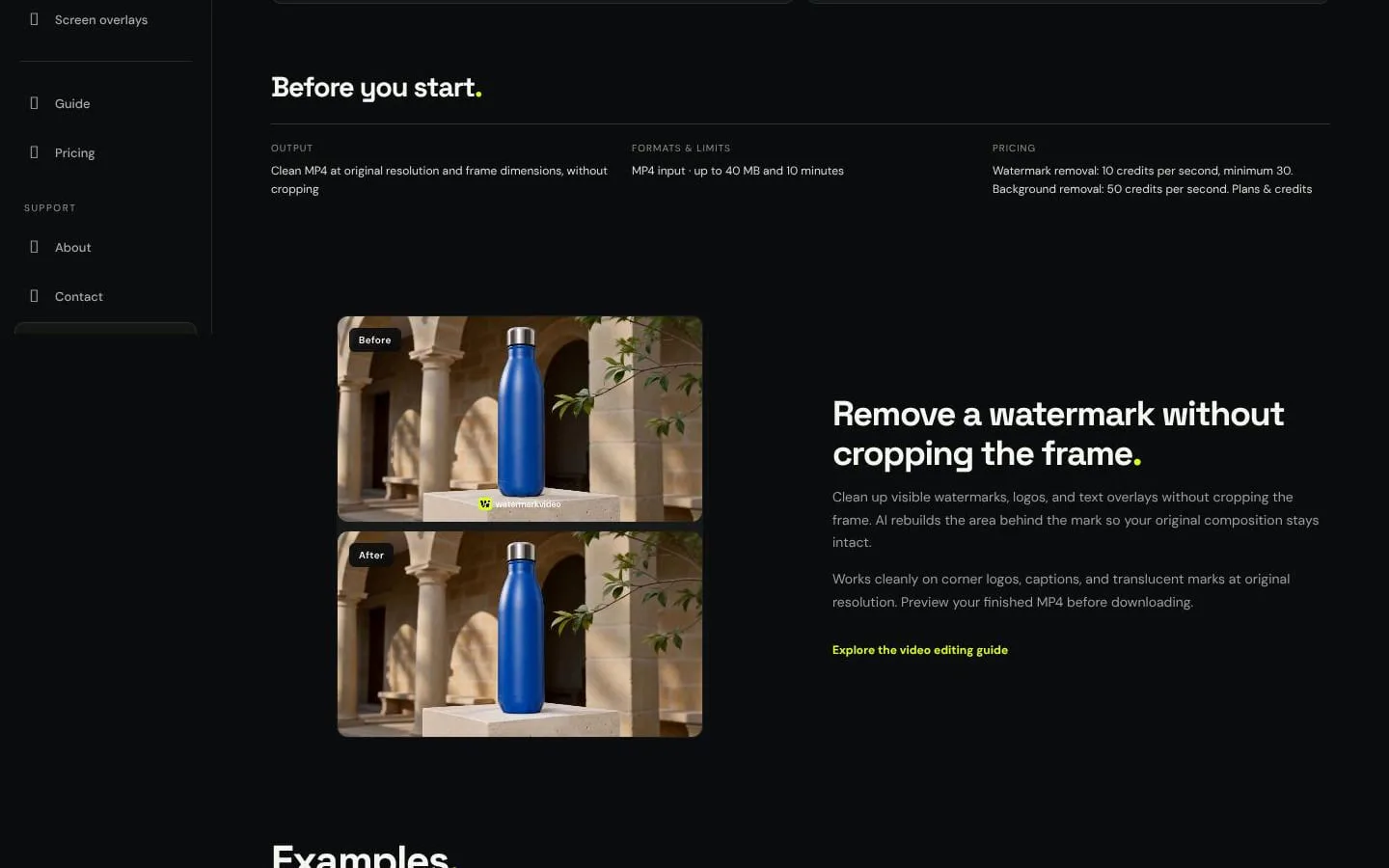
- AI reconstructs the area behind visible marks, including fixed logos and some position-changing text, without cropping the frame.
- Result
- A clean MP4 at the original resolution and frame dimensions; complex or fast-moving marks may leave traces.
- Why
- Preserving the original composition avoids losing edge content or changing framing.
- Problem
- Burned-in captions, subtitles, and other text cannot simply be switched off like a separate subtitle track.
- How it works
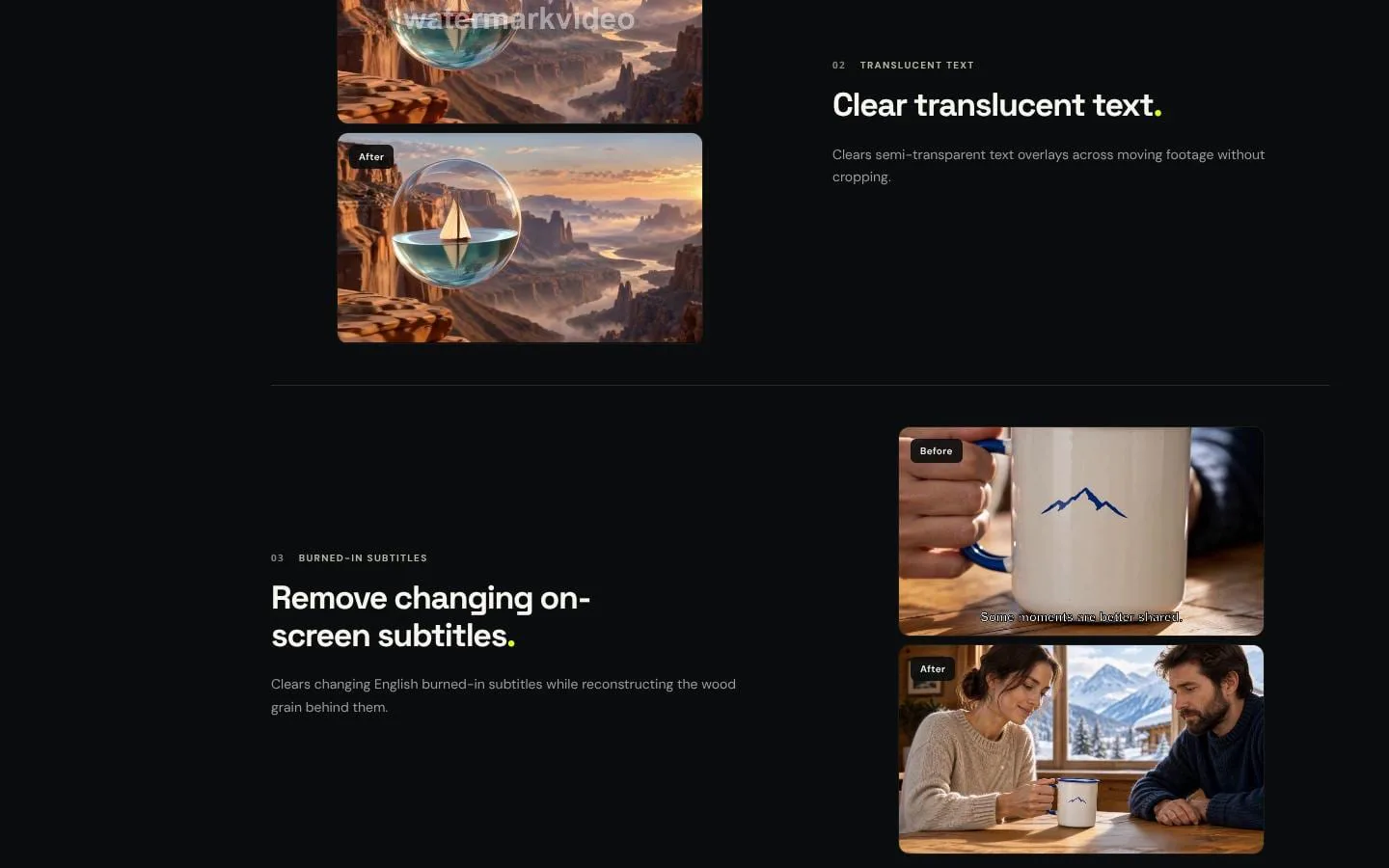
- The tool repairs text overlays across frames, including captions, labels, and timestamps.
- Result
- A previewable cleaned MP4; hidden details cannot be recovered exactly and may soften.
- Why
- Reconstructing the covered area can preserve the full frame where cropping would remove picture content.
- Problem
- Users need to understand upload constraints and cost before processing.
- How it works
- Users can upload or drop an MP4, preview it, and check the credit quote before starting; unsupported files are rejected upfront.
- Result
- Uploads are limited to 40 MB and 10 minutes for watermark tools; removal costs 10 credits per second with a 30-credit minimum.
- Why
- A preview and upfront quote help users assess suitability and cost before spending credits.
- Problem
- Finished recordings may contain small fixed badges or corner stamps that would otherwise require re-recording.
- How it works
- A specialized screen-overlay workflow cleans fixed recorder badges, old logos, and accidental UI stamps from owned recordings.
- Result
- A cleaned recording with original dimensions; results are best over simple margins, and obscured interface text cannot be restored.
- Why
- Repairing small marks can retain the original desktop framing and avoid recapturing a demo.
- Problem
- Users want evidence of likely output quality before committing to processing.
- How it works
- The site provides before-and-after examples and lets users preview finished MP4s before downloading.
- Result
- Users can inspect the repair before export; the site notes that fast motion and complex backgrounds can leave subtle traces.
- Why
- Reviewing artifacts around textures, motion, and fine details helps set expectations.
Product questions
What does WatermarkRemoverVideo do?
WatermarkRemoverVideo is an online video-cleanup workspace that uses AI reconstruction to remove visible watermarks, logos, text, subtitles, and timestamps from MP4 footage while preserving the original frame rather than cropping it.
Who is WatermarkRemoverVideo for?
Video creators, businesses, and individuals who need to remove watermarks, logos, captions, or timestamps from MP4 footage.
Screenshots