Other
ImgKit
Compress, resize and convert images privately in your browser.
- Category
- Other
- Stage
- Beta
- For
- Developers, designers, creators, marketers, students, and anyone who regularly works with images.
About
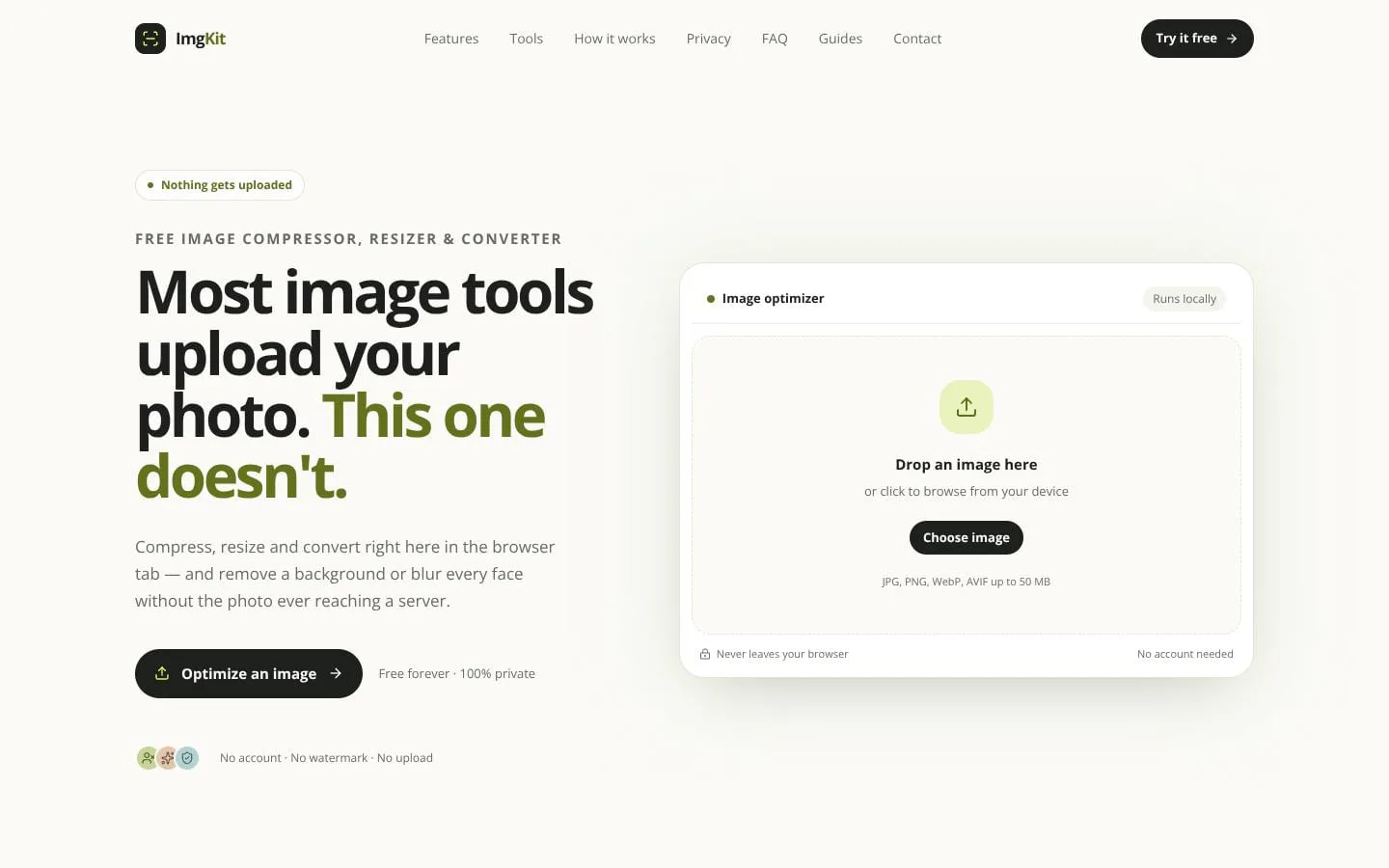
ImgKit lets you compress, resize, convert, and edit images directly in your browser with no uploads, accounts, or watermarks. It processes files locally, so your photos never leave your device and the tools keep working offline. Explore 50 focused utilities, including on‑device background removal and format conversion for JPG, PNG, WebP, AVIF, HEIC, and HEIF. Adjust quality with live previews, see file size savings instantly, and download optimized results securely
Features
- Problem
- Images need to meet strict upload-size limits.
- How it works
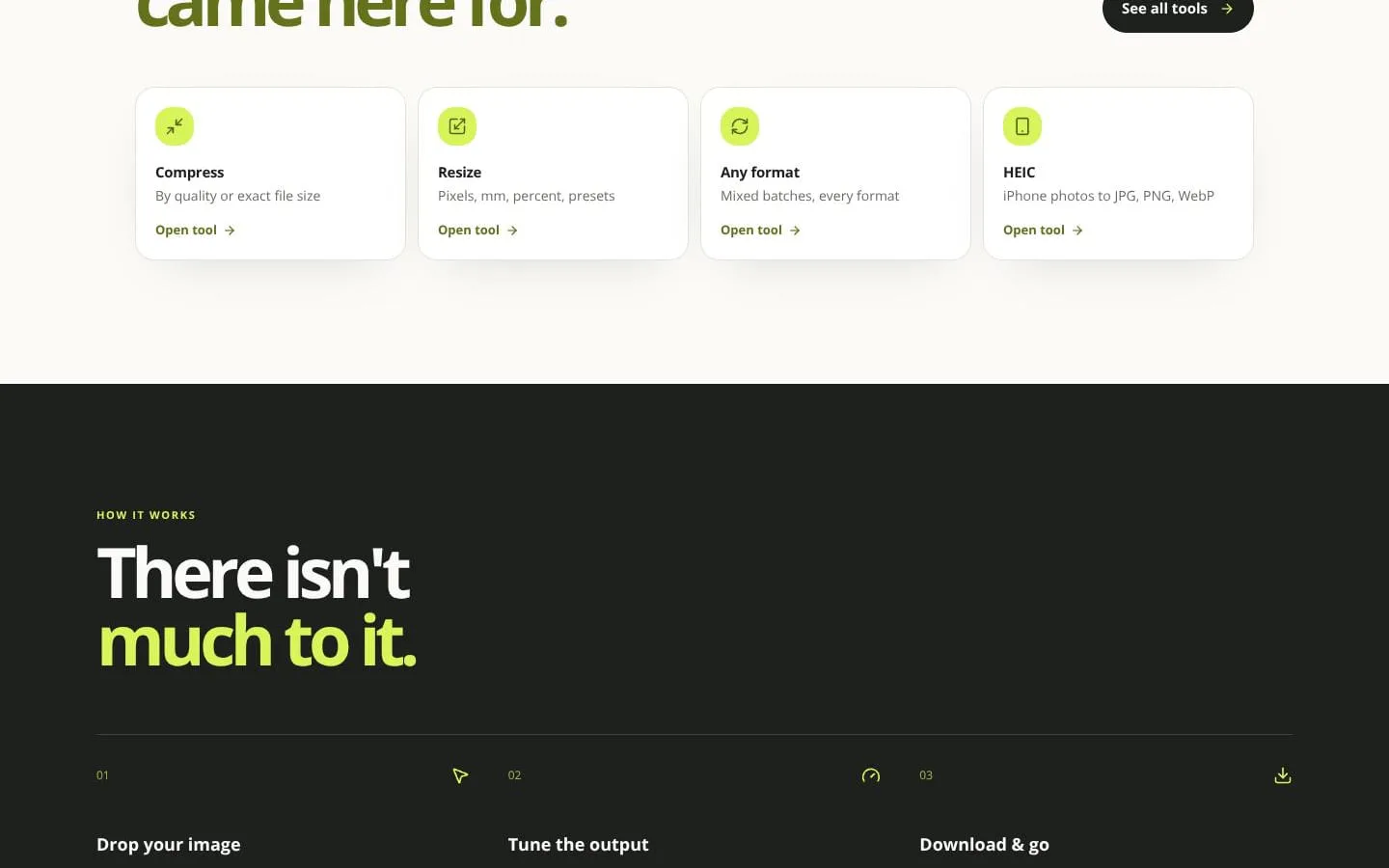
- Compresses by quality or targets an exact file size such as 50 KB or 100 KB; it scales down only when quality adjustments cannot meet the target.
- Result
- Smaller files that fit required size limits while preserving as much visual quality as possible.
- Why
- Users can satisfy application, document, and portal requirements without repeated manual exports.
- Problem
- Images may have incompatible formats or unsuitable dimensions.
- How it works
- Resizes by pixels, millimetres, percentage, presets, and converts JPG, PNG, WebP, AVIF, HEIC, and HEIF formats.
- Result
- Ready-to-use image files in the needed size and format.
- Why
- Images often need to work across forms, devices, websites, and sharing destinations.
- Problem
- Sensitive photos should not be sent to third-party servers.
- How it works
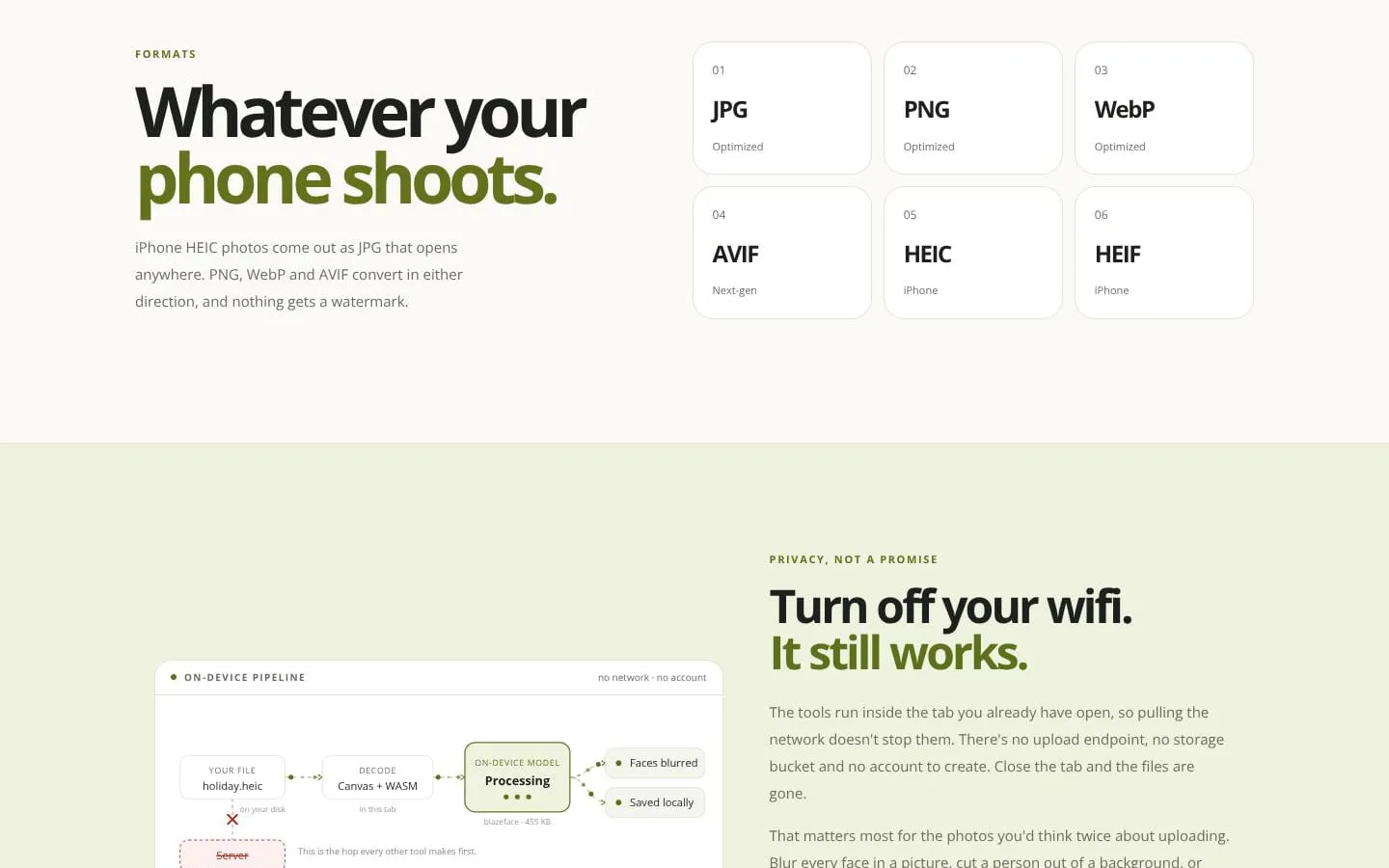
- Processes files locally in the browser, works offline after loading, and does not require an account or store files.
- Result
- Private image processing that keeps files on the user’s device.
- Why
- Photos, IDs, and face images can be handled without an upload step.
- Problem
- Users need AI image edits without sacrificing privacy.
- How it works
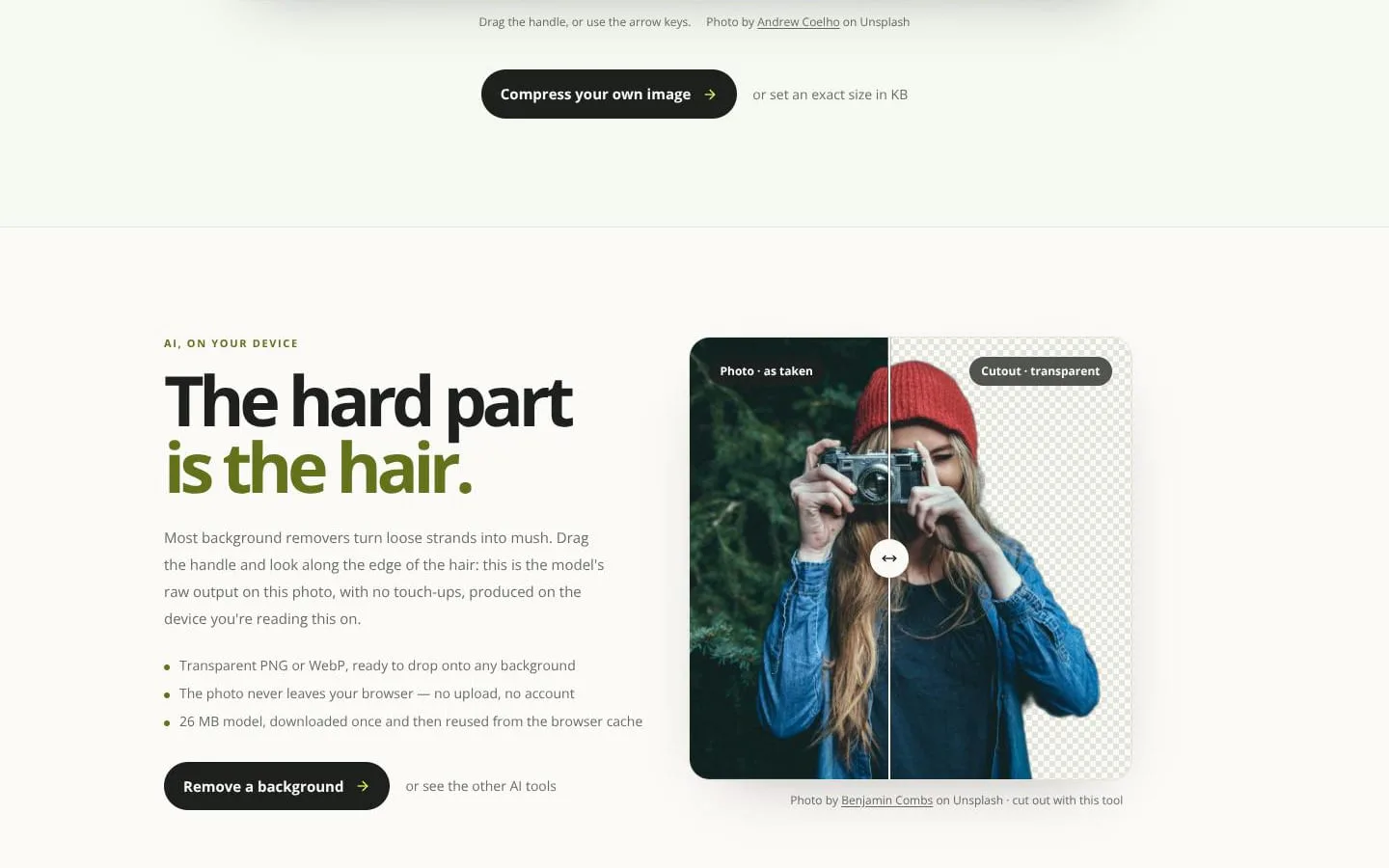
- Runs background removal, face blur, upscaling, and text recognition models on-device; downloaded models are reused from browser cache.
- Result
- Local AI image editing without transmitting the source photo.
- Why
- AI editing normally depends on server-side processing.
- Problem
- Image files can reveal metadata or include sensitive visual details.
- How it works
- Supports EXIF removal, location removal, redaction, and face detection with blur, pixelation, or black masking.
- Result
- More controlled and privacy-conscious image sharing.
- Why
- Sharing images can expose metadata or identifiable information.
Product questions
What does ImgKit do?
ImgKit is a free, browser-based image toolkit that compresses, resizes, converts, and edits images locally on the user’s device.
Who is ImgKit for?
Developers, designers, creators, marketers, students, and anyone who regularly works with images.
Screenshots