Productivity
Bookmash
A bookmark manager for Chrome and Firefox that makes saved links searchable and organized.
- Category
- Productivity
- Stage
- Growth
- For
- Chrome and Firefox desktop users with growing bookmark collections
About
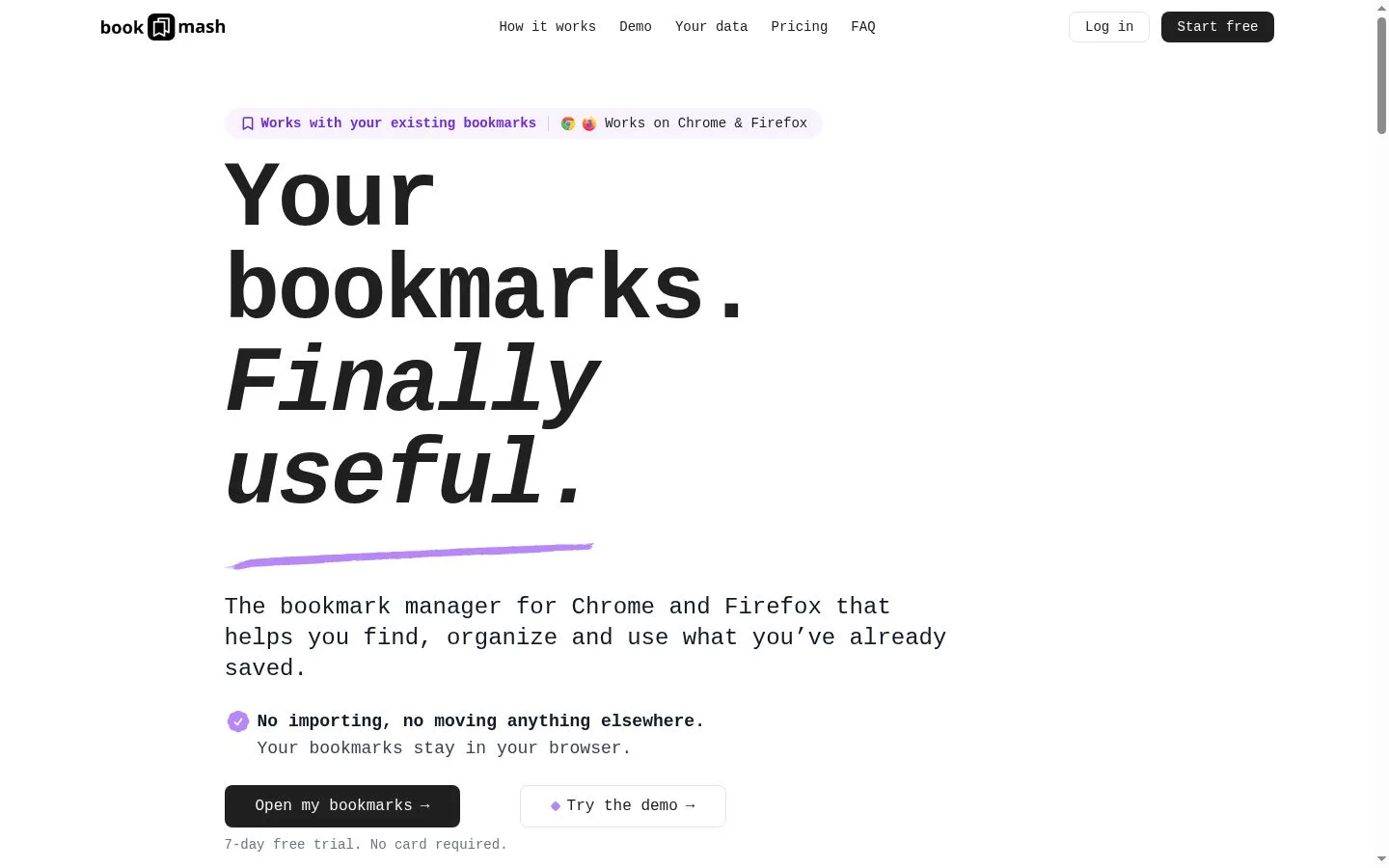
The bookmark manager for Chrome and Firefox that helps you find, organize and use what you’ve already saved.
Features
- Problem
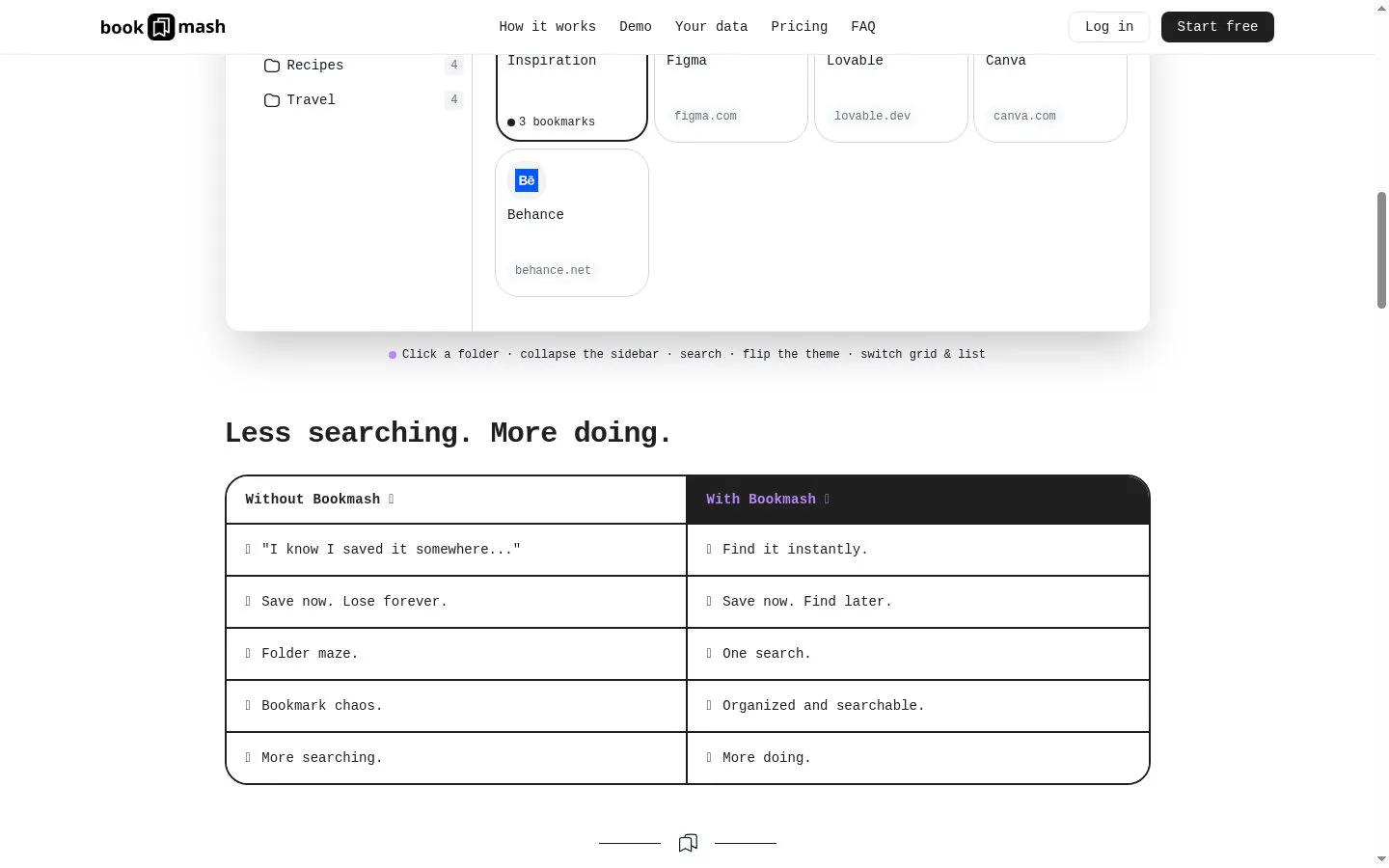
- Saved links are hard to find once collections grow.
- How it works
- Provides fast search-as-you-type across bookmark titles, URLs, and folders.
- Result
- Less time searching for previously saved links.
- Why
- Users can retrieve existing bookmarks without manually navigating folder trees.
- Problem
- Browser folders can become difficult to navigate.
- How it works
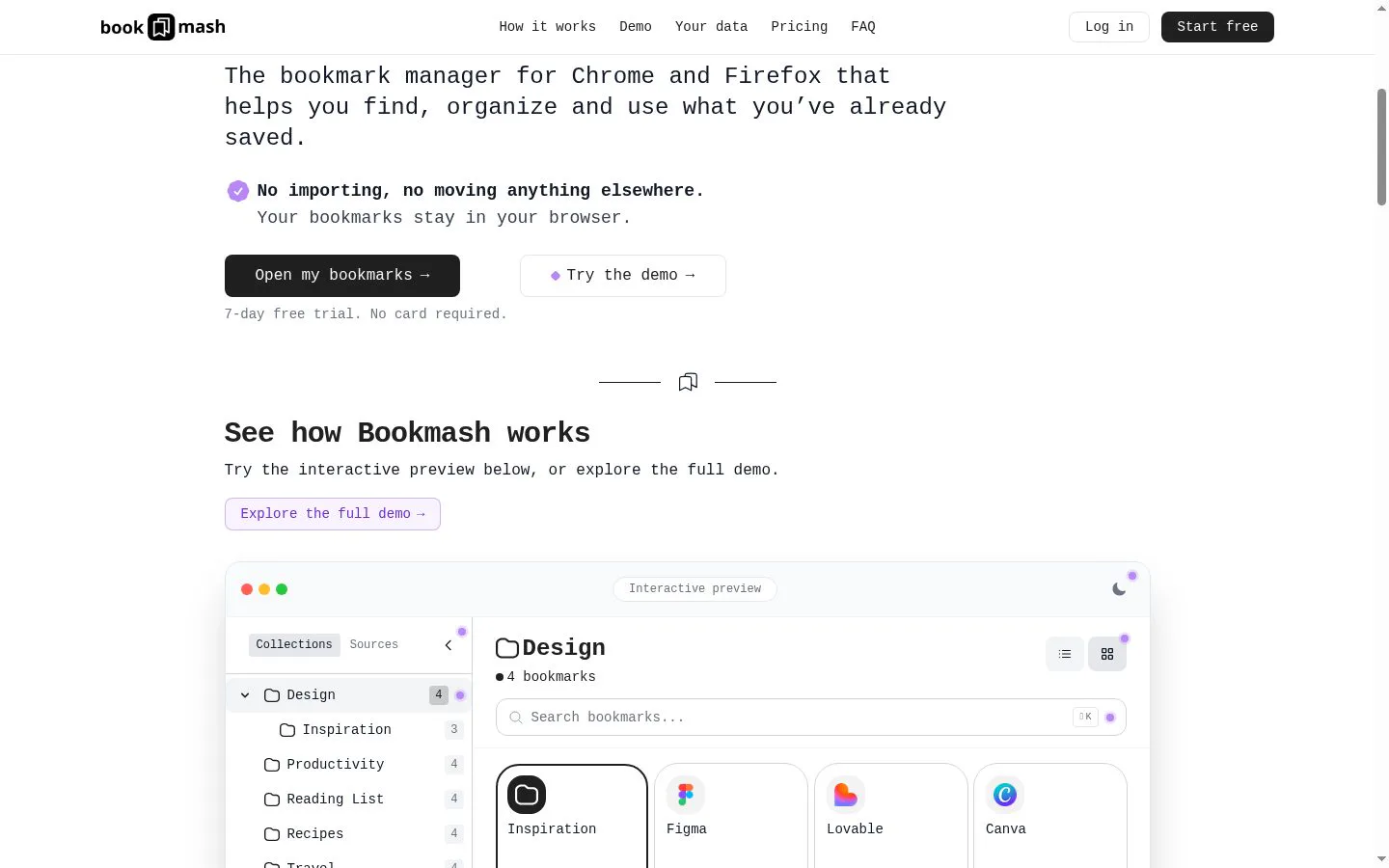
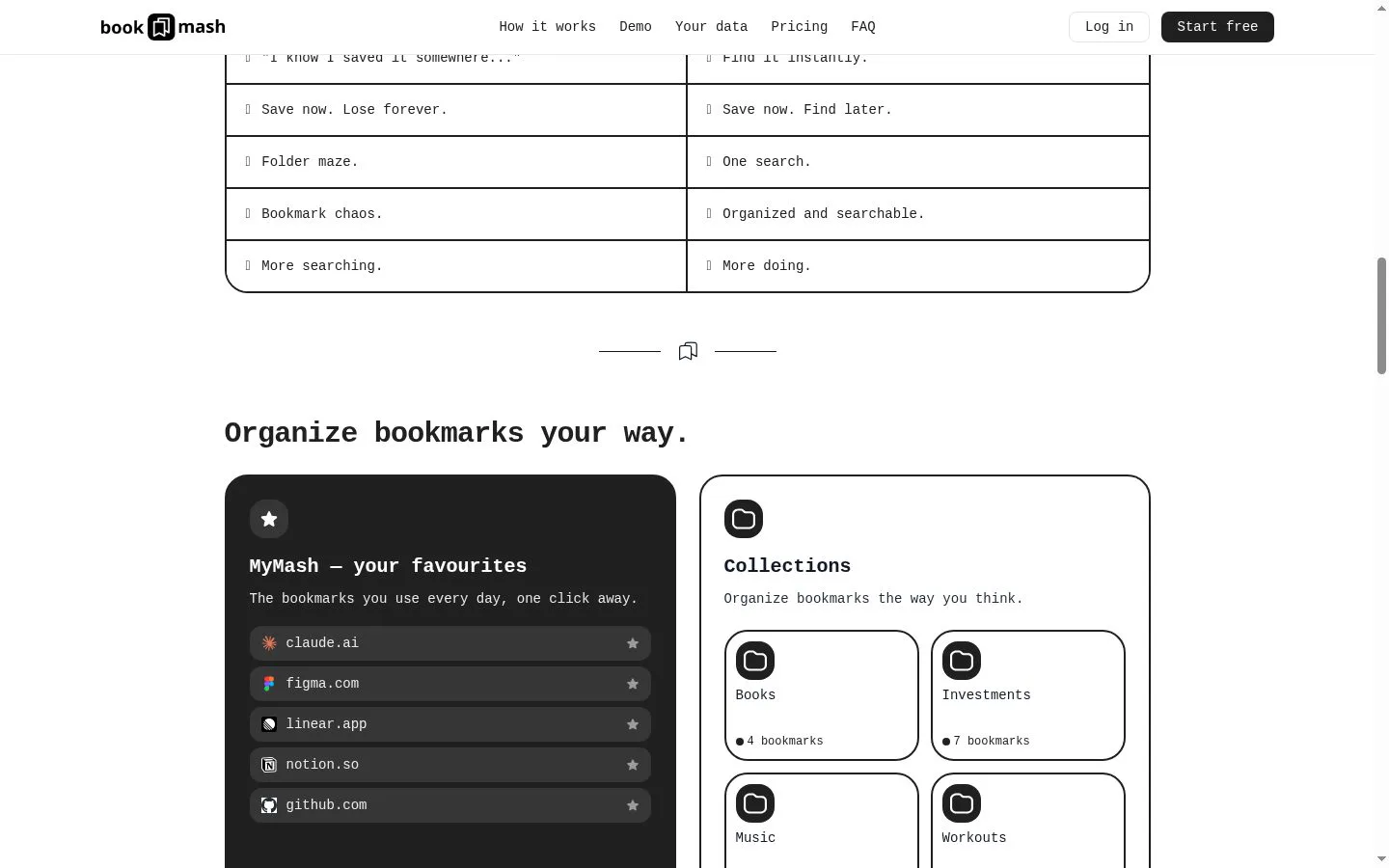
- Displays existing folders and adds Collections to organize bookmarks in a more navigable view.
- Result
- A clearer way to browse and organize bookmarks.
- Why
- It works on top of the existing browser bookmark structure rather than requiring a new library.
- Problem
- Frequently used bookmarks get buried among everything else.
- How it works
- Offers MyMash, a favourites shortcut for everyday bookmarks.
- Result
- Quicker access to commonly used sites.
- Why
- Important links can be kept one click away.
- Problem
- Users may not want to move or duplicate their bookmark data.
- How it works
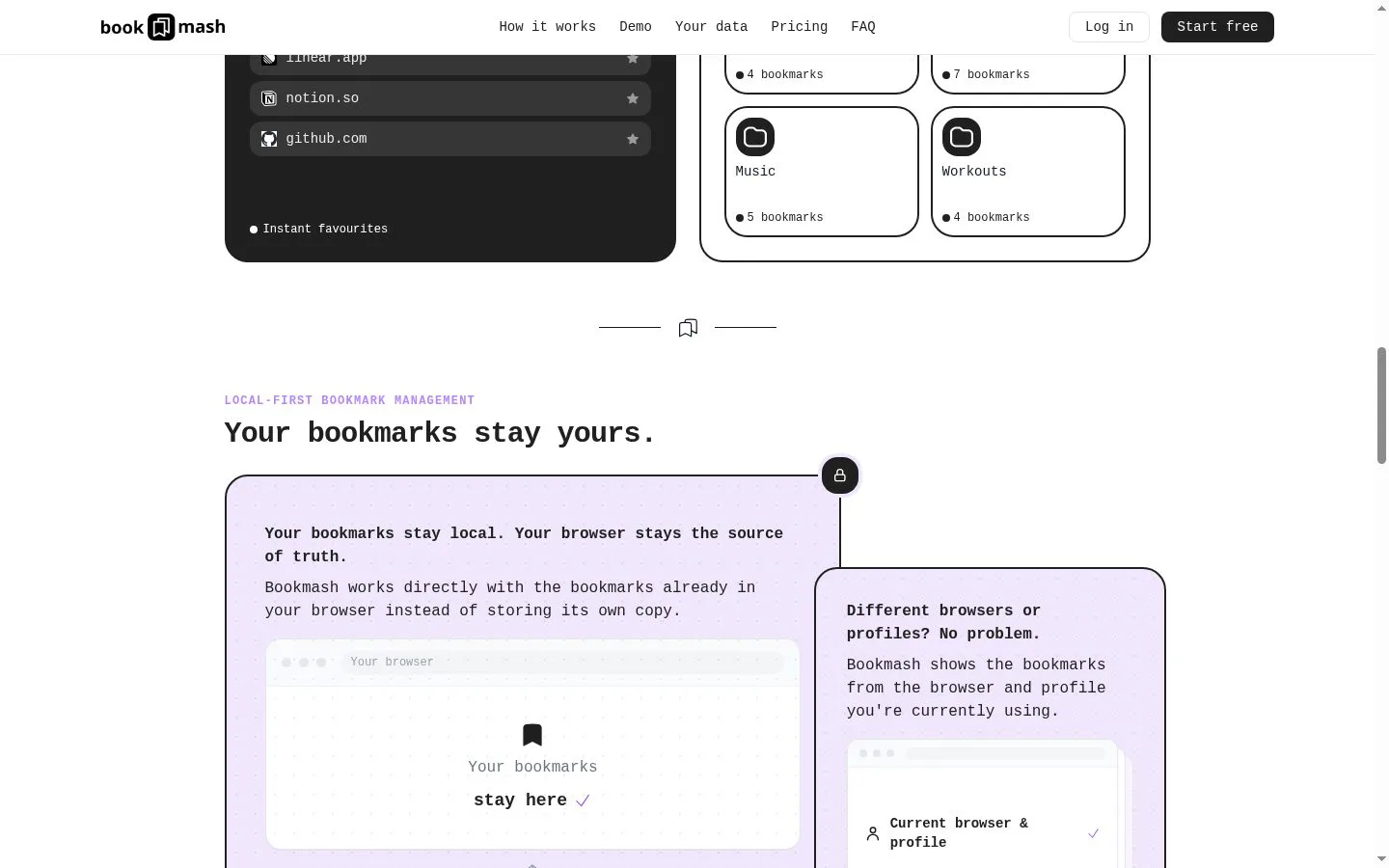
- The extension reads and updates native Chrome or Firefox bookmarks; bookmarks are cached locally in browser localStorage.
- Result
- No import or migration step, with bookmarks remaining on the user’s device.
- Why
- Bookmash does not keep a separate server-side bookmark database.
- Problem
- Users need a dashboard that matches their browsing preference.
- How it works
- Supports grid and list layouts, sorting, and bookmark editing.
- Result
- More flexible day-to-day bookmark management.
- Why
- The dashboard provides alternative ways to view and manage the existing bookmark set.
Product questions
What does Bookmash do?
Bookmash is a desktop bookmark manager for Chrome and Firefox that adds a searchable dashboard and organization tools to the bookmarks already stored in a user’s browser.
Who is Bookmash for?
Chrome and Firefox desktop users with growing bookmark collections
Screenshots