Productivity
CutNoodle
Free browser tools for creators
- Category
- Productivity
- Stage
- Growth
- For
- Creators who need browser-based video, audio, screenshot, and subtitle tools, plus people who want to turn public X account activity into shareable visuals.
About
Free browser tools for creators: edit video and audio locally, create subtitles, and turn public X activity into shareable visuals. No account.
Features
- Problem
- Editing dead air in video can take time, while automatic cuts may need correction.
- How it works
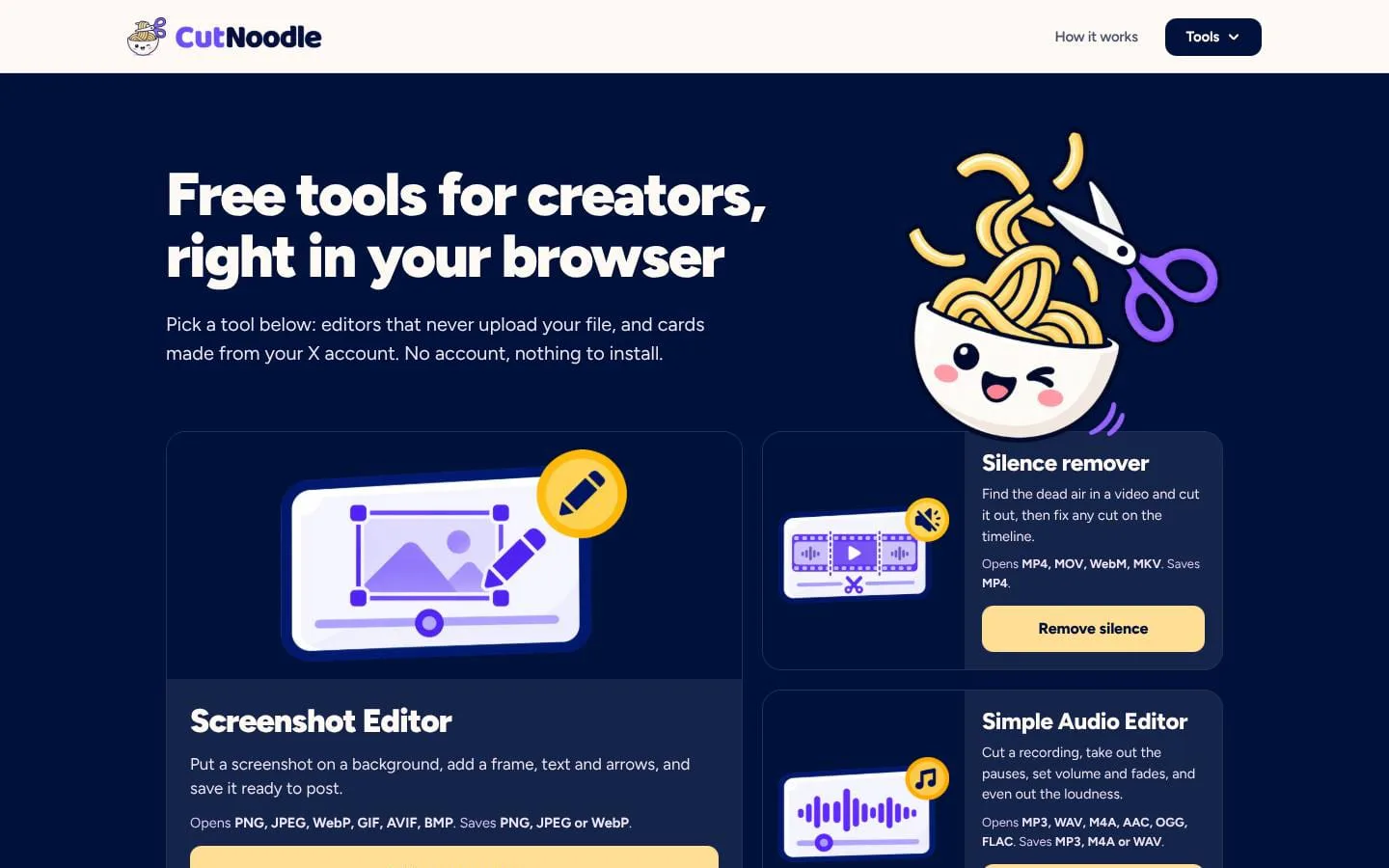
- The Silence remover finds quiet passages by loudness, proposes cuts on an editable timeline, and exports MP4.
- Result
- A tightened video with user-checkable cuts, processed in the browser.
- Why
- Loudness-based detection automates pauses without relying on a transcript, while timeline editing lets users review and adjust cuts.
- Problem
- Preparing audio for publication can involve several repetitive steps.
- How it works
- The Simple Audio Editor cuts clips, removes pauses, adjusts clip volume and fades, and normalizes loudness before export.
- Result
- A polished audio file exported as MP3, M4A, or WAV.
- Why
- These common finishing tasks can be handled together in a focused browser tool.
- Problem
- Adding subtitles can require uploading video or installing transcription software.
- How it works
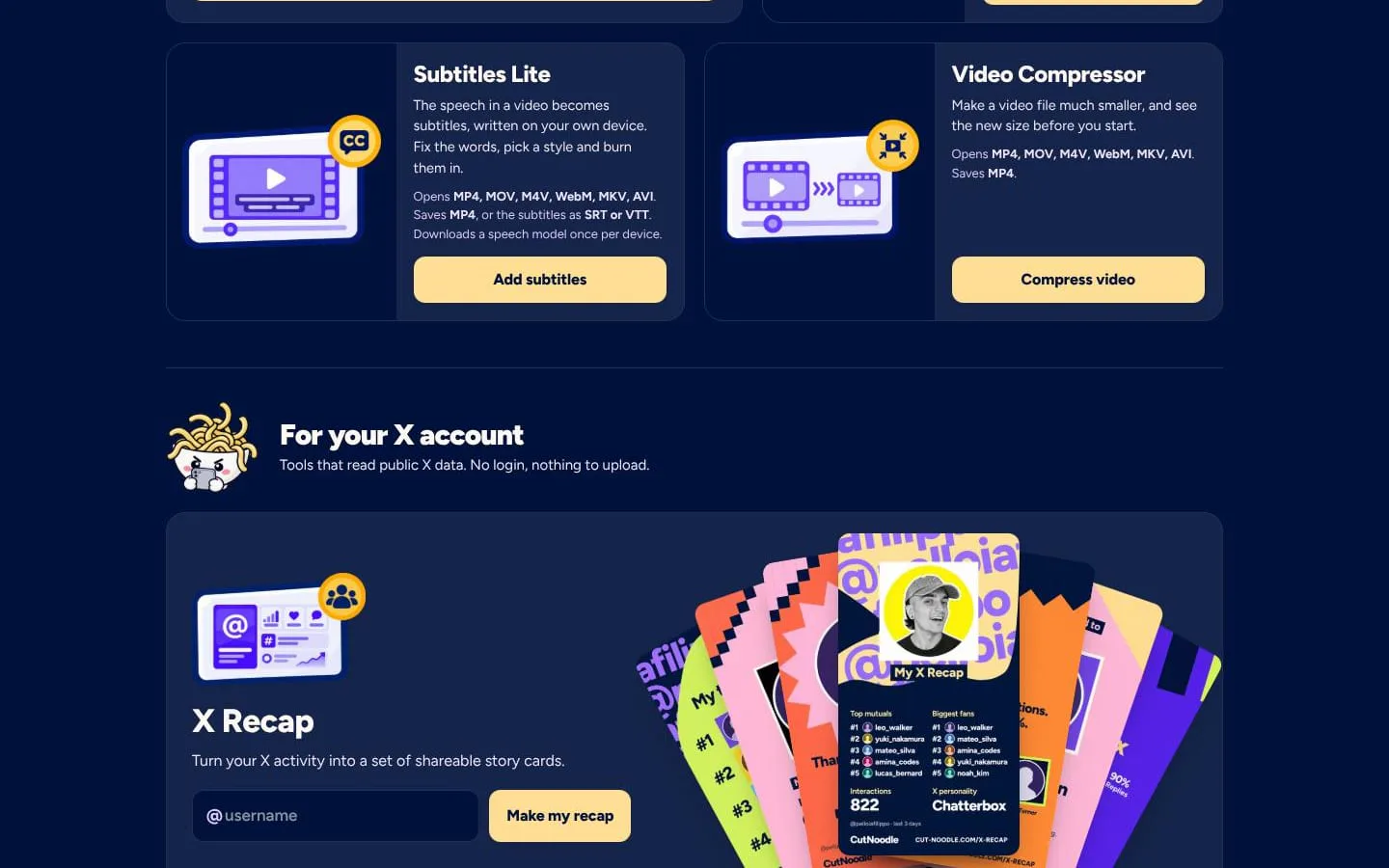
- Subtitles Lite transcribes speech on the user's device, then lets them correct and style subtitles, burn them into video, or export SRT/VTT.
- Result
- A subtitled MP4 or separate subtitle file.
- Why
- On-device processing keeps the video local; the speech model is downloaded once per device.
- Problem
- Large videos can be difficult to share or upload.
- How it works
- Video Compressor re-encodes a video using quality, resolution, frame-rate, or target-size settings and shows an estimated result size.
- Result
- A smaller MP4 created on the user's device.
- Why
- Adjustable compression settings help users balance file size and visual quality.
- Problem
- Plain screenshots may need visual framing or annotations before sharing.
- How it works
- Screenshot Editor places an image on a background and adds a frame, text, and arrows.
- Result
- An edited screenshot saved as PNG, JPEG, or WebP.
- Why
- A few focused presentation tools make screenshots ready to post.
- Problem
- Public X activity can be hard to interpret or turn into shareable content.
- How it works
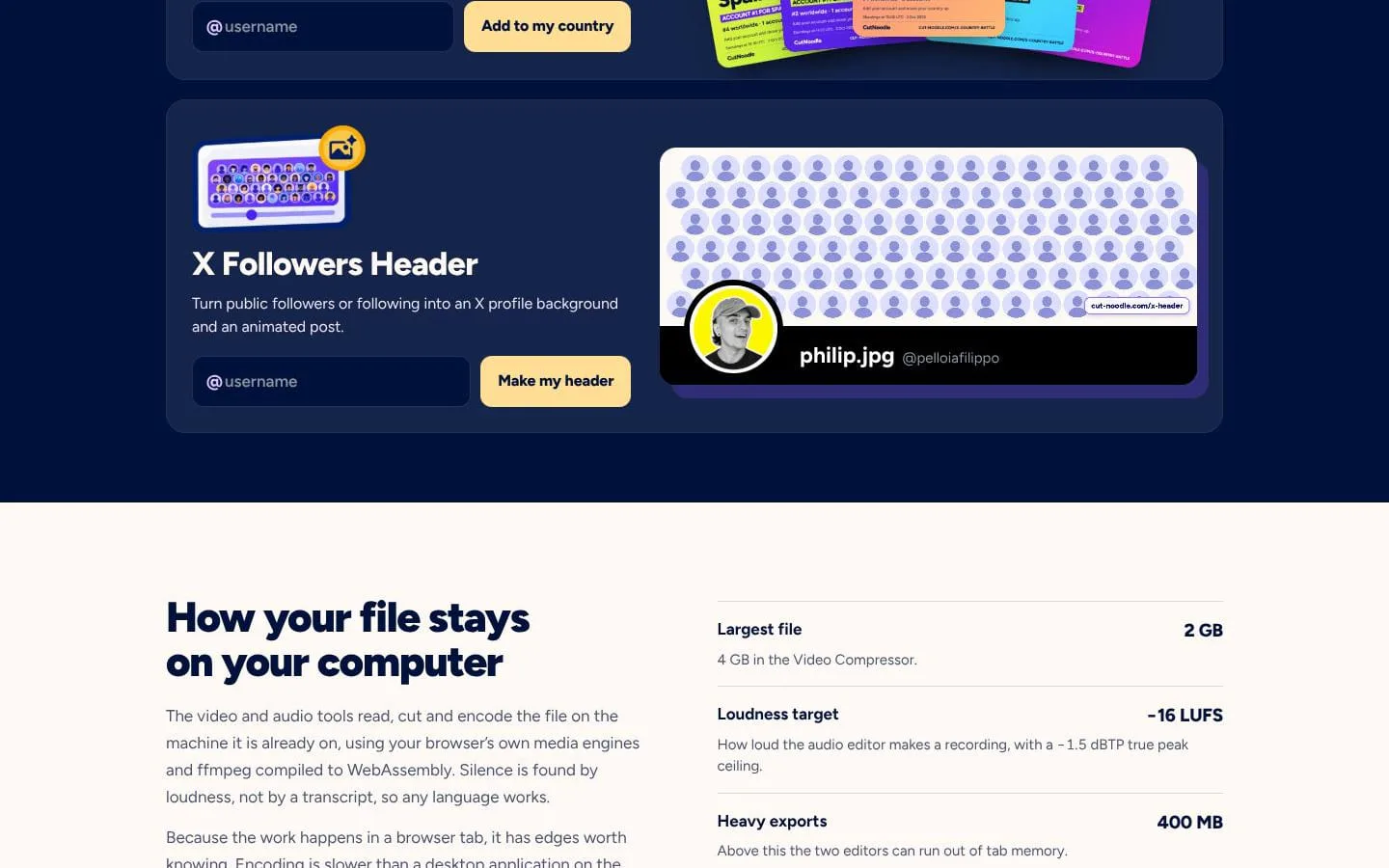
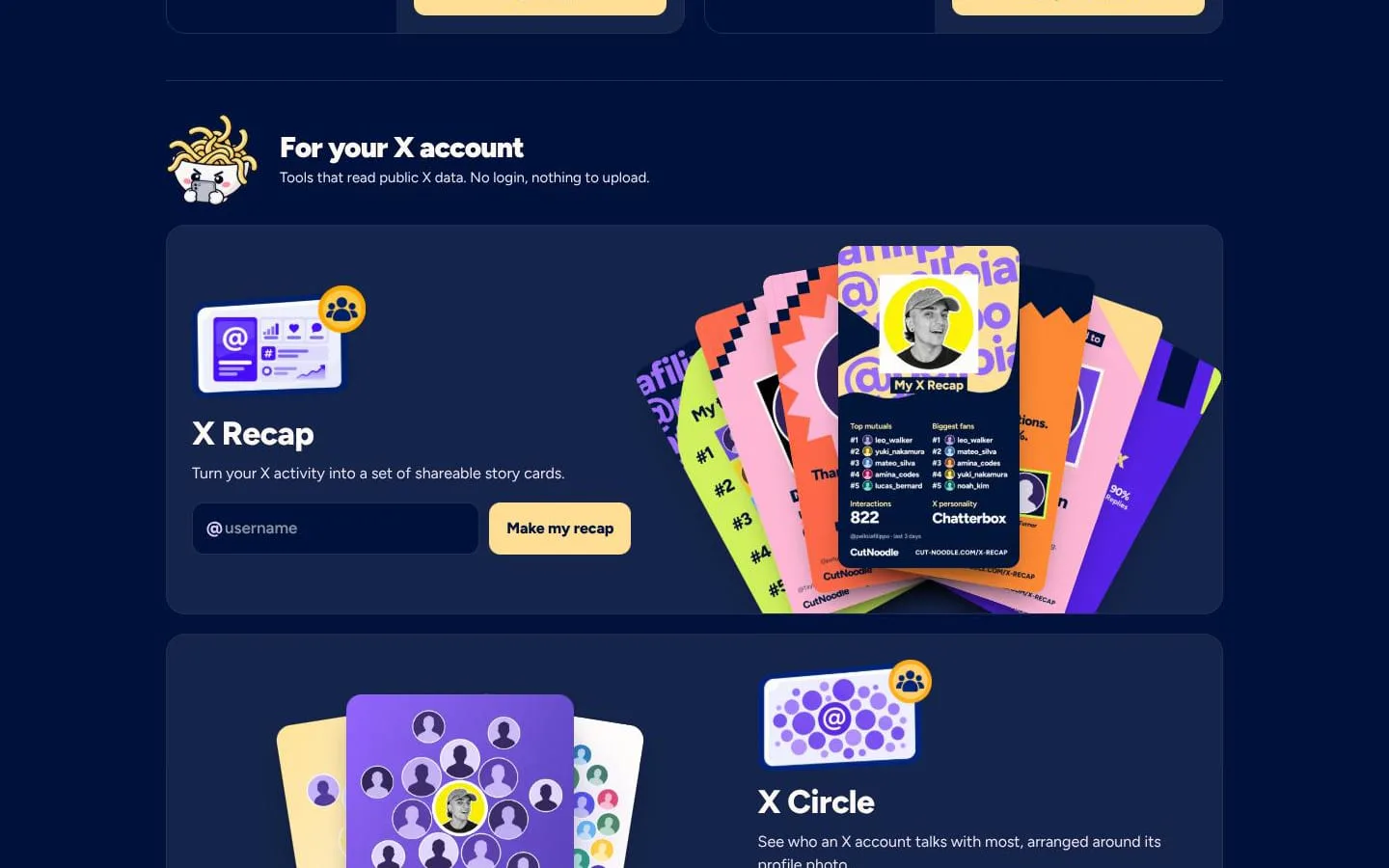
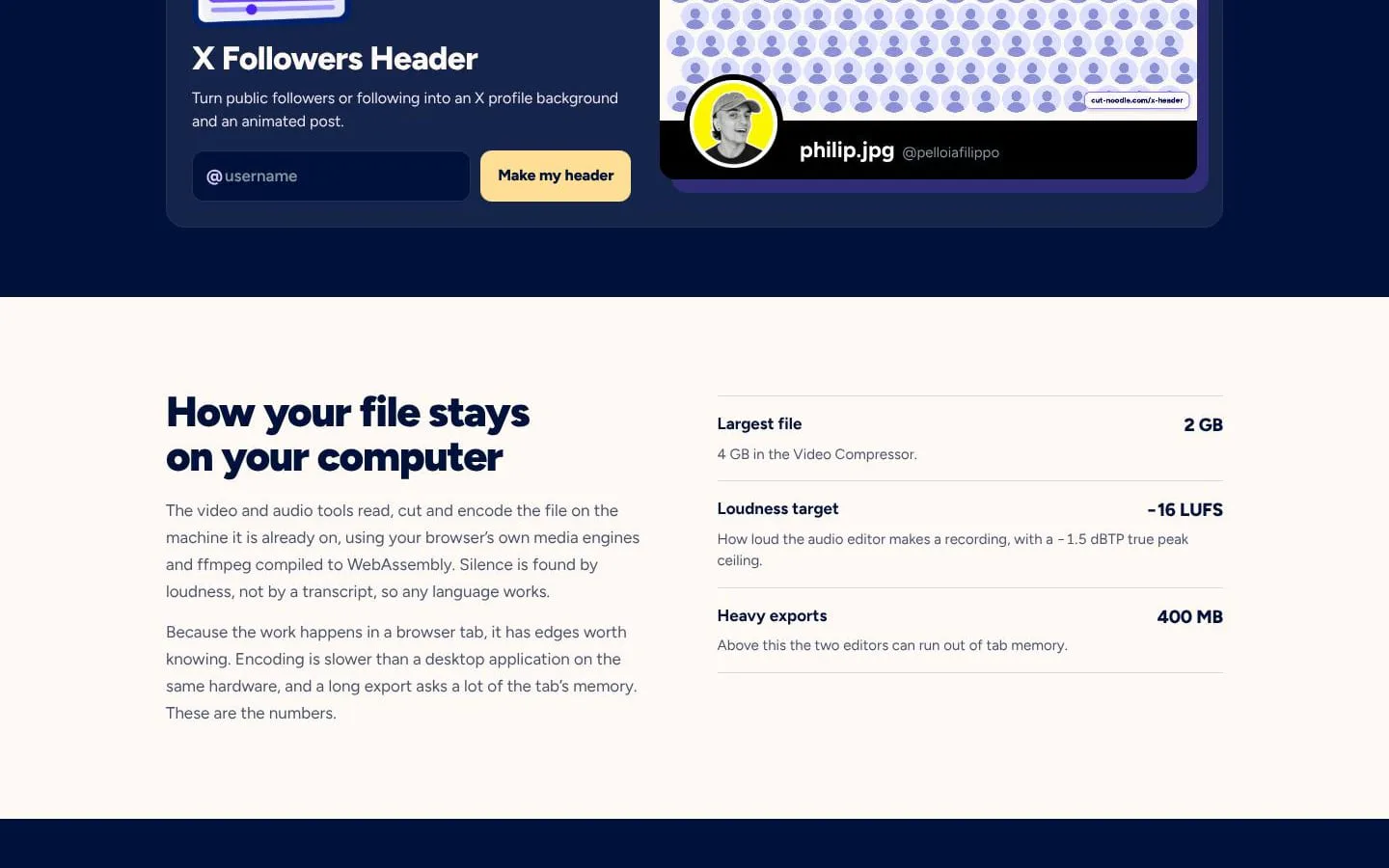
- X tools create recaps, interaction circles, friendship comparisons, account time-machine views, shadowban checks, mosaics, country leaderboard entries, and follower-based headers.
- Result
- Shareable visuals and results based on public X data.
- Why
- Visual summaries and focused checks make selected public account activity easier to explore and share without an X login.
Product questions
What does CutNoodle do?
CutNoodle is a free collection of browser-based tools for creators: edit video and audio, make screenshots post-ready, add subtitles, and turn public X activity into shareable visuals. No account or installation is required.
Who is CutNoodle for?
Creators who need browser-based video, audio, screenshot, and subtitle tools, plus people who want to turn public X account activity into shareable visuals.
Screenshots