E-commerce
PickPicBuy
Don’t build a store. Just sell.
- Category
- E-commerce
- Stage
- Beta
- For
- TikTok and Instagram sellers, live sellers, and small brands
About
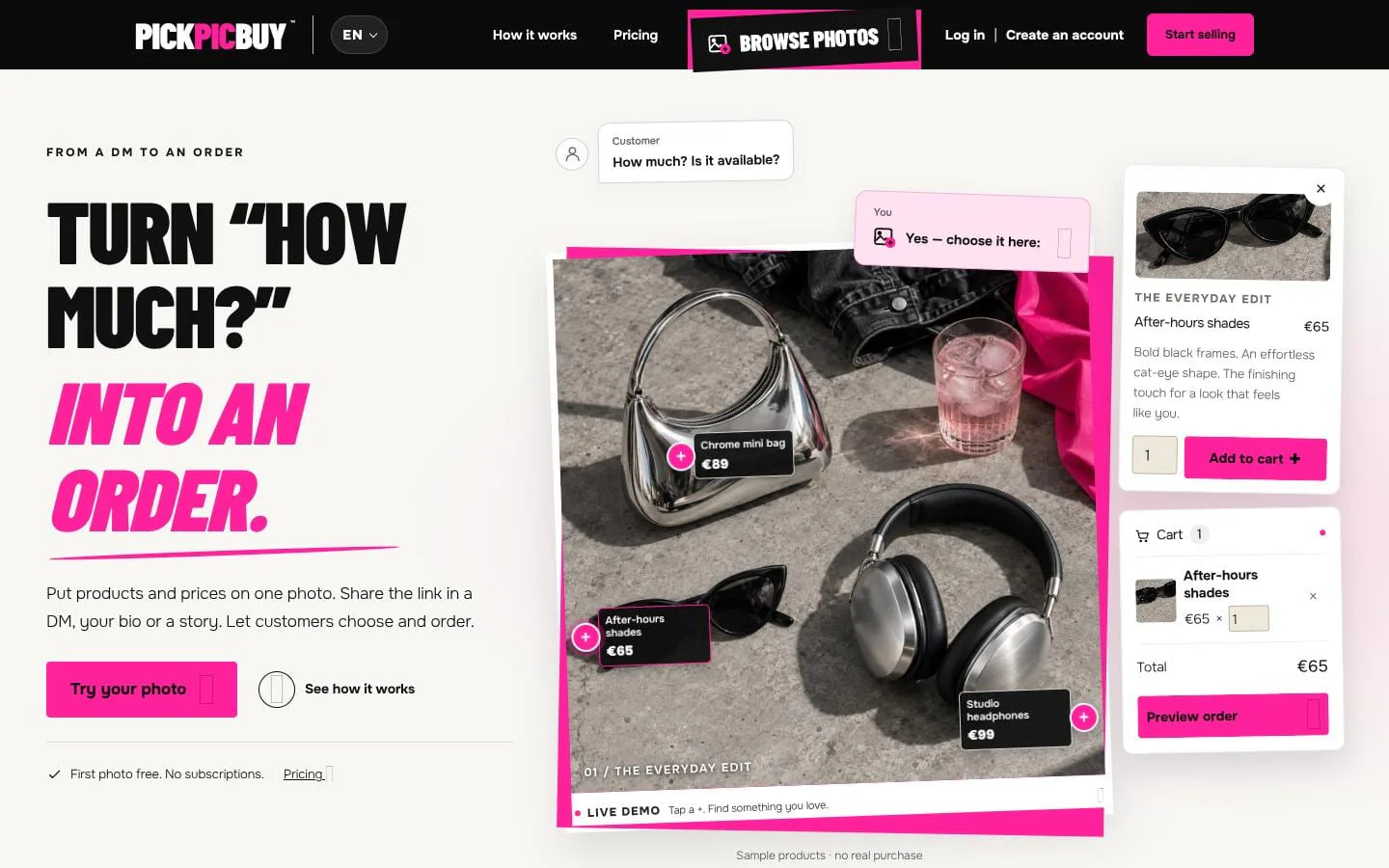
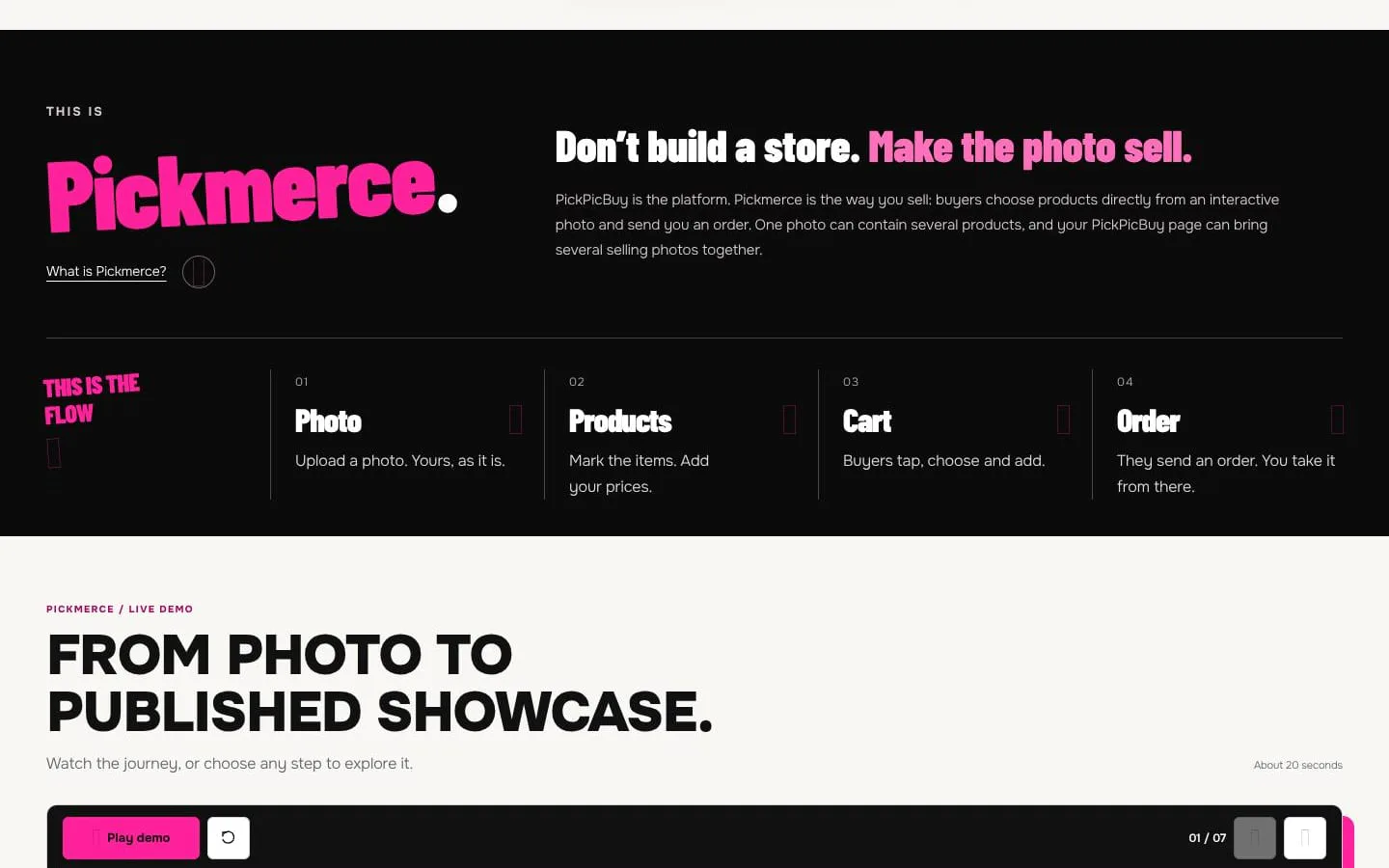
Upload a photo, mark what’s for sale, share your link, and start taking orders.
Features
- Problem
- Social buyers need a clearer way to select products from a photo.
- How it works
- Sellers upload a photo, draw an outline around each item, and add names, prices, and descriptions.
- Result
- Buyers can tap products in the photo and add chosen items to their cart.
- Why
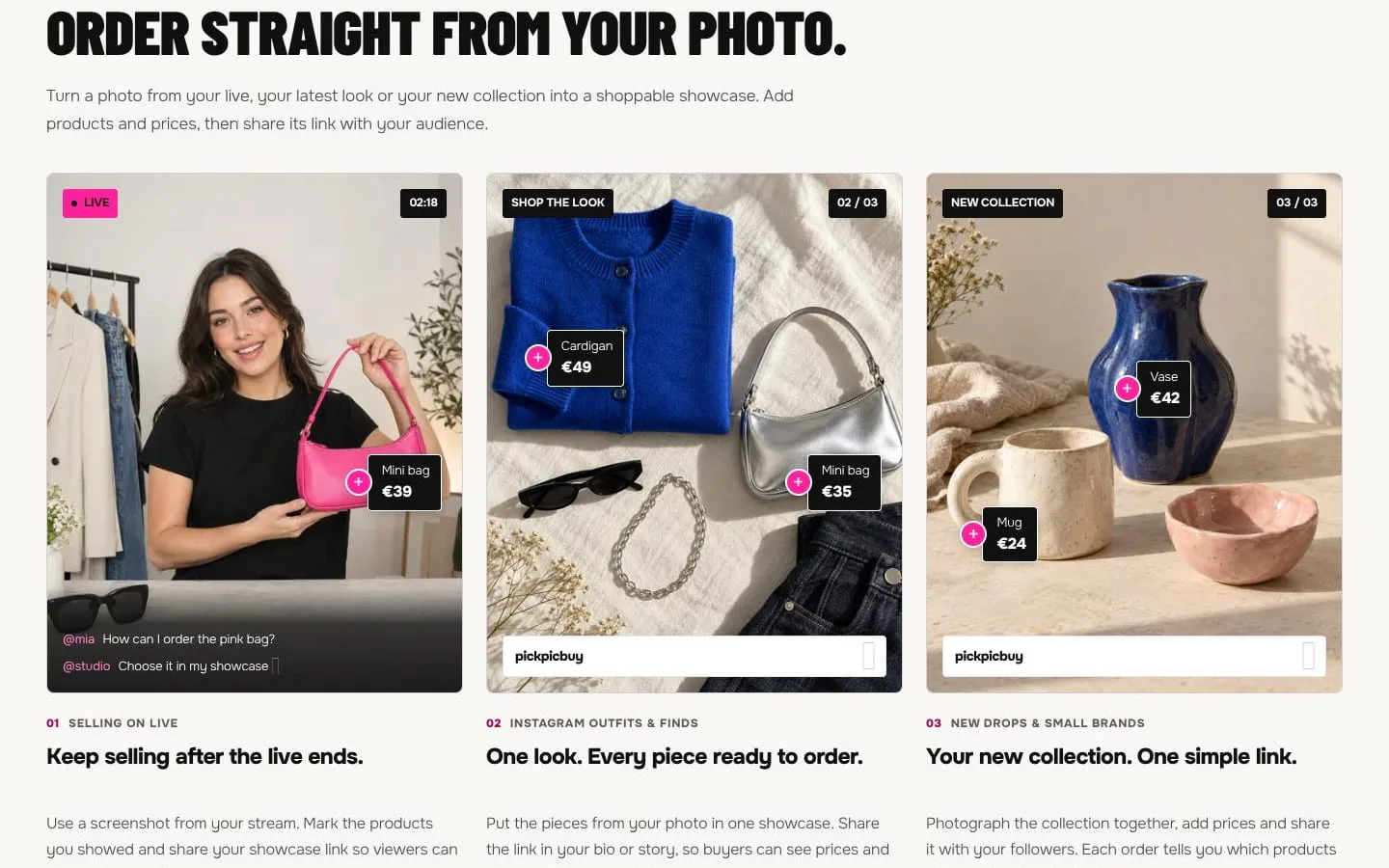
- A single image can contain several marked products.
- Problem
- Sellers want to try the workflow before committing.
- How it works
- The photo editor can be used as a guest, with drafts retained in the current browser until transferred to an account.
- Result
- Sellers can create and preview a showcase before signing up.
- Why
- Registration is only required when the seller is ready to publish.
- Problem
- Live and social selling needs an ordering destination after content is shared.
- How it works
- Published showcases receive a public link that sellers can share in DMs, bios, stories, or with a QR code.
- Result
- A photo becomes a single destination for browsing and ordering.
- Why
- Audiences can continue ordering where they already follow the seller.
- Problem
- Order collection can be cumbersome for small sellers.
- How it works
- Buyers submit contact and delivery details with their selected products and quantities, without needing an account.
- Result
- Sellers receive clearer order details without platform payment processing.
- Why
- PickPicBuy records the order while sellers handle payment confirmation and delivery.
- Problem
- Creating product details from a photo takes time.
- How it works
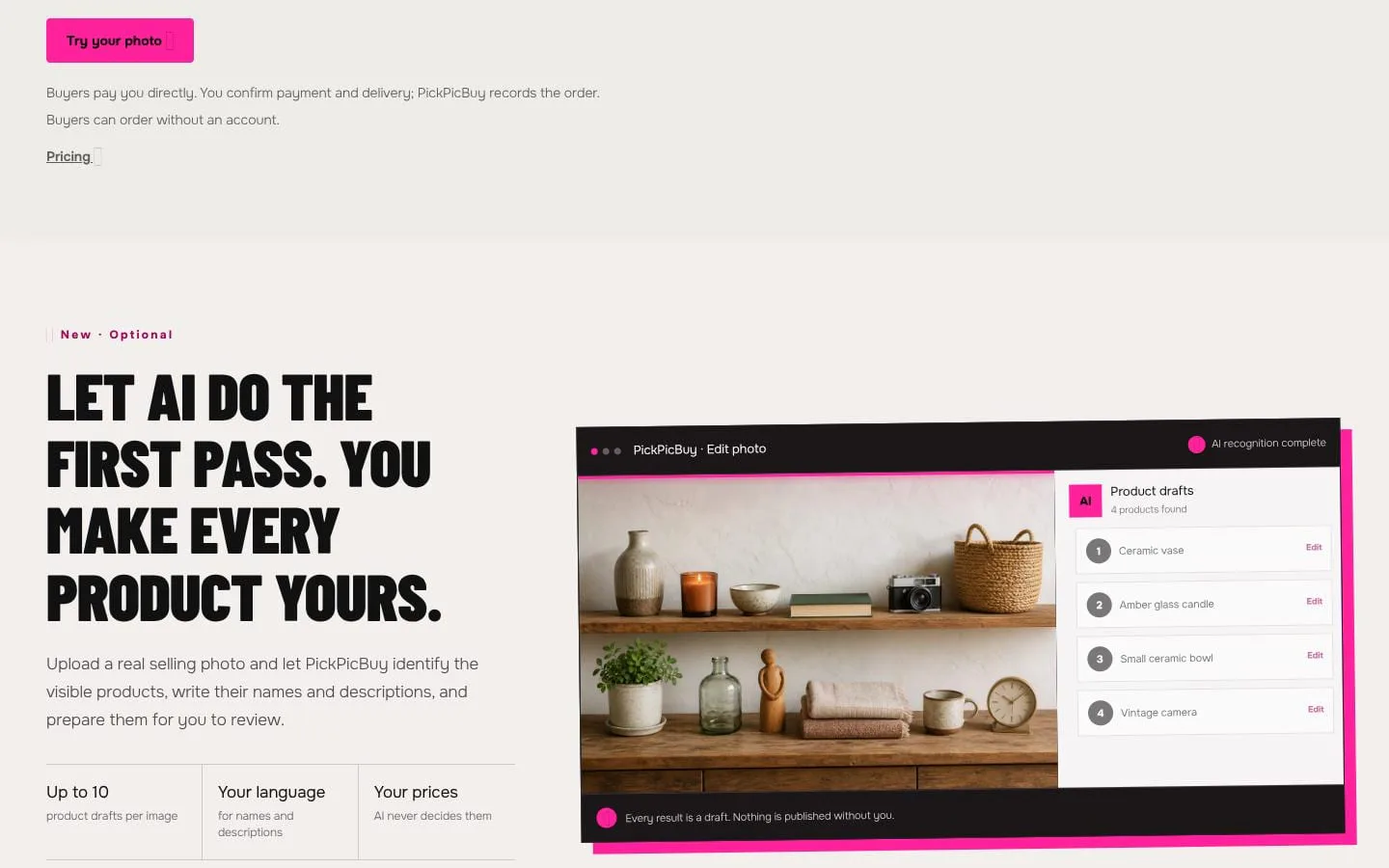
- An optional AI workflow identifies visible products and drafts names and descriptions for seller review; sellers set their own prices.
- Result
- Sellers can begin product setup faster while retaining editorial control.
- Why
- Every AI result remains a draft and is not published automatically.
Screenshots