Productivity
Tiny Writer AI
Rephrase and fix your email before sending. Works in any app or browser.
- Category
- Productivity
- Stage
- Beta
- For
- People who write or read emails (not necesarily in their native language), and other text in apps such as Gmail, Outlook, Slack, Teams, and Word.
About
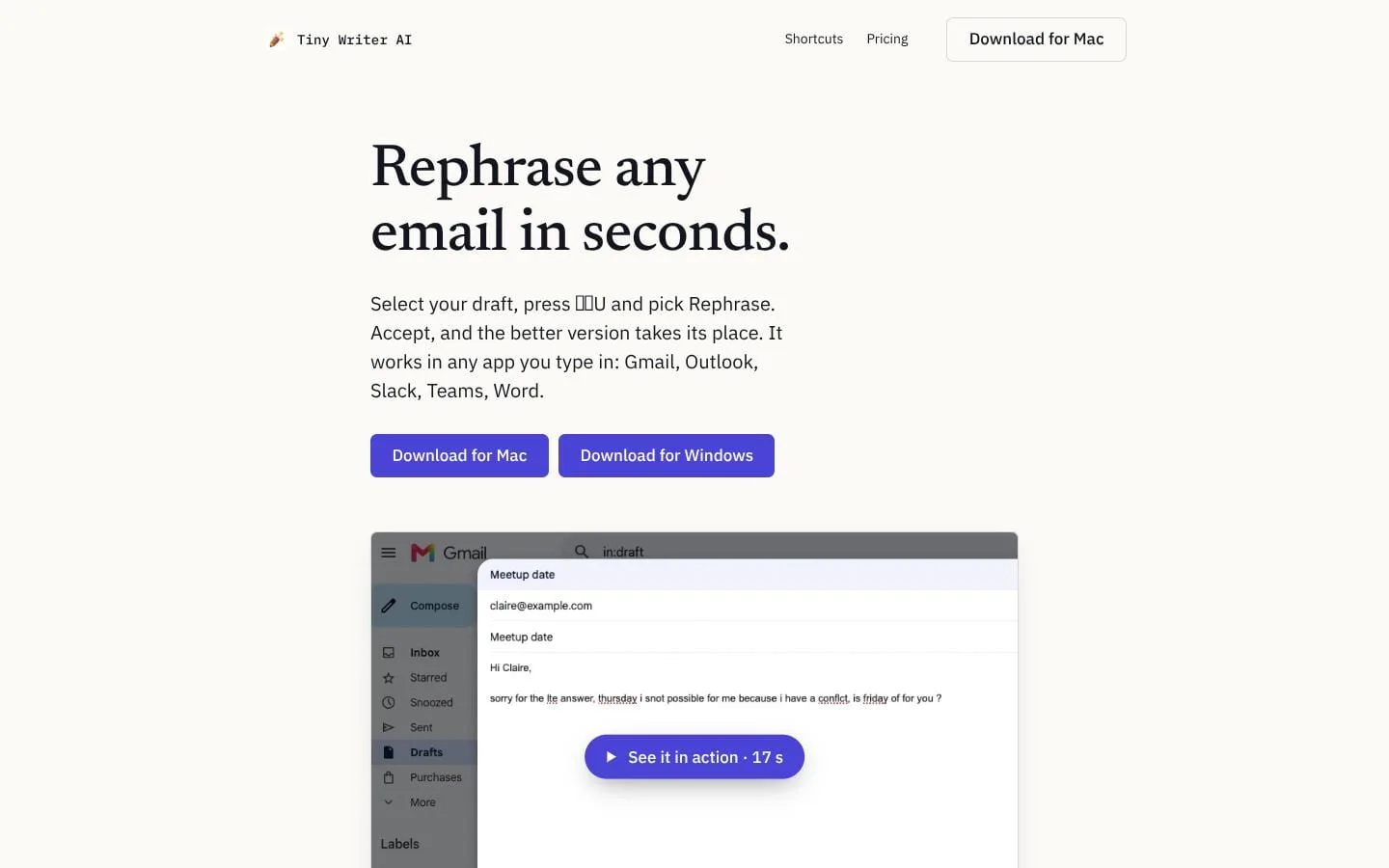
Rephrase and fix any email in seconds, right where you wrote it: Gmail, Outlook, Slack or any app you type in. Explain text, words or phrases you don't understand. A desktop app for Mac and Windows.
Features
- Problem
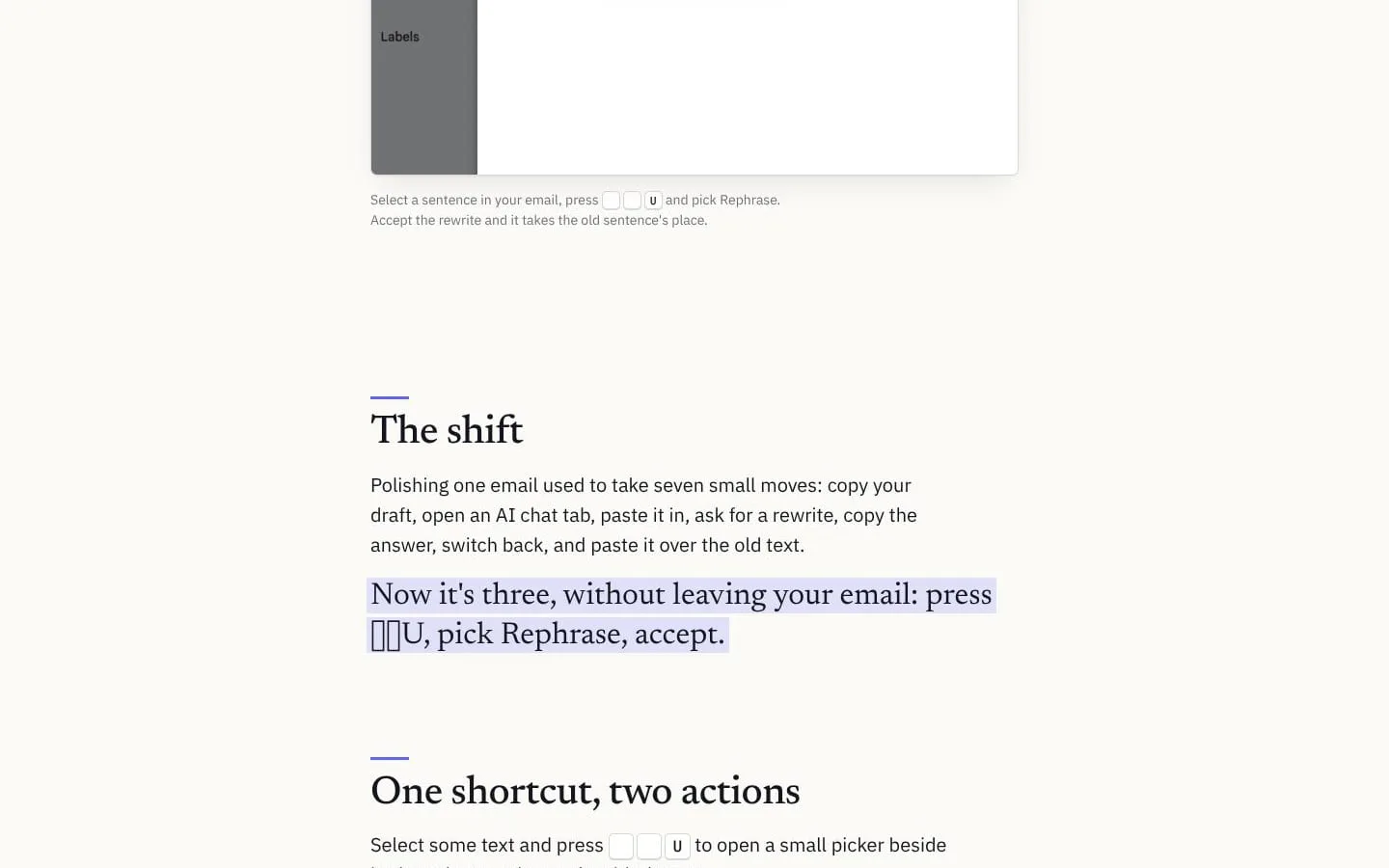
- Rewriting an email involves multiple copy-and-paste steps and switching between apps.
- How it works
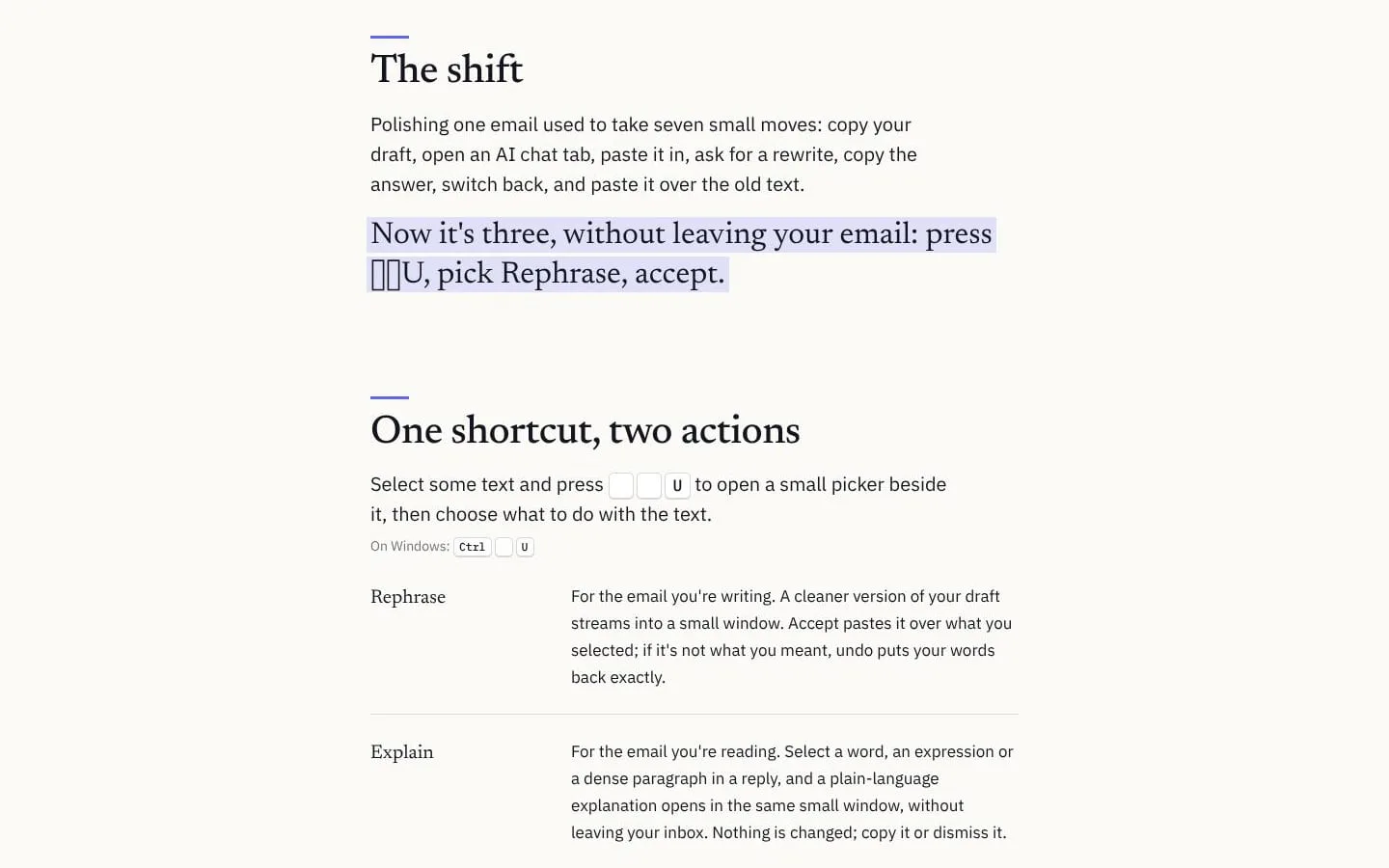
- Select text, open the shortcut picker, choose Rephrase, then accept the result to replace the selection.
- Result
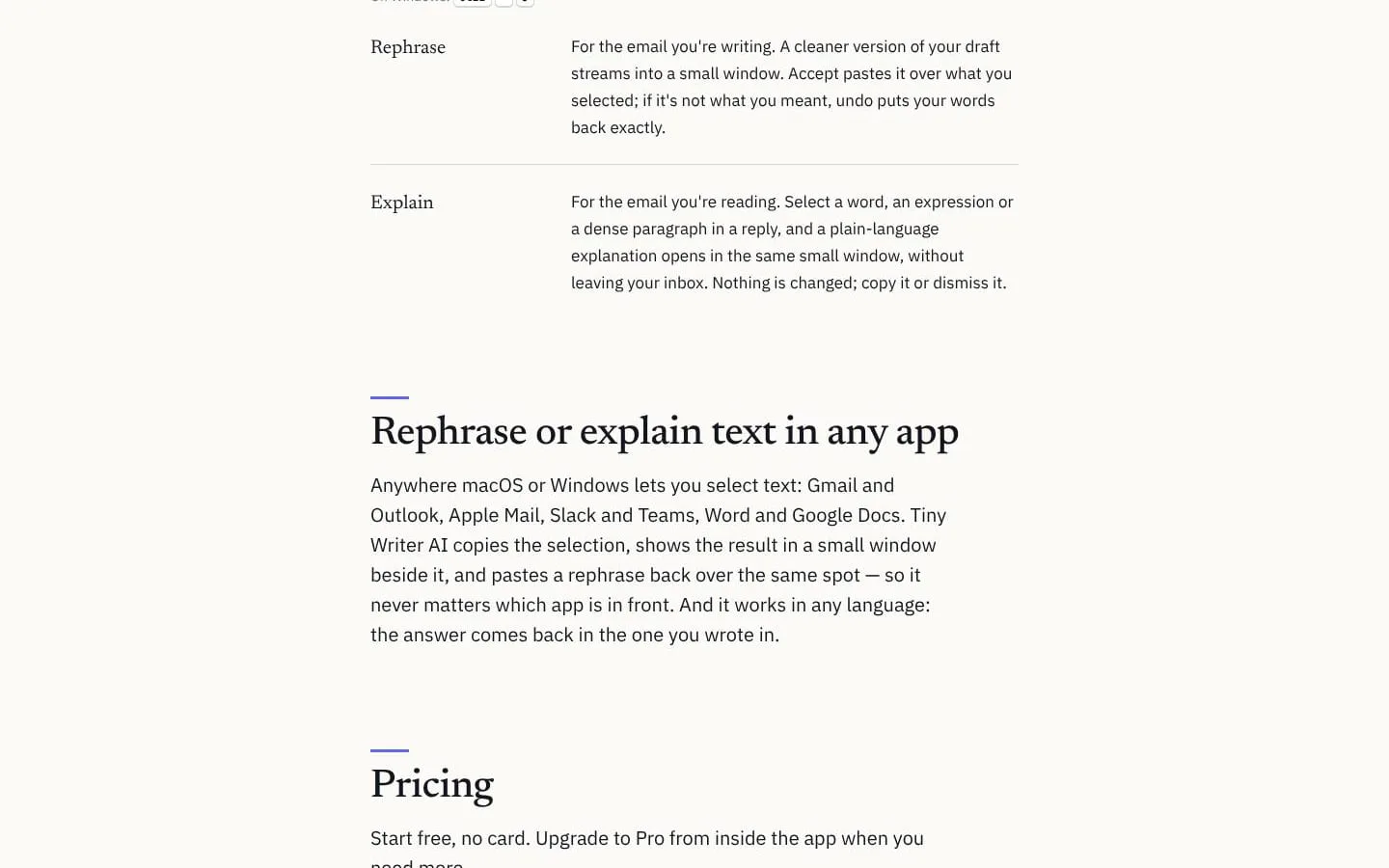
- A cleaner version replaces the selected text; undo restores the original.
- Why
- Keeps the writing flow in the app where the text was drafted.
- Problem
- A word, expression, or dense passage in a message may be hard to understand.
- How it works
- Select text and choose Explain to see a plain-language explanation in a small window.
- Result
- Users can copy the explanation or dismiss it.
- Why
- Provides help without leaving the inbox or changing the selected text.
- Problem
- People may need help with text in different languages.
- How it works
- Rephrase and Explain respond in the language of the selected text.
- Result
- Users can work with text in any language supported by the service.
- Why
- No language switch or setting is needed for each request.
- Problem
- Users may want control over the style of a rewrite.
- How it works
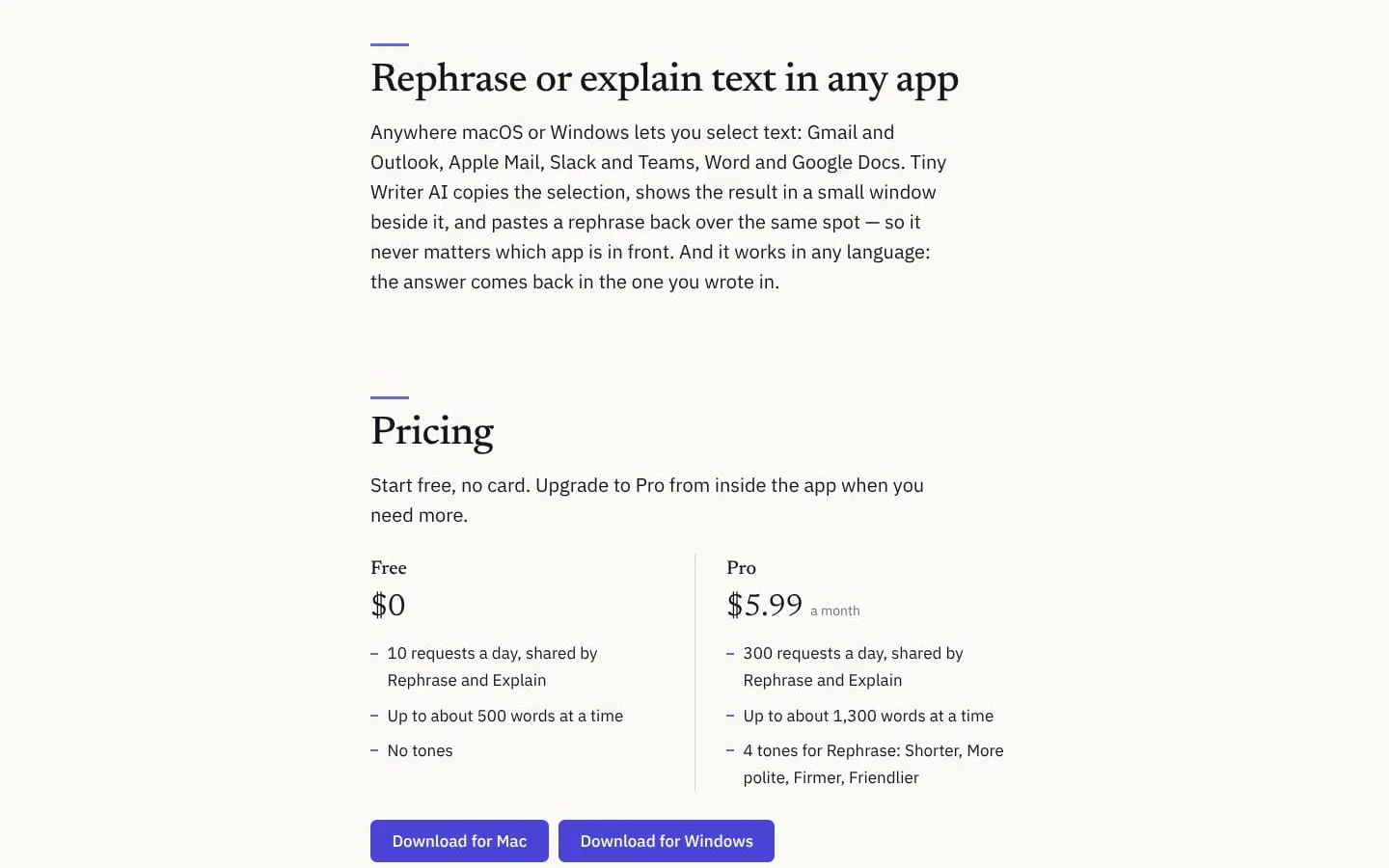
- The Pro plan offers Shorter, More polite, Firmer, and Friendlier tones for Rephrase.
- Result
- Pro users can choose among four tones when rephrasing.
- Why
- Offers several ways to adapt a rewrite to its intended tone.
- Problem
- Users need a low-commitment way to try the service and a path to higher limits.
- How it works
- The free plan includes 10 daily requests shared by both actions; Pro offers 300 daily requests and higher per-request word limits.
- Result
- Users can choose between a free allowance and a paid plan.
- Why
- Lets users start free and upgrade from inside the app when they need more.
Product questions
What does Tiny Writer AI do?
Tiny Writer AI is a macOS and Windows desktop app that lets people rephrase selected text or explain it in plain language from within the app they are using.
Who is Tiny Writer AI for?
People who write or read emails (not necesarily in their native language), and other text in apps such as Gmail, Outlook, Slack, Teams, and Word.
Screenshots