Developer tools
Taste Stack
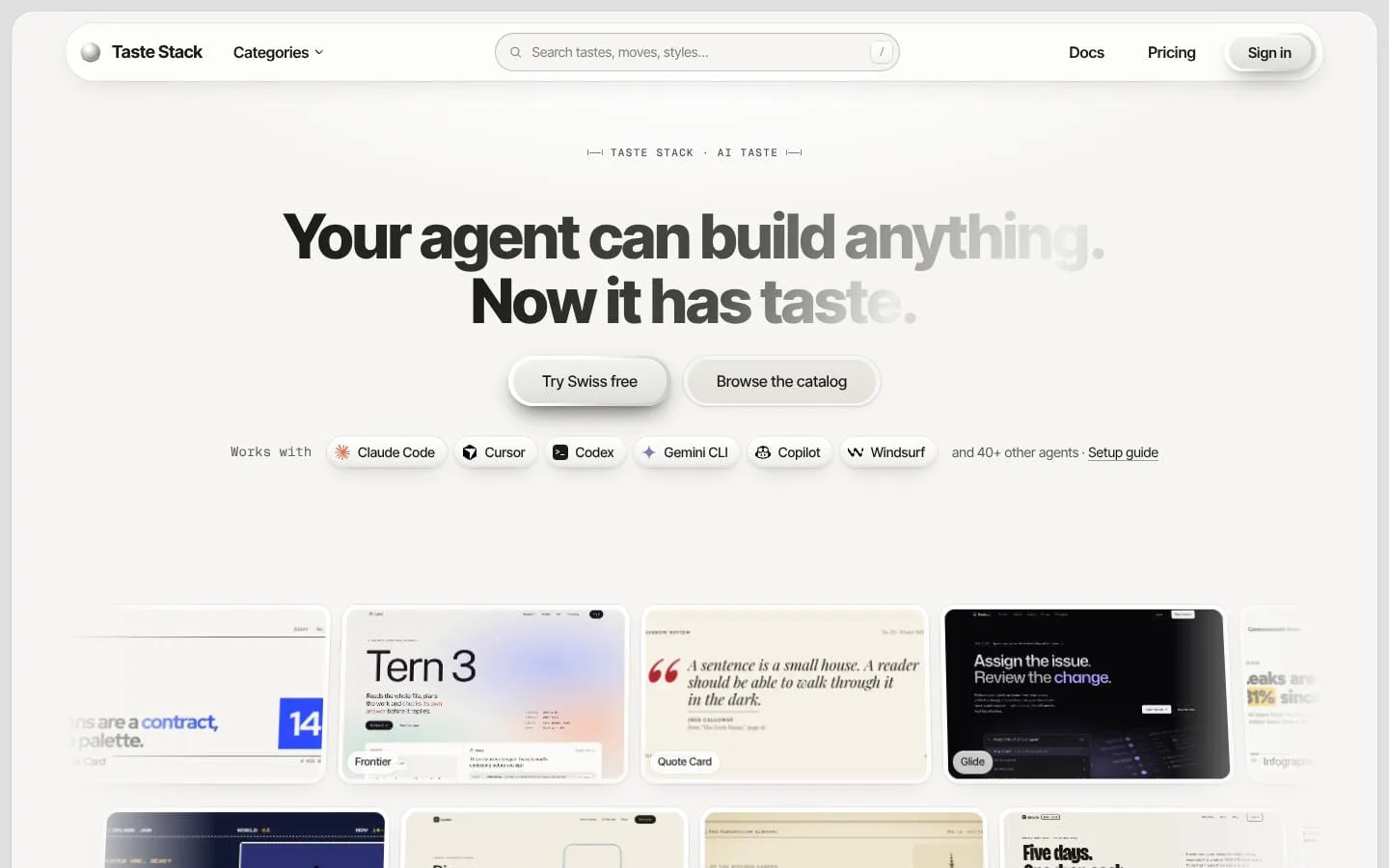
Install creative direction skills for AI agents making interfaces and launch videos.
- Category
- Developer tools
- Stage
- Growth
- For
- Frontend developers, indie product teams and motion designers working with AI coding agents.
About
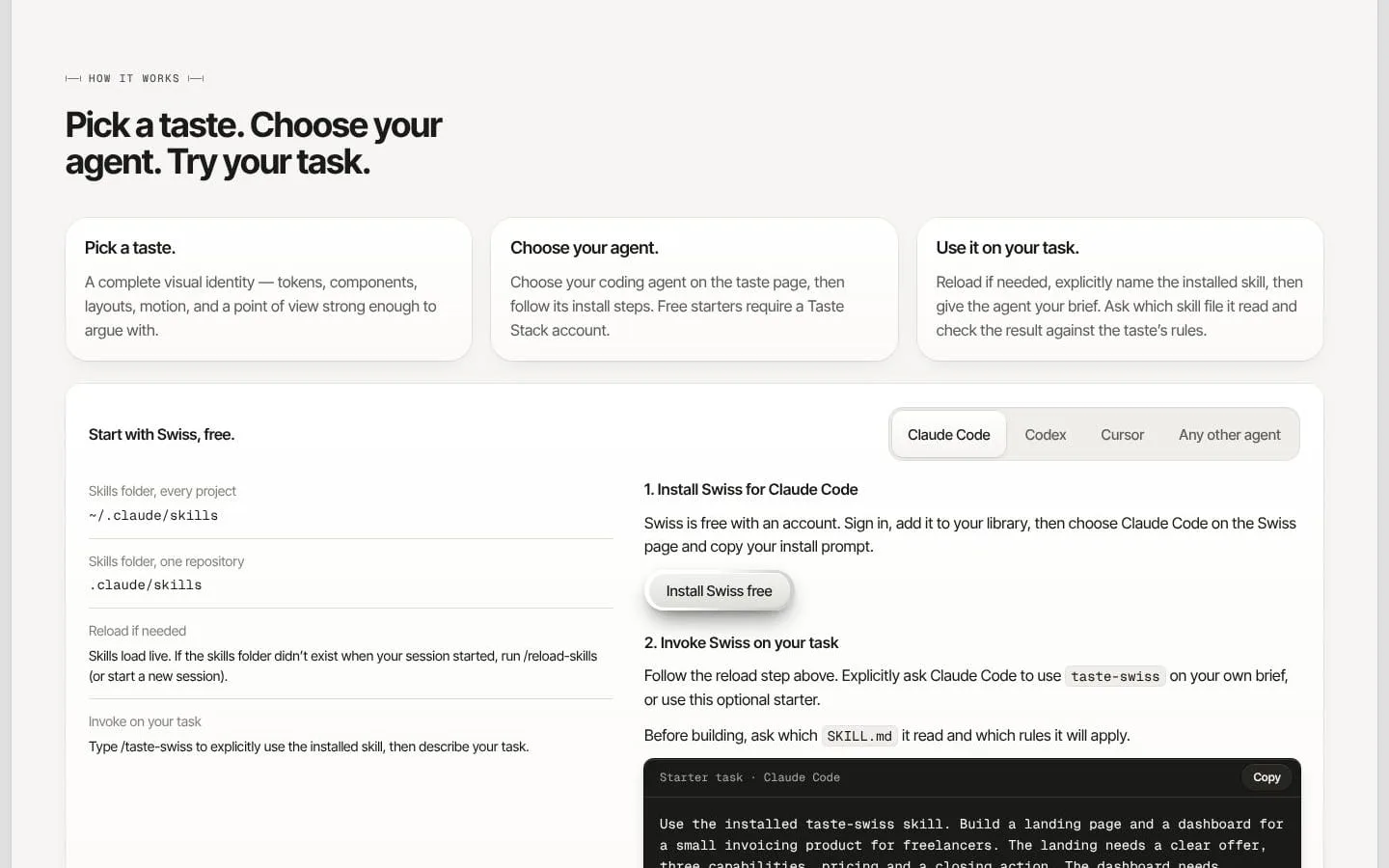
Taste Stack is a library of installable creative direction skills for AI coding agents. A frontend team can use one style for typography, spacing and layout across screens, or choose motion direction for a launch video. Developers can preview styles, try a free starter, and buy additional skills. Installation guides cover Claude Code, Codex and Cursor.
Features
- Problem
- An open-ended brief leaves an agent to invent the visual direction.
- How it works
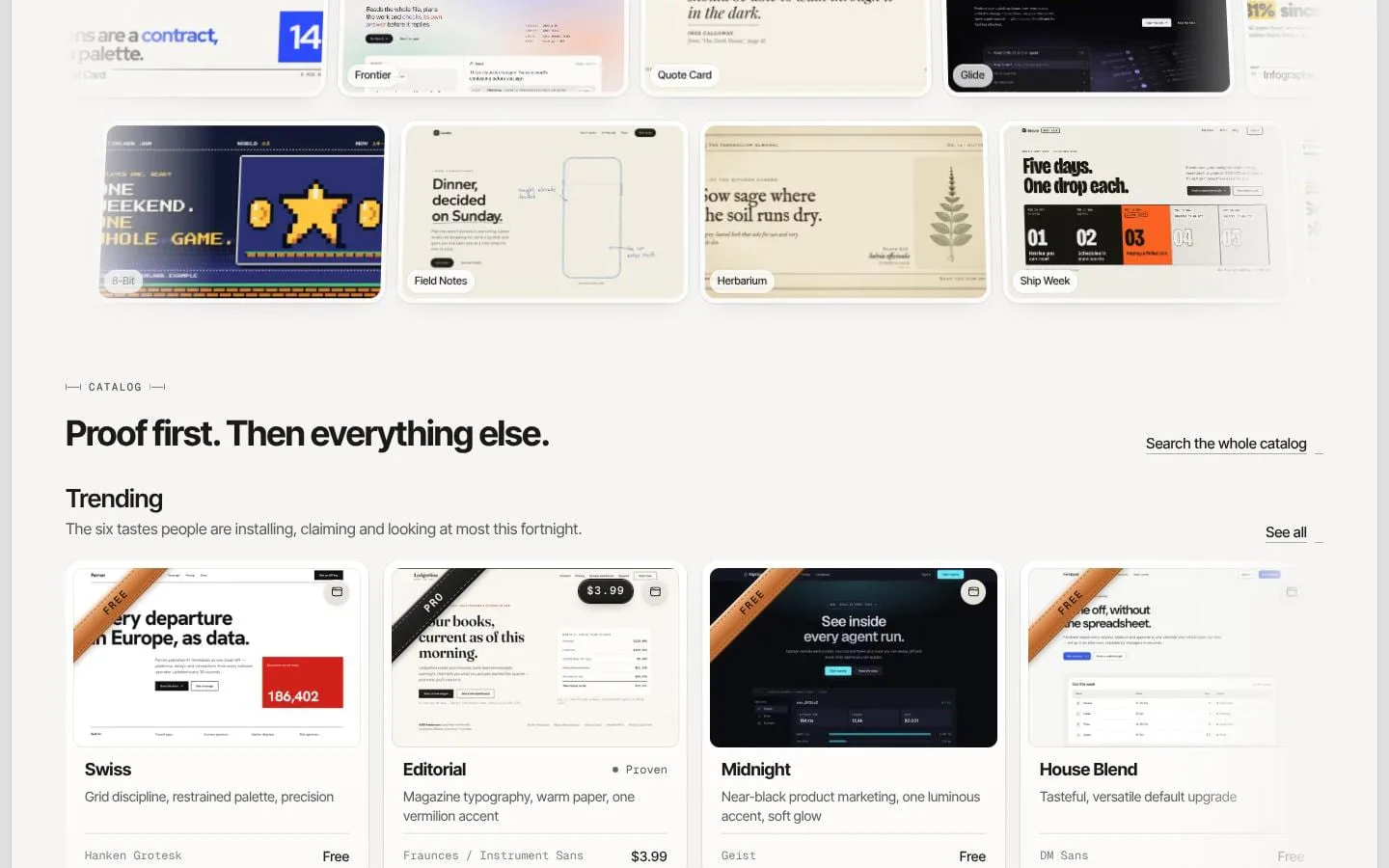
- Users browse a catalog of design tastes and select one, from styles such as Swiss and Editorial to specialized directions for websites, videos, images and slides.
- Result
- Teams can begin with a chosen style instead of relying on an unspecified default.
- Why
- A defined visual identity gives the agent a consistent set of creative rules to follow.
- Problem
- A style guide may not translate into usable instructions for an AI coding agent.
- How it works
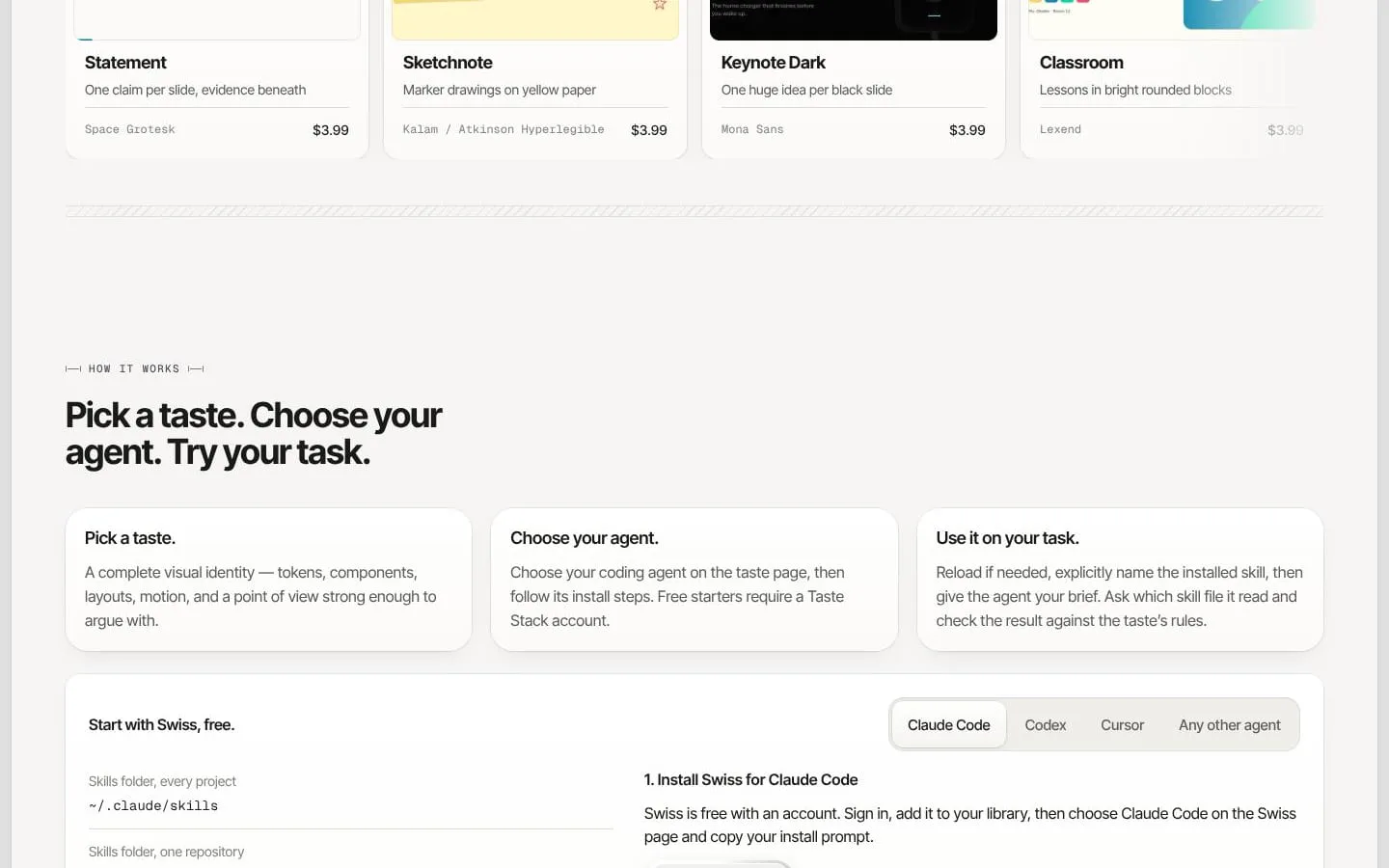
- Taste packages provide visual rules, tokens, component treatments, layouts and motion guidance, with installation instructions for supported agents.
- Result
- An agent can apply the selected taste to a user-provided task; the result still requires review.
- Why
- Agent-readable rules make a chosen direction usable during implementation.
- Problem
- A product’s visual identity can drift between pages or projects.
- How it works
- Skills can guide consistent typography, spacing, components and navigation across screens; field guides recommend reusing shared tokens and components and checking the output.
- Result
- Teams get a repeatable workflow for applying and checking a visual direction across interfaces.
- Why
- A common source of design rules helps keep related work aligned, while review catches mismatches.
- Problem
- Teams need more than interface styles for product launches and supporting materials.
- How it works
- The catalog includes launch-video skills and motion moves, plus styles for social images and pitch decks.
- Result
- Users can choose related visual treatments for multiple output formats.
- Why
- Creative direction can extend to launch and communication assets as well as product screens.
- Problem
- Teams may want to evaluate the workflow before committing to a purchase.
- How it works
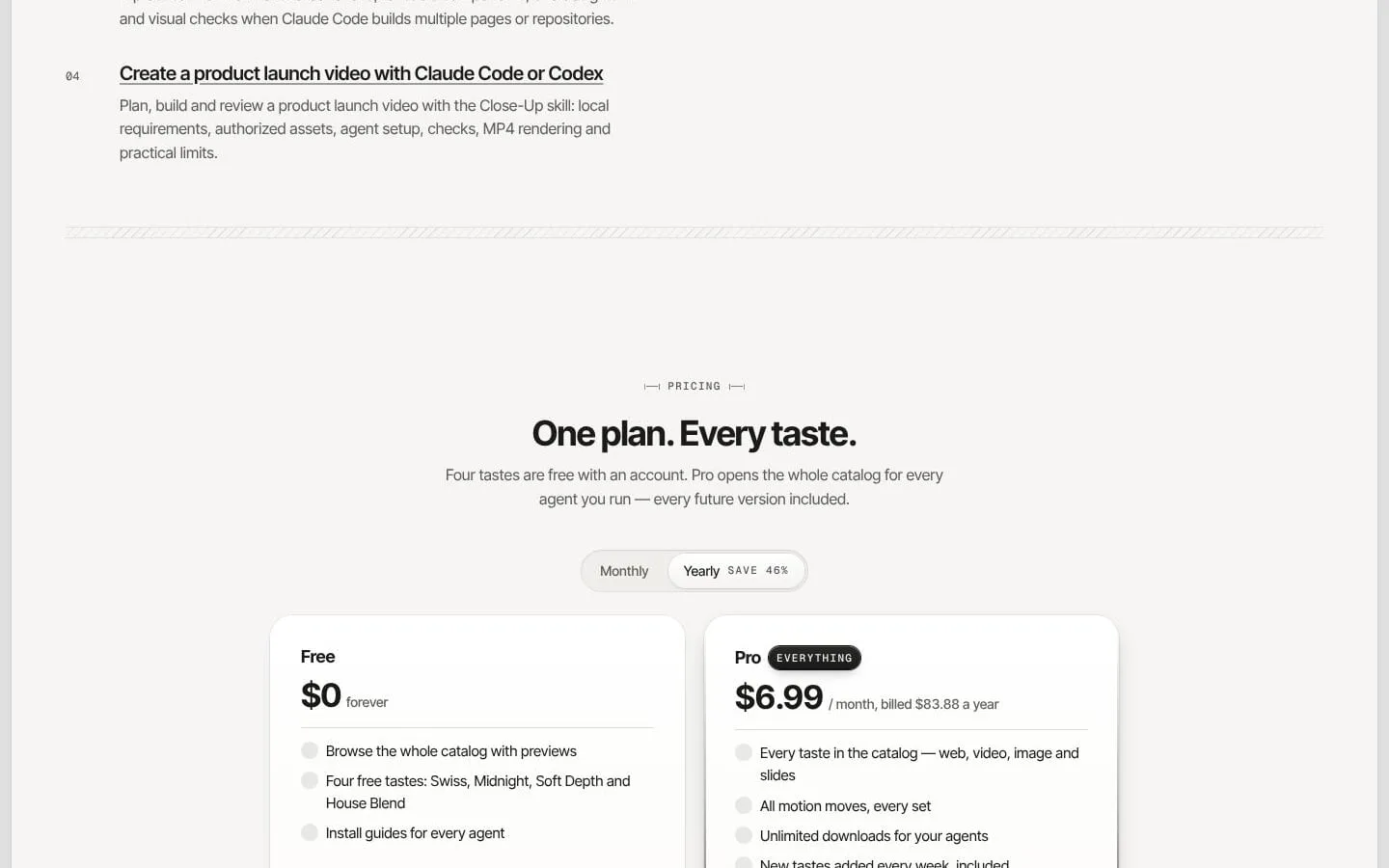
- The site offers four free tastes with an account, previews, install guides and first-party examples; other tastes can be purchased individually or through Pro.
- Result
- Users can test a taste on their own task and choose individual or catalog-wide access.
- Why
- A free starter lets users try the installation flow before paying.
Product questions
What does Taste Stack do?
Taste Stack provides downloadable visual-design and motion skills that compatible AI coding agents can use to create interfaces, launch videos, social images and slides with a chosen creative direction.
Who is Taste Stack for?
Frontend developers, indie product teams and motion designers working with AI coding agents.
Screenshots