Productivity
ContractorSight
From jobsite photo to project plan
- Category
- Productivity
- Stage
- Beta
- For
- Contractors and construction teams managing jobsite observations, estimates, materials, crews, and customer updates.
About
A clearer picture. A better job plan. Open ContractorSight on the web or check Android testing access.
Features
- Problem
- Jobsite conditions can be difficult to capture and turn into actionable information.
- How it works
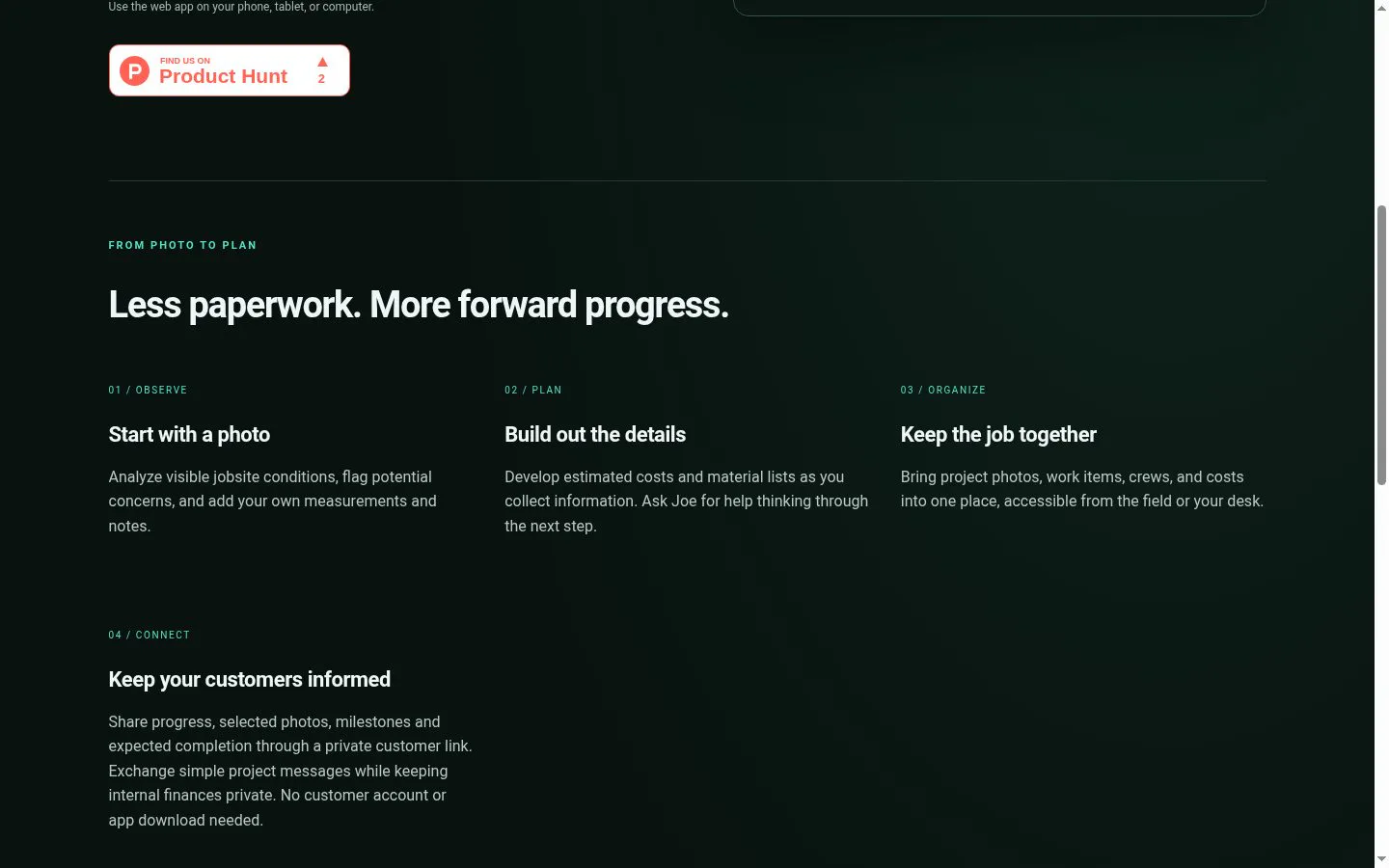
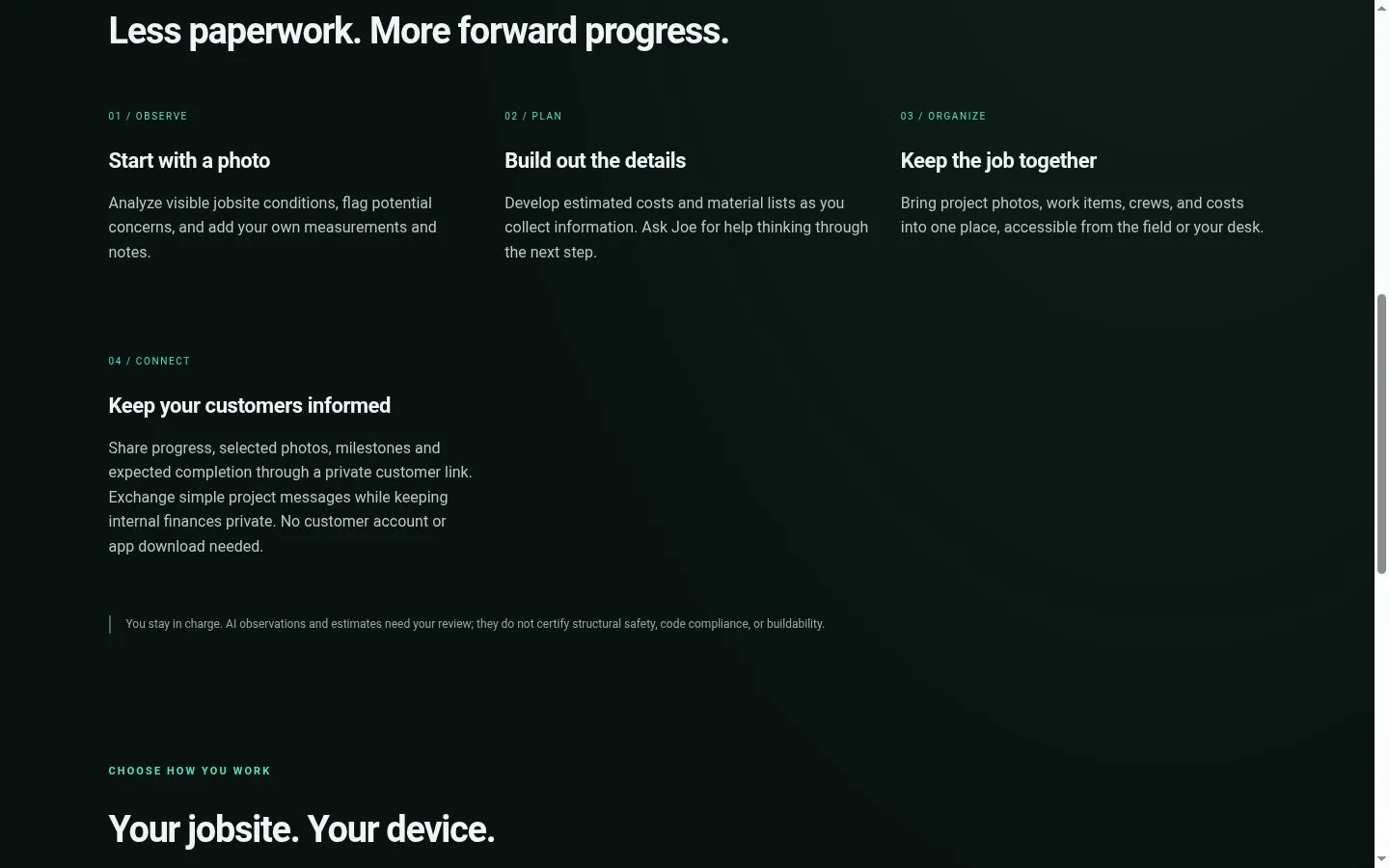
- Analyze jobsite photos for visible conditions and potential concerns, with options to add measurements and notes.
- Result
- A more useful starting point for planning. AI observations require user review and do not certify safety, code compliance, or buildability.
- Why
- Combine visual observations with the contractor’s own context.
- Problem
- Costs and material needs develop as project information is gathered.
- How it works
- Develop estimated costs and material lists, and ask Joe for help thinking through the next step.
- Result
- An expanding estimate and list of materials to inform the work ahead.
- Why
- Let project planning evolve alongside collected information.
- Problem
- Project photos, work items, crews, and costs can be spread across different places.
- How it works
- Bring photos, work items, crews, and costs into one project workspace accessible from the field or desk.
- Result
- A shared place to organize project details.
- Why
- Keep project information together across work locations.
- Problem
- Customers need progress information without access to internal finances or another app.
- How it works
- Share selected photos, progress, milestones, and expected completion through a private link; exchange simple project messages.
- Result
- Customers can follow selected updates and ask questions through the project link.
- Why
- Provide a customer-facing channel that keeps internal finances private and requires no customer account or app download.
- Problem
- Contractors need to access their workspace from different devices.
- How it works
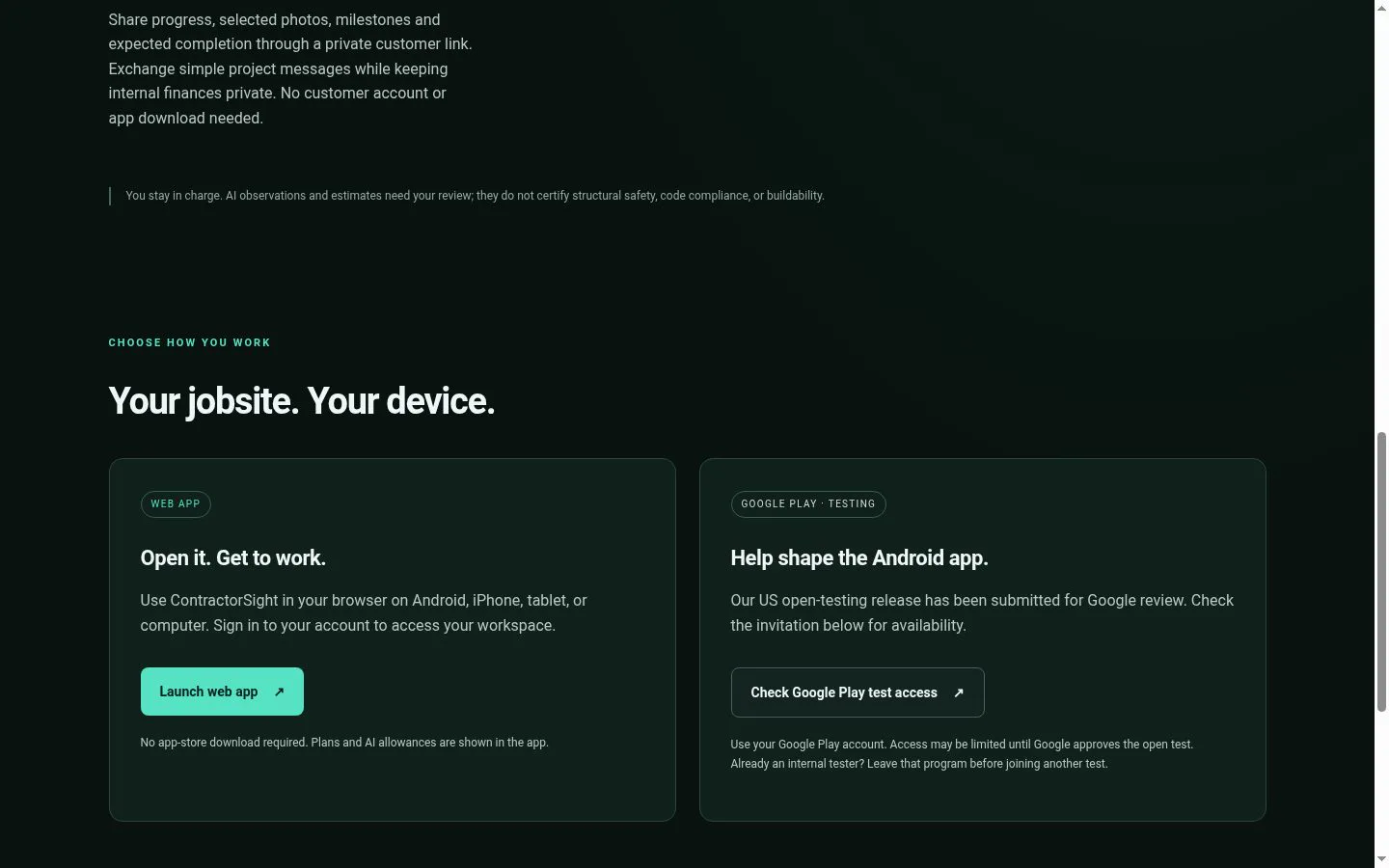
- Use the web app in a browser on Android, iPhone, tablet, or computer.
- Result
- A browser-based way to access the project workspace.
- Why
- Make the workspace available from the field or desk without an app-store download.
Product questions
What does ContractorSight do?
ContractorSight turns jobsite photos and field notes into observations, cost estimates, material lists, and project next steps, while keeping project details and customer updates together.
Who is ContractorSight for?
Contractors and construction teams managing jobsite observations, estimates, materials, crews, and customer updates.
Screenshots