Security
WPMissionControl
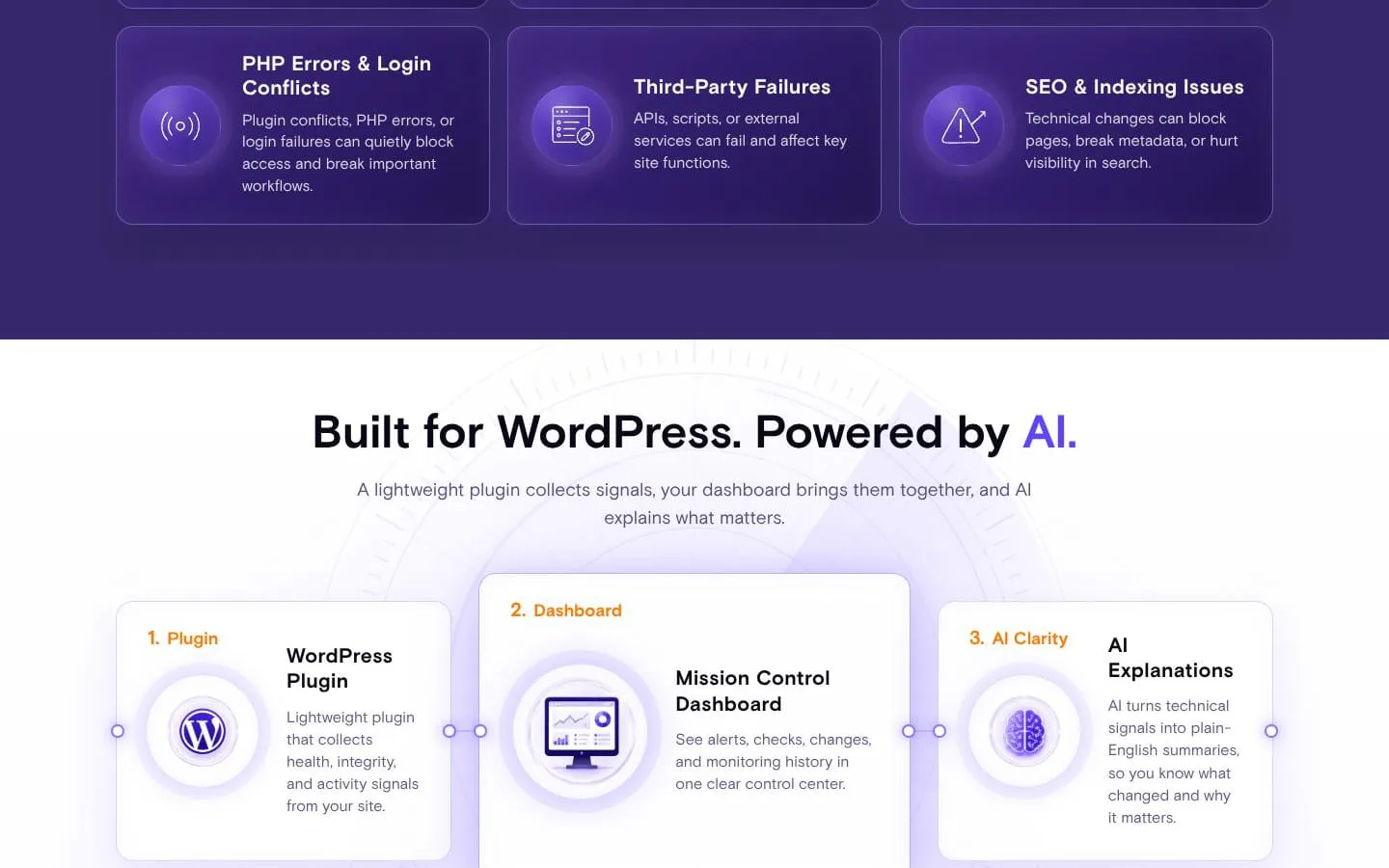
AI-powered monitoring and early-warning insights for WordPress websites.
- Category
- Security
- Stage
- Growth
- For
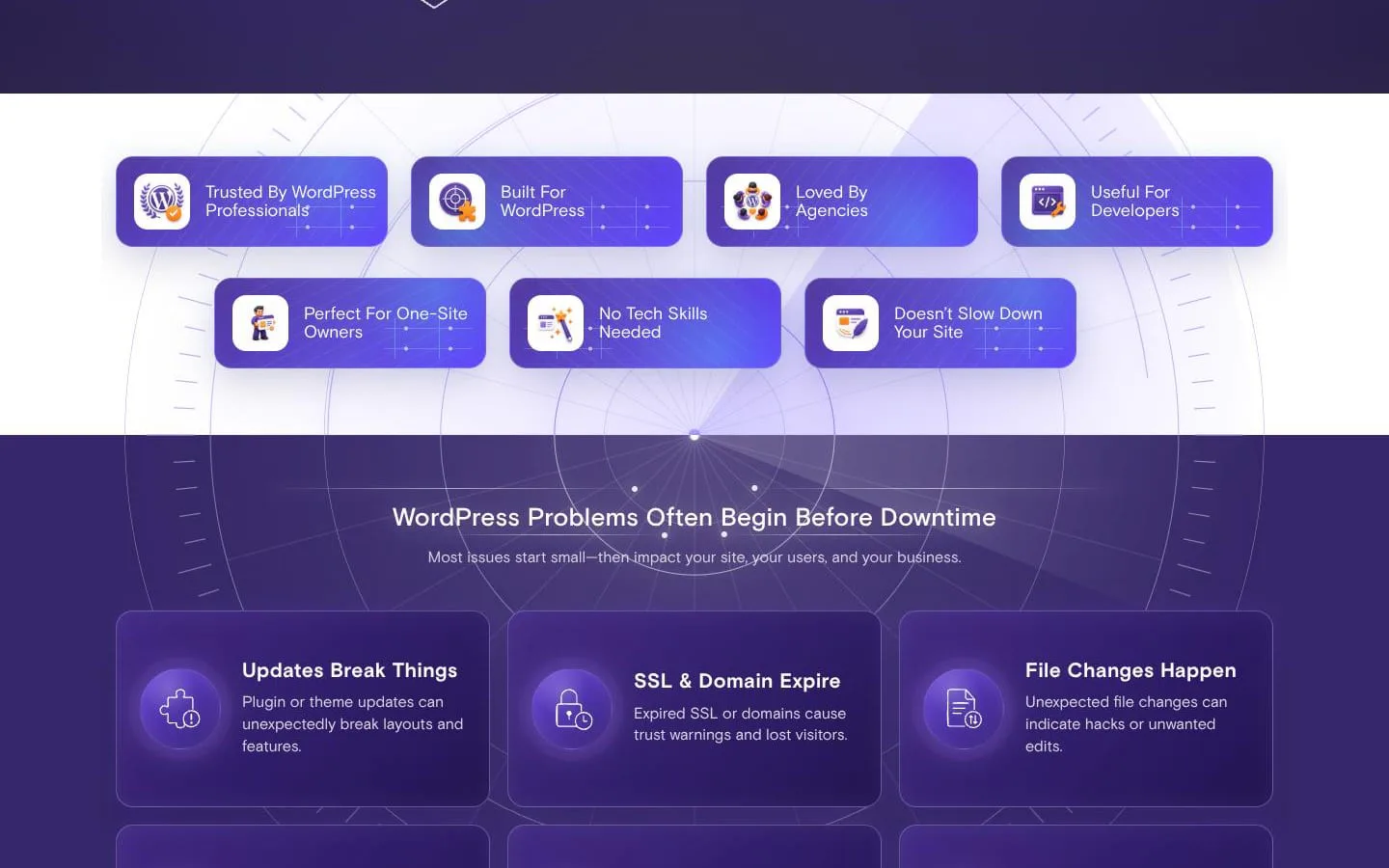
- WordPress site owners, agencies, developers, care teams, and WooCommerce stores.
About
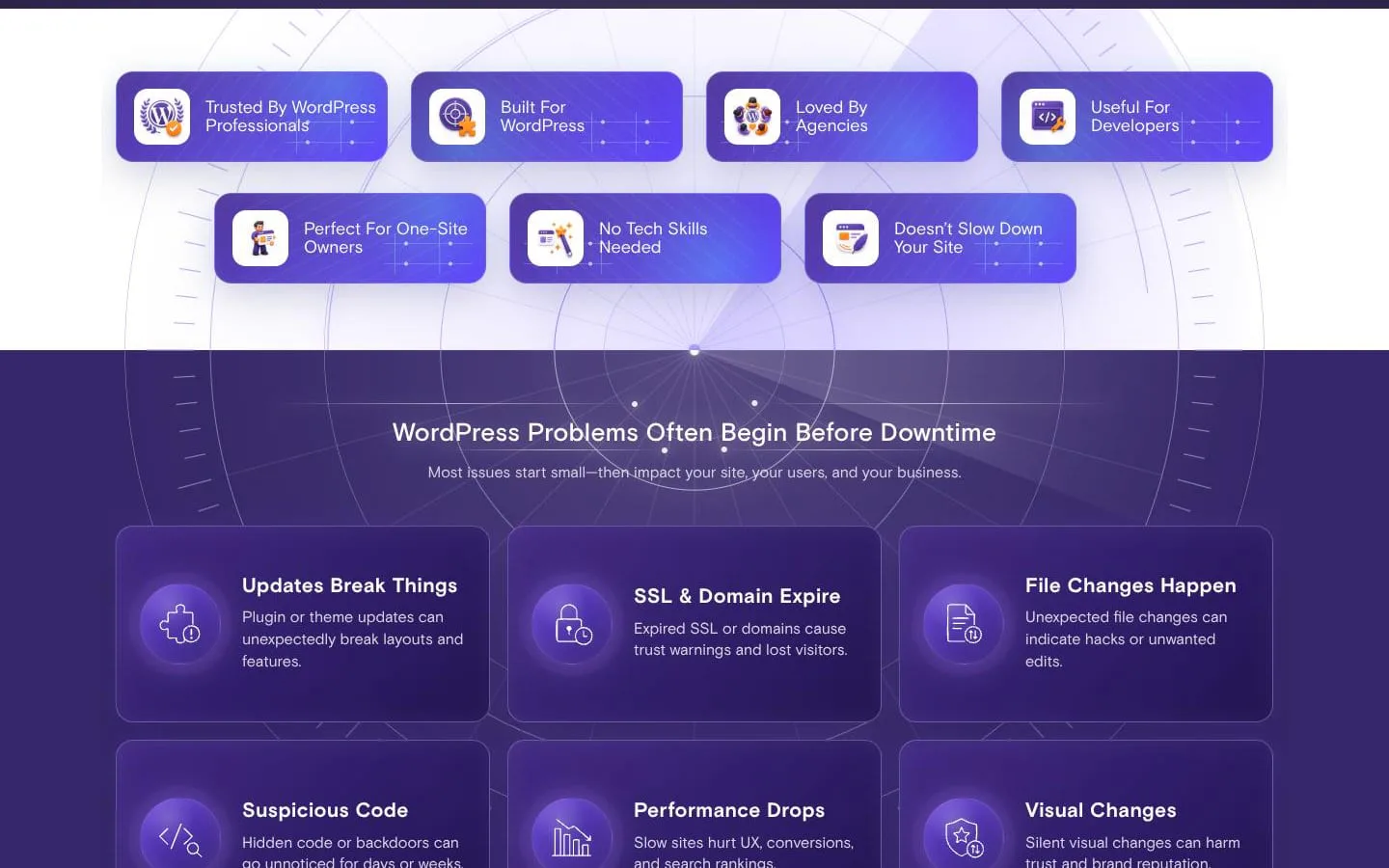
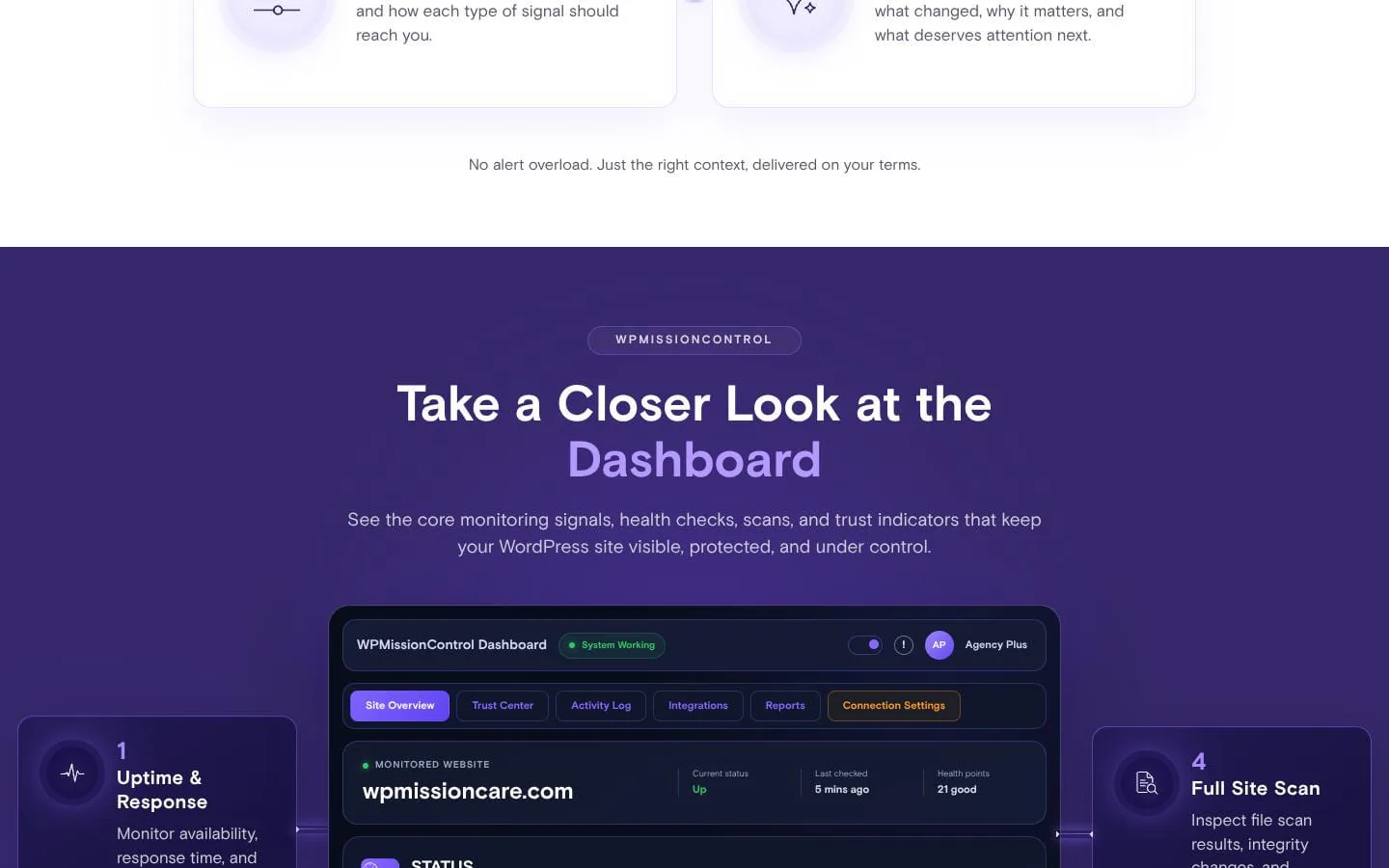
WPMissionControl helps you monitor WordPress uptime, SSL, domains, file integrity, malware signals, visual changes, performance, and trust from one dashboard.
Features
- Problem
- Availability problems can be discovered by visitors first.
- How it works
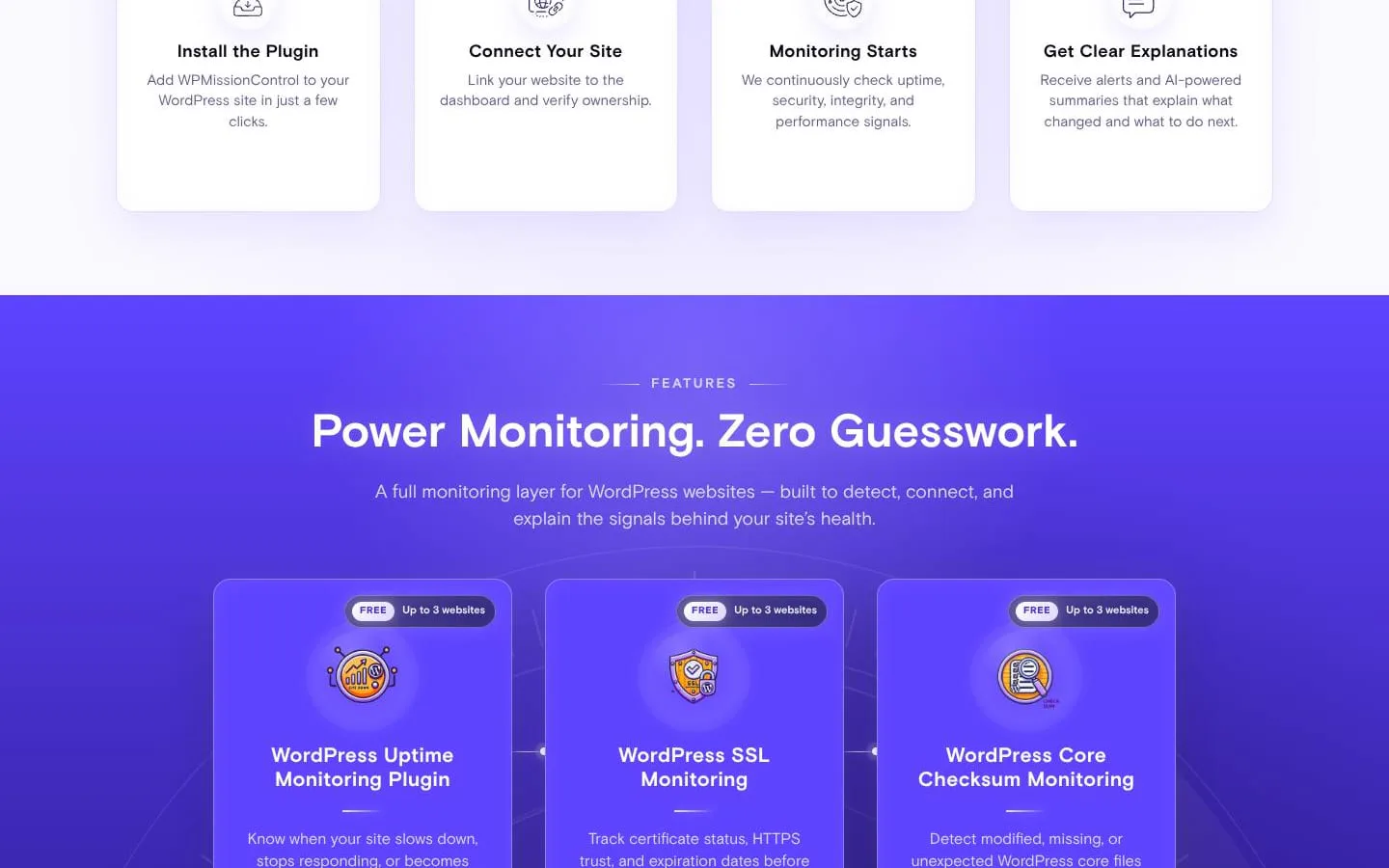
- Continuously monitors uptime, response time, and uptime history, with email, SMS, and Slack alert options.
- Result
- Teams can respond sooner to availability incidents.
- Why
- Makes outages and slowdowns visible before they become customer or client reports.
- Problem
- SSL and domain renewal failures can make an otherwise healthy site inaccessible or untrusted.
- How it works
- Tracks certificate and domain expiration, certificate details, registrar context where available, and scheduled checks.
- Result
- Teams receive early warning before browser warnings, downtime, or email disruption.
- Why
- Keeps critical trust and reachability risks alongside the wider site-health view.
- Problem
- Modified files and suspicious code can remain unnoticed.
- How it works
- Verifies WordPress core checksums and runs AI-assisted external malware scans with file-level findings and alerts.
- Result
- Teams get a clearer starting point for security review and recovery.
- Why
- Provides integrity and security signals without placing deep scan load on the monitored WordPress site.
- Problem
- Updates or edits can silently break a page’s appearance.
- How it works
- Captures page screenshots, compares scans, flags visual differences, and checks related PHP warnings and HTML integrity.
- Result
- Teams can identify layout shifts, missing sections, and broken elements before visitors complain.
- Why
- Pairs visible regressions with AI explanations and configurable per-page thresholds.
- Problem
- Separate monitoring charts make diagnosis and reporting difficult.
- How it works
- Correlates uptime, performance, security, visual, activity, SSL, domain, Core Web Vitals, and search signals into AI-generated daily, weekly, and monthly summaries.
- Result
- Users can prioritize meaningful changes and explain them to clients in plain English.
- Why
- Related events provide more useful context than isolated alerts.
- Problem
- Technical health data does not show how visitors engage after a page loads.
- How it works
- Connects the free WPMC Behavior & Heatmap plugin to aggregate sessions, scrolling, CTA clicks, device mix, traffic sources, and AI-assisted opportunities.
- Result
- Teams can identify high-traffic pages and practical conversion or content improvements.
- Why
- Adds engagement context while keeping raw visitor identifiers, mouse trails, and click coordinates out of the dashboard.
Product questions
What does WPMissionControl do?
WPMissionControl is a WordPress monitoring platform that collects website health, security, availability, performance, and visual-change signals, then presents alerts and AI-powered explanations in one dashboard.
Who is WPMissionControl for?
WordPress site owners, agencies, developers, care teams, and WooCommerce stores.
Screenshots