Productivity
onelink.ninja
shareable link lists
- Category
- Productivity
- Stage
- Beta
- For
- People who want to organize and share links, including researchers, travelers, creators, and users of AI assistants.
- Platforms
- Web, Mobile
- Pricing
- The Project is Free. There's a Patreon linked that helps fund the product.
About
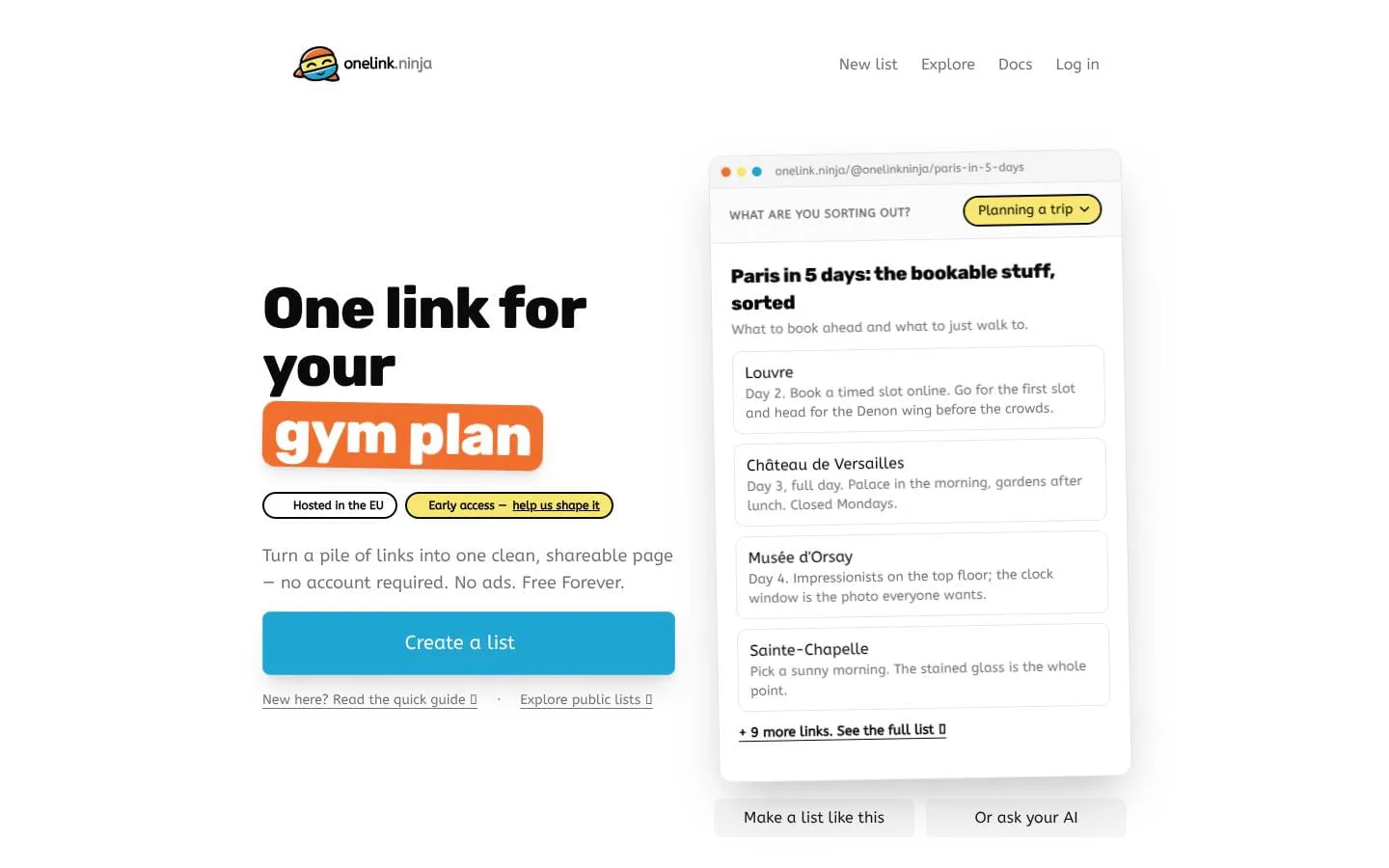
Share multiple links with one short link. Make a list of links in seconds — no account or sign-up needed. Your AI assistant can make one for you too.
Use cases
- Group links in a list and share even without an account
- Create free link-in-bio pages
- Store links from an AI chat in one list
- Endless possibilities to keep track of your links
Features
- Problem
- A collection of links can be difficult to understand or navigate.
- How it works
- Create a titled list with a description and up to 20 links, each optionally labeled and described.
- Result
- A readable list page that can be shared through one link.
- Why
- Context and ordering make a list more useful than a bare group of URLs.
- Problem
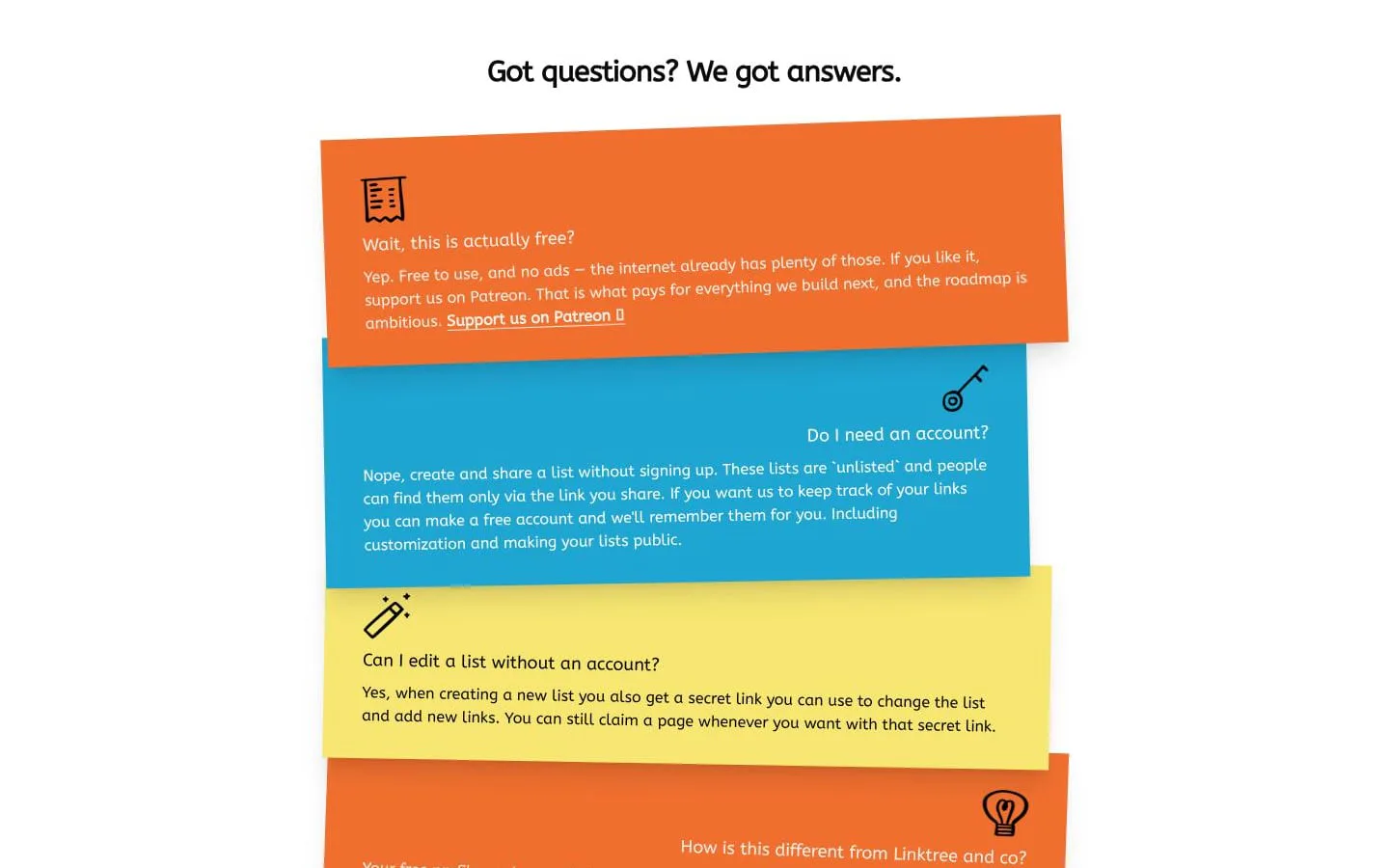
- People may want to publish a list without signing up.
- How it works
- Create and share an unlisted list without an account; use its secret edit link to make changes.
- Result
- A shareable list that can be edited without an account.
- Why
- Account-free creation lowers the barrier to sharing, while a secret link enables later editing.
- Problem
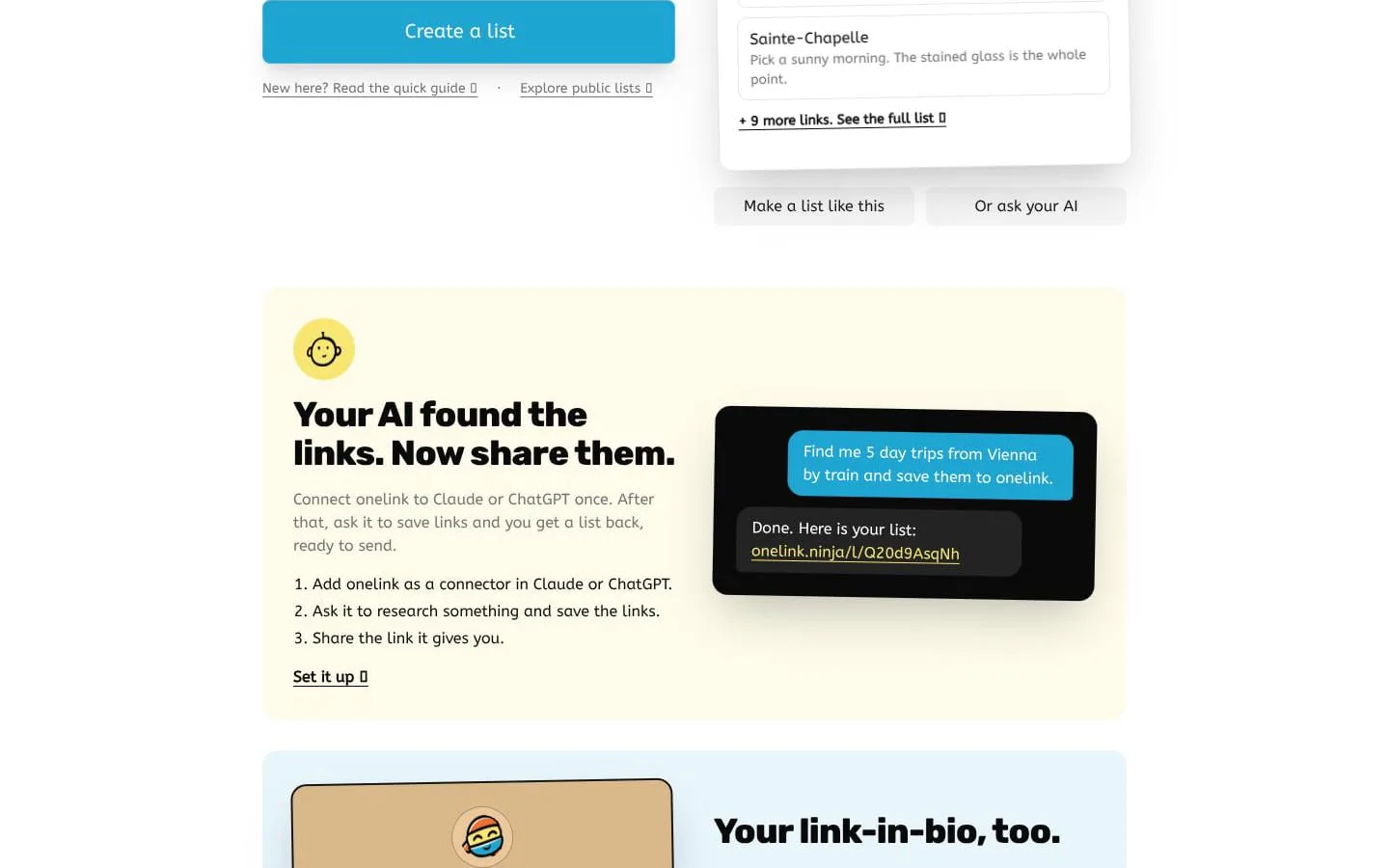
- Research links collected by an AI assistant can be inconvenient to share.
- How it works
- Connect onelink to Claude or ChatGPT, ask the assistant to save links, and share the resulting list.
- Result
- A single shareable link to the assistant-created collection.
- Why
- The connector flow turns assistant research into a list that is ready to send.
- Problem
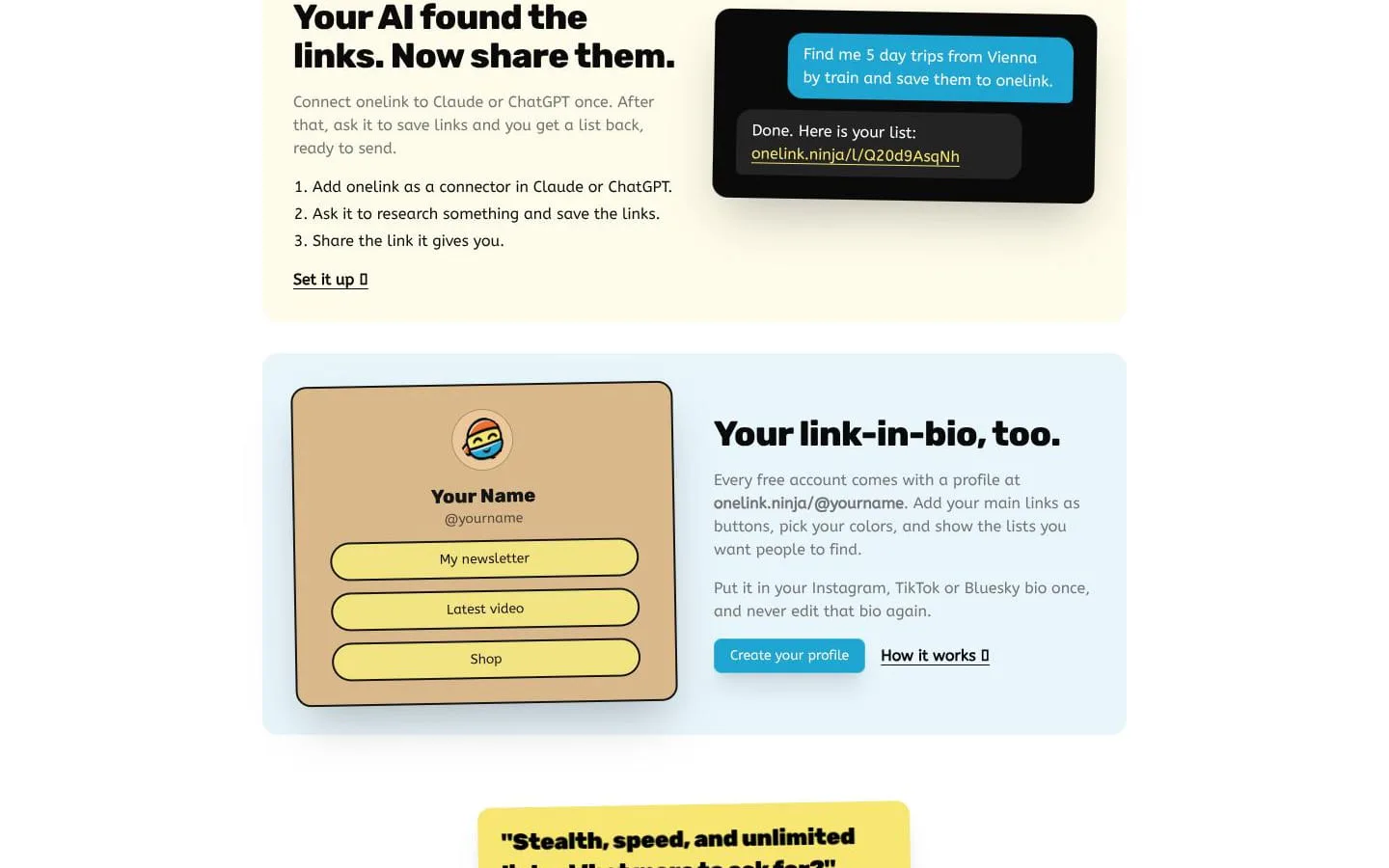
- A social profile bio usually has room for only one link.
- How it works
- Create a profile with link buttons, colors, and selected lists.
- Result
- A customizable link-in-bio page.
- Why
- One profile URL can point visitors to multiple destinations and collections.
- Problem
- Users may want to create or update lists programmatically.
- How it works
- Use the JSON REST API or the no-auth MCP server to create, read, update, and delete lists or add links.
- Result
- Lists can be managed through API requests or MCP tools.
- Why
- Documented interfaces let tools and assistants work with lists without manually entering every link in a browser.
What makes it different
- Hosted and built in Europe
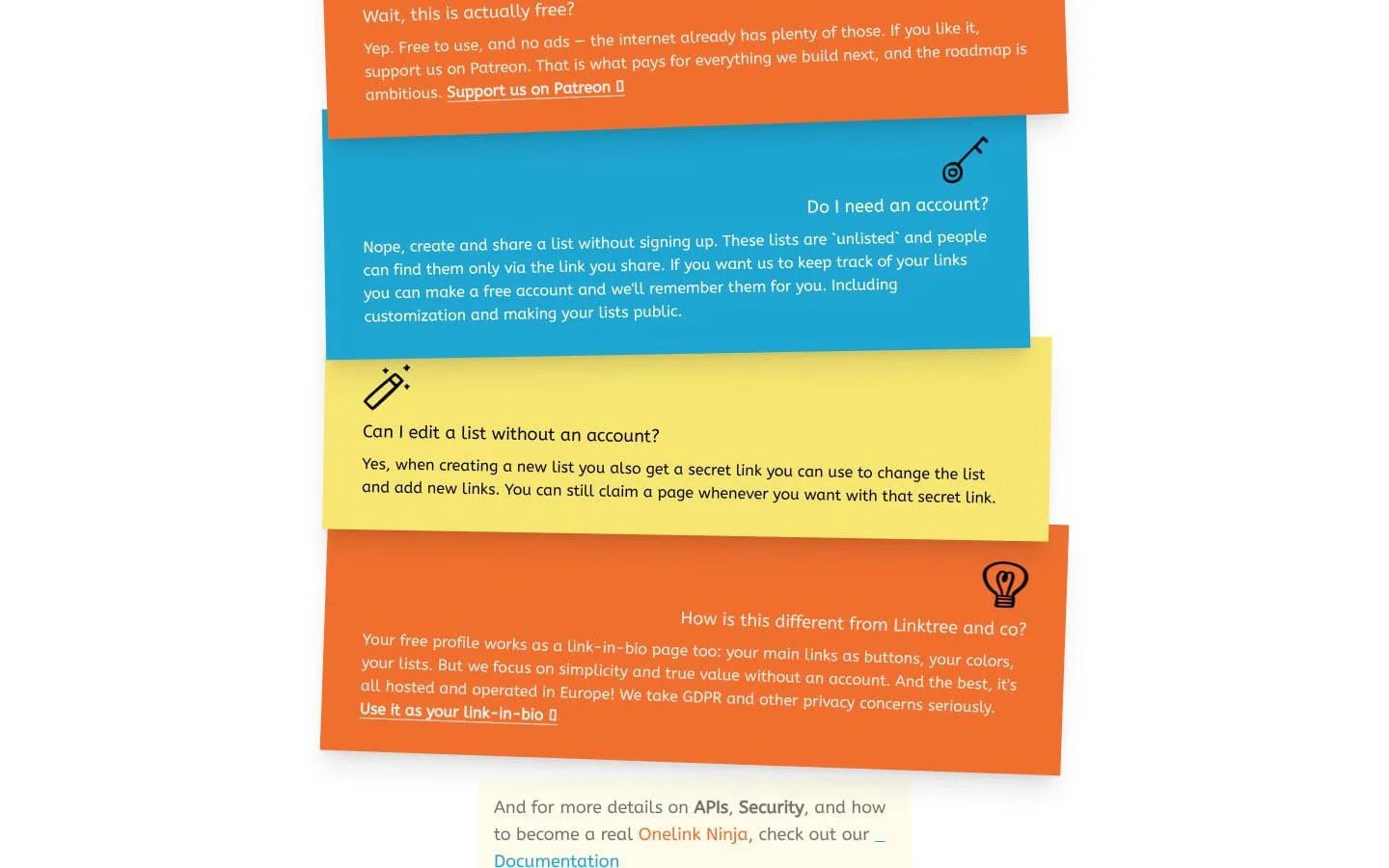
- Free product you can use even without an account
- Let your agent create the list for you
Product questions
What does onelink.ninja do?
onelink.ninja turns collections of URLs into organized, shareable lists. People can create a list without an account, or use a free profile to collect links and feature lists.
Who is onelink.ninja for?
People who want to organize and share links, including researchers, travelers, creators, and users of AI assistants.
How much does onelink.ninja cost?
The Project is Free. There's a Patreon linked that helps fund the product.
Which platforms does onelink.ninja support?
- Web
- Mobile
What can I use onelink.ninja for?
- Group links in a list and share even without an account
- Create free link-in-bio pages
- Store links from an AI chat in one list
- Endless possibilities to keep track of your links
What makes onelink.ninja different?
- Hosted and built in Europe
- Free product you can use even without an account
- Let your agent create the list for you
Screenshots