Fintech
Gexpense
Track receipts by saving originals to Google Drive and recording expense details in Google Sheets.
- Category
- Fintech
- Stage
- Growth
- For
- Freelancers, small business owners, and others who track expenses and share records with an accountant.
About
Gexpense makes receipt tracking simple. Snap, upload or find receipts in your email; it extracts the details, saves the originals to your own Google Drive and records expenses in your own Google Sheet, ready to share with your accountant at tax time.
Features
- Problem
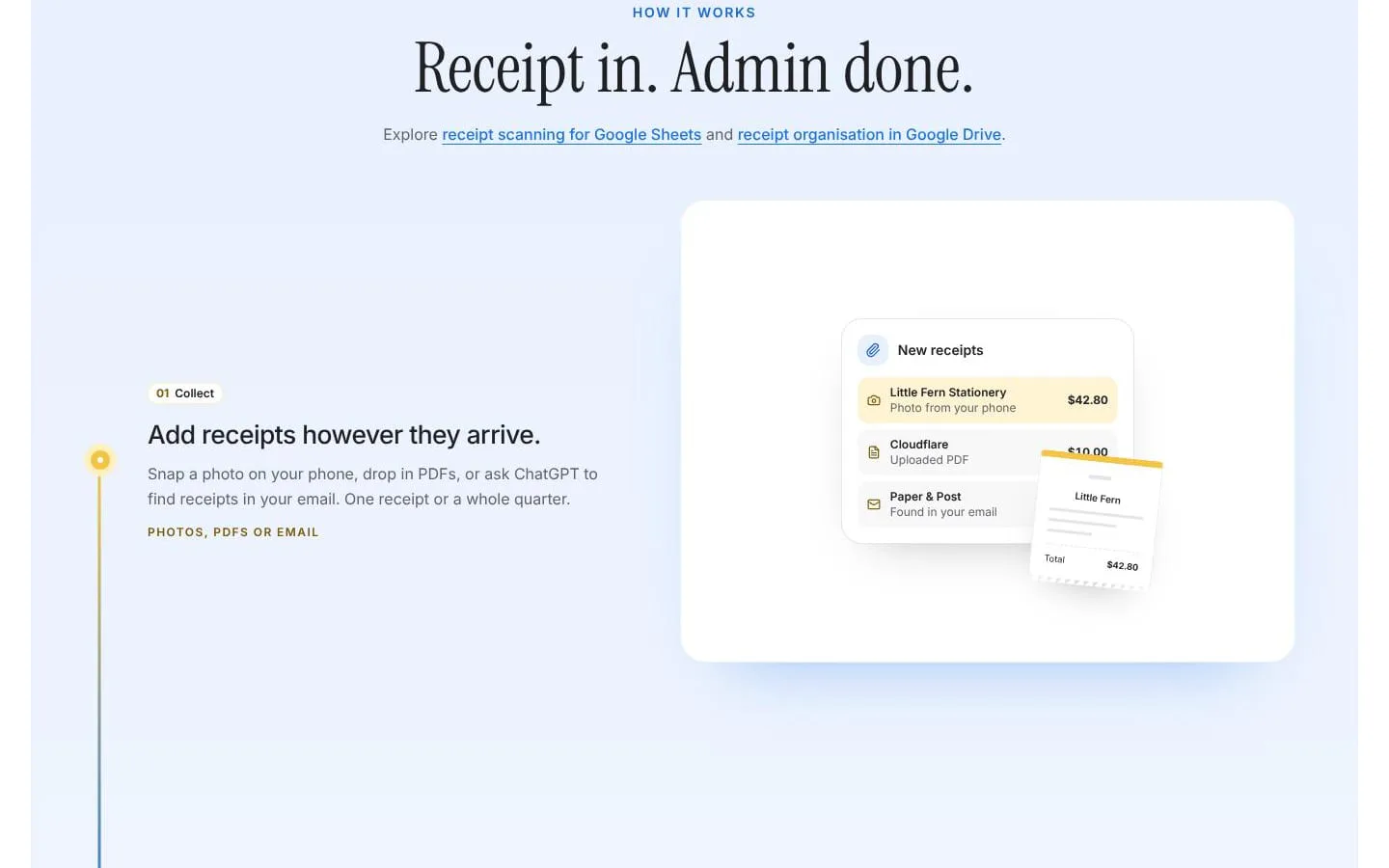
- Receipts arrive in different formats and places.
- How it works
- Collect receipts from phone photos, PDF uploads, bulk imports, and email; the site also describes asking ChatGPT to find receipts in email.
- Result
- Receipts are ready to scan and review.
- Why
- Bringing receipts into one workflow makes them easier to process consistently.
- Problem
- Scanned receipt details can be wrong or duplicated.
- How it works
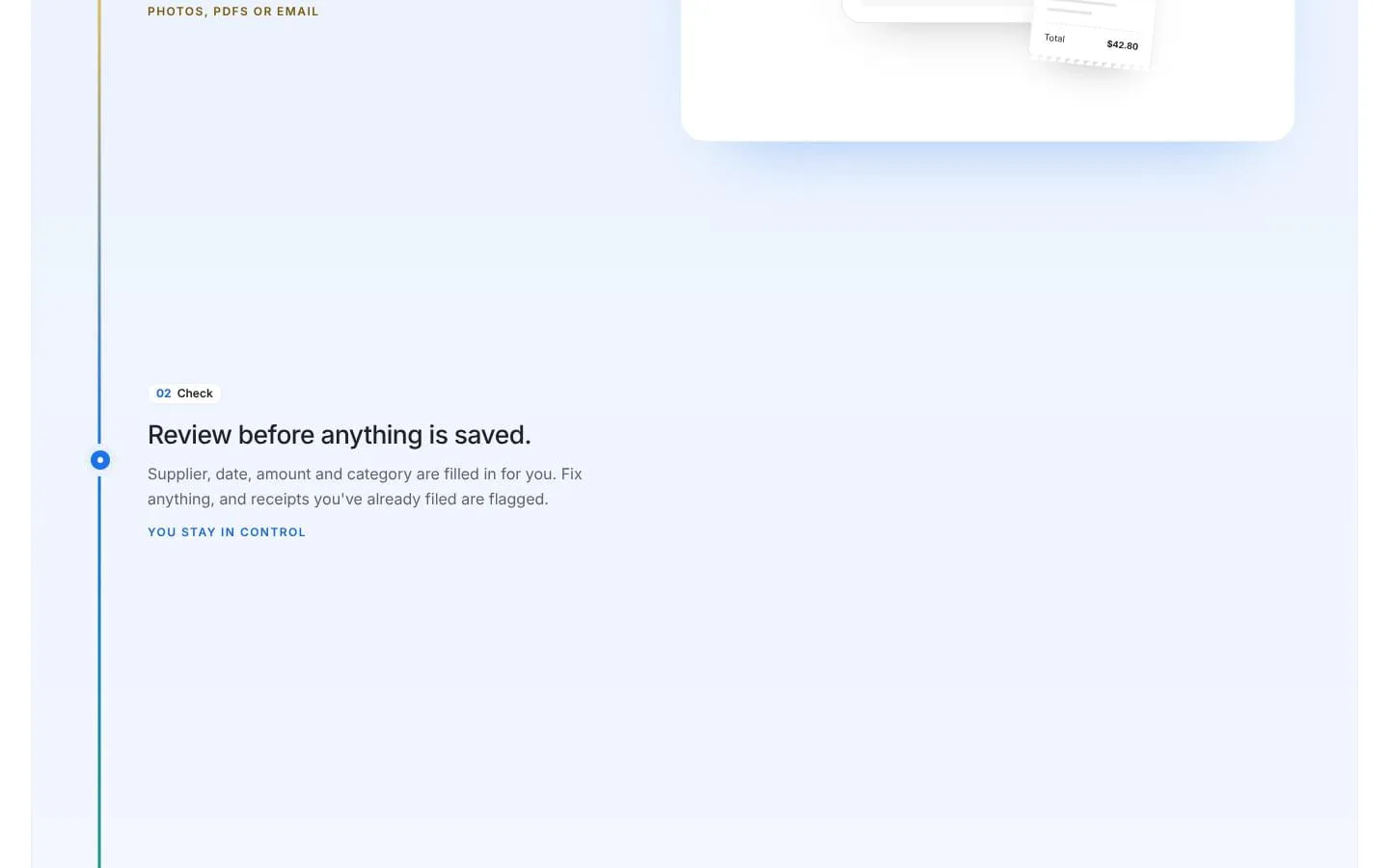
- Suggest supplier, date, amount, and category for review; let users edit fields and flag receipts already filed.
- Result
- Expense records remain reviewable and correctable.
- Why
- Users can check extracted details against the original before saving.
- Problem
- Expense rows are difficult to verify without the source receipt.
- How it works
- Save receipt originals to a connected Google Drive folder and reviewed expense details to a connected Google Sheet, retaining a receipt link with the record.
- Result
- Each saved expense can be traced back to its original receipt.
- Why
- Keeping evidence connected to its expense makes later checks easier.
- Problem
- Preparing and sharing records with an accountant can take extra collection work.
- How it works
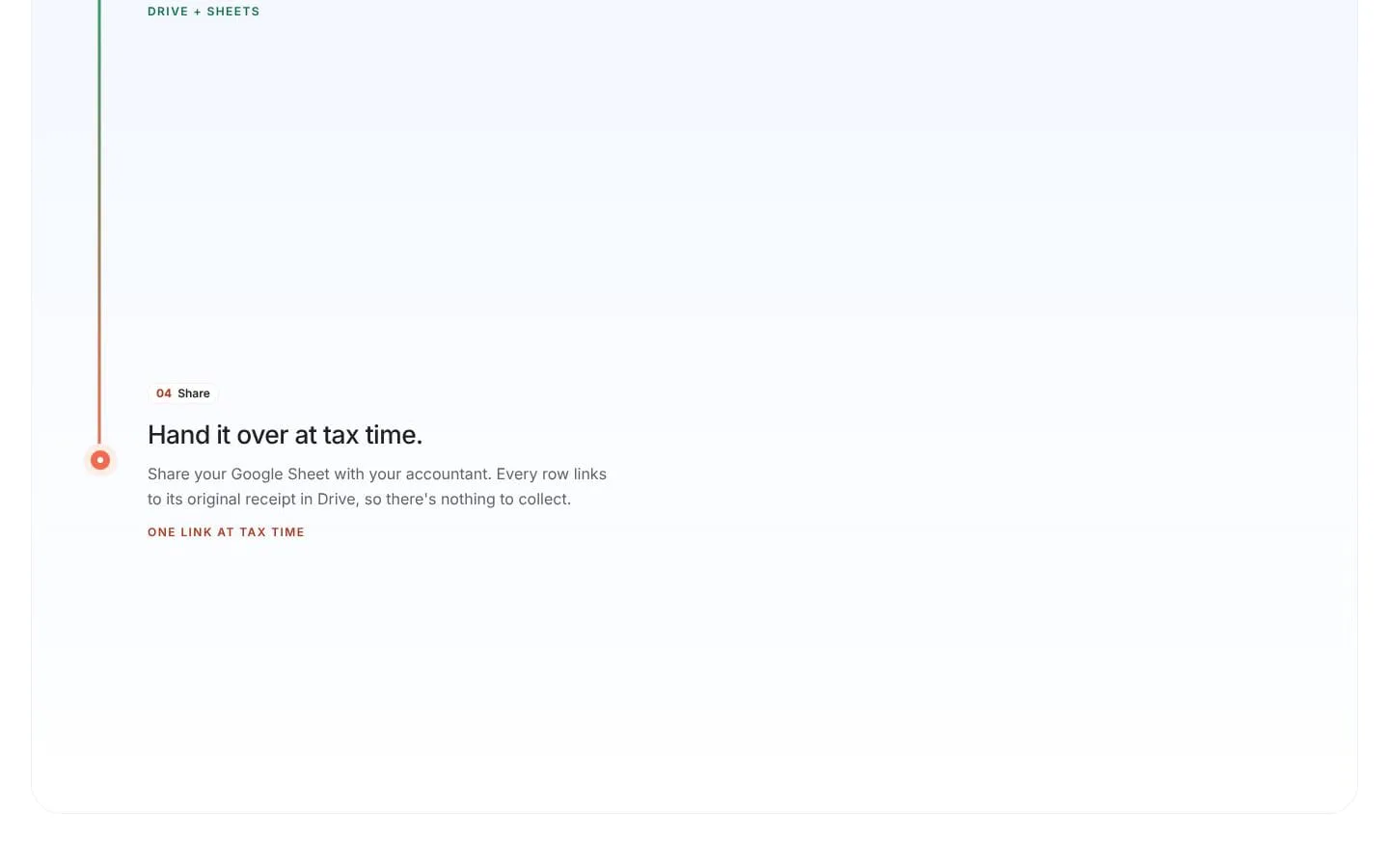
- Allow users to share the Google Sheet and Drive folder, with expense rows linking to receipt files.
- Result
- Accountants can review the spreadsheet and its supporting receipts.
- Why
- A linked record and accessible evidence simplify the handoff.
- Problem
- Receipt volume can exceed a small monthly allowance.
- How it works
- Offer five scans each month on the free plan and unlimited scans on Pro, including batch scanning.
- Result
- Users can start free and upgrade for higher-volume scanning.
- Why
- Different plan limits accommodate light or heavier receipt workloads.
Product questions
What does Gexpense do?
Gexpense turns receipt photos, PDFs, and eligible email receipts into reviewed expense records, storing originals in Google Drive and details in a connected Google Sheet.
Who is Gexpense for?
Freelancers, small business owners, and others who track expenses and share records with an accountant.
Screenshots