Productivity
Sova Planner
Everyday planner for iPhone
- Category
- Productivity
- Stage
- Mature
- For
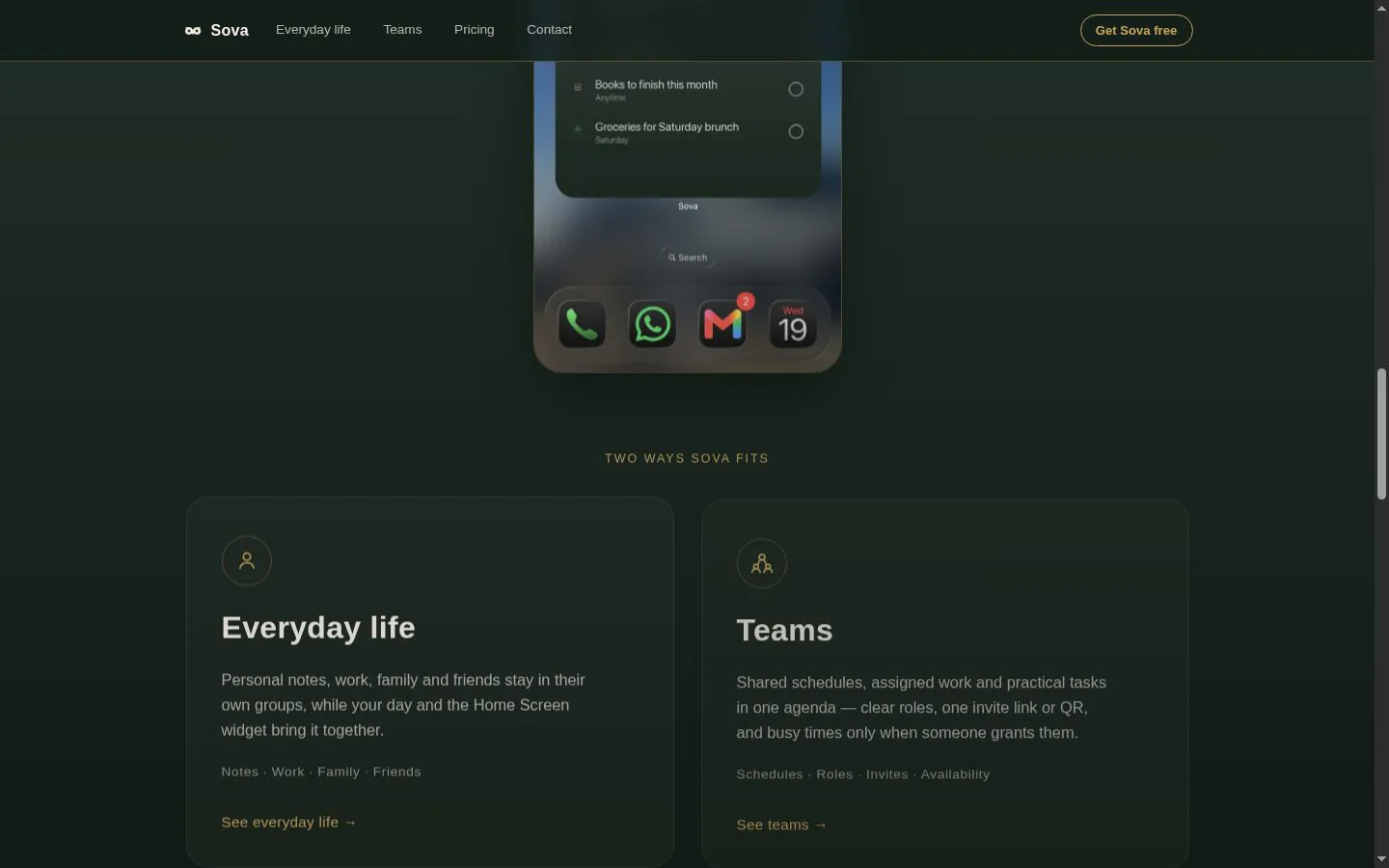
- iPhone users, families, friends, and small teams organizing shared plans.
About
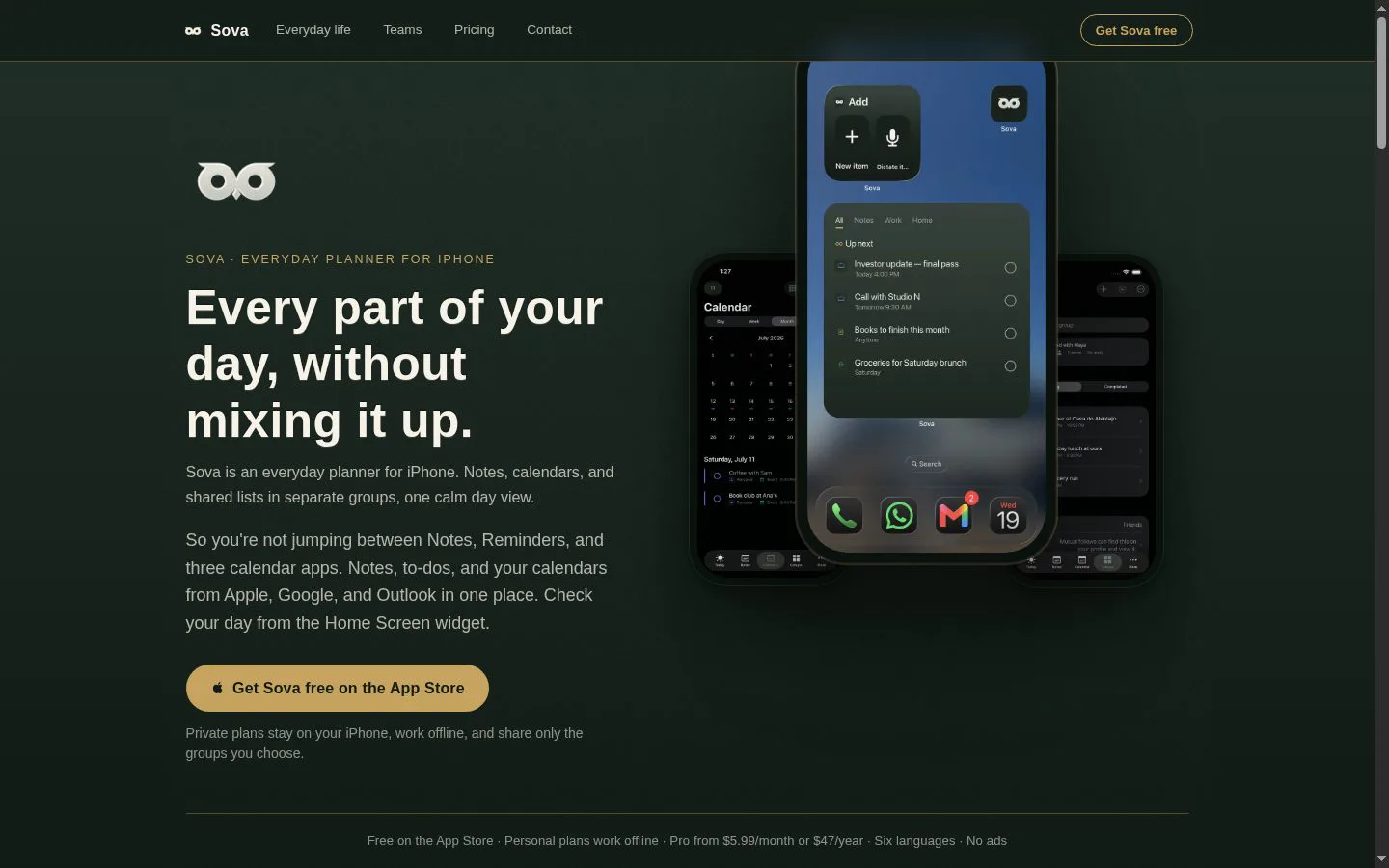
Everyday planner for iPhone: notes, to-dos, and calendars in one place, groups you share in one tap, and capture that turns email text, photos, screenshots, or voice into plans in seconds.
Features
- Problem
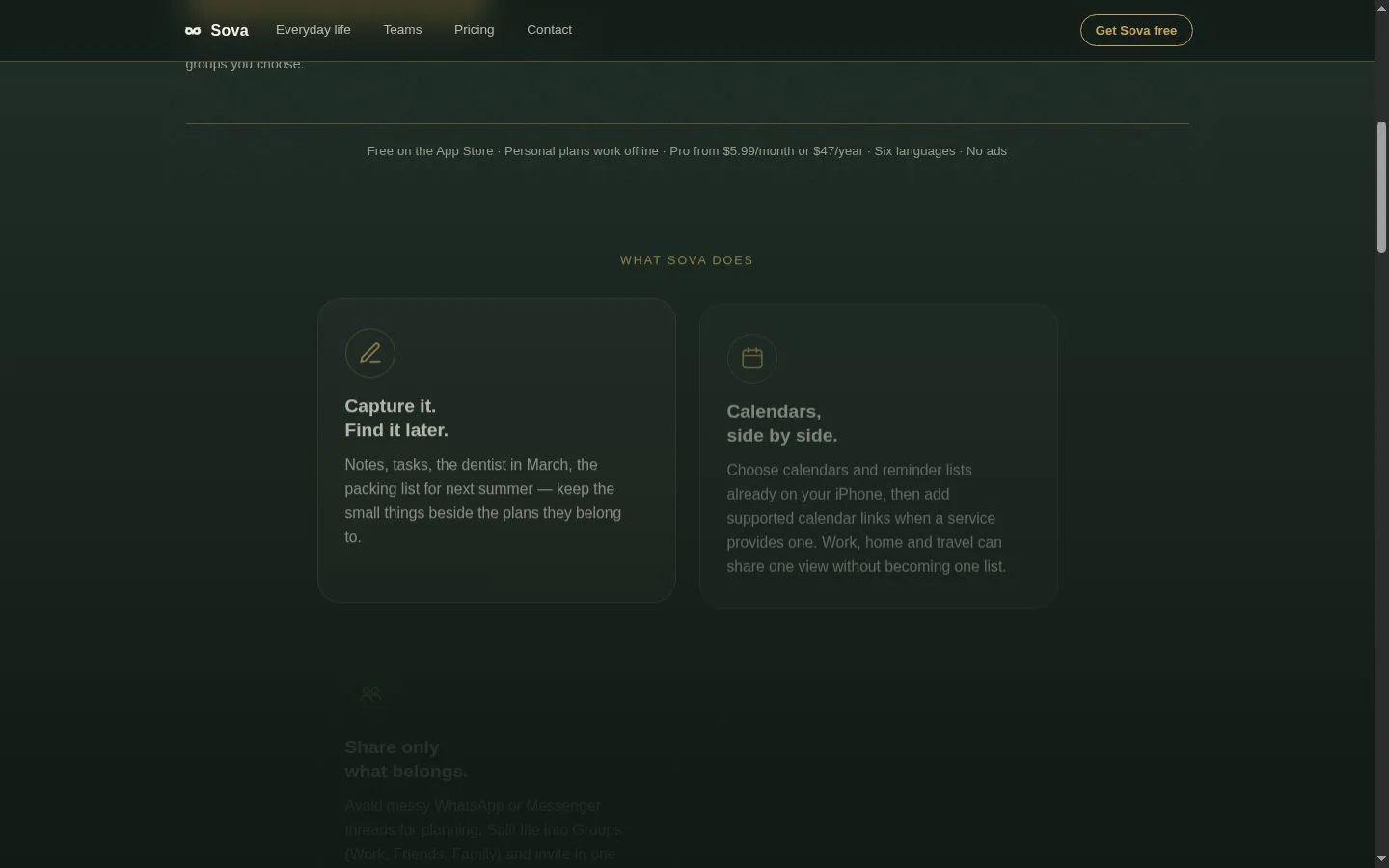
- Notes and future tasks get lost away from the plans they support.
- How it works
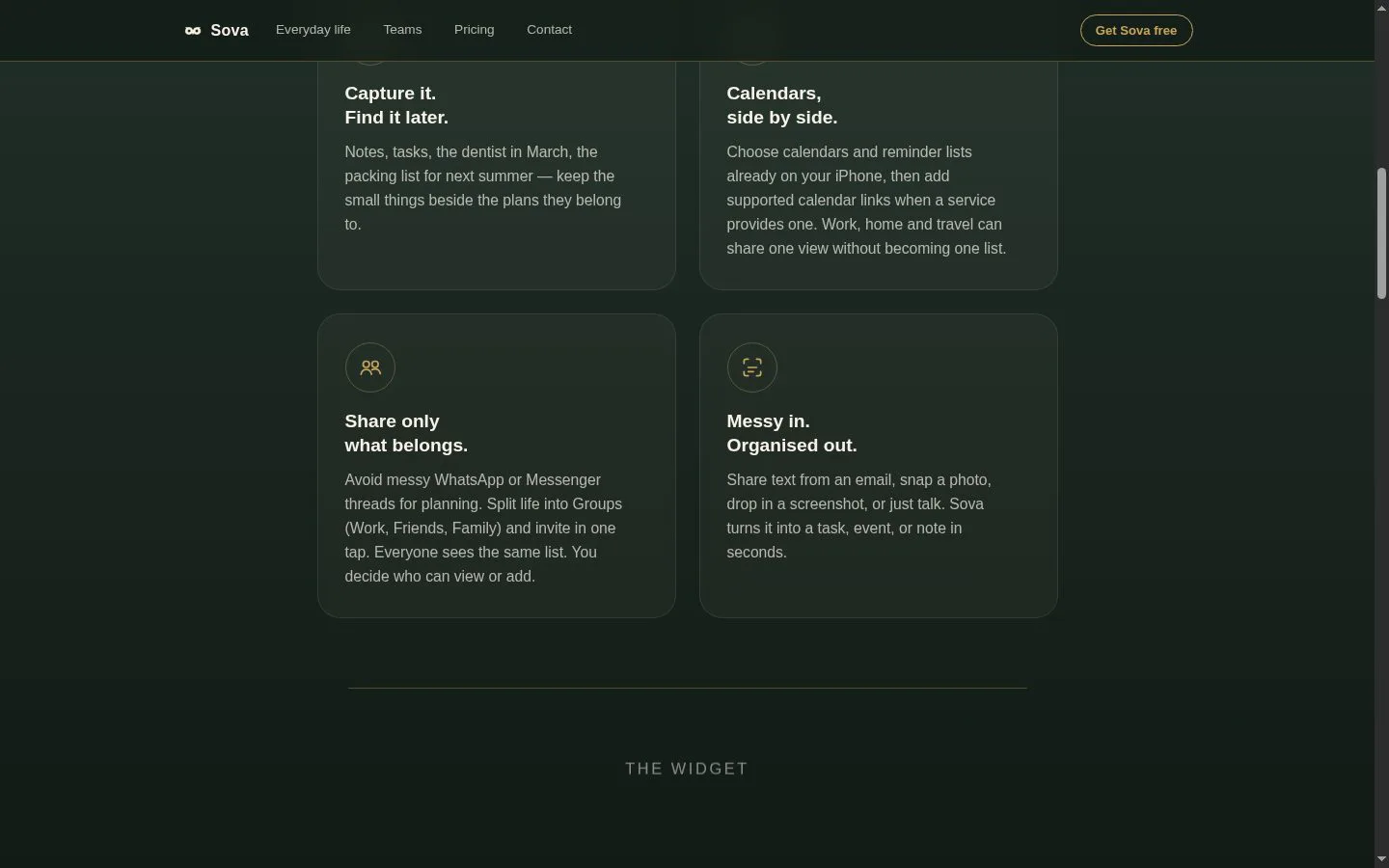
- Stores notes, tasks, events, reminders, checklists, and attachments within separate groups.
- Result
- Users can capture information now and find it when the plan matters.
- Why
- A packing list, appointment, and work note remain beside their relevant context rather than in unrelated apps.
- Problem
- Calendar, reminder, and planning information is scattered across services.
- How it works
- Shows selected iPhone calendars and reminder lists alongside supported calendar links in Today, Calendar, and the Home Screen widget.
- Result
- Users get one view of their day without merging every plan into one list.
- Why
- Sources remain recognisably separate while being viewable together.
- Problem
- Group planning in chats lacks clear membership and permissions.
- How it works
- Lets users share a group by link or QR code, with viewer, creator, and admin roles plus configurable link access.
- Result
- Shared lists stay coordinated without exposing unrelated private plans.
- Why
- Only the people invited to a given family, trip, friend, or team group participate.
- Problem
- Bookings and plans often require manual re-entry.
- How it works
- Converts shared text, photos, screenshots, and voice input into draft tasks, events, or notes; screenshot scanning extracts booking details for review.
- Result
- Plans can be captured in seconds with less retyping.
- Why
- Nothing is silently added, and the user reviews the draft before saving.
- Problem
- Private planning should remain usable without a connection.
- How it works
- Keeps private groups on the iPhone for offline use; shared lists are stored online for invited members to receive updates.
- Result
- Users retain offline access and control over which groups are shared.
- Why
- The product separates local private planning from explicitly shared collaboration.
- Problem
- Teams need schedules and availability without disclosing sensitive plan details.
- How it works
- Supports assigned items, member-only details, and opt-in availability that exposes busy times but not titles or reasons.
- Result
- Small teams can coordinate sessions, shifts, and work while preserving privacy.
- Why
- Roles and visibility controls limit what each member can see.
Product questions
What does Sova Planner do?
Sova is an everyday iPhone planner that brings notes, tasks, calendars, and shared lists into one calm day view while keeping work, family, friends, and personal plans separated into groups.
Who is Sova Planner for?
iPhone users, families, friends, and small teams organizing shared plans.
Screenshots