Marketing tools
Google Maps Scraper
Chrome extension that exports Google Maps business data to CSV/XLSX.
- Category
- Marketing tools
- Stage
- Growth
- For
- Marketing agencies, sales teams, real estate, local SEO and market research
About
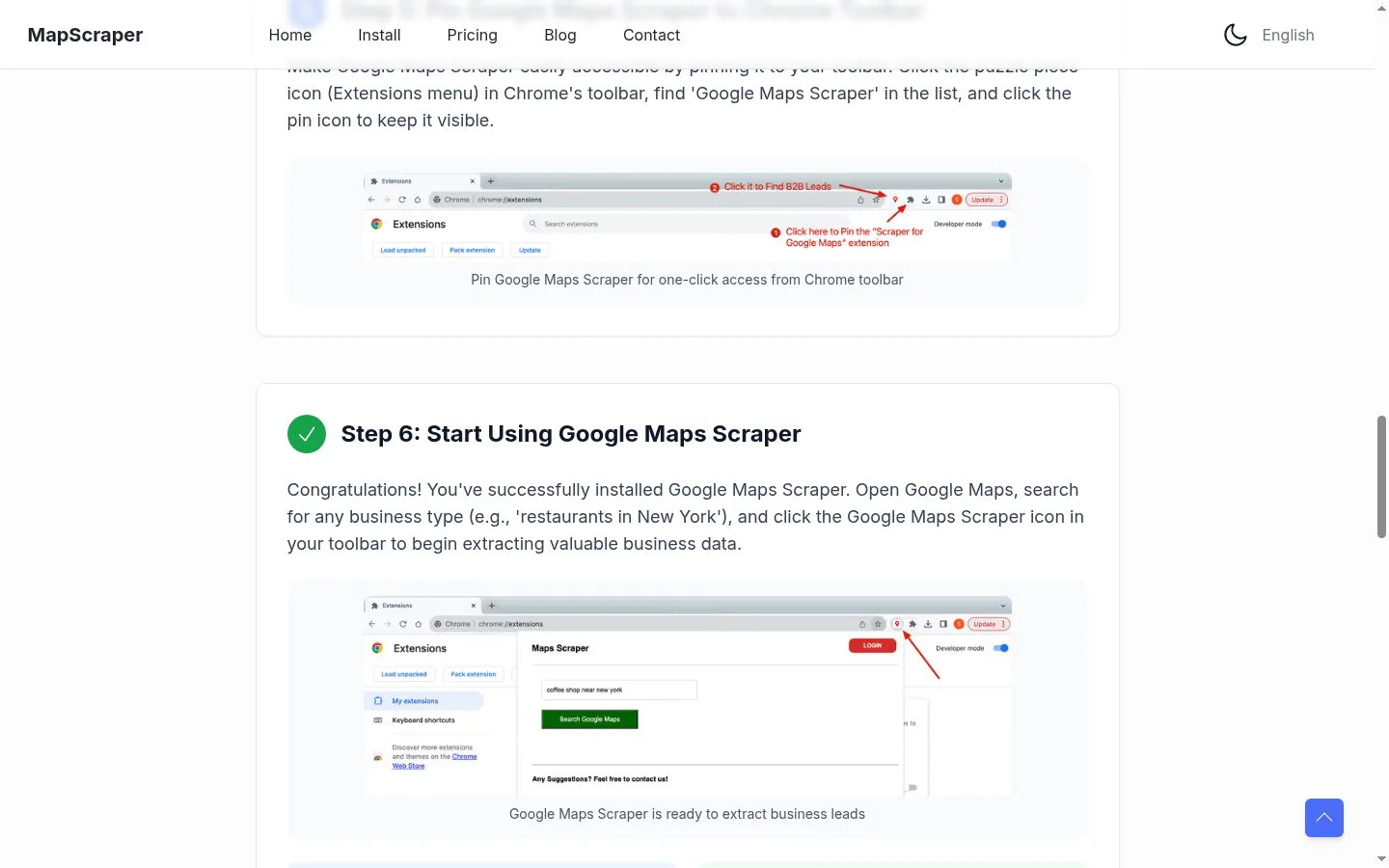
Built for agencies and sales teams who prospect local businesses. Install the extension, run a Maps search, and it collects address, coordinates, phone, website, email, social links, opening hours, ratings, Place ID and CID while it moves through the results. Duplicates are removed before export.
Features
- Problem
- Manually collecting business details from search results takes time.
- How it works
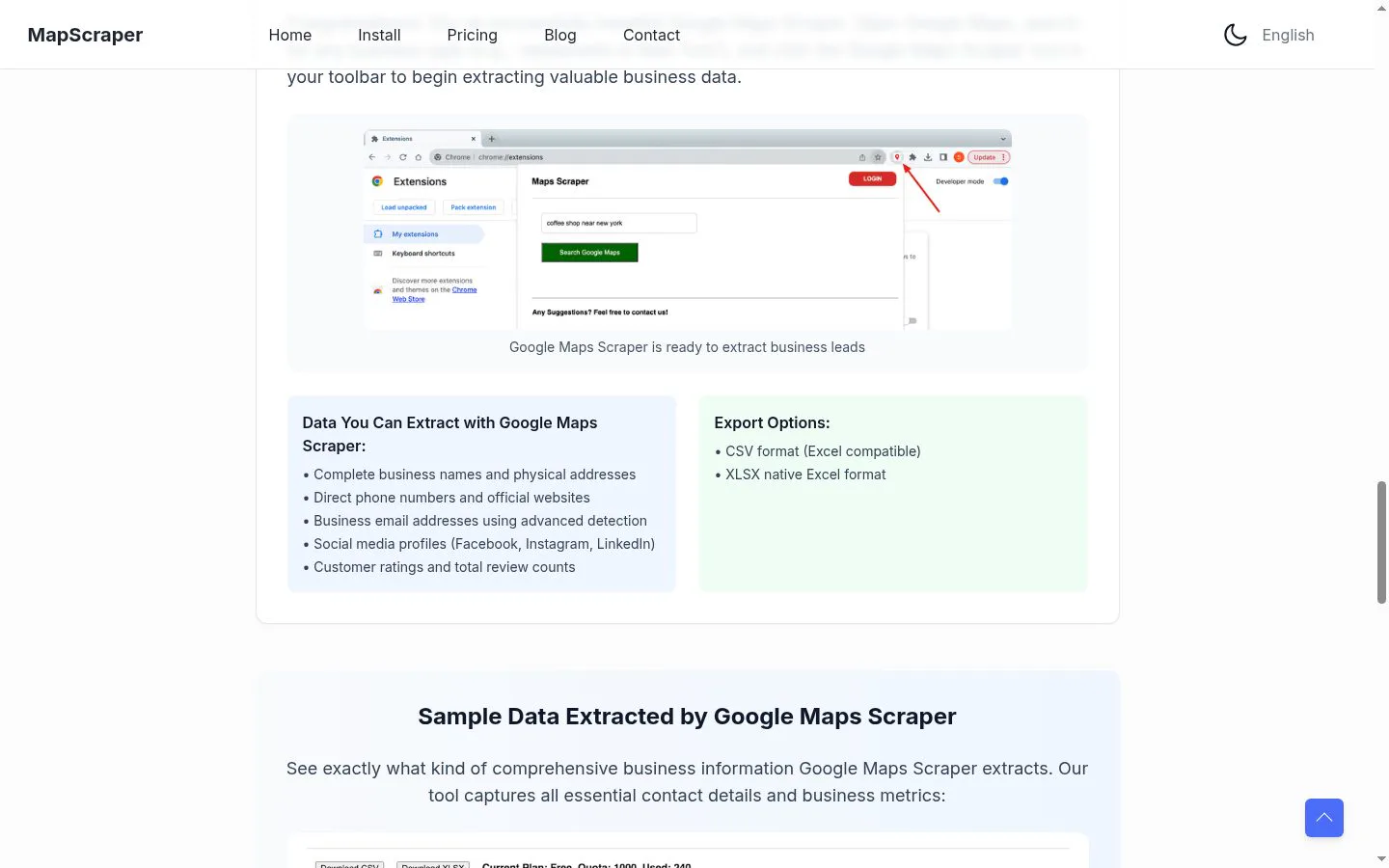
- Extracts business names, physical addresses, phone numbers, and official websites from Google Maps.
- Result
- A list of businesses ready for follow-up or research.
- Why
- Combines key business contact details in one dataset.
- Problem
- Finding additional contact and social information requires extra research.
- How it works
- Can detect business email addresses and capture Facebook, Instagram, and LinkedIn profiles.
- Result
- More complete business records.
- Why
- Adds more ways to identify and contact businesses.
- Problem
- Business lists are harder to assess without reputation data.
- How it works
- Captures customer ratings and total review counts.
- Result
- Business records with review context.
- Why
- Includes customer feedback indicators alongside contact details.
- Problem
- Collected data needs to be usable in spreadsheet workflows.
- How it works
- Exports data in CSV and XLSX formats.
- Result
- Files that can be opened and worked with in spreadsheet tools.
- Why
- Provides spreadsheet-compatible output.
Product questions
What does Google Maps Scraper do?
Google Maps Scraper is a Chrome extension that extracts business information from Google Maps searches and exports it as CSV or XLSX files.
Who is Google Maps Scraper for?
Marketing agencies, sales teams, real estate, local SEO and market research
Screenshots