Security
SecAIQ Watch
AI Security Visibility for macOS
- Category
- Security
- Stage
- Growth
- For
- Mac users, especially developers who use AI coding agents and want local, read-only visibility into their tools’ permissions, activity and network connections.
About
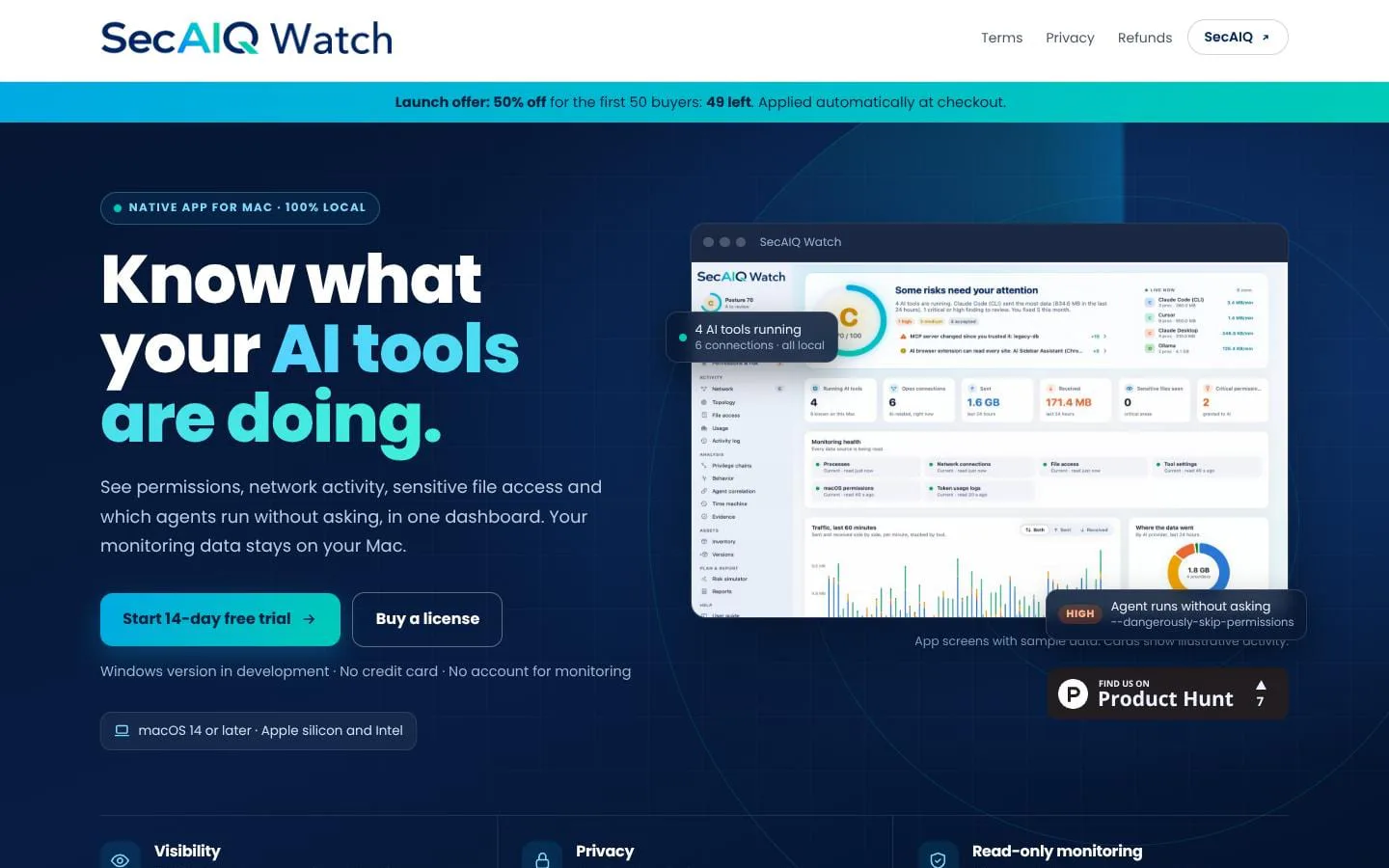
See which AI tools run on your Mac, what they can access and where their data goes. 100% local, no cloud, no account. 14-day free trial, then $19.99/year. Windows version in development.
Features
- Problem
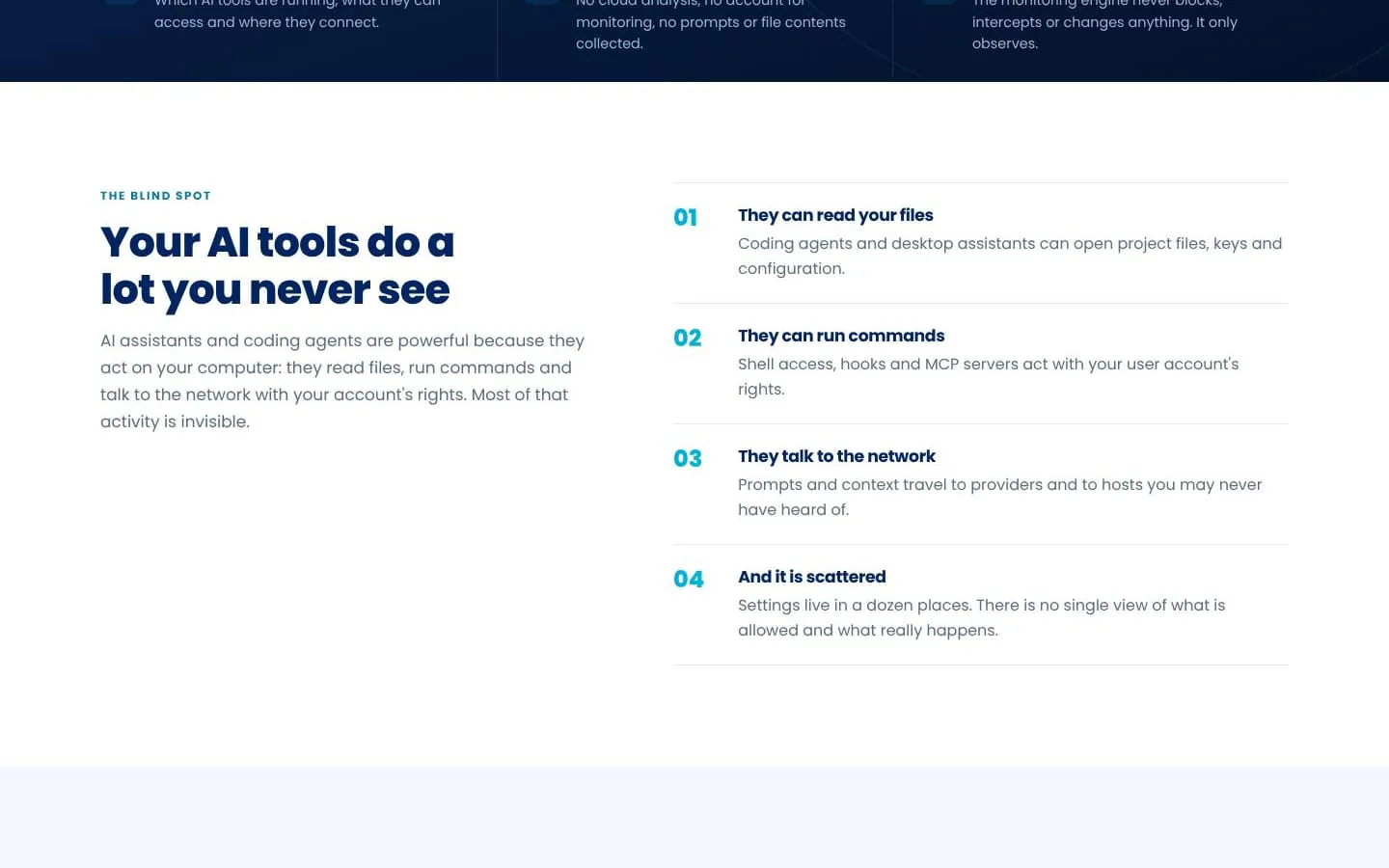
- Users lack a single view of their AI tools and how they connect.
- How it works
- Maps AI tools, MCP servers, providers, and live connections; an access view shows which tools reach sensitive areas.
- Result
- Users can see how their AI tools connect and what areas they may reach.
- Why
- A connected view helps users understand relationships and distinguish observed access from configured or inherited access.
- Problem
- Permission settings and risky startup behavior can be difficult to notice.
- How it works
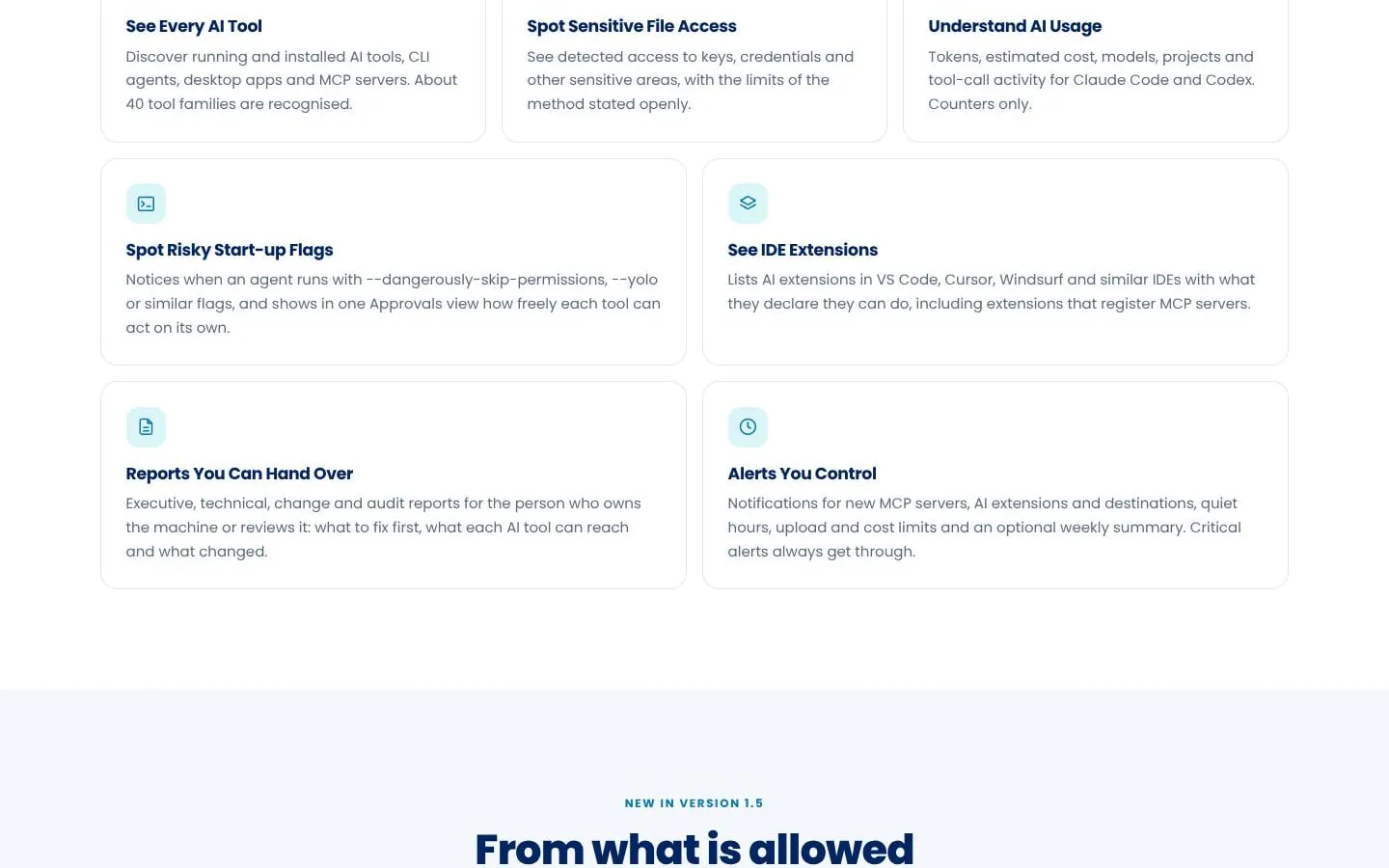
- Shows observed, granted, inherited, and theoretical permissions, permission changes, approval modes, and risky startup flags.
- Result
- Users can identify tools configured to act with less oversight and review permission changes.
- Why
- Separating what was observed from what is configured helps make permission risks easier to assess.
- Problem
- Network activity may be hard to attribute to individual AI tools.
- How it works
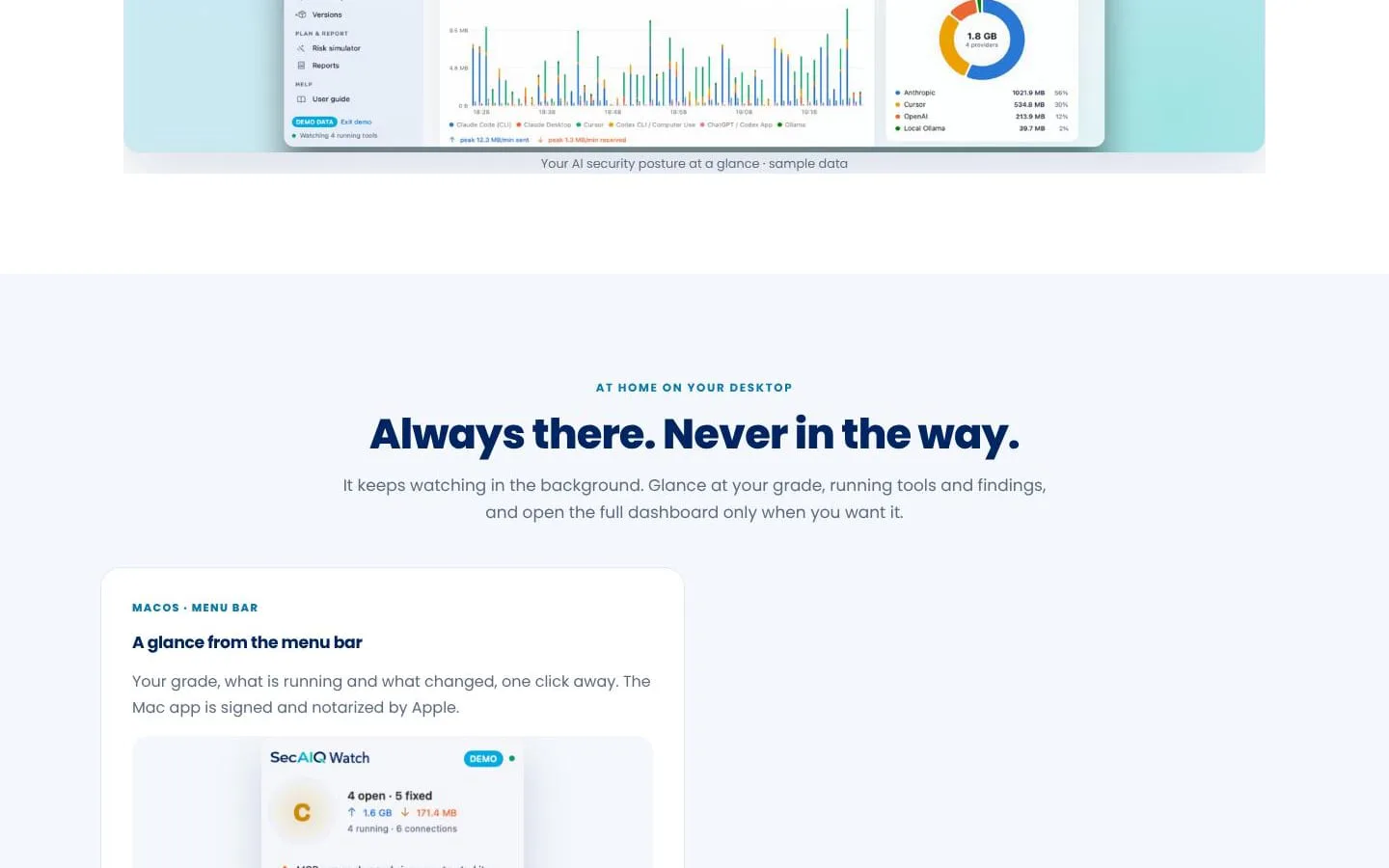
- Shows destinations and data-transfer volumes by tool, with a process tree and alerts for new destinations.
- Result
- Users can review AI-tool connections and notice new destinations.
- Why
- Attribution gives users context about which process made a connection and where it went.
- Problem
- Security findings can be difficult to verify or prioritize.
- How it works
- Presents plain-language findings with evidence, risk and confidence, including locations of key-like values without showing the values.
- Result
- Users can investigate findings and track what they have resolved.
- Why
- Evidence and stated limits help users understand what was observed and what remains uncertain.
- Problem
- A current snapshot does not show how activity or exposure changes over time.
- How it works
- Keeps local daily history, supports comparisons, and provides behavior profiles, agent-session correlation, and dry-run risk simulations.
- Result
- Users can review changes and explore possible effects without changing settings.
- Why
- Historical context and clearly labeled estimates help users examine change without implying that a possible route was an actual event.
- Problem
- Users may need to share security information with someone else.
- How it works
- Creates executive, technical, change, and audit reports in PDF, HTML, or JSON, with personal details masked by default.
- Result
- Users can share a report file when they choose.
- Why
- Different report formats and views help tailor information for review while keeping report creation local.
Product questions
What does SecAIQ Watch do?
SecAIQ Watch is a local, read-only security monitor that shows what AI tools on a Mac are running, what they can access, and where they connect.
Who is SecAIQ Watch for?
Mac users, especially developers who use AI coding agents and want local, read-only visibility into their tools’ permissions, activity and network connections.
Screenshots