Other
Remove Vocal
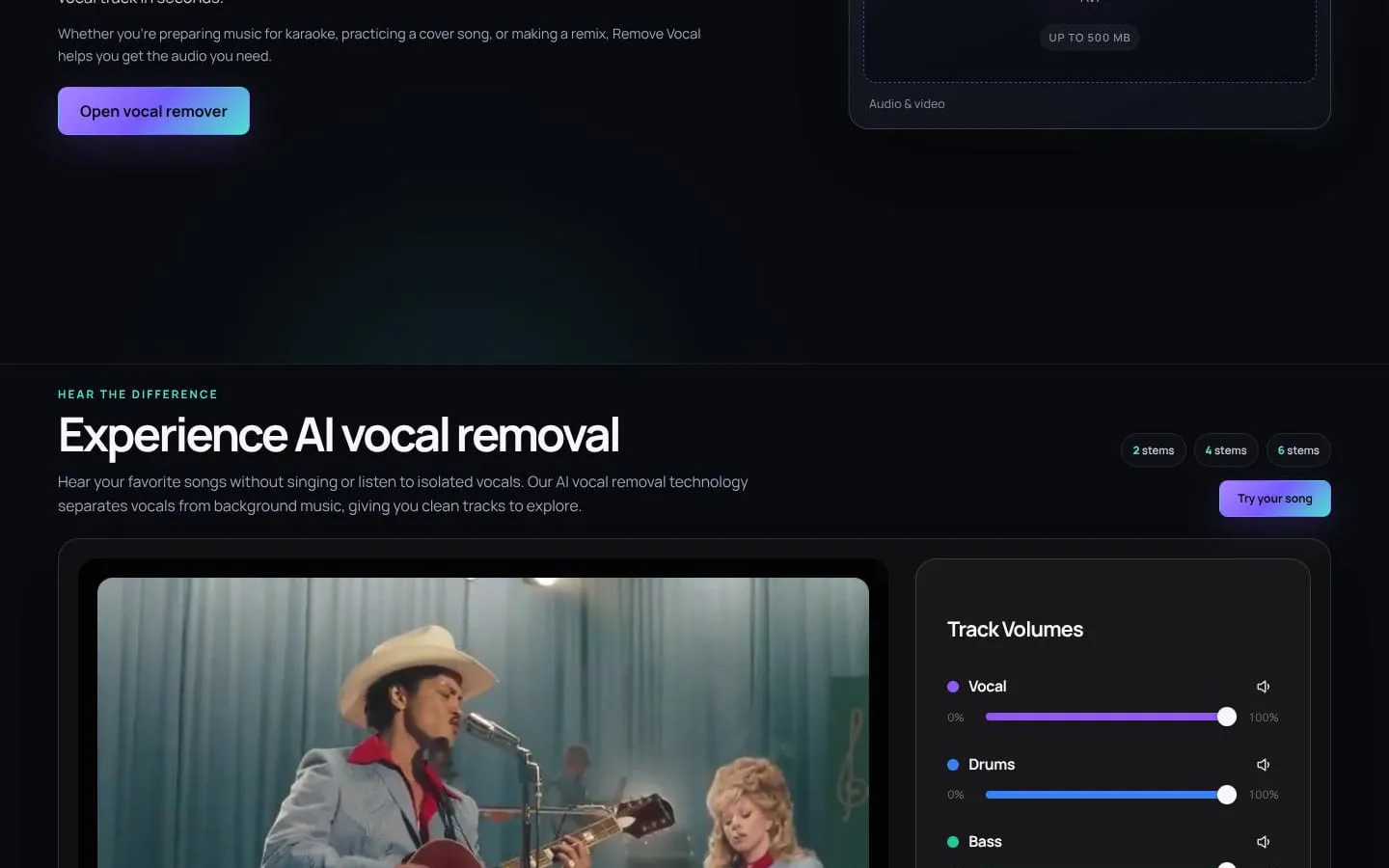
Split any song or video into vocals, instrumental, drums, bass, guitar and piano in your browser, with timed lyrics and pitch/tempo controls.
- Category
- Other
- Stage
- Growth
- For
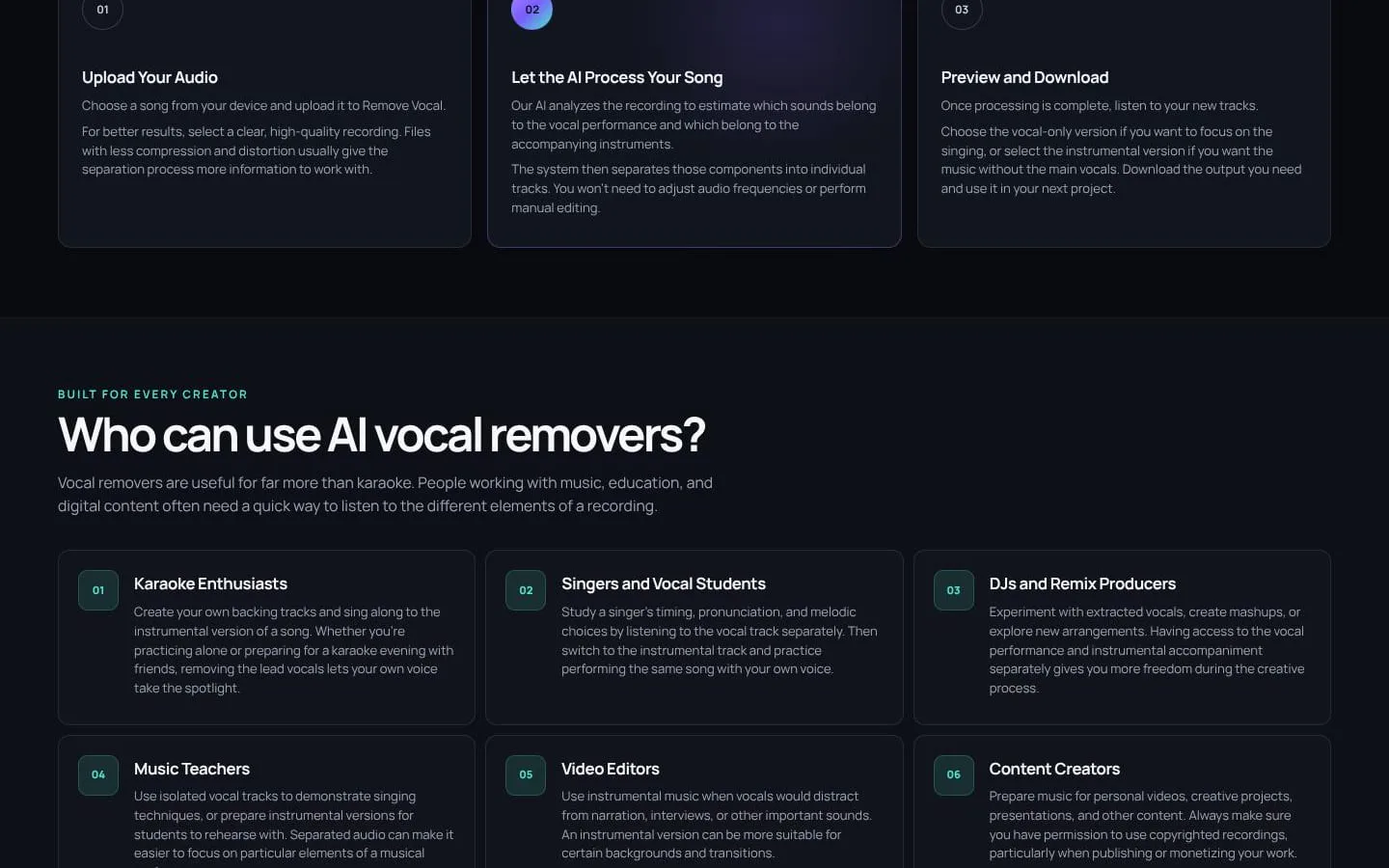
- Karaoke fans, singers, cover artists, musicians, DJs, music teachers and video editors
About
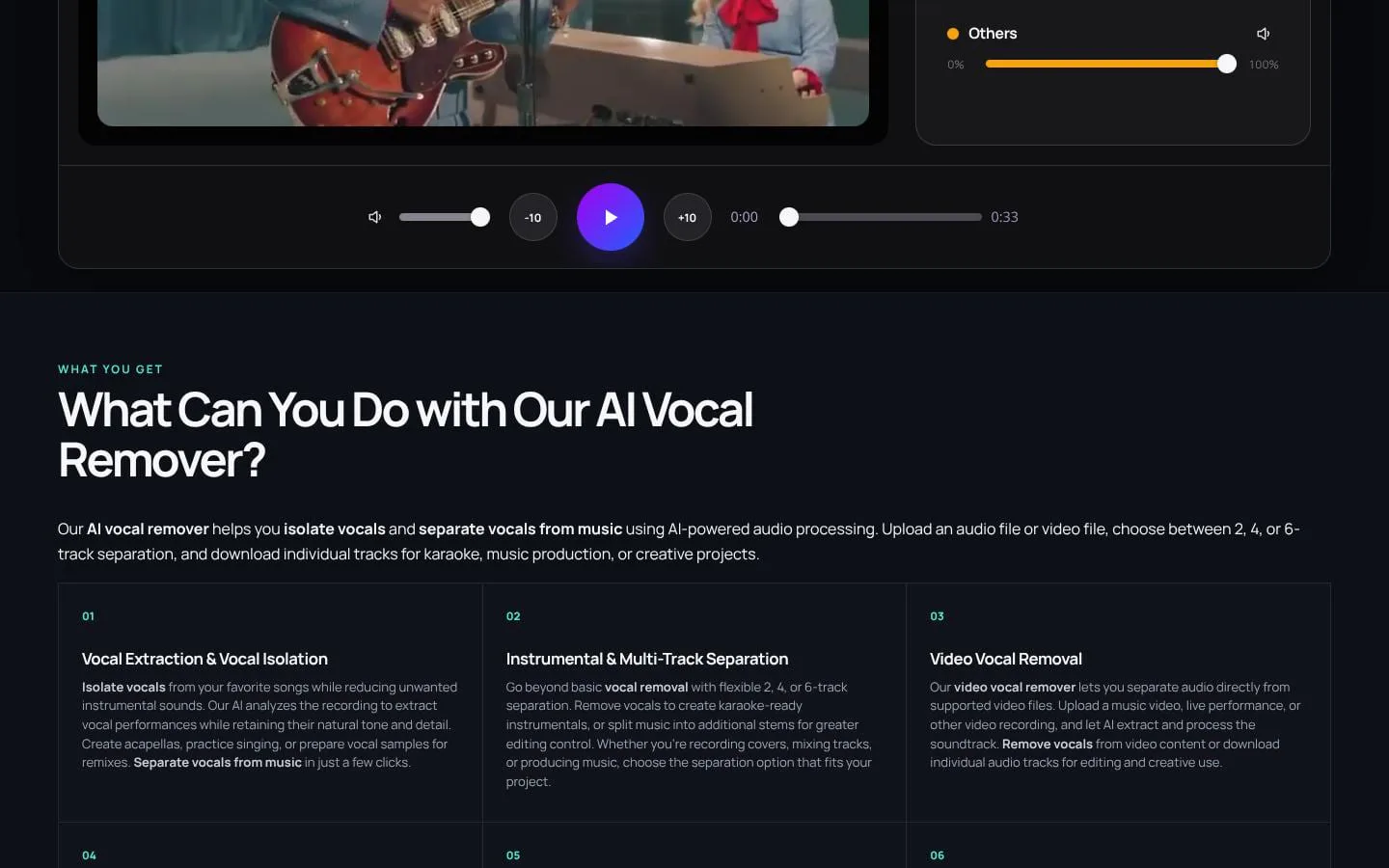
Remove Vocal is an online AI vocal remover and stem splitter. Upload a finished song or a video and it separates the recording into individual tracks you can preview and download, right in your browser, with nothing to install. Choose 2 stems (vocals + instrumental), Hi-Fi 2 stems for the cleanest vocal/instrumental split, 4 stems (vocals, drums, bass, other) or 6 stems (vocals, drums, bass, guitar, piano, other). It accepts MP3, WAV, FLAC, M4A and OGG audio and MP4, WebM, MOV and AVI video up to 500 MB. Every plan includes timed lyrics synced with the separated tracks and pitch and tempo controls that work independently. Pricing: Unlimited Weekly $2.99/week or Unlimited Monthly $5.99/month. Available in English, German and Korean. Support: support@remove-vocal.com
Features
- Problem
- Users may need the singer separated from the rest of a mixed recording.
- How it works
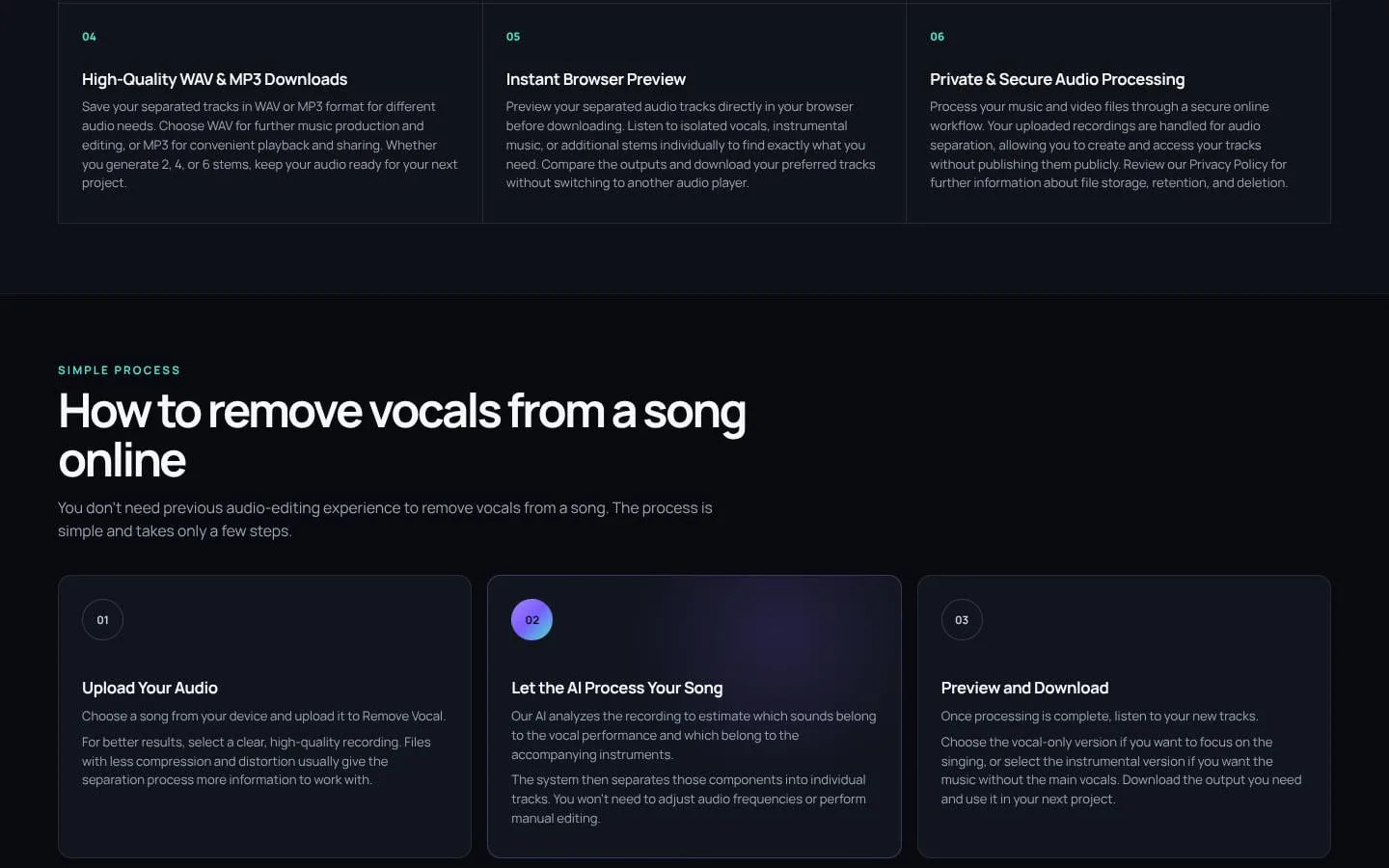
- AI estimates separate vocal and instrumental tracks from an uploaded recording.
- Result
- Users can listen to or use the vocal-focused track and instrumental separately.
- Why
- A focused two-track split supports vocal study, acapella preparation, covers, and karaoke backing tracks.
- Problem
- A basic vocal-and-music split may not provide enough control over an arrangement.
- How it works
- Users can select 2, 4, or 6 estimated stems, with additional outputs such as drums, bass, guitar, and piano in the broader modes.
- Result
- Users can work with a simple split or more individual parts for practice, editing, and remix preparation.
- Why
- Different projects need different levels of separation.
- Problem
- People may want to process a music video or other supported video recording.
- How it works
- The uploader accepts supported audio and video files and separates the video's soundtrack into audio tracks.
- Result
- They can preview and download separated audio; creating a finished video with replacement audio requires separate editing.
- Why
- Users can start from a video file instead of extracting its audio separately.
- Problem
- Users need to assess a separation before relying on or downloading it.
- How it works
- Separated tracks can be previewed in the browser before download.
- Result
- Users can check the tracks and decide whether they suit their project.
- Why
- Results vary with the source recording, mix, and effects.
- Problem
- Different projects may require different audio export formats.
- How it works
- Separated tracks can be downloaded in WAV or MP3.
- Result
- Users can take audio outputs into their next activity or workflow.
- Why
- WAV can suit further editing, while MP3 is convenient for playback and sharing.
Product questions
What does Remove Vocal do?
Remove Vocal is an online AI audio-separation tool that turns supported audio or video recordings into vocal, instrumental, and additional estimated music stems for preview and download.
Who is Remove Vocal for?
Karaoke fans, singers, cover artists, musicians, DJs, music teachers and video editors
Screenshots