




















AI writing assistant
AI writing assistant for startup and product updates
Buildside’s AI writing assistant turns a topic, product improvement, or set of founder notes into an editable community post. Use it for startup updates and product launch copy when you know what happened but need help explaining it. Review the facts, add your own experience, and shape the wording before publishing so the finished post represents your work accurately.
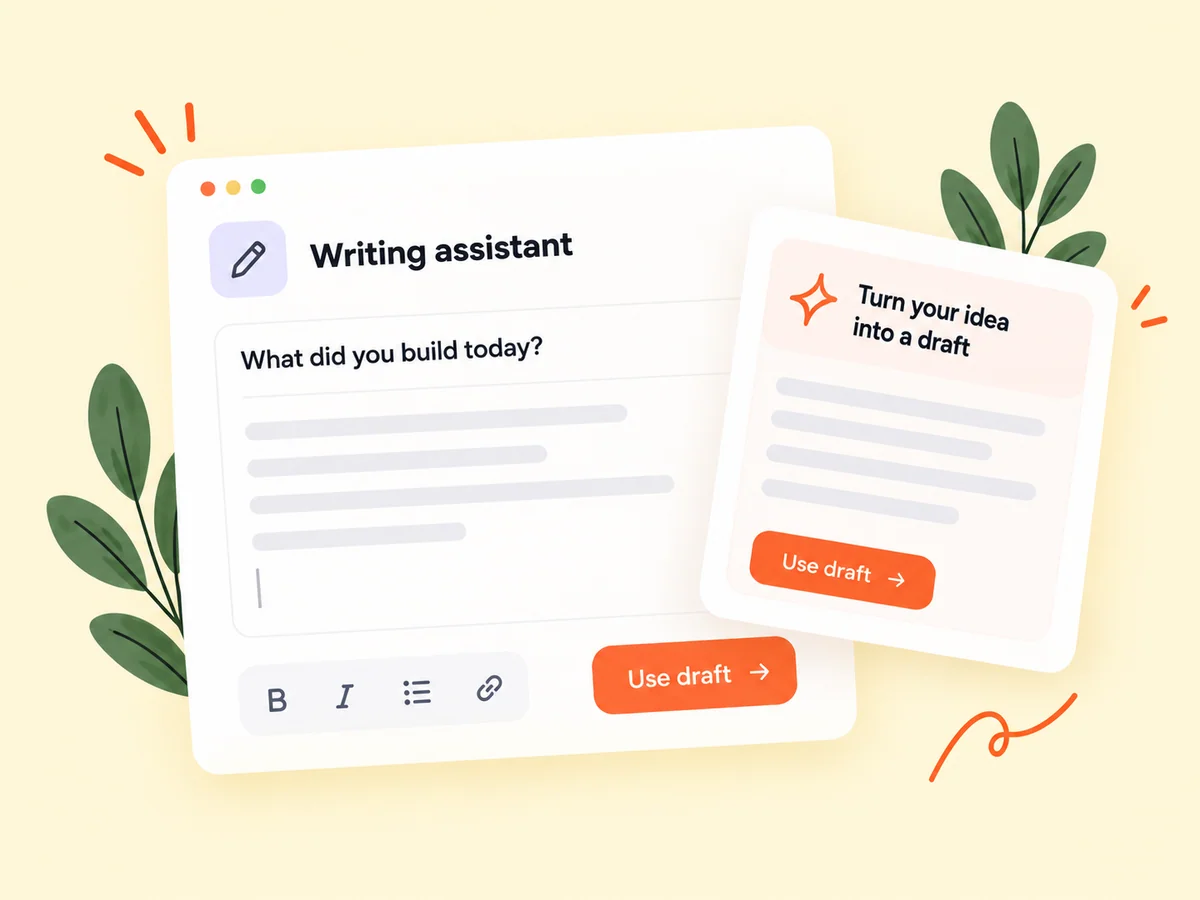
A closer look at AI writing assistant
Useful AI content creation begins with information only you can provide: the user problem, the change you made, the evidence you saw, and the question you still have. Give the writing assistant those details before asking for a post. The resulting draft is easier to assess when it has a clear purpose and stays within the facts you supplied.
A useful founder update usually begins with something concrete, but turning that event into a clear post can take time. The writing assistant can help you find an opening, organize the context, and express a question. Your own experience supplies the substance. The final review should make sure every claim matches what happened and every detail serves the intended reader.
Make it useful
Give AI writing tools the product facts they need
Use a shipped improvement, a product decision, or a concrete lesson as the source for your update. If your work begins in GitHub, the GitHub update-draft workflow can also help bring newly shipped features into a reviewable story. In either case, check that the resulting post describes the actual change accurately.
Prepare a short source note before generating copy. Include the user problem, the change, its current availability, and any observation you can support. Mention important limits, such as a small test or a feature that is still being developed. This gives the draft a factual basis and reduces the work needed to remove broad, unsupported promises afterward.
Explore GitHub updates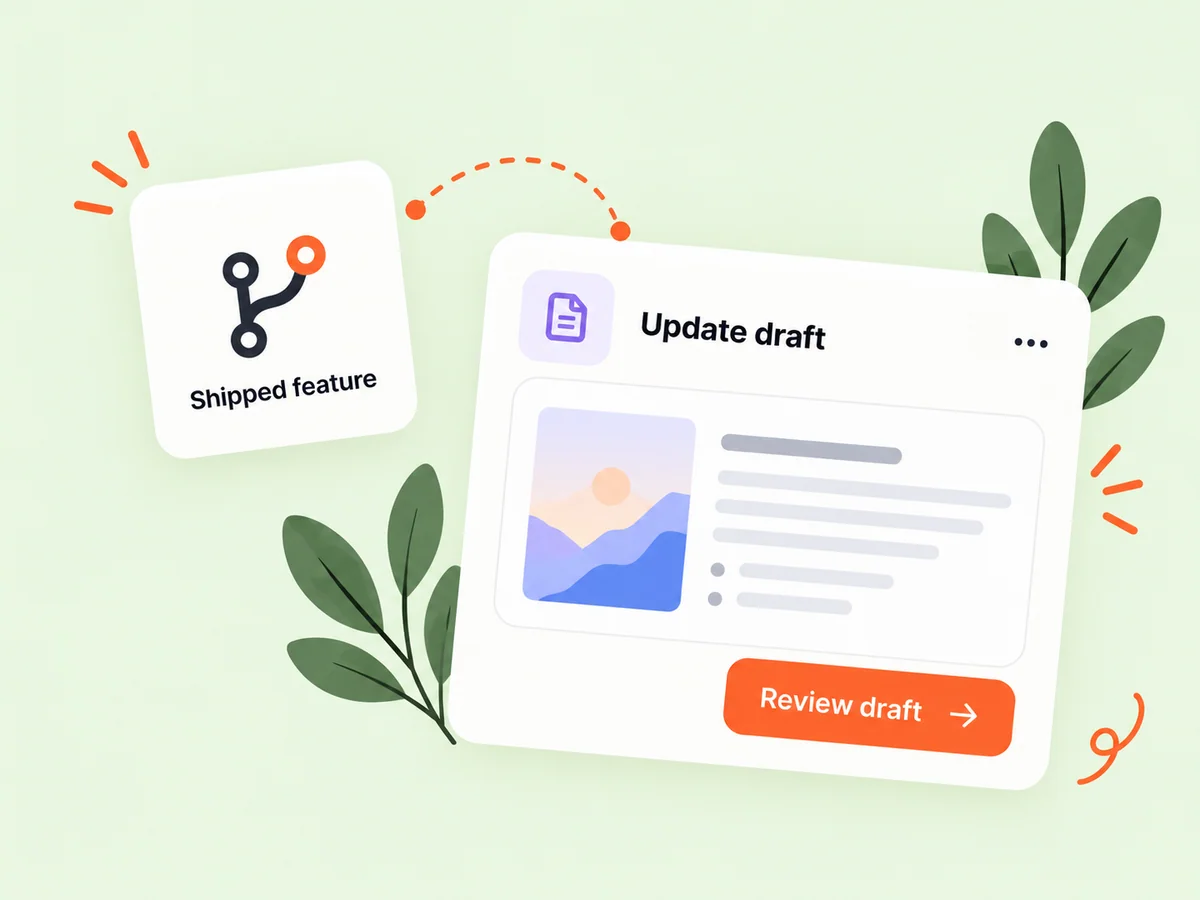
Keep building
Edit AI-generated copy into your founder voice
Treat the suggested wording as a draft. Replace broad claims with what you observed, remove details you cannot support, and add the question you want readers to discuss. Save unfinished work to your draft library when you need more time to refine the message or choose a fitting screenshot.
Read the draft as someone unfamiliar with your product. Replace generic adjectives with the task a user can now complete, and remove any claimed result you did not provide. Keep the phrasing natural to you. A concise question about a real decision is often more useful than a polished closing sentence that asks for engagement without a purpose.
Explore saved drafts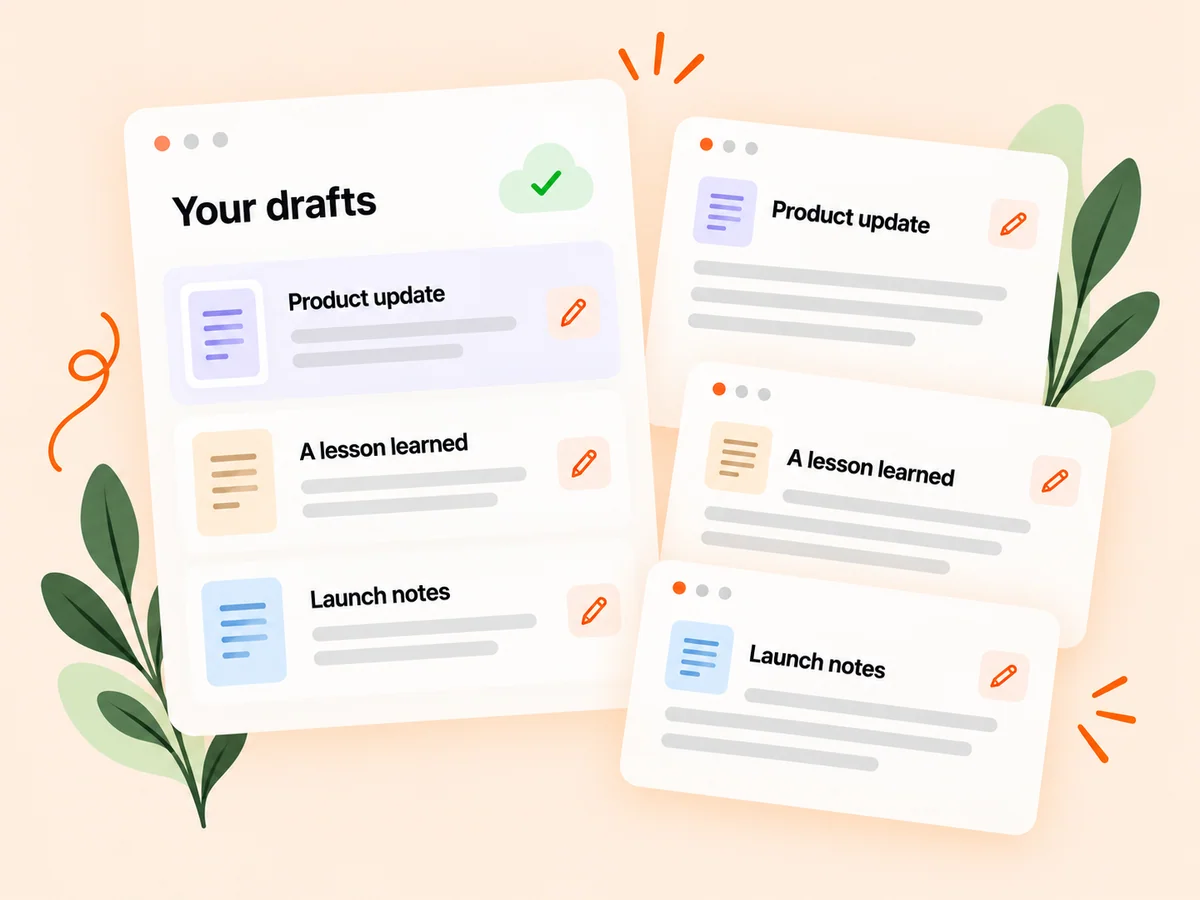
From idea to action
How to get started
Describe the update
Provide a topic and the facts behind it: the problem, change, intended audience, and any lesson you want to share. Write down the facts before choosing a tone. Specify the product, audience, and development you want to explain, including anything the draft must not imply.
Review the suggested copy
Check accuracy, clarity, and tone. Add your own examples and remove unsupported claims. Check the generated structure against your intended point. Move the useful answer or change near the beginning, then add the background a reader needs to understand it.
Save or share when ready
Keep the draft for later or publish it through the normal composer after reviewing the final wording. Review names, links, availability, and any numbers before sharing. Save the post as a draft if a claim still needs checking or you want to add a more informative image.
Find your starting point
Use an AI writing assistant for real product developments
Use AI writing help when the product work is ready to explain but the first draft feels difficult. A founder might need to turn release notes into a short announcement or describe an onboarding experiment for other builders. Provide the original details and the audience’s likely question. The assistant can help organize the message while you remain responsible for the facts and final wording.
Writing assistance is less useful when the input contains only a broad topic with no original observation. Add the actual decision, example, or question first. The assistant can help structure that material, while your review ensures the post contributes something specific to the community.
An example to adapt
Example: explain a simpler export workflow
Suppose you removed several steps from exporting a client report. Your source note explains the previous task, the changed screen, and who can use the improvement now. Ask for a draft that describes the workflow without claiming an unmeasured amount of time saved.
During editing, replace a phrase such as effortless reporting with the concrete action the user can take. Add a screenshot and ask a question about how other founders decide which export options to show. This illustrative example turns supplied facts into a useful discussion rather than a generic announcement.
Make the most of it
Review AI content for facts, clarity, and your own voice
Choose AI writing tools by how well the output supports the actual task. For a founder update, check that the draft names the user problem, explains the change, and avoids inventing outcomes. Replace generic praise with a concrete detail from your work. Read the post aloud, remove repetition, and make sure the wording still sounds like something you would say to another founder.
Keep a clear boundary between assistance and evidence. AI-generated wording is not proof that a feature works, that a customer said something, or that an experiment succeeded. Use the assistant to improve communication and use your own records to support the claims you publish.
Good questions, clear answers
About AI writing assistant
How do I use an AI writing assistant for startup updates?
Provide the product change, intended audience, and facts you want to explain, then generate an editable draft. Review the copy for accuracy, add your own reasoning, and remove claims you cannot support. Buildside’s AI writing assistant helps prepare community posts; it does not automatically publish the draft or replace your responsibility for the final message.
What should I give the assistant as input?
Provide concrete context about something you built, learned, or tested. Specific facts help you get a more useful starting draft. Include the limitation as well as the improvement. For example, say that a workflow is available to beta testers if it is not yet part of the public product.
Can I keep editing the generated post?
Yes. The suggested copy is editable. You can revise the wording and use saved drafts when the post needs more work. Use that editing step to add the specific observation or decision only you can supply. The value of the post comes from the work being explained, not from how polished the first draft sounds.
How can I make an AI-assisted update sound like me?
Replace wording you would not normally use, keep the explanation at your natural level of detail, and add the reason you made the decision. Read the post aloud and remove inflated claims. Your actual observations and priorities give the update a recognizable voice more effectively than asking for generic enthusiasm.
What should I check in an AI-generated founder post?
Verify the product behavior, names, links, dates, and any numerical claim. Distinguish a shipped capability from a plan and an observed result from an expected benefit. Check that a quoted statement or customer example is real and appropriate to share before leaving it in the draft.
AI writing assistant