




















Build in public
Build in public with a startup community
Build in public by sharing the decisions, experiments, and product updates behind your startup. Buildside’s community feed connects those updates with SaaS founders and indie hackers who can discuss the work. Whether you are preparing a product launch or improving an existing tool, a clear post gives readers a reason to follow your progress and contribute useful feedback.
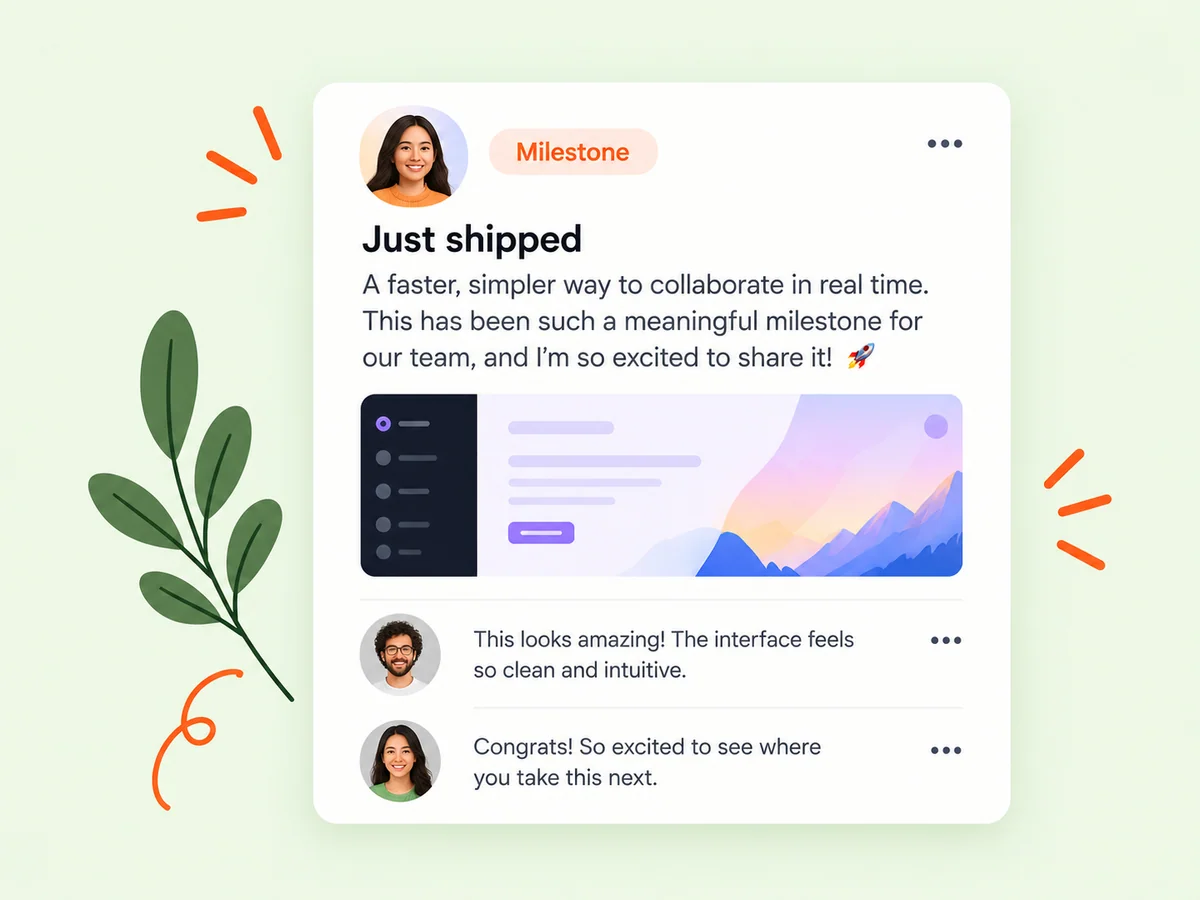
A closer look at Build in public
A startup community becomes useful when people can respond to a specific problem. Explain what you built, who needs it, and what you learned while making it. Building in public can start with a small onboarding improvement or an unanswered product question. You do not need a launch announcement every time you have something worth sharing.
For a solo SaaS founder, the strongest material often comes from ordinary product work: simplifying a setup screen, changing a confusing label, or learning why someone abandoned a trial. The feed brings those small developments into the same community as launches and bigger milestones. Readers can understand both the result and the reasoning, which makes a reply more useful than a reaction to a headline alone.
Make it useful
Connect your startup update to a product page
Connect the work you share with a product people can explore. A product page adds the pitch, screenshots, and founder context behind an update, while the feed gives you room to explain what changed and why. Someone discovering a small improvement can learn about the wider product without piecing its story together from unrelated posts.
Before publishing, ask what a new reader needs to know. Name the intended user, the task you improved, and the previous difficulty. A screenshot is more informative when its caption explains the change. Keep the product introduction short and let the linked product page carry the broader description. This keeps the update focused while giving interested readers somewhere to continue.
Explore product pages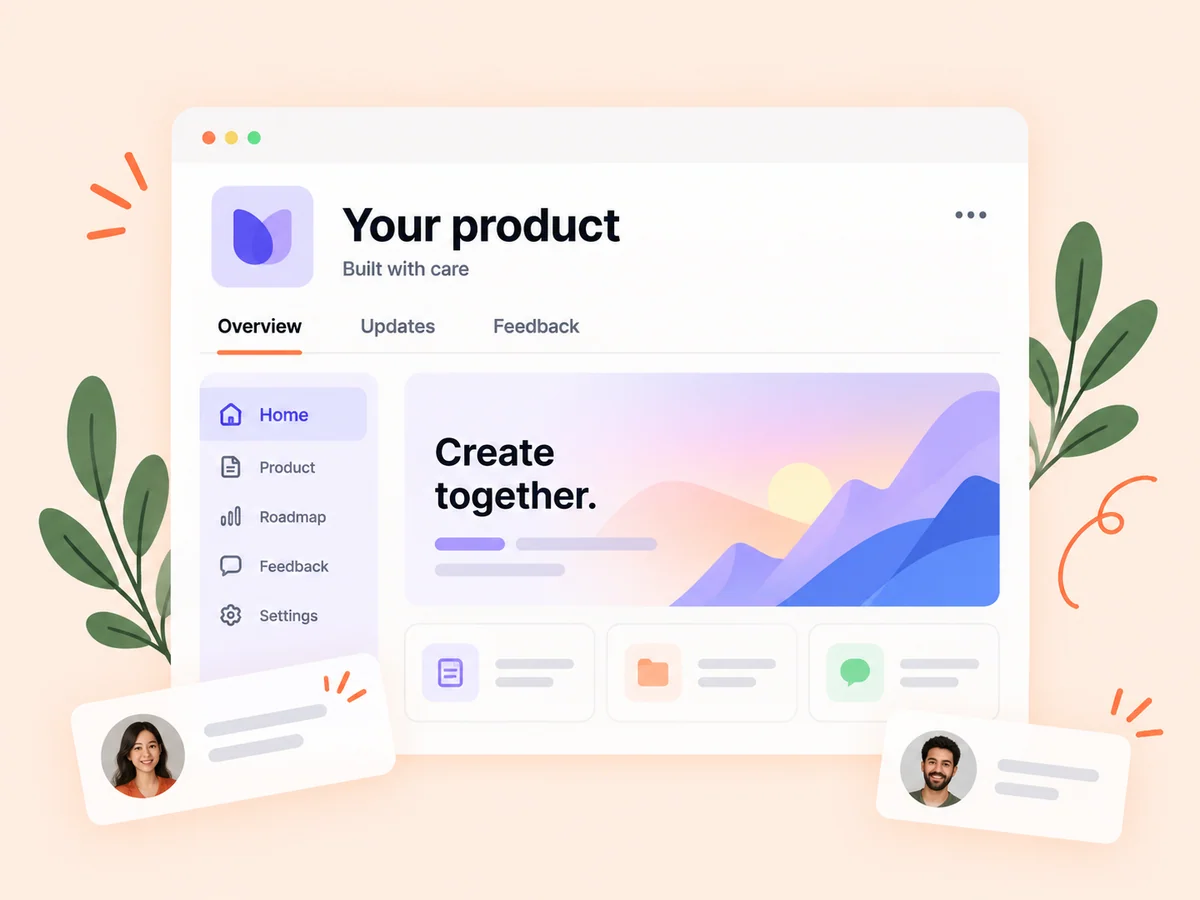
Keep building
Build a conversation around your product progress
Read replies, answer questions, and follow founders whose work is relevant to yours. Returning to those conversations can help you notice recurring problems and new approaches. For example, an update about a signup redesign might lead to a discussion about the first task a new user should complete. That conversation can inform what you test next.
An effective follow-up closes the loop on the original question. If someone suggested shortening an onboarding form, explain which fields you changed and what you observed afterward. Separate your observation from your interpretation: a smoother test session suggests an improvement, but it does not establish a universal conversion result. This kind of public learning gives future readers context they can actually apply.
Explore following
From idea to action
How to get started
Choose one useful development
Start with a launch, a result, a question, or a lesson. Explain who it affects and why you chose to work on it. Choose a development you can describe accurately today. If the work is unfinished, say what you have tested and what still needs to happen before people can use it.
Add evidence and context
Include a screenshot, a short demonstration, or the reasoning behind the change. Make the update understandable to someone encountering your product for the first time. Remove private customer details from anything you share. Explain what the evidence shows and what it cannot yet tell you, especially when an experiment involved only a few people.
Continue the discussion
Publish your update, respond to useful questions, and share a follow-up when you have something new to report. A useful response may be a clarification, a thank-you, or an explanation of a tradeoff. You do not need to accept every suggestion to make the discussion worthwhile.
Find your starting point
When to share a build-in-public update
Use the community feed when you want perspective on a product decision, a public record of an experiment, or a place to introduce a new release. A solo founder might describe a difficult setup step and ask how other builders approach it. A team preparing a product launch can explain the first workflow early adopters will be able to try.
Use a lesson post when your experience can help someone make a decision. Describe the conditions around the lesson, including the audience and product stage. Buildside’s founder community supplies a place for the discussion; the usefulness comes from the detail you bring and the attention you give to relevant replies.
An example to adapt
Example: share an onboarding improvement
Imagine you are building invoicing software for freelancers. Your update explains that first-time users had to enter every client detail before creating a sample invoice. You show a revised flow that allows them to try a sample first, and describe what you noticed during a small round of testing.
Ask a focused question such as which details a freelancer would need before sending a real invoice. After trying the suggestions, publish a follow-up that distinguishes what changed from what remains uncertain. This is an illustrative workflow, not a reported customer outcome or a promise that the same change will work for another product.
Make the most of it
Make startup updates useful beyond launch day
Treat build-in-public content as an explanation of your work. Name the user problem, show the relevant change, and separate what you observed from what you hope will happen. A useful startup update gives someone enough detail to ask a better question. Repeating a launch slogan offers far less context for a founder who is encountering your product for the first time.
Keep the discussion centered on the work. Ask one answerable question, credit helpful contributions, and correct an earlier statement when new evidence changes your view. A coherent public product story develops through these connected explanations, including the decisions you revisited.
Good questions, clear answers
About Build in public
What does build in public mean for a startup?
Building in public means sharing selected parts of your startup’s progress while the work is happening: product decisions, experiments, releases, and lessons. On Buildside, founders use community posts to explain that work and discuss it with other builders. Choose information you can share responsibly and give readers enough context to understand both the progress and its limits.
Do I need a launched product to post?
You can share work in progress, early ideas, and lessons while building. A clear explanation of your current stage helps readers understand what kind of feedback would be useful. Early-stage posts work best when they describe an actual decision or experiment. Give readers enough detail to respond to the problem you are investigating instead of asking them to assess a vague idea.
How is the feed connected to founder discovery?
Posts introduce people through their work. Readers can open founder and product profiles, follow what interests them, and continue relevant conversations. That makes an update a useful introduction to your thinking. Keep your profile and product description current so someone who follows the conversation can understand the work behind it.
How often should I post a startup update?
Publish when you have a useful development to explain and time to respond. A sustainable routine might follow completed experiments or product changes rather than a daily quota. Several thoughtful updates about one product journey can be more useful to a reader than repeated announcements with little new information.
What if an experiment did not work?
Explain the original expectation, what you tried, and what happened. Identify any limitations before describing your next step. A failed experiment can still help other founders assess a decision, provided the post gives enough context and avoids presenting one product’s experience as a rule for everyone.
Build in public