




















The build-in-public community
About Buildside and its founder
Buildside is a community where SaaS founders and indie hackers build in public. Founders share product updates, ask for feedback on work in progress, discover other software products, and meet people with relevant experience.
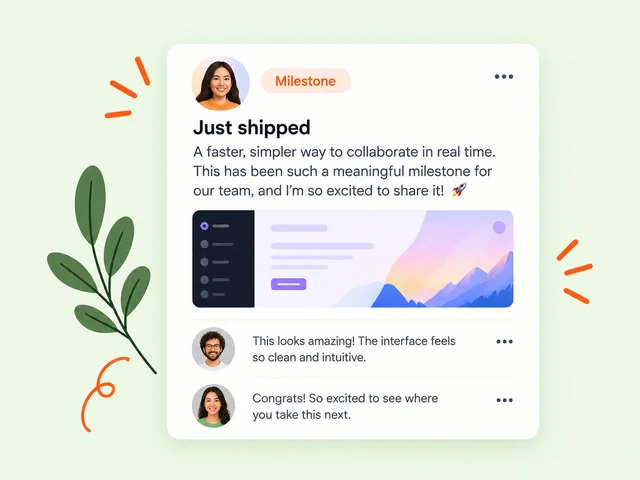
Explore Buildside
What can you do on Buildside?
Start with what you need today. Share an update if you want input on a decision, look up a founder if you want to learn from someone’s experience, or browse products if you want to see what people are making.
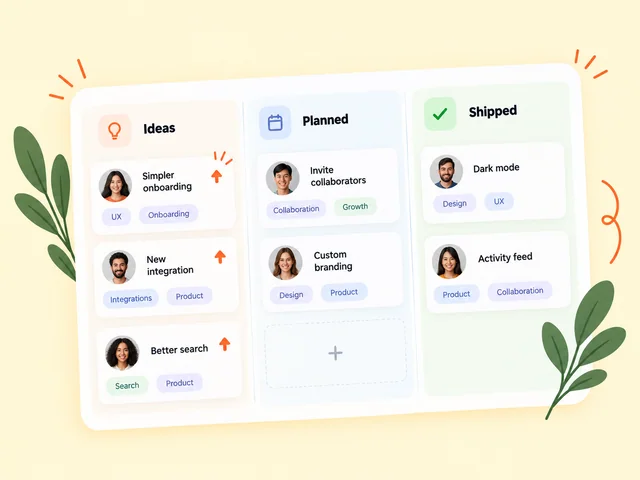
Share work in the community
Post a release, experiment, or question. Explain what changed and what you’d like feedback on. As you ship improvements, share what you learned from the replies.
Explore the Buildside community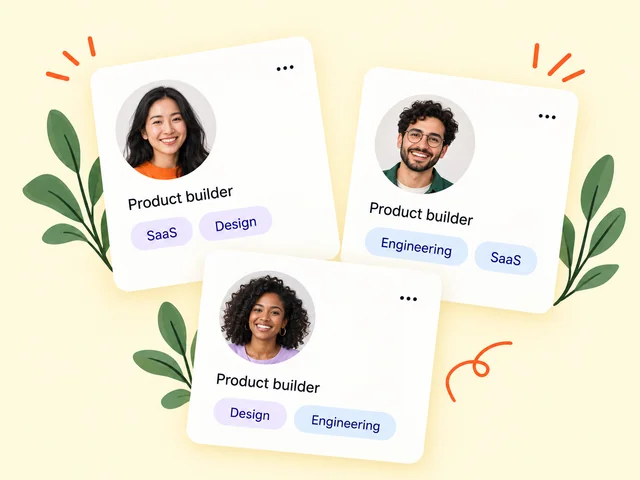
Meet SaaS founders
Browse founder profiles to see what people are building and where their experience overlaps with yours. A public update can give you a useful reason to start a conversation.
Browse the founder directory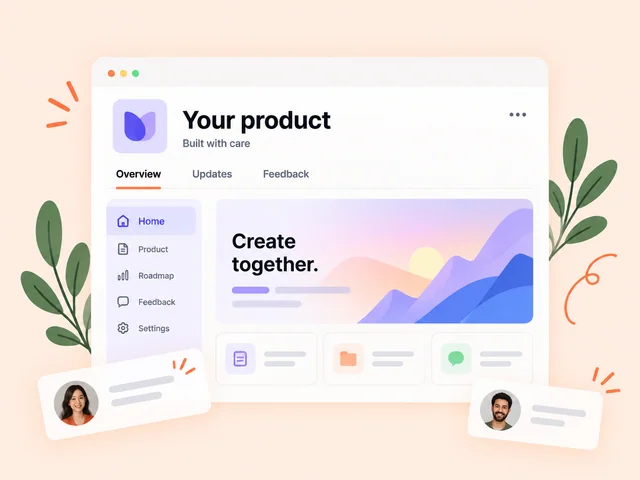
Discover SaaS products
Explore software by the problem it solves. Product pages bring together a pitch, screenshots, and founder context so you can decide what to try or follow.
Browse the SaaS product directoryWhat does it mean to build in public?
Building in public means sharing selected parts of your startup’s work while it’s happening. That can be a prototype you’re testing, a decision you’re working through, a small release, or a lesson from an experiment. The best update gives readers enough context to understand what changed and a specific way to respond.
If you’re validating an idea, explain the workflow you’re trying to improve. If you’re preparing a launch, show one job the product already does. If you’re running an established SaaS, share the reasoning behind a change that another founder could learn from.
Worked example
How to ask for feedback on a new dashboard
1. Show the change
A founder building client reporting software shares a screenshot of a redesigned dashboard with a sample report.
2. Ask one question
They ask agency owners where they would click to send the report to a client, before showing them the intended path.
3. Share what happened
If readers consistently look in a different place, the founder can test a clearer label and post a follow-up explaining what changed.

Behind Buildside
Who founded Buildside?
Uriel Bitton founded and runs Buildside. The community gives SaaS founders a public home for the work between launches, from small product decisions to experiments that change what they build next. Follow Uriel’s public profile to see his updates, or browse the changelog to see what Buildside has shipped.
Who is Buildside for?
Buildside is for solo founders, indie hackers, and small SaaS teams who want to talk through product work with other builders. It’s also open to people who want to discover independent software and follow its development. You can start by reading a few updates, replying where you have relevant experience, or introducing the problem you’re working on.
If you’re looking for a collaborator, describe one piece of work and what help would look like. A founder who has shipped a similar integration may be able to review your approach. If you need feedback from potential customers, name the role and task you’re testing so the right people can recognize themselves.
How SaaS founders use Buildside at each stage
A founder community can help you answer different questions as your software takes shape. Here’s how to use Buildside from your first idea through early access, launch, and the updates that follow.
Validate a SaaS idea before building the full product
Early-stage founders can use Buildside to share a problem they’re investigating, explain how potential customers handle it today, and ask for relevant experiences. A short update can show a prototype, a sample output, or the manual steps the software would replace. That gives other indie hackers something concrete to respond to.
For example, a founder exploring invoice reconciliation might ask bookkeepers to describe the last time they had to match a payment by hand. Replies can point to interview candidates or help narrow the first workflow to test. Use customer conversations to find out how often the problem occurs, what it costs, and whether people already pay for a workaround.
Guide to validating a SaaS ideaGrow a SaaS waitlist with a clear early-access offer
Before opening a product broadly, explain what someone gets by joining the waitlist. A public Buildside update can show a demo, describe the first workflow you’ll support, and point interested readers to your early-access signup. Tell them what’s ready and what you plan to test with the first group.
Keep track of what happens after someone joins. A founder might count people who sign up, people who accept an invitation, and people who complete the first task. Those are separate signals. Seeing where people drop off can help you decide whether to clarify the offer, simplify onboarding, or recruit a more specific group.
Guide to growing a SaaS waitlistFind SaaS beta testers and get useful product feedback
A useful beta testing invitation says who the software is for, what testers will try, and how to respond. On Buildside, a founder can use a public update to introduce the beta and give people a product page to explore. Early adopters can read the pitch, look at the screenshots, and see who is building the software before volunteering.
Give testers one task, such as importing a sample file and sending their first report. Ask where they hesitated or what they expected to happen. Group the feedback by the task people struggled with so you can decide which onboarding or usability problem to investigate first.
Guide to finding SaaS beta testersShare a SaaS product launch and keep the story going
A Buildside product page gives your SaaS a place to explain what it does, who it serves, and how it looks. A launch post can then focus on what’s new. Show the workflow the first release handles, explain who can use it now, and tell readers how to try it.
Follow-up posts give readers a way to track the work after launch. You might show how you shortened setup, explain why you delayed an integration, or share what beta testers taught you about the first session. Link related updates to the product so a reader discovering it later can follow the decisions that shaped it.
Guide to launching a SaaS productWrite a public build log people can follow
On Buildside, a series of founder updates can show how one SaaS feature went from a question to a release. Give each post a specific subject, such as what changed in onboarding or why you tested a new pricing page. Link to the earlier update when readers need the background.
For a useful build log, describe the decision, what you tried, and what you observed. If the test involved a small group, say how many people took part and what they did. A follow-up can explain whether you shipped the change, revised it, or put the idea aside. That record gives other founders something they can refer back to when they face a similar decision.
Build-in-public guide and update templatesBuild an audience around the problem your SaaS solves
Founder-led marketing starts with knowing whose work you understand. If you build scheduling software for small clinics, write about the scheduling problems clinic staff actually face. A Buildside update can show how you handled a difficult workflow or explain why an obvious shortcut caused problems in testing.
Choose the response that would help you most. A question from a potential user can reveal what you left out of a demo. A reply from a founder who sells to the same audience can help you clarify how you describe the product. Use those conversations to refine what you share next and follow up when you make a change.
Guide to building a founder audienceMeet bootstrapped founders and find collaborators
Buildside’s founder directory helps you find people by the software they build and the experience they share. A profile and a few recent updates can help you spot a founder who has faced a similar decision, such as choosing an integration, testing a pricing change, or simplifying a signup flow.
Start with a small request that fits their experience. If someone has shipped a similar integration, ask whether they can review one part of your setup. If you’re looking for a longer collaboration, explain the work, the time involved, and what each person would contribute. That gives both founders a clear basis for deciding whether to continue.
Browse Buildside’s SaaS founder directoryDiscover independent SaaS products and follow their progress
Buildside’s SaaS product directory lets early adopters explore independent software and find the founders behind it. Use a product page to understand the problem the tool solves, look at its screenshots, and see whether the current version fits your workflow. A founder’s recent posts can add context about releases or decisions still in progress.
If you’re considering a tool for a specific job, check whether it can handle a representative task with sample data. A focused question about setup or a missing step gives the founder something they can answer and helps you decide whether to try the product.
Explore the SaaS product directoryFrequently asked questions
Can I join Buildside before launching my SaaS?
Yes. You can introduce yourself and share an idea, prototype, or early experiment. Describe the problem you’re investigating and the kind of feedback that would help you take the next step.
Can I explore Buildside before creating an account?
Yes. Visitors can browse public founder profiles and product pages. Create an account when you’re ready to share an update or join the conversation.
What should I keep private when I build in public?
Share details you have permission to make public. Keep customer information, private messages, credentials, and sensitive business details out of posts. A demo with sample data can show the same workflow without exposing a real account.
Can I use Buildside to announce a product launch?
Yes. Use a launch update to show what shipped, who it helps, and where people can try it. A Buildside product page gives readers a place to see the pitch and screenshots and find the founder behind the launch.
What should I include in my Buildside founder profile?
Explain what you’re building, who it helps, and the kind of work you know well. If you’re open to feedback or collaboration, describe a current question or project so someone has a specific reason to reach out.
How often should I post build-in-public updates on Buildside?
Post when you have a useful change, decision, or question to share. A weekly recap can work if it gives readers something concrete, such as a released feature, a customer workflow you learned about, or an experiment you plan to run next.
What belongs on a Buildside SaaS product page?
Start with the intended user and the job the product helps them do. Add screenshots that show the workflow and explain what’s currently available. Use public updates to share new releases, decisions, and opportunities for feedback.
How we publish guides and research
Buildside’s guides distinguish practical advice, public observations, and research findings. Material claims should link to sources. Research reports explain their sample, method, dates, and limitations, and remain drafts until the evidence and independent review are complete. Guest articles credit their own authors.
Members write their own public profiles and posts. Read their claims in the context of the work they describe.
Corrections and contact
To flag a factual error or an outdated source in a Buildside guide, email the page address, the statement in question, and a supporting source. For help with your account or using Buildside, visit Support.
Disclosures
Listings and partnerships
Buildside participates in the paid and reciprocal listings below. They are shared transparently and should not be read as independent editorial endorsements.
View 13 directory listings
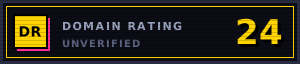 buildside.app — verified DR 0/100
 Featured on Maidensail
 Featured on Smol Saas
 Featured on Smol Hunt
 Featured on SaasHunt
 Launched on LaunchPanda
 Featured on LaunchIt
 Featured on Looking For Tools
 Featured on ShipThing
 Verified DR - Verified Domain Rating for buildside.app