




















Ask Brix AI
Brix AI assistant for startup founders
Brix is Buildside’s AI assistant for startup founders who want help with discovery, content, and supported account tasks. Ask for relevant founders or SaaS products, review your work, or turn a product development into an editable post draft. Keep the conversation private, refine the request with follow-up questions, and return to saved context when you need to continue.

A closer look at Ask Brix AI
An AI assistant is most useful when it understands the task and the boundaries. Tell Brix which product you are working on, what you want to find or prepare, and what the result should contain. A request to draft an update should provide the actual change and intended audience. A discovery request should explain the skills, workflow, or product category that matters.
Brix combines private conversation with supported Buildside operations. It can help you explore community records, review available account information, and work on tasks such as drafts or product questions within your permissions. The distinction between asking for advice and requesting a change matters: an explanation or draft request is different from an explicit instruction to publish, schedule, or apply an edit.
Make it useful
Find startup founders and SaaS tools with context
Ask about a type of founder, an area of expertise, or a product problem you are exploring. Brix can use community records to show relevant results you can inspect. Open the underlying profiles and product pages to understand the source context before deciding what is useful.
Describe the problem behind your search as well as the kind of person or product you have in mind. A request about founders working through onboarding gives more useful context than a broad request for interesting people. Inspect the returned records and follow their links before relying on a suggested connection. Source context remains important even when an answer is concise.
Explore founders
Keep building
Use your AI assistant to prepare an editable draft
Brix can help create and save editable post drafts, including working from supported information about your own posts. Review the wording and add your experience before sharing. Supported publishing and scheduling actions require a direct request; asking for a draft alone does not authorize publication. The regular composer remains available for its attachment and publishing controls.
A useful drafting request includes the actual change, intended reader, and details that must remain accurate. Review the saved draft and revise anything that overstates the result. When you need attachments or composer-specific options, continue in the normal editor. Treat a confirmed action result differently from a suggestion about what you could do next.
Explore saved drafts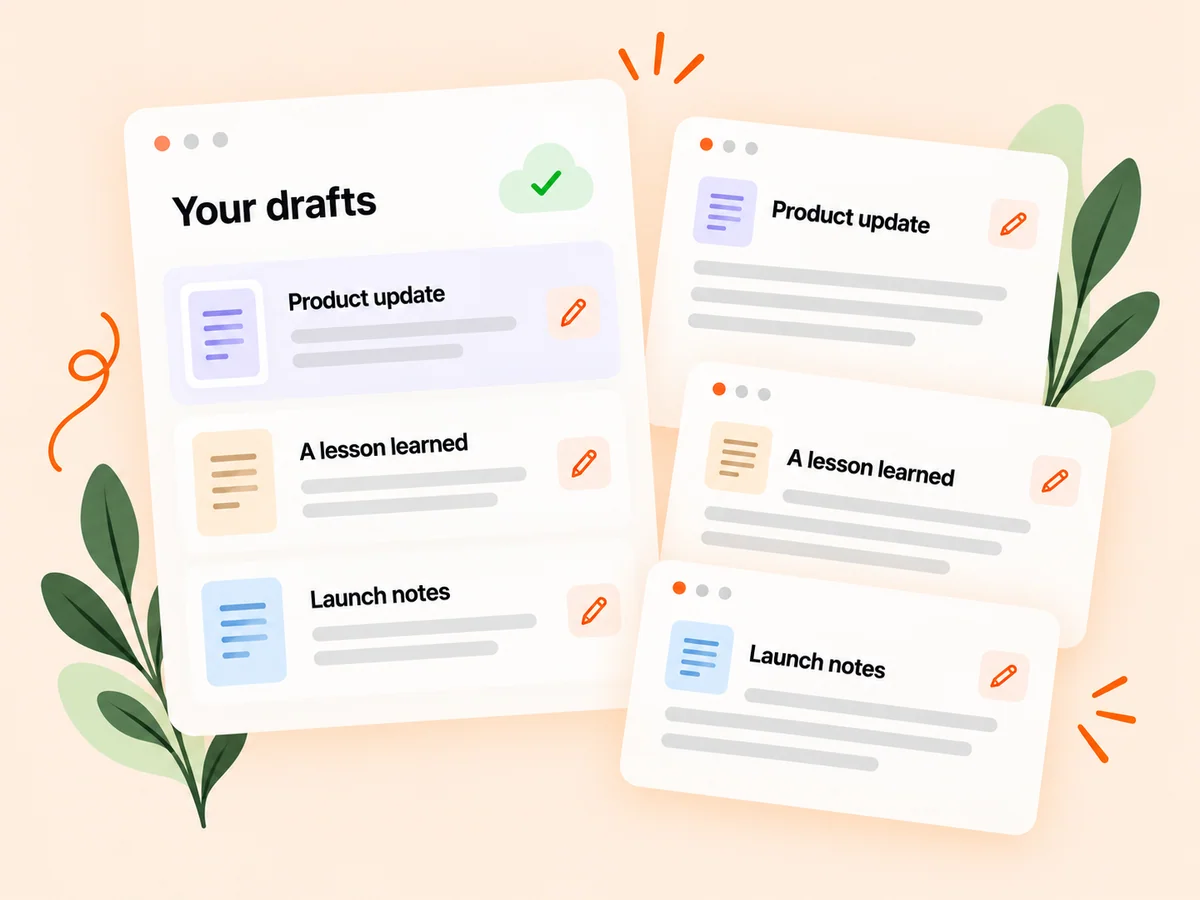
From idea to action
How to get started
Explain the task
Open Ask Brix and describe what you want to find, understand, or prepare. Name the relevant product when needed. State the question or action directly and include the relevant product when necessary. If the request could refer to several products, clarify the intended one before relying on the answer.
Review the response and sources
Inspect the returned profiles, products, or saved work. Ask a follow-up when you need a narrower answer. Open the supporting cards or records when they matter to your decision. Check the scope of an analytics answer and any disclosed missing information before treating it as complete.
Choose the next action
Review any draft or suggested change, then explicitly request a supported action when you want Brix to carry it out. Review the result of an action in the relevant workflow. Keep drafting, advice, and publication distinct in your instructions so Brix can act on the task you actually intended.
Find your starting point
Use Brix for founder discovery, content, and account tasks
Ask Brix for help when you can name a concrete Buildside task. You might need to find founders with relevant experience, explore products for a workflow, review content performance, or prepare a startup update from notes. Include enough context to narrow the response. Follow-up questions can refine the result without making you repeat the entire product background.
Use the tools guide in Settings to understand which operations are supported. Account permissions and feature access continue to apply. Keep an action request precise, especially when it changes public content, and distinguish between asking for a suggested answer and asking Brix to post that answer.
An example to adapt
Example: turn a product improvement into an editable post
Imagine you have simplified the process for creating a first client report. Tell Brix what changed, which users it helps, and what evidence you have. Ask it to save an editable post draft explaining the improvement without inventing a conversion result.
Review the draft, correct any missing context, and open the composer if you want to add a screenshot. Only request publication when that is your intended next action. This hypothetical workflow shows how a conversation can help prepare a post while preserving a clear distinction between drafting and publishing.
Make the most of it
Give your AI assistant a specific task and review the result
State whether you want research, a draft, or a supported action. Include facts Brix should use and details it should leave out, then review the result for accuracy and fit. Treat an AI assistant’s proposed wording as editable material. Publishing and scheduling require the appropriate explicit request and account permissions; asking for a draft should remain a preparation step.
Inspect the evidence behind a consequential conclusion. Brix can organize information and help carry out supported tasks, but source records and the reported outcome remain the basis for your decision. Correct an assumption when you notice it and avoid sharing unnecessary sensitive information in a prompt.
Good questions, clear answers
About Ask Brix AI
What can the Brix AI assistant do for startup founders?
Brix can help discover relevant founders and products, review supported Buildside information, and prepare editable post drafts through private chat. It also supports specific account actions within your permissions. Describe the outcome you want and review the response. Brix is not a general coding environment and does not provide unrestricted access to private community or account data.
Does asking Brix for a draft publish it?
No. A draft request creates editable work. Publication and scheduling require an explicit request through a supported action. You can continue editing the saved work before deciding to publish. If you want a later action, state it clearly and inspect the result so you know whether the operation completed.
Can Brix perform every action in Buildside?
No. Brix works with a defined set of supported tasks. The Brix AI tools guide in Settings shows available examples, and normal account permissions still apply. The guide is a useful starting point when you are unsure how to phrase a task. An unsupported request should not be interpreted as a completed action simply because Brix can discuss the topic.
Can I return to an earlier Brix conversation?
Private task-enabled conversations are saved and can be reopened through the available history experience. Returning to a thread lets you continue from its earlier context and results. Start a new conversation when the subject changes substantially so the product and decision you mean remain clear.
How should I ask Brix about my content performance?
Name the question and the time period you want to examine, such as comparing the available activity for recent product updates. Read the reported window, coverage, and source context. Use the result to identify a next question or experiment, and avoid treating platform activity as a direct measure of customer revenue.
Ask Brix AI