




















Founder Cards
Discover startup founders with Founder Cards
Founder Cards offers a focused way to discover startup founders on Buildside, one profile at a time. Read the introduction, explore what the person is building, and open their profile or product for more context. You can show support through fan points while browsing. The cards provide a discovery experience separate from following a founder or requesting a collaboration.
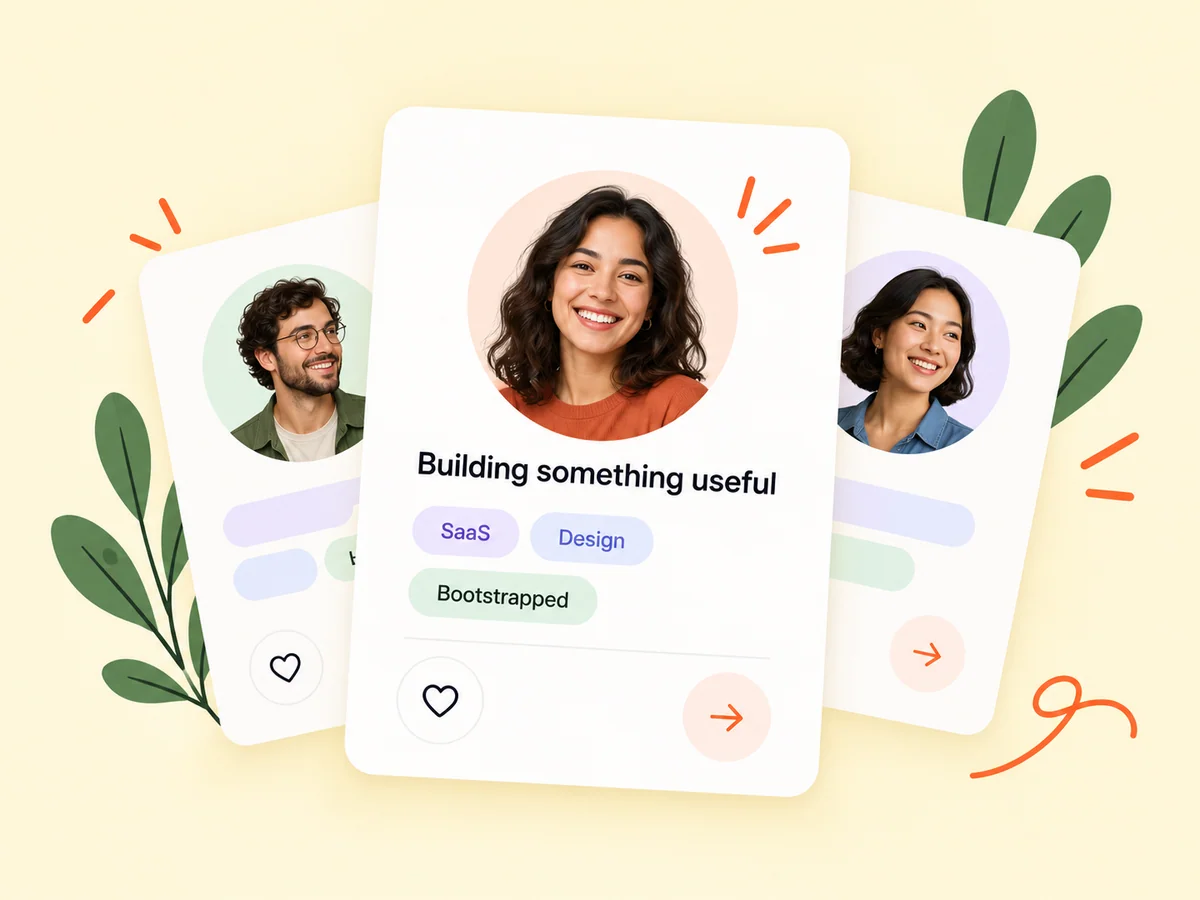
A closer look at Founder Cards
A startup community can be easier to explore when one introduction gets your attention at a time. Founder Cards provides that starting point, while the public profile holds the wider story. Look at the person’s product, experience, and updates before deciding what interests you. A card can introduce a relevant builder without implying that either person is seeking a cofounder relationship.
Founder Cards offers a different pace from a directory: one introduction at a time, with a founder and their visible product context in focus. A right swipe gives that founder a lifetime fan point, while a left swipe is a private pass. These actions belong to the card experience and do not automatically create follows, matches, messages, or weekly momentum points.
Make it useful
Open a founder profile for the full startup story
Use the card as an introduction, then open the profile to explore the founder’s expertise, public story, and product. A shared interest or a familiar problem can give you a reason to follow their work or start a relevant conversation through the available profile controls.
Pause on the information that makes the person relevant to you. Their product or public introduction may connect to a problem you are working on. Open the profile if you need more detail before deciding what to do. A fan point expresses support inside Founder Cards; use the separate profile controls if you also want to follow or contact someone.
Explore founders
Keep building
Explore the SaaS product behind a founder card
Product context helps turn a quick introduction into a more useful discovery. Read the pitch and explore the public page when you want to understand the tool behind a founder’s card. You can also view the Founder Cards fan leaderboard to discover people receiving community support.
The product information provides a useful subject for further exploration, but the card is still a brief introduction. Read the public product page when you want to understand the audience or workflow in more depth. Treat the fan leaderboard as another discovery view, not an independent assessment of a product’s quality or a founder’s business results.
Explore product pages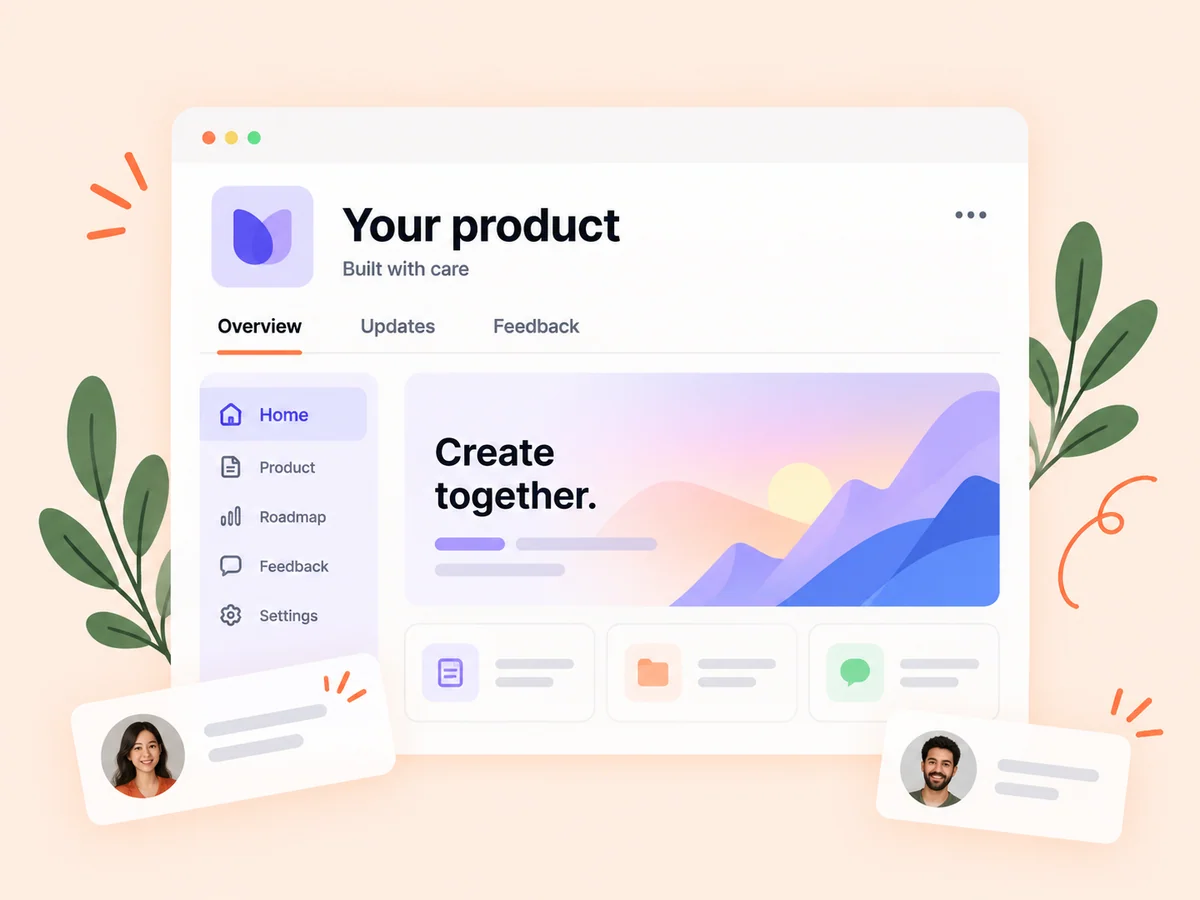
From idea to action
How to get started
Open the card experience
Sign in and open Founder Cards to browse the available founder introductions. Read the current card and its available product context. Use the profile link when a brief introduction is not enough to understand the founder’s work.
Read and explore
Review the person and their product context. Open the profile when you want to learn more. Choose the fan or pass action deliberately. Swipes are recorded for the founder and cannot be changed, so inspect the card before committing a direction.
Choose your next card action
Use the pass or fan control to continue, and explore the fan leaderboard when you want another discovery view. Continue through the deck or explore a relevant profile. If you want an ongoing connection, use the separate following or contact options that are available there.
Find your starting point
Discover startup founders through focused introductions
Use Founder Cards when you want a simple way to meet new people in the Buildside community. A short introduction may reveal a product category or founder question that connects with your own work. Open the profile to read more and decide whether to follow their journey or begin a relevant conversation. The card is an introduction; the wider context helps you choose what to do next.
It is also a way to encounter founders outside the people you already follow. Keep the distinction between quick discovery and an ongoing connection clear. A card action expresses a choice within this experience; the profile supplies the next level of context and the separate controls for other interactions.
An example to adapt
Example: move from a card to a relevant product conversation
Suppose a card introduces a founder building a tool for freelance consultants. You recognize a reporting problem related to your own product, open the profile, and read more about the workflow. You choose to give a fan point because you want to support that work within the card experience.
If you also want future updates, use the follow control separately. If you have a relevant question, check the available contact options. This hypothetical example shows how discovery, support, and an ongoing connection are related but distinct actions.
Make the most of it
Understand fan points before choosing a founder card
Make each card choice with its specific meaning in mind. Supporting a founder adds a fan point under the Founder Cards rules; it does not create a mutual match or automatically follow the person. A private pass is a discovery choice, not a block. Read the current card and relevant profile details before acting, since recorded swipe decisions cannot be undone.
Interpret fan totals as support within this particular experience. They do not establish expertise, product suitability, or business performance. Let a card or leaderboard position lead you toward the founder’s actual work, then assess that work in the context relevant to you.
Good questions, clear answers
About Founder Cards
How do Founder Cards help me discover startup founders?
Founder Cards presents one founder introduction at a time so you can learn about their work and explore the associated profile or SaaS product. You can show support through fan points or privately pass the card. These choices do not automatically create a follow, collaboration, or cofounder match. Open the profile when you want more context or another available way to connect.
Does passing a card block the founder?
Passing is a discovery action that moves you through the card experience. It is separate from account privacy and blocking controls. A left swipe records a private pass in Founder Cards. It is not a statement about the founder’s product and does not replace the separate privacy or blocking settings.
Are fan points and weekly momentum the same?
No. Founder Cards uses its own fan points and all-time leaderboard. Weekly founder momentum is a separate community discovery feature. Read the label and context of the leaderboard you are viewing. Lifetime fan support and a weekly activity-based discovery view should not be combined or interpreted as the same measure.
Can I undo a Founder Cards swipe?
Swipes are recorded once per founder and cannot be changed. Read the introduction and open the profile if you need more context before choosing. Use the available buttons or keyboard controls if they give you a more deliberate way to select the action than a swipe gesture.
Does giving a fan point mean I now follow that founder?
No. A fan point belongs to the Founder Cards support experience. Following, matching, and messaging use their own controls and permissions. If you want to see future updates or begin a relevant conversation, open the founder’s profile and choose the appropriate separate action.
Founder Cards