




















Product showcase
SaaS product pages for your product launch
A Buildside product page gives your SaaS product launch a public home that can keep developing with the product. Introduce the problem you solve, show screenshots, and connect the tool to its founder, updates, and feedback. Early adopters can understand what is available today and follow the product’s progress as you improve it after launch.
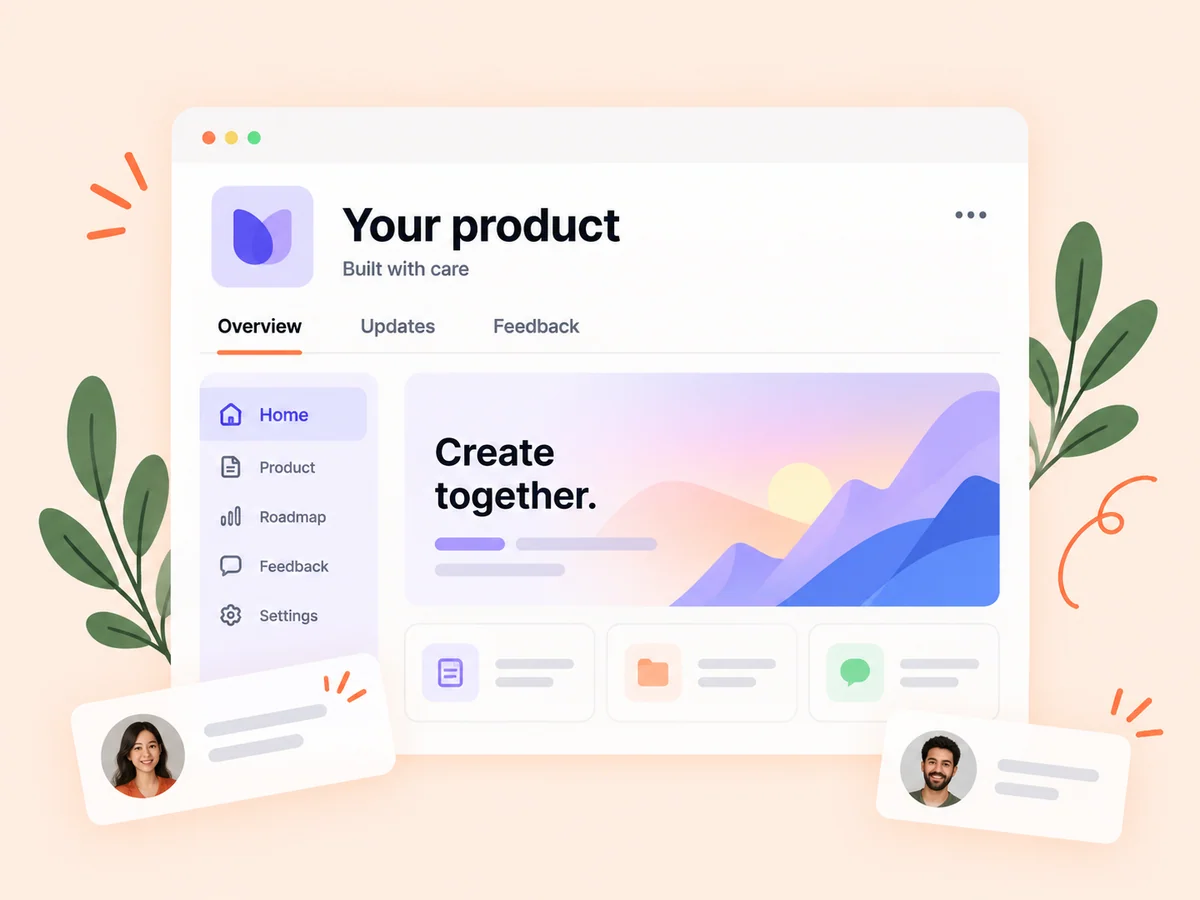
A closer look at Product showcase
Product launch marketing works better when an interested visitor has somewhere clear to continue. A short announcement introduces a change; a product page explains the tool behind it. Describe the intended user, the task they can complete, and what makes the workflow useful. Keep screenshots and capabilities current so the page helps readers assess the product in its present state.
People encounter a SaaS at different points in its journey. One visitor arrives from a launch, another follows a founder, and another discovers a category listing. A useful product showcase answers the same basic questions for each: who is this for, what problem does it address, and what can I do with it now? Keeping those answers clear makes the surrounding updates easier to understand.
Make it useful
Write a clear introduction to your SaaS product
Add your product’s website to begin importing its details, then review the description, screenshots, and other detected information. Refine the pitch around a specific audience and problem. The import gives you a starting point; your review makes the page accurate and useful to someone who has never seen the product before.
Translate broad website claims into concrete capabilities. Instead of describing a tool as an all-in-one solution, explain the task it supports and the result a user can produce. Choose screenshots that show that task. Review imported material for outdated claims, ambiguous wording, and features that are planned but not available yet.
Explore product imports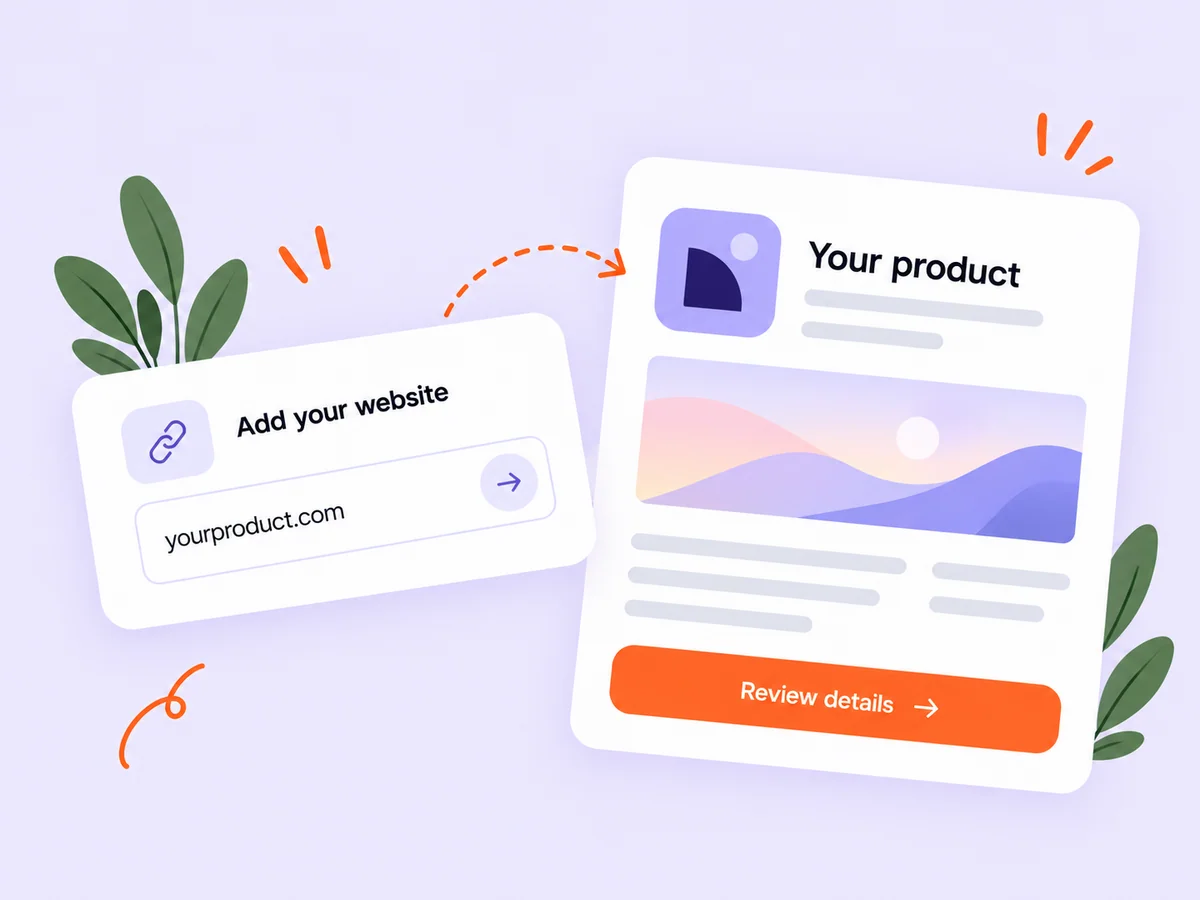
Keep building
Keep product updates connected after launch
Use product updates and community feedback to keep the public story connected to what you are building. Explain a new capability, collect requests, and show the direction of the roadmap. A visitor can move from the basic pitch to a more detailed understanding of how the product is changing and which problems its founder is addressing.
A product page should distinguish its present capabilities from its direction. Readers need to know whether a feature is available, being explored, or planned before deciding to try the product. When an update changes that status, review the main description as well as the announcement so new visitors receive a consistent explanation.
Explore product feedback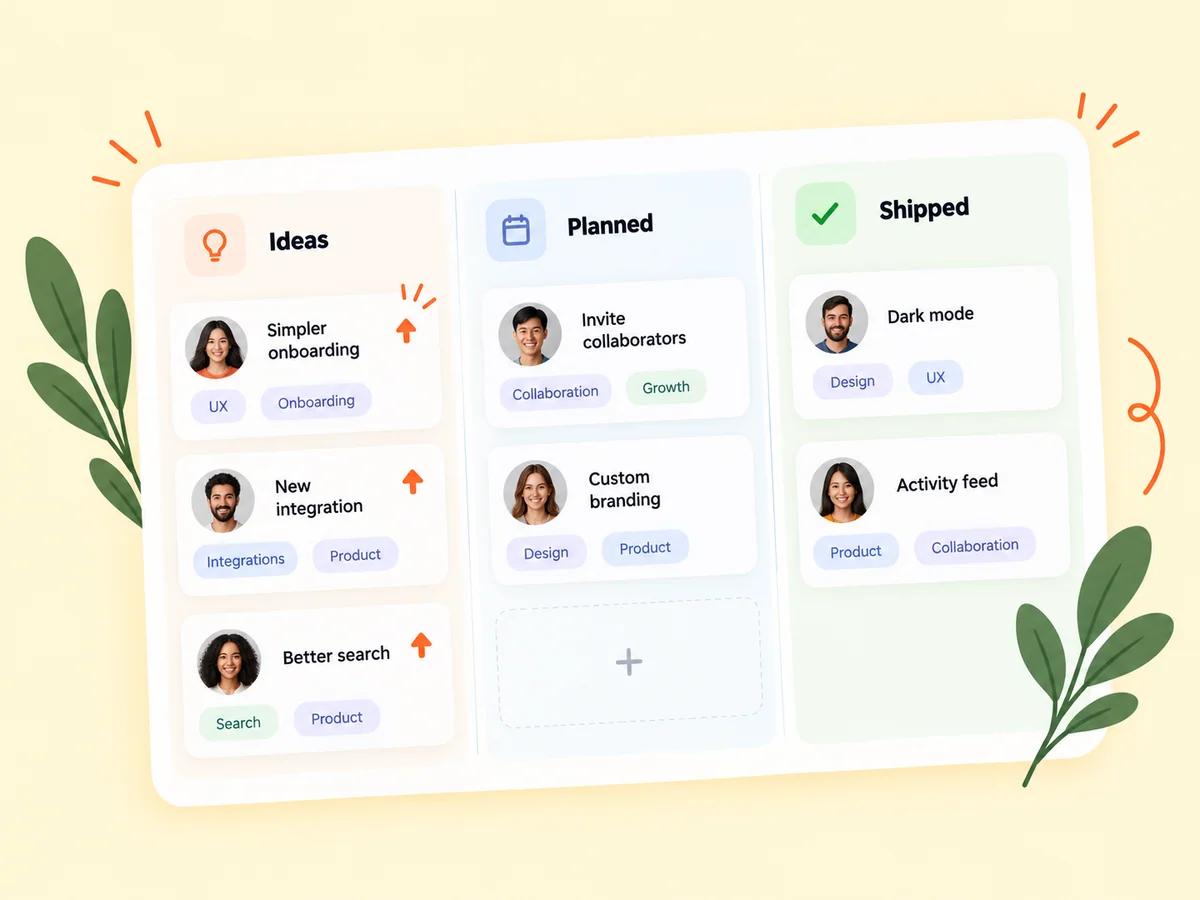
From idea to action
How to get started
Add your product
Open product creation and enter the product information or start from its website. Use a concise pitch that describes the customer problem. Name the intended user in the opening description. A focused audience makes the product easier to understand than a list of unrelated markets the tool could potentially serve.
Review the public presentation
Check the description, screenshots, links, and founder association. Replace unclear imported text with your own explanation. Open the page as a new visitor would. Check whether the first screen explains the product without relying on your personal knowledge or an announcement posted elsewhere.
Keep the story current
Share meaningful updates and respond to product feedback as the product evolves. Review the page after meaningful releases. Replace obsolete screenshots and clarify whether an announced capability is available to everyone or only to a particular group of users.
Find your starting point
Use a product showcase before and after launch
Use a product page when you want one introduction to share alongside launch posts, founder conversations, and product feedback. An early SaaS might need to explain a single working use case. An established product might need a clearer public overview of several workflows. In both cases, the page should help a new reader understand what to explore next without requiring a sales conversation.
For an established SaaS, the page can show how the product continues to develop. The founder connection helps readers understand who is making the decisions, while public updates explain individual improvements. Each part has a different job, so avoid repeating the same long announcement in every field.
An example to adapt
Example: explain a reporting SaaS clearly
Imagine a product that helps small agencies prepare client reports. Its opening pitch could identify the audience, the repetitive task, and the output: bringing campaign results into a report a client can read. The supporting description explains which parts of that workflow the product actually handles.
A useful screenshot shows the report or the process of preparing it, with enough context to understand the screen. A later update might explain a new comparison view. This hypothetical example shows how a stable product introduction and a focused release story can work together without making unsupported promises about time saved.
Make the most of it
Keep your product launch page accurate as you grow
Review the product page as part of your launch preparation and after meaningful releases. Replace outdated screenshots, check the website link, and describe shipped capabilities in plain language. Product launch copy should answer who the tool is for and what they can do with it. Keep future plans clearly separate from features a visitor can use today.
Treat maintenance as part of publishing. Review the pitch, website link, screenshots, and stated availability after a significant change. If you reposition the product for a different audience, explain that shift instead of leaving contradictory descriptions across the page and your recent updates.
Good questions, clear answers
About Product showcase
What should a SaaS product launch page include?
Include a clear product description, the intended audience, current capabilities, useful screenshots, and a way to explore the product. On Buildside, the founder’s profile, product updates, and feedback add context to that introduction. Explain the main user task before listing features, and keep planned improvements separate from what is available at launch.
Can I create a page from my existing website?
Buildside supports product website imports. Review the imported information and make corrections before relying on it as your public product story. The imported draft still needs your judgment. Website language may omit important limitations or include navigation text that does not belong in a product description.
How do product pages help discovery?
They give directory visitors and people reading founder updates a dedicated place to understand a product and explore its website. A clear page also gives a founder something specific to reference in a conversation. Discovery is an opportunity to be understood; a listing does not guarantee traffic, adoption, or a particular search position.
How is a product page different from a launch post?
A launch post explains a development at a particular moment. A product page is the continuing introduction to the product, with the description, founder context, and available supporting information. Use the post to explain what changed and the page to help someone understand the broader offer.
Should I include planned features in my product description?
Describe currently available functionality clearly and label plans as plans. Use roadmap context to discuss future direction without presenting it as something a visitor can use today. If availability changes, update the relevant description so a person arriving from an older announcement can still understand the current product.
Product showcase