




















Founder and startup map
Find your startup community with the founder map
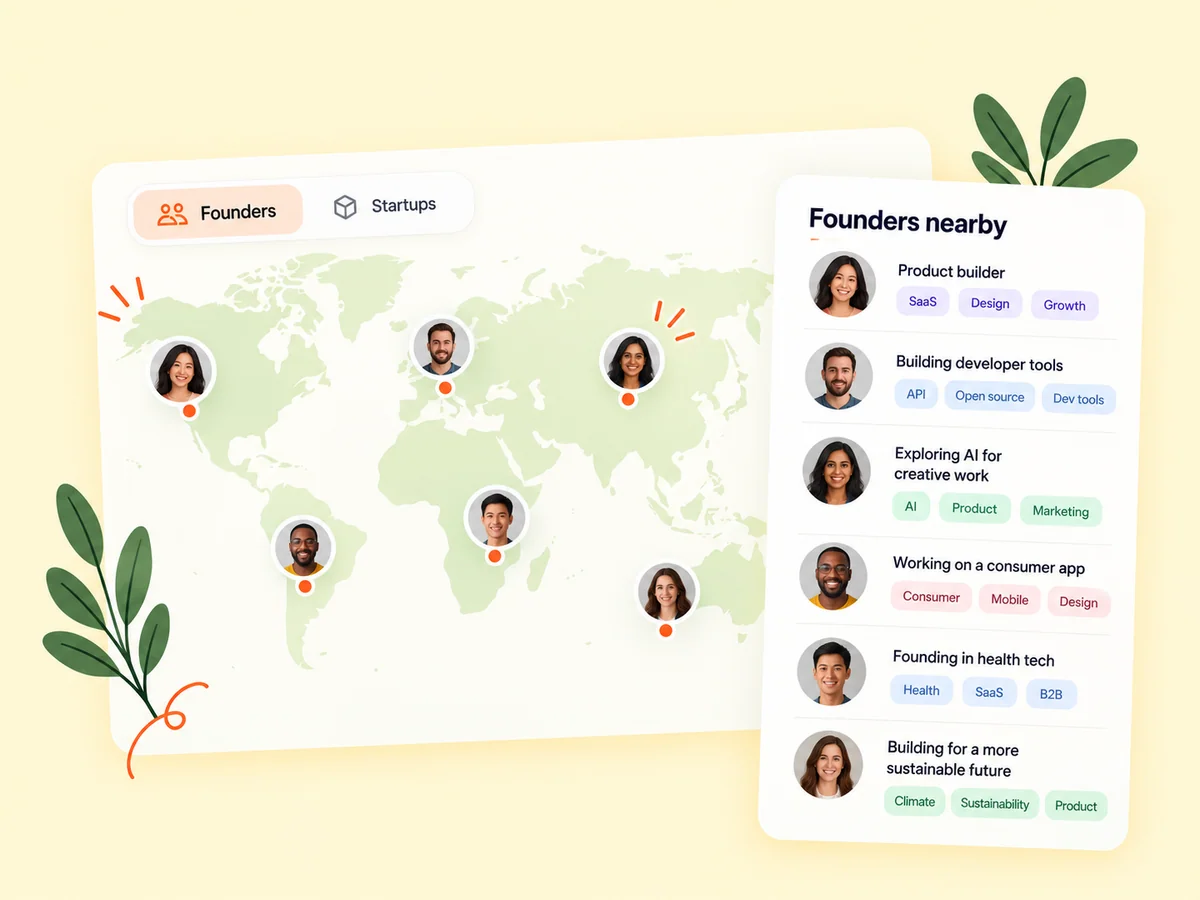
Buildside’s founder map helps you explore a startup community by city and discover the people building there. Browse SaaS founders and startups, then open public profiles or product pages for more context. Use location as a starting point for founder networking, whether you want to understand your local community or find relevant builders in another region.
A closer look at Founder and startup map
Local startup networking becomes more useful when you can connect a place with a person’s actual work. A map pin provides geographic context; a founder profile explains experience, interests, and products. Explore both before reaching out. Someone nearby may understand your market, while a founder in another city may have closer experience with the product problem you are solving.
Geography can change the kind of connection you want to make. You might be exploring a local startup community, looking for peers in a similar time zone, or learning what founders are building in another region. The map gives you a visual starting point. Public profiles and product pages provide the detail needed to decide whether a particular connection makes sense.
Make it useful
Find startup founders by city
A location is only the beginning of a useful connection. Open a founder’s profile to understand their expertise, interests, and public work. Looking at both geography and product context helps you find a reason to connect beyond simply being in the same city.
Use a city as a way to narrow exploration, then look for a meaningful connection in the person’s work. A nearby founder may be solving a completely different problem, while someone farther away may share your product stage or technical interests. Both can be useful discoveries when you explain the reason for reaching out.
Explore founders
Keep building
Explore the SaaS products behind the map pins
Follow product links from your exploration to understand what nearby or international founders are creating. Read the pitch, examine the product’s public story, and discover the problem it aims to solve. This connects a visual map of the community with a more detailed view of its work.
A map pin cannot tell you whether a product fits your needs. Open its public information and read the pitch, intended audience, and available updates. If you are researching a regional startup community, use those details to understand the kinds of problems being addressed rather than treating the number of visible pins as a complete market picture.
Explore product discovery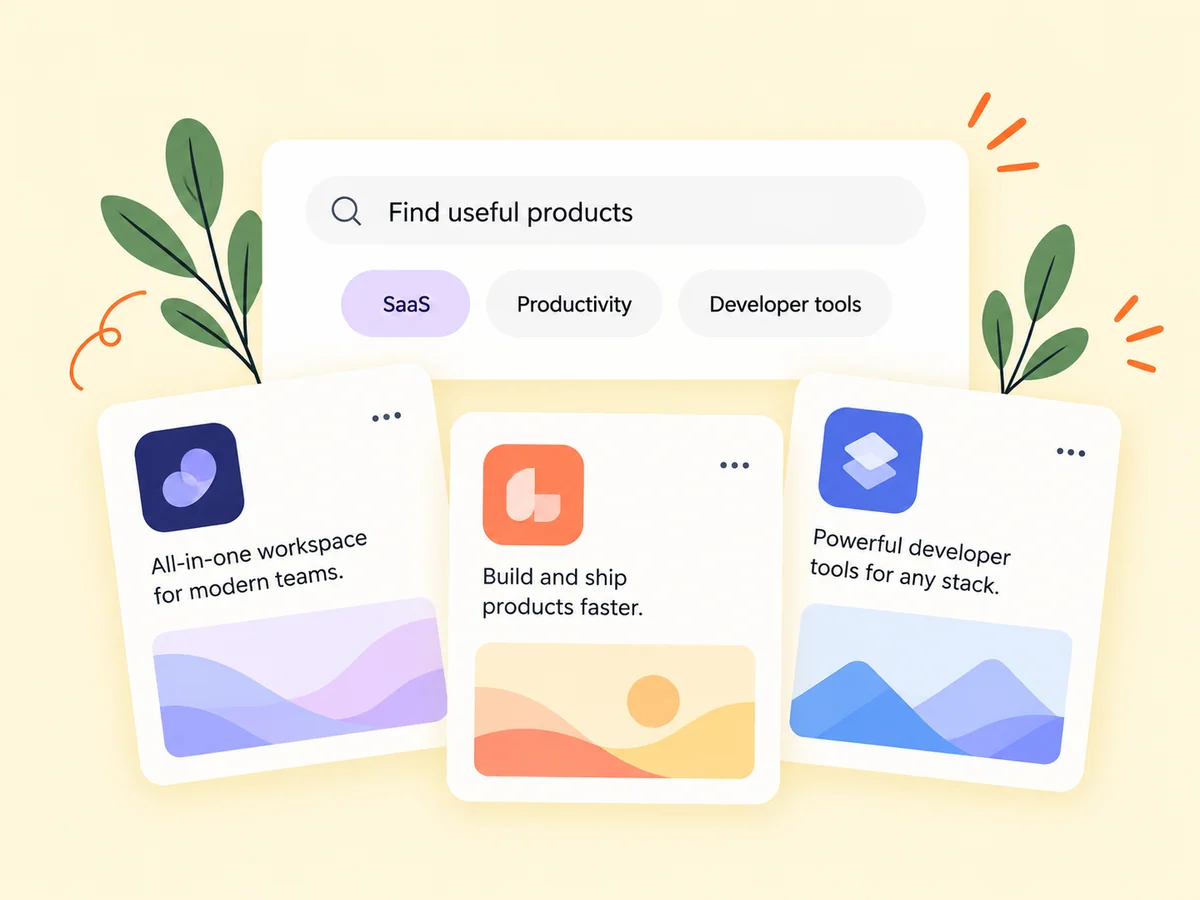
From idea to action
How to get started
Explore a place
Open the founder map and browse the cities or areas that interest you. Use the available map controls to adjust your view. Choose a location with a reason in mind, such as a place where you work or a region you want to learn about. Avoid assuming that every founder in that area is visible.
Read a founder or startup profile
Open a result and review the public information about the person and product. Use the map result as an introduction and read the associated profile. Check whether the person’s product and interests are relevant before deciding to follow or contact them.
Choose a relevant next step
Follow their work or start a conversation about a shared interest. Use the profile’s available contact controls. Ask whether a conversation would be welcome. If a meeting is appropriate, agree on it directly; appearing on a geographic map does not establish someone’s availability or preferred way to connect.
Find your starting point
Explore nearby founders or a new startup community
Use the map when geography helps frame the conversation you want to have. You might be exploring a local startup community, researching builders in a market you serve, or looking for peers in a similar time zone. Open the associated profiles to check product relevance and current activity before deciding that proximity alone makes someone a useful connection.
Remote builders can use a location view to explore communities outside their usual network. A different regional perspective may introduce another customer problem or approach to product development. Read the public context carefully and avoid drawing broad conclusions about a region from a small set of profiles.
An example to adapt
Example: find a nearby product peer
Suppose you are a solo founder in Toronto working on scheduling software. You explore the city on the map, then open the profile of a founder building a tool for service businesses. Their public updates describe appointment reminders, which overlap with a problem you are considering.
A relevant introduction mentions that shared workflow and asks whether they would be interested in comparing notes. A local meeting is only one possible next step; a short online exchange may fit better. This hypothetical scenario shows how location and product context can work together.
Make the most of it
Use location to inform a founder introduction
Treat a city-level founder map as a discovery tool. Read the profile, explain the shared interest, and ask whether a conversation would be useful. A location listing is not an invitation to meet in person or evidence of availability. Keep your introduction centered on the work, with geography as helpful context for a mutually agreed next step.
Maintain an accurate public introduction if you want others to discover you. Explain what you are building and the kinds of discussions that interest you. A clear profile gives someone arriving from the map a useful reason to continue beyond the geographic connection.
Good questions, clear answers
About Founder and startup map
How can I find startup founders near me?
Explore your city or region on the Buildside founder map, then open the public profiles and product pages behind relevant pins. Look for shared interests, product experience, or a useful reason to connect. The map shows founders and startups represented on Buildside; it is not a complete directory of every local business or an event booking service.
Can I use the map to discover local SaaS builders?
Yes. City-based exploration helps you find founders in a location, then learn more through their public profiles and products. The useful next step is to inspect the person’s work. A shared location can make a conversation more relevant, but the profile helps you identify the actual subject you want to discuss.
Does appearing on the map mean someone wants to meet?
No. Map discovery provides context, not an invitation. Check the founder’s profile and preferences and ask before arranging a conversation or meeting. Explain why the connection would be useful and let the other person choose how to respond. Use the contact options they make available instead of treating proximity as permission.
Can I use the map for remote founder networking?
Yes. Geography can help you explore regions and potentially compatible time zones even when you intend to work remotely. Read the founder’s profile and discuss availability directly. The map introduces a location-based perspective; it does not confirm a person’s working hours, travel plans, or willingness to collaborate.
Does the map show every startup in a city?
No. The map reflects the founder and product information available to Buildside’s discovery experience. It should not be treated as an exhaustive census or a ranking of local startup ecosystems. Use it to discover individual builders and follow the links that provide more context about their work.
Founder and startup map