




















SaaS product discovery
Discover SaaS tools for startups on Buildside
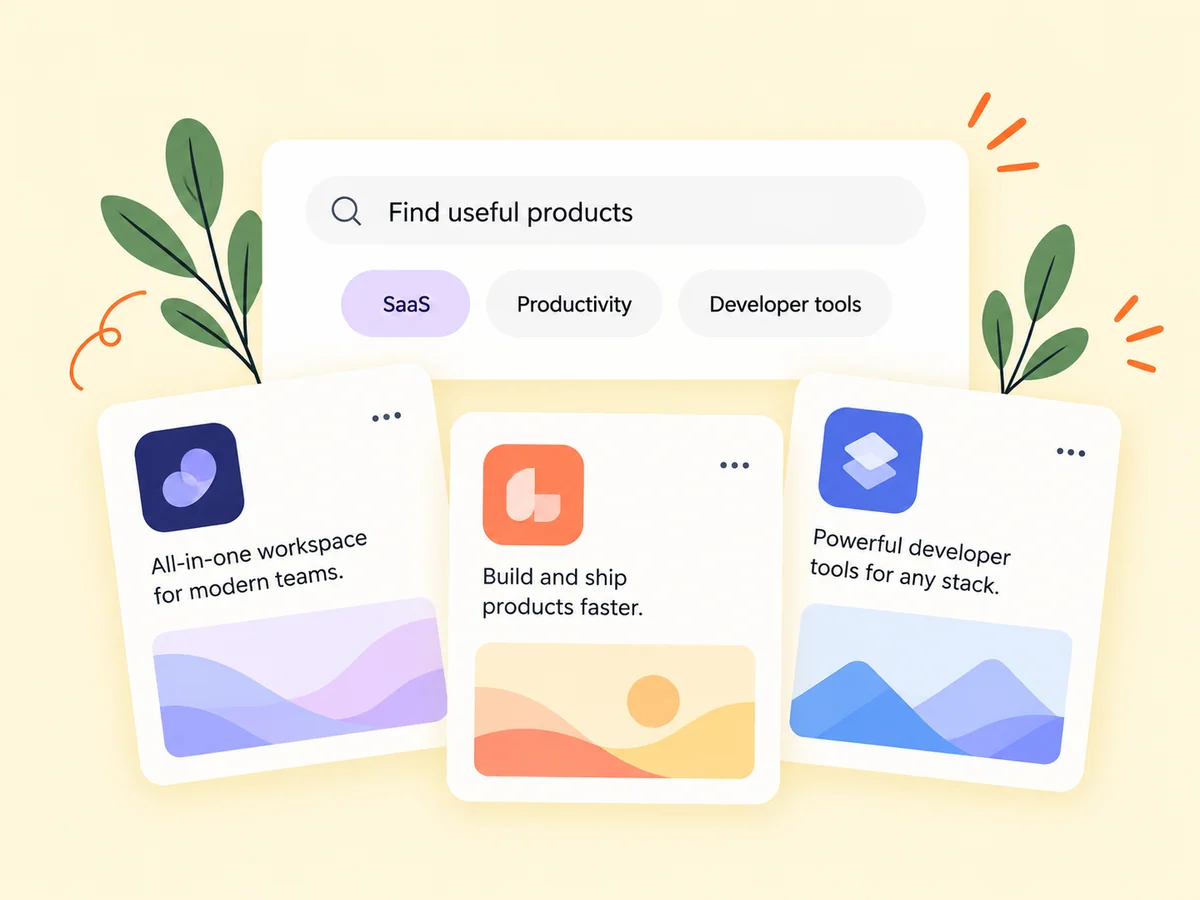
Buildside product discovery helps you explore SaaS tools for startups and learn about the founders creating them. Browse product categories, open public product pages, and read updates that explain how the tools are developing. Start with a workflow you need to improve, then use the product description and founder context to decide what deserves a closer look.
A closer look at SaaS product discovery
Finding the best SaaS tools for your startup starts with a clear task. A product directory can introduce options, but a short pitch rarely answers every question about fit. Look for the intended audience, current capabilities, screenshots, and recent updates. The founder’s public work adds context that can help you decide what to investigate before adopting a new tool.
SaaS discovery can begin with a practical need or simple curiosity about what other founders are building. Buildside brings product listings together with their founder context, so you can move from a short introduction to the people and decisions behind the product. The next step is to inspect the relevant details, especially when you are evaluating a tool for an actual workflow.
Make it useful
Explore the details behind a SaaS product listing
Open a product page to read the description, inspect screenshots, and visit the product’s website. The page provides a more detailed starting point than a category listing alone. Look for a clear fit between the problem the product solves and the workflow you are trying to improve.
Start with the job you need a product to do. A category narrows the field, but the description and screenshots should explain whether the tool supports your specific task. Check the current product website for important details before relying on a listing as a complete specification. A clear fit is more useful than a broad category match.
Explore product pages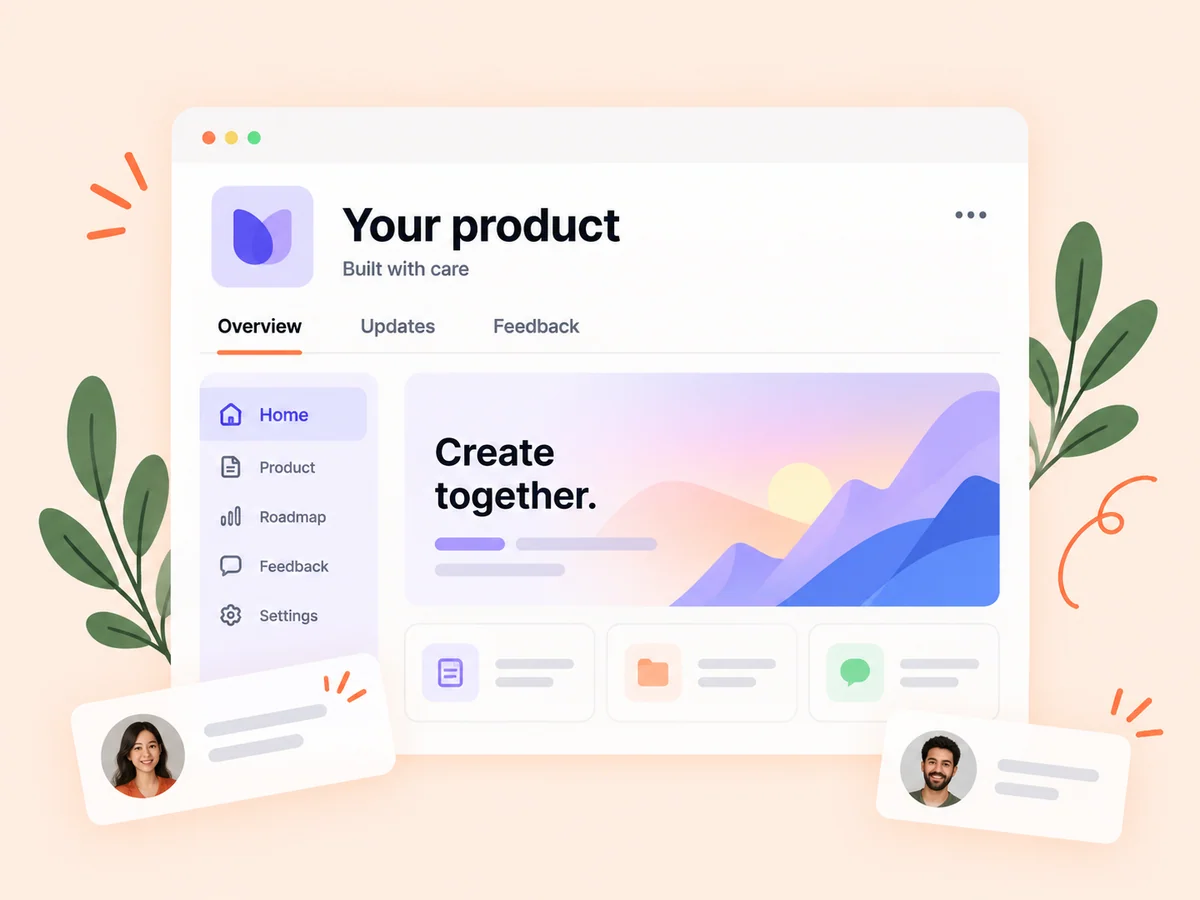
Keep building
Follow the founders developing the tools you discover
Read about the founder and the updates they share. A discussion about a recent change can reveal how they think about the customer problem. If the product interests you, follow its journey and use the available conversation or feedback controls to ask a relevant question.
A founder’s public work can explain the direction of development and the reasoning behind a release. Read that context alongside the current product description. An older post may describe an earlier stage, so verify availability before assuming a discussed feature is part of the product you can use today.
Explore founders
From idea to action
How to get started
Start with a category or need
Browse products in an area that relates to your work or a problem you want to solve. Define a task or topic before browsing. If you are looking for a tool, write down the requirement that matters most so a compelling pitch does not distract from the actual need.
Explore the product page
Read the pitch and details, inspect the available visuals, and check the linked website. Read beyond the listing summary. Review the product’s audience, public details, and website, then identify any important question the available information does not answer.
Learn from the founder’s updates
Open the founder profile and follow relevant work to keep up with future progress. Follow relevant products or founders if you want to understand their development over time. Ask a focused question when a specific capability or limitation affects your decision.
Find your starting point
Find SaaS tools for a specific startup workflow
Use the SaaS directory when you want to find a tool for a recurring task or follow an emerging product. A founder researching reporting software can compare how products describe their intended users and supported workflows. Open promising pages and investigate the details that matter to your situation. Discovery narrows the options; your own evaluation determines whether a product fits the work.
If you want to learn from other builders, explore the product’s development story. Updates can show how a founder frames a problem or revises a workflow. Keep that learning purpose distinct from a purchase decision, which requires checking the actual product against your own requirements.
An example to adapt
Example: investigate tools for a recurring workflow
Suppose your small agency prepares weekly client summaries. You discover two reporting products and read their pages to understand which parts of that process they support. One emphasizes preparing a presentation, while the other focuses on collecting source information.
Visit the relevant product websites and clarify any missing requirement before choosing a next step. You might also follow a founder whose updates explain the problem well. This hypothetical example shows why comparing the workflow is more informative than comparing category names alone.
Make the most of it
Compare product claims with what is available today
Compare SaaS tools using the same practical question: what can each product help you do today? Check descriptions against screenshots, updates, and the product’s own website. Keep launch-stage products distinct from mature tools when judging readiness. A Buildside listing provides discovery and founder context, rather than an independent guarantee of quality, security, or suitability for your business.
Use discovery as the beginning of an evaluation. Explore the founder’s explanation, inspect the public product details, and ask about requirements that remain unclear. Keep a small, relevant set of products to investigate rather than collecting many listings without a specific question.
Good questions, clear answers
About SaaS product discovery
How do I find the best SaaS tools for my startup?
Start with the workflow you need to improve, then browse relevant categories in Buildside’s product directory. Compare product pages, current capabilities, and founder updates before visiting the tools that look promising. The best fit depends on your requirements and your own evaluation. A directory listing helps you discover a product; it is not an independent product review.
Can I explore products without signing in?
Public product discovery and public product pages are available to visitors. Following and other account actions require signing in. That allows you to investigate the basic offer before creating an account. Use membership actions when you want to keep up with a product’s journey or participate through the available controls.
Does a listing mean a product has been independently reviewed?
A product listing presents its public information and founder context. Evaluate its claims and suitability for your own needs before choosing a tool. Use the product’s own information as a starting point and verify requirements that matter to you. A founder story can add context without acting as an independent assessment of suitability.
How do I compare products that sound similar?
Begin with the task you need to complete and compare how each product describes that workflow. Look at the intended audience, current capabilities, and relevant screenshots, then verify essential details at the product website. Similar category labels do not mean two products support the same use case.
Can I discover products before their wider launch?
Public product information can introduce work at different stages, including products preparing early access. Read the stated stage and available actions on the specific page. A listing may describe an upcoming product, so do not assume every discovered capability is immediately available to try.
SaaS product discovery