




















Direct messaging
Direct messaging for startup networking
Buildside direct messaging helps founders continue a relevant conversation privately. Follow up on a community discussion, exchange product feedback, or clarify a collaboration proposal with the context and attachments the other person needs. Messaging works within members’ privacy settings, giving startup networking a place for focused conversations that do not belong in the public feed.
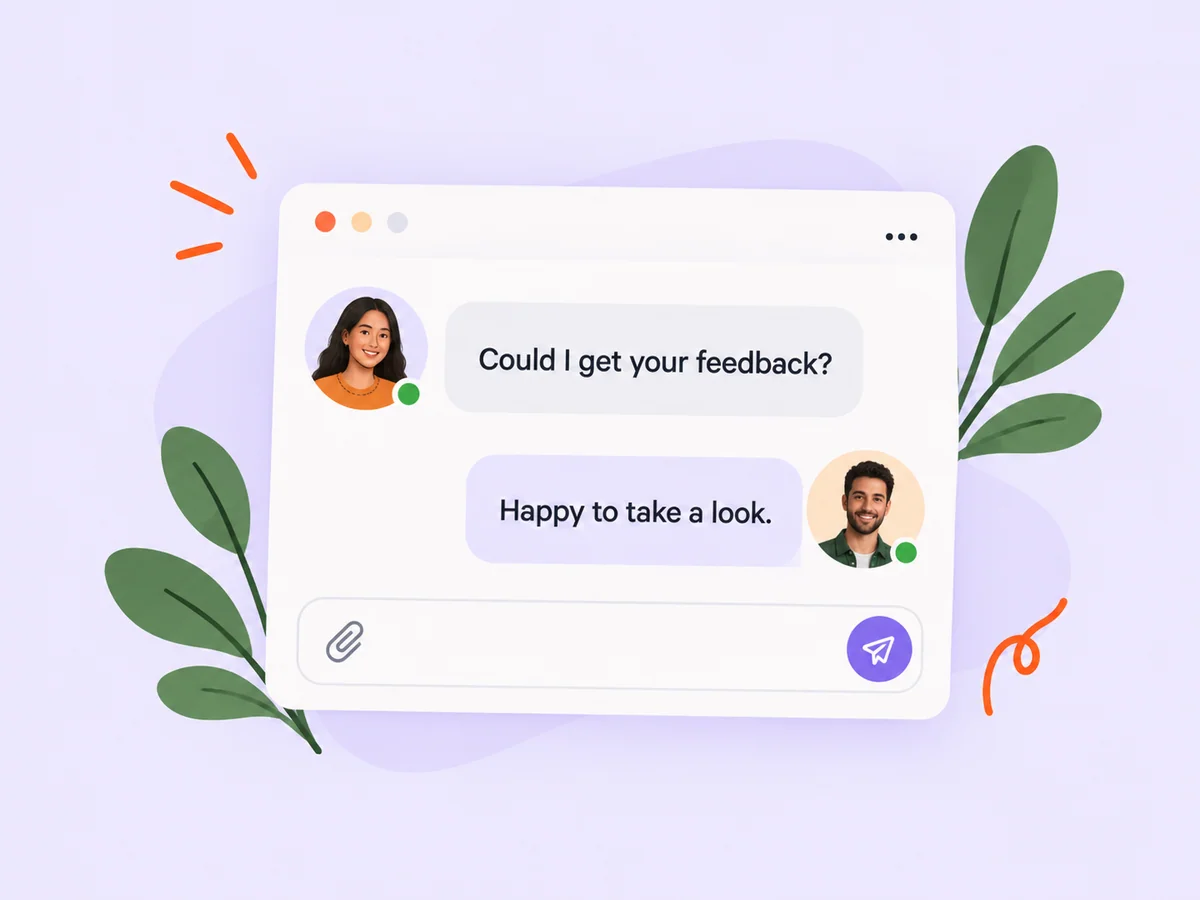
A closer look at Direct messaging
A useful founder message explains why you are reaching out before asking for someone’s time. Refer to the product, question, or conversation that prompted it. If you are sharing product feedback, identify the screen and the task you tried. Keeping that context together makes it easier to answer and reduces the back-and-forth needed to understand the problem.
Private founder conversations are most useful when they begin with shared context. A message might follow a public discussion, continue an accepted collaboration, or clarify feedback that needs a more focused exchange. Keep the connection between the message and the work explicit. This makes the conversation easier to revisit when either person returns after working on their product.
Make it useful
Follow up on founder networking with a clear message
A collaboration request establishes why you want to connect. Messaging gives you room to explore the details after that introduction. Start with the agreed opportunity, then use focused questions to work toward a next step. This keeps a conversation grounded in the work both people chose to discuss.
Begin with the question you need to resolve and provide the smallest amount of background needed to answer it. If you are continuing a proposal, reference the agreed first step. If the topic expands, make that change clear instead of mixing several unrelated requests into one conversation.
Explore collaborations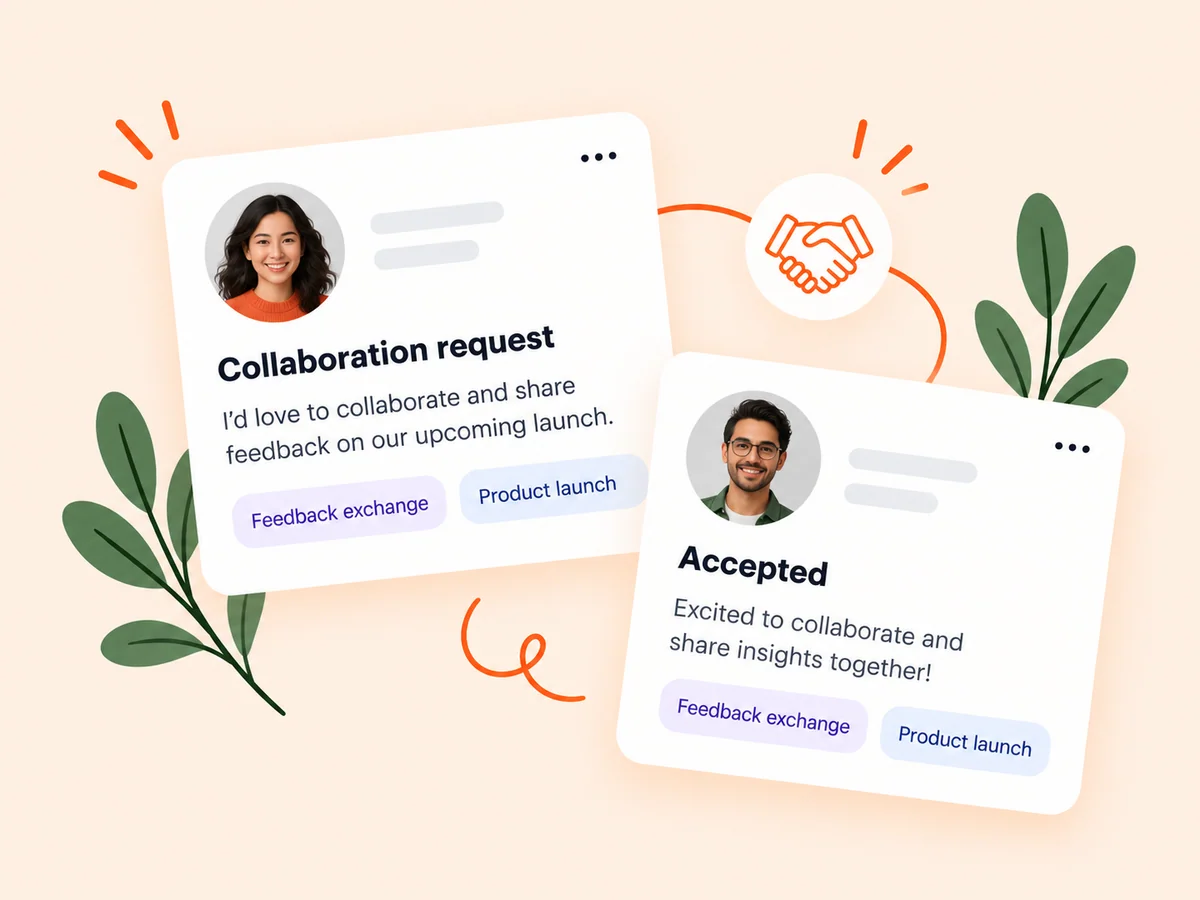
Keep building
Share product feedback with the right context
Use a message to discuss a particular screen, decision, or product question. Attachments can help explain what you are seeing, while product pages and feedback records provide shared context. When the conversation produces a useful product insight, decide how to capture it in your own planning workflow.
When sharing a screenshot or document, explain which part matters and what you want the other person to assess. A screen without context can produce opinions about the wrong problem. Use sample data where possible, and check that the material is appropriate to share with the participant before attaching it.
Explore product feedback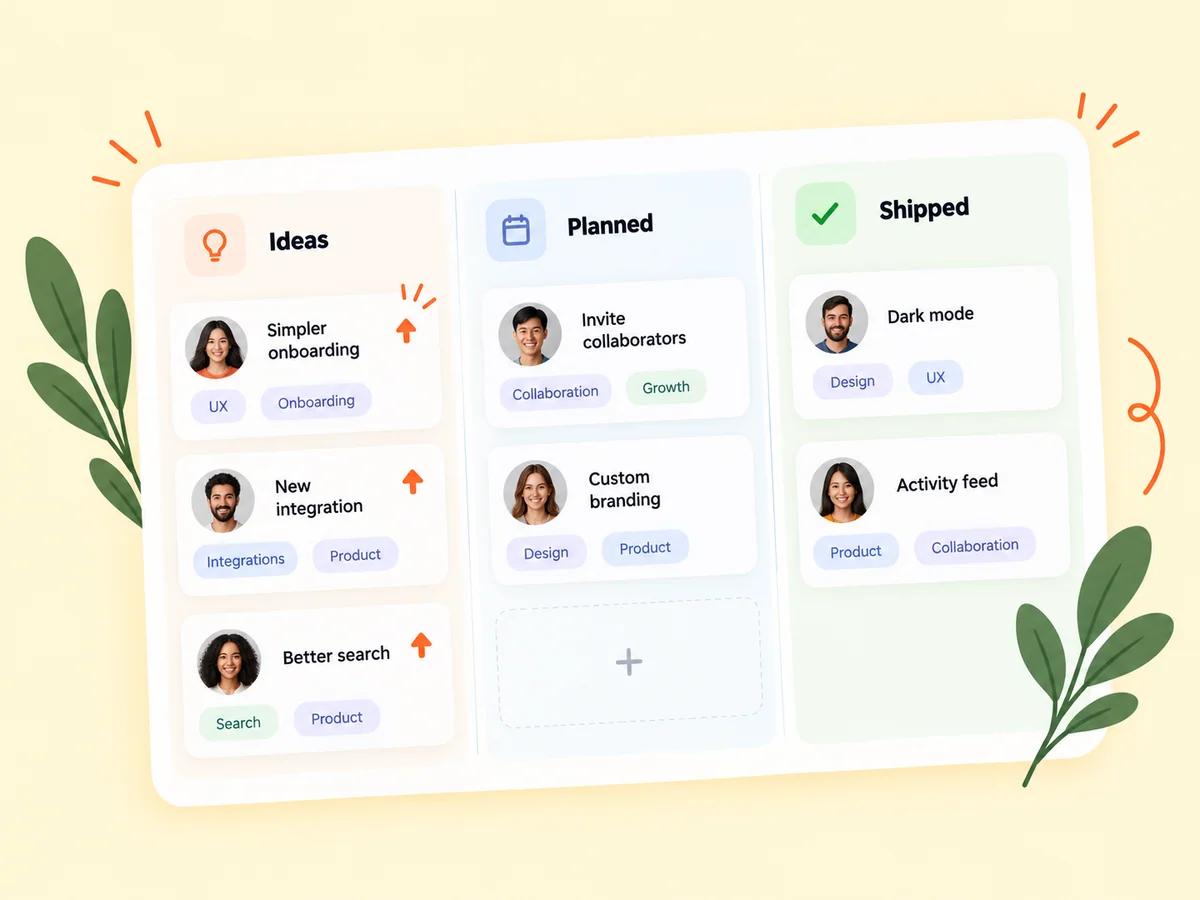
From idea to action
How to get started
Choose a relevant conversation
Open messaging or use the available contact option on a founder’s profile. Check whether the recipient accepts messages. Start from an available contact option or an existing conversation. Read the founder’s public context so your message explains a relevant reason to connect.
Explain the context
Say what prompted your message and ask a clear question. Add a relevant attachment when it helps the recipient understand. Ask one clear question and include the product context needed to answer it. Break a complex issue into smaller decisions instead of sending a large, unexplained collection of material.
Follow up thoughtfully
Keep replies connected to the original purpose and agree on any next action with the other person. Record the agreed next step in the conversation. If a decision becomes public product feedback or a roadmap item, describe it in the appropriate place with the other person’s privacy in mind.
Find your starting point
Use direct messages for focused startup conversations
Use direct messaging when a founder conversation needs a specific question, attachment, or private follow-up. You might want to explain an issue found during beta testing or discuss the next step in an accepted collaboration. Keep each message focused on the task at hand. A concise explanation with the relevant screenshot often gives the recipient enough information to respond usefully.
A public question may still be more appropriate when you want several perspectives or want the answer to help the wider community. Choose the channel based on the conversation you need, and avoid sending the same message privately to many people without a specific reason.
An example to adapt
Example: clarify a confusing product screen
Suppose a founder mentions that they could not find the export action in your reporting tool. In a private follow-up, you share a sample screenshot and ask which part of the screen they expected to contain the action. You explain the task they were attempting so the discussion stays focused.
The reply suggests that the label, rather than the position, caused the confusion. You can then investigate that interpretation and decide whether to test new wording. This hypothetical example shows how a conversation can clarify a product problem without treating one opinion as a final answer.
Make the most of it
Make the next reply easier to write
Begin with a clear reason for the message and a question the recipient can answer. In startup networking, familiarity should come from shared context rather than an assumption that everyone is available. Mention the relevant public work, explain your own connection to it, and include only the attachments needed for the discussion. Respect the member’s contact preferences and response time.
Respect the other person’s time and communication preferences. A clear question can wait for a thoughtful response. When the exchange leads to a decision, capture the decision and its remaining uncertainty before moving to a new topic.
Good questions, clear answers
About Direct messaging
How can I message startup founders on Buildside?
Open a relevant founder’s profile or an existing conversation and use the available messaging options. Access depends on the member’s privacy settings and Buildside’s messaging rules. Explain why you want to connect and include the context needed for a useful reply. You can share supported attachments when a screenshot or document helps clarify the discussion.
Can I message every founder?
Available contact options depend on the member’s privacy settings and account permissions. Use the messaging controls shown in the product. A missing contact option is not an invitation to work around someone’s preferences. Continue through the controls available to your account and the recipient.
Are direct messages part of the public feed?
No. Direct messaging is a private conversation workflow, separate from publishing a community post. Keep that distinction in mind when reusing a useful insight. Ask before turning another person’s private wording or material into a public update, and summarize only what is appropriate to share.
What makes a good first message to another founder?
Explain why you are contacting that person, reference the relevant product or discussion, and ask a focused question. Include enough context to make a response possible without a long back-and-forth. A bounded request is easier to assess than an open-ended invitation to discuss everything about your startup.
How can I keep a product-feedback conversation useful?
Name the task, show the relevant screen if helpful, and distinguish the observation from your proposed solution. Confirm what the person meant before changing the product. End the exchange with a short statement of what you will investigate, test, or discuss next so the conversation has a clear outcome.
Direct messaging