




















Product feedback and roadmaps
Product feedback and product roadmaps for SaaS
Buildside connects product feedback with a public product roadmap so founders can discuss ideas and explain what comes next. Collect feature requests, understand the problems behind them, and show progress from an idea to planned or shipped work. The roadmap gives early adopters context, while the feedback conversation helps you decide which questions deserve further investigation.
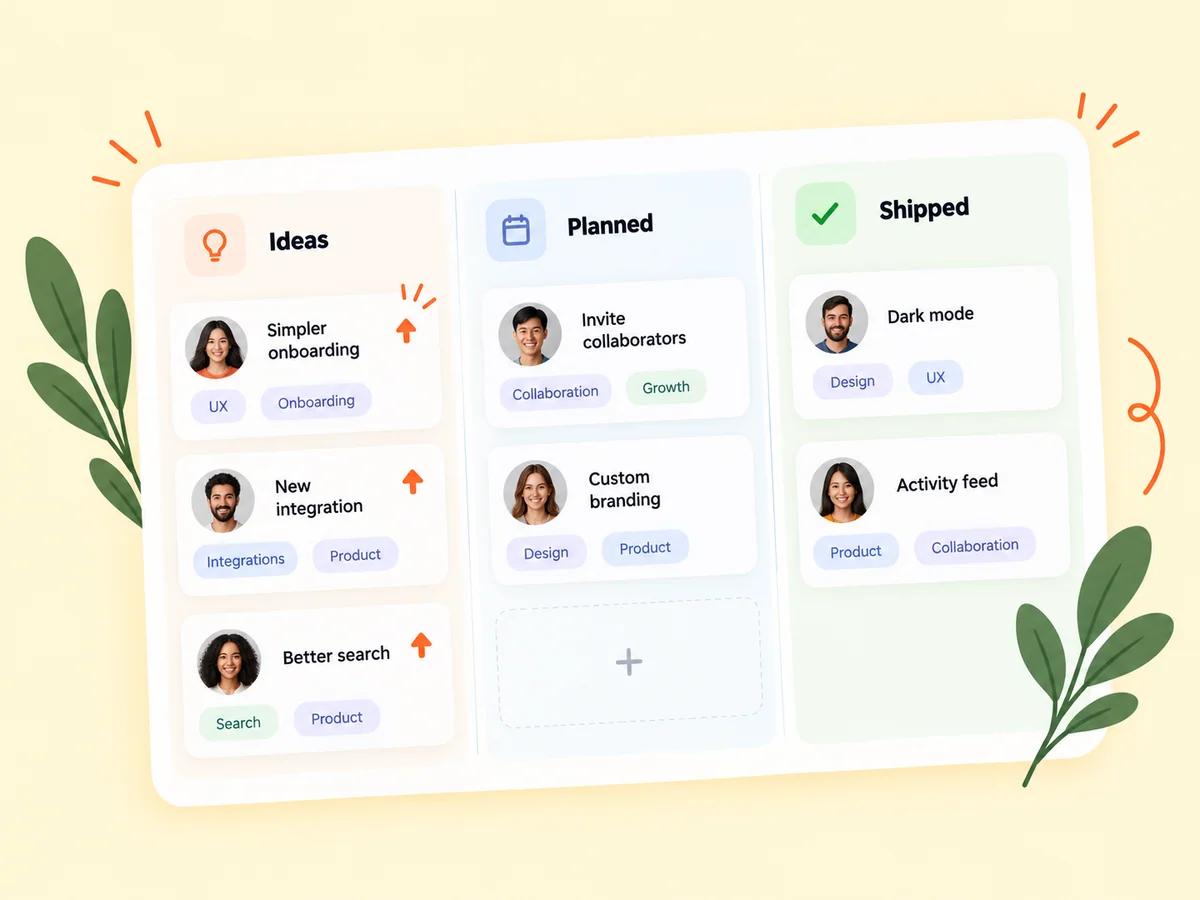
A closer look at Product feedback and roadmaps
A product roadmap explains direction; product feedback helps you assess that direction. Start by understanding what someone is trying to do and where the current workflow falls short. Several requests may describe the same underlying problem in different ways. Use the discussion to clarify the need before deciding whether a new feature belongs in your plan.
Product feedback includes different kinds of input: a question about existing behavior, a bug, a usability problem, or a request for a new capability. Treating them as the same thing makes prioritization harder. Buildside gives product discussion and roadmap context a place alongside the product itself, while the founder remains responsible for deciding what each observation means and what to do next.
Make it useful
Gather product feedback from people trying your SaaS
Testing rounds can surface specific observations about a workflow. Combine that evidence with product questions and feature requests to identify recurring needs. A confusing onboarding step may deserve a different response from a missing advanced capability, even when both appear as requests for a change.
Ask what the person was trying to accomplish before choosing a solution. Two requests with different wording may describe the same underlying problem, while similar requests may come from entirely different audiences. Keep that context with your assessment so you can distinguish a recurring need from a feature idea that only appears popular.
Explore beta testing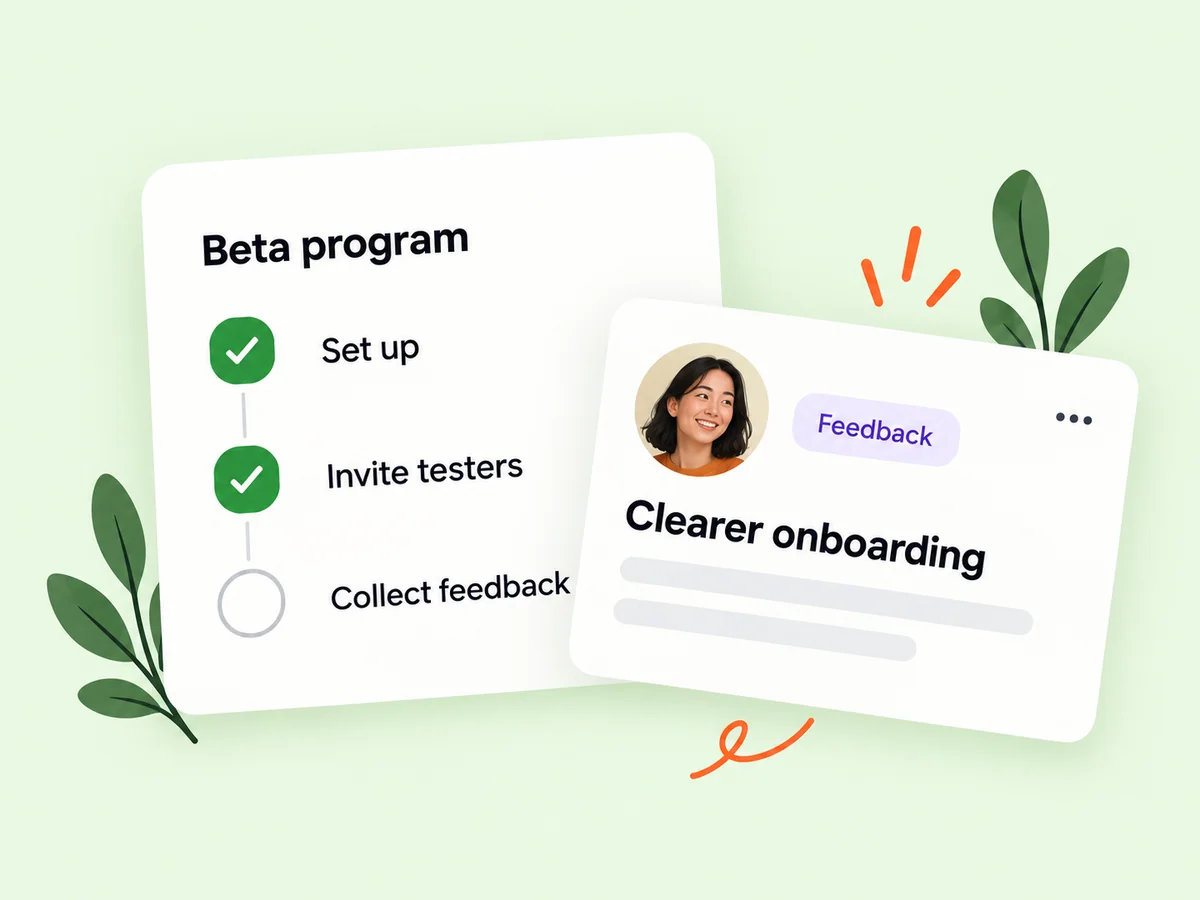
Keep building
Show product roadmap progress alongside your updates
Your public product story becomes more useful when readers can understand the direction of development. Use roadmap information and updates to explain what is planned and what has shipped. A later post can describe the reasoning behind a change and acknowledge the problem that prompted it.
Explain the status of work in language an early adopter can understand. A planned item communicates direction, not a delivery guarantee. When something ships, connect the announcement to the problem it addresses and review any older description that could mislead someone about what is available now.
Explore product pages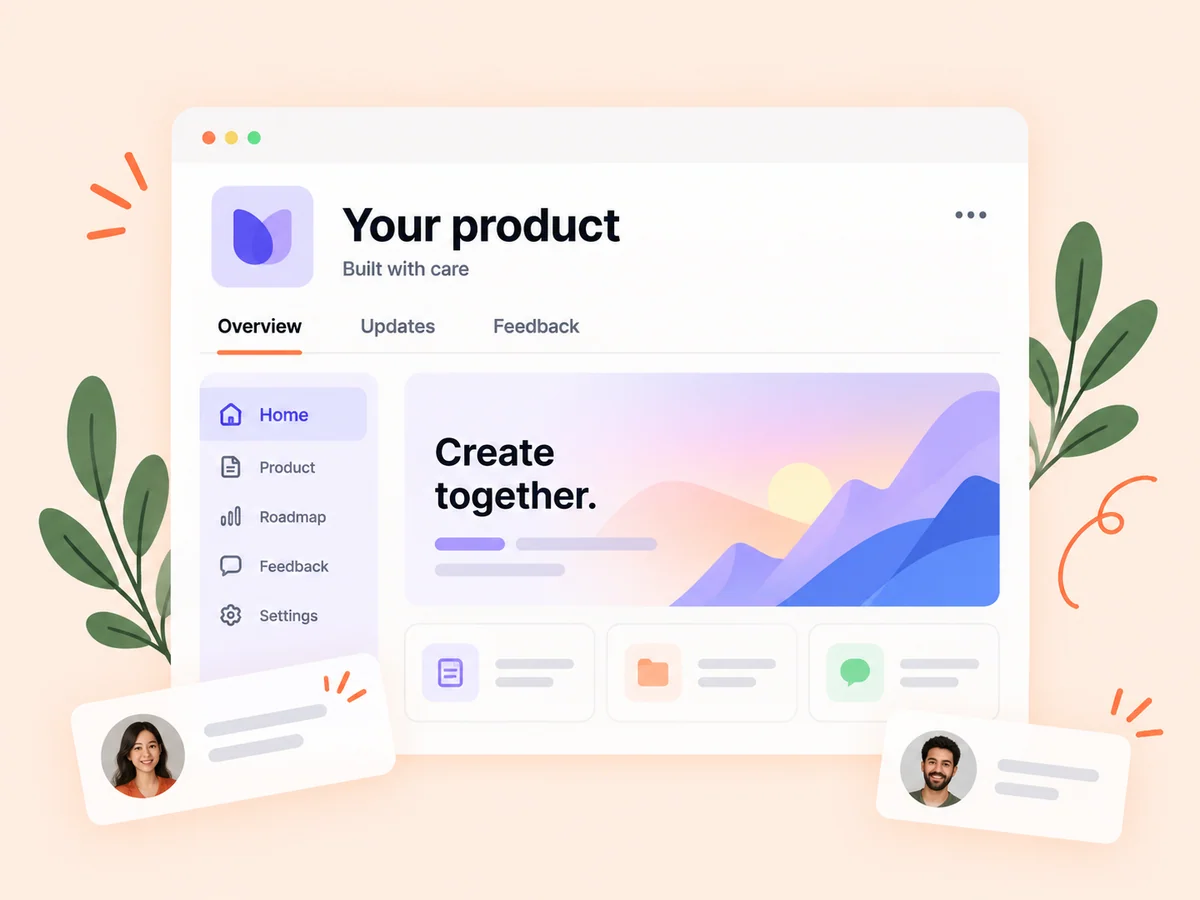
From idea to action
How to get started
Capture the underlying problem
Collect feedback with enough context to understand the user’s goal. Ask follow-up questions when a request is unclear. Begin with the user problem and the circumstances around it. Ask for the intended task, the current difficulty, and what a useful result would look like before discussing an implementation.
Review the roadmap
Consider the feedback alongside your product’s audience and current priorities. Keep roadmap information aligned with your actual plans. Compare related input and decide what needs clarification. Consider the intended audience and whether the issue blocks the main workflow before assuming the most visible request should be built first.
Close the loop after shipping
Update the product story and explain what changed so interested people can see the outcome. Share the decision at a level you can support. Explain what you are investigating, what is planned, or what has shipped, and update the roadmap when the direction changes.
Find your starting point
Connect feature requests with product roadmap decisions
Use product feedback management when requests are arriving but the underlying user problem is still unclear. A founder might receive several ideas about exporting reports, each suggesting a different solution. Ask about the task and the destination of the exported information. That context helps you assess whether one improvement could address several needs before adding work to the roadmap.
A public roadmap is especially useful when people are already asking about the product’s direction. It can provide a shared reference for conversations and later updates. Keep it aligned with actual decisions so readers can understand what the founder intends to explore without assuming every idea will ship.
An example to adapt
Example: investigate an export request
Suppose several people ask for spreadsheet export from a reporting tool. Before choosing a file format, ask what they do with the information afterward. One person may need an archive, while another needs to combine the data with a separate workflow.
These answers could lead to different solutions. Document the problem you choose to address, communicate the intended scope, and explain the released behavior when it becomes available. This is an illustrative decision process, not evidence that a particular request is universally the right feature to build.
Make the most of it
Keep your software product roadmap useful as plans change
Describe roadmap items in terms readers can understand, and keep their status aligned with the work. A planned item communicates an intention, not an unconditional release promise. When priorities change, explain the reasoning where appropriate. Product feedback remains useful even when you do not implement the suggested feature, because it can reveal a problem that deserves a different solution.
Review old items when the product changes. Clarify work that is no longer planned and connect completed improvements with a useful update. Distinguish feedback volume from urgency and use what you know about the intended audience when deciding which problem to address.
Good questions, clear answers
About Product feedback and roadmaps
What is a product roadmap, and how does feedback inform it?
A product roadmap communicates the direction of a product and the work being considered, planned, or shipped. Product feedback adds evidence about user problems and requested improvements. On Buildside, founders can collect ideas and show roadmap progress alongside their product. A request helps inform the decision; it does not guarantee a feature or a delivery date.
Does a feature request guarantee a place on the roadmap?
No. Feedback informs the founder’s decisions. The product owner still chooses what to prioritize and communicate. Use the response to explain your reasoning where appropriate. A suggestion can remain useful evidence even if the proposed implementation is not the approach you choose.
How are roadmaps useful to early adopters?
They help people understand the product’s direction and follow the progress of relevant ideas. Keep the information current so it reflects the work you intend to do. Readers should be able to distinguish an idea under consideration from work that is available. Clear status language is more useful than a roadmap full of promises that no longer reflect the product.
How should I respond to a request I cannot prioritize?
Acknowledge the problem and explain the current decision when you have enough context to do so. Ask a clarifying question if the need is unclear. Avoid promising a date simply to close the conversation; a clear explanation of the product’s priorities is more useful than an unsupported commitment.
How are product questions different from feature requests?
A product question asks how something works or whether an existing capability fits a need. A feature request proposes a change. Answering the question first may reveal that the capability already exists, that the interface is confusing, or that a new workflow is genuinely needed.
Product feedback and roadmaps