




















Podcasts and Podcast Studio
Startup podcasts and a founder recording studio
Buildside startup podcasts give founders room to explain the decisions and lessons behind a product journey. Browse episodes, listen to other builders, and join the discussion. Approved creators can use Podcast Studio to record audio, edit an episode, and review its transcript and chapters before publishing. The workflow connects a founder’s voice with the community following their work.
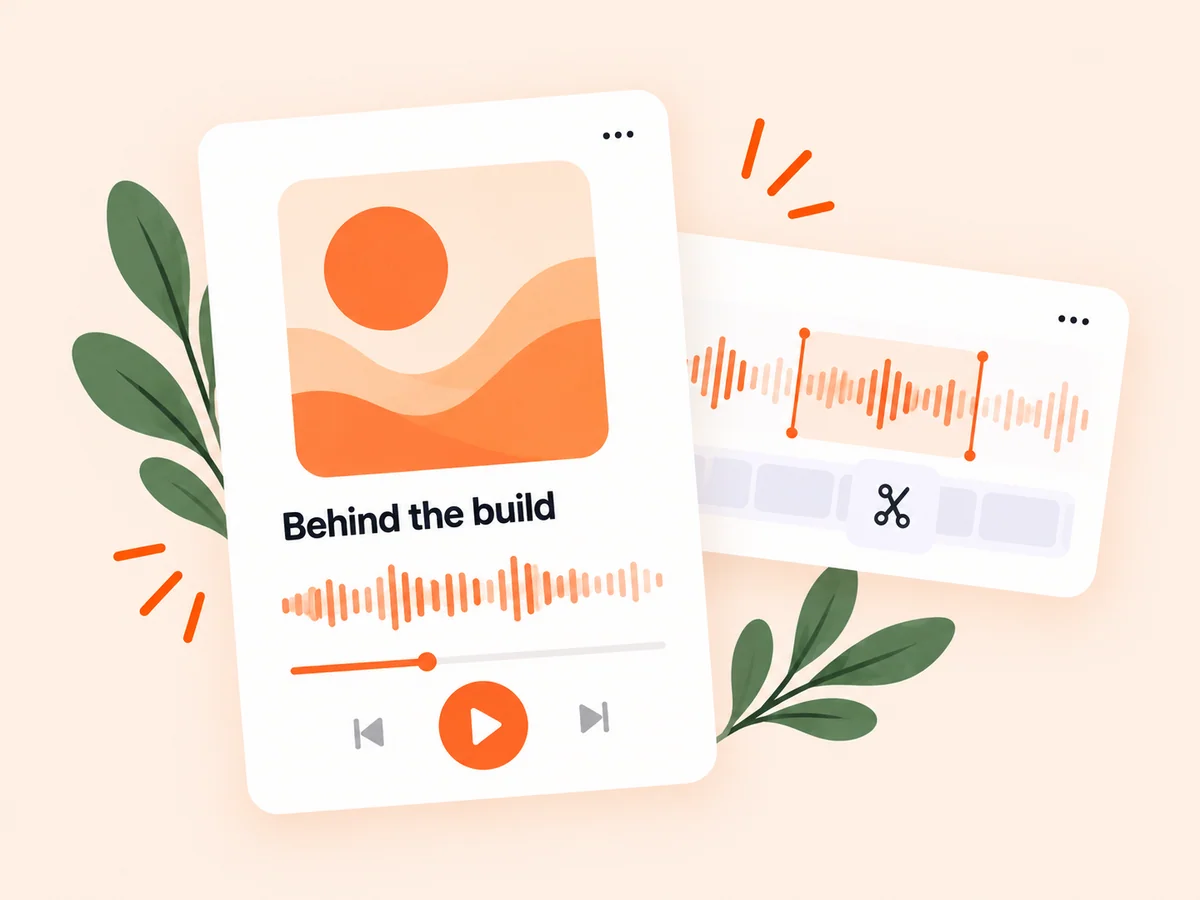
A closer look at Podcasts and Podcast Studio
A startup podcast can explore reasoning that a short product update cannot hold. Explain the original problem, the approach you tried, and what changed your thinking. Listeners need enough context to follow the story without seeing your product screen. A focused episode about a real decision can make your experience useful to another founder facing a similar question.
A founder podcast can explain how a decision developed, what alternatives were considered, and why a product changed direction. Buildside connects that audio with public show and episode pages and the people behind the work. For creators, the studio supports a microphone-recording workflow with editing and review before publication; for listeners, discovery provides an entry point into those stories.
Make it useful
Discover the founders behind startup podcast episodes
Explore a show or episode, then learn more about the founder and their work. The surrounding community gives a podcast additional context: a listener can read a profile, discover the product being discussed, or follow future updates from someone whose perspective interests them.
Use the episode description to decide whether the subject relates to your current question. A lesson from a solo founder may be valuable even when their product differs from yours, but the audience and stage affect how you should interpret it. Read the founder’s public context when it helps explain the perspective behind the recording.
Explore founders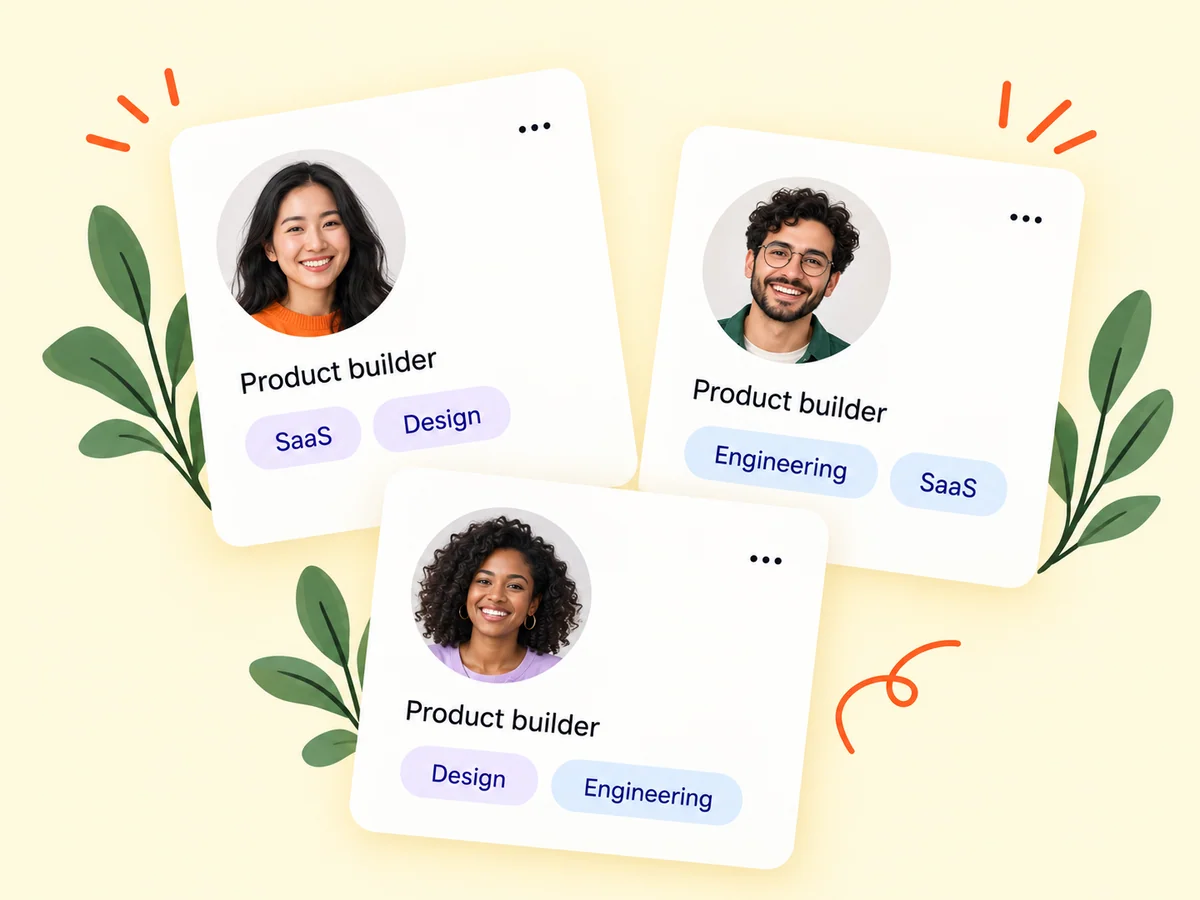
Keep building
Bring a podcast discussion into the startup community
Published episodes have their own pages and discussion experience. Share the story with enough context for people to decide what they want to hear. In Podcast Studio, approved creators record with their microphone, edit the audio, and review episode details, transcripts, and chapters before publication.
Prepare a focused outline before recording and use the microphone check to confirm the intended input. After capture, review the audio, make appropriate cuts, and inspect the finished result before publishing. Metadata, transcripts, and chapters should describe the edited episode accurately so a listener can understand its subject and navigate the discussion.
Explore the feed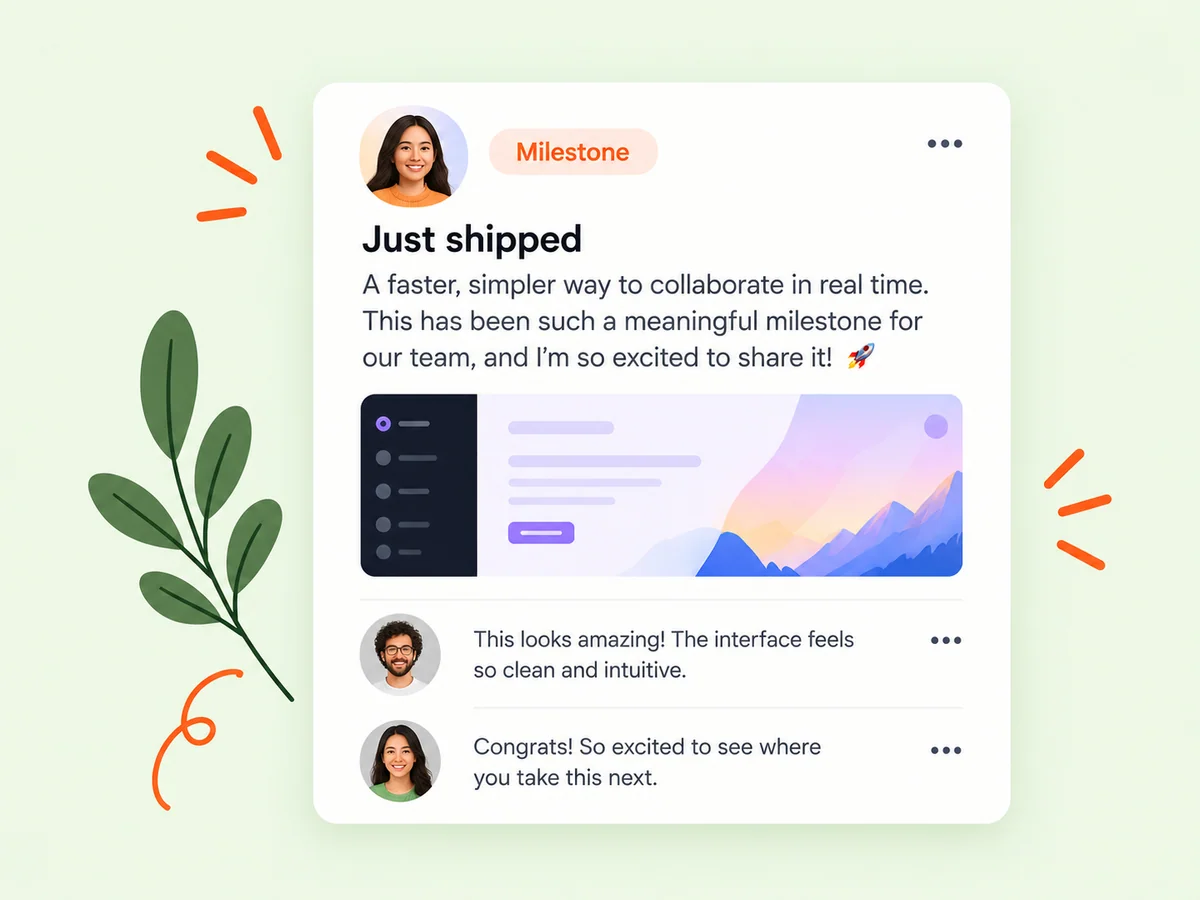
From idea to action
How to get started
Explore shows and episodes
Open Podcasts and choose a story that relates to your interests or current product challenges. Browse by the topic or founder perspective you want to hear. Read the show and episode context instead of choosing only from a title that may omit important detail.
Listen and join the discussion
Use the episode page to hear the story and explore the conversation around it. If you want to create a show, use the creator-access workflow and complete the available setup. Plan a specific episode subject before starting the recording session.
Request creator access if you want to record
Follow the creator-access flow. Approved creators can set up a show and use the studio’s recording, editing, and review steps. Review the edited audio and episode details together. Check that the title, description, transcript, and chapters correspond to the final recording before choosing publication.
Find your starting point
Use a startup podcast to explain product decisions
Use podcasting when the sequence of a decision matters as much as the final result. A founder might explain why an onboarding redesign took a different direction or how feedback changed a release plan. Choose one story with a clear starting question. Buildside listeners can then connect the episode to the founder’s profile, product, and ongoing community conversations.
For listeners, the value is in understanding the conditions behind the lesson. Consider the founder’s product stage, audience, and constraints before applying an idea. The related profile and product context can help turn an interesting story into a question worth exploring in your own work.
An example to adapt
Example: record a lesson from a product redesign
Imagine an approved creator preparing an episode about simplifying a reporting dashboard. They outline the original problem, the alternatives considered, and what they observed after trying a smaller set of controls. The recording focuses on the decision rather than claiming an unsupported growth result.
After recording, they remove an unclear passage, preview the edited audio, and review the transcript and chapter labels against the final version. This hypothetical workflow shows how the studio can support a coherent founder story with a deliberate review before publication.
Make the most of it
Prepare a clear listening experience before publishing
Plan a startup podcast episode around the listener’s question, then record the explanation in a clear sequence. Review the audio for confusing references, unnecessary repetition, and gaps in context. Check the title, description, transcript, and chapters against the final recording. Podcast Studio supports approved creators recording within Buildside; it is not an upload workflow for pre-recorded audio files.
Review the finished episode as a listener would. Make sure cuts do not change the meaning, the title accurately describes the subject, and the supporting details help someone decide where to start. Share the episode with a short explanation of the question it answers.
Good questions, clear answers
About Podcasts and Podcast Studio
How do I start a startup podcast on Buildside?
First obtain creator approval for Podcast Studio. Then plan a focused founder story, record audio in the studio, edit the episode, and review its metadata, transcript, and chapters before publishing. You can browse and listen to public episodes before becoming a creator. The recording workflow uses your microphone rather than accepting uploaded audio files.
Who can use Podcast Studio?
Podcast creation is available to approved creators. Members can request creator access through the discovery experience. Approval is required for the creator screens and their recording and publishing controls. Request access through the available experience rather than assuming ordinary membership enables the studio.
Does Podcast Studio accept uploaded audio files?
The current studio is built around recording with your microphone. It provides editing and review tools for those recordings; an audio-file upload workflow is not exposed in the studio. Plan to capture the episode through the supported microphone workflow. Artwork is a separate part of show presentation, and image-upload controls should not be confused with importing an existing audio episode.
What can I edit after recording an episode?
The recording editor provides controls for working with the captured audio, including selecting ranges, cutting material, splitting, and trimming. Preview the result and review the prepared final audio before publication. Editing should preserve the meaning of the conversation and keep the episode details aligned with what listeners will hear.
What makes a useful founder podcast episode?
Choose a specific decision, experiment, or product lesson and explain the context behind it. An outline with a clear question, the alternatives considered, and what you learned can give the recording a natural structure. Avoid claiming that one founder’s experience proves a universal approach for every startup.
Podcasts and Podcast Studio