




















Beta testing
SaaS beta testing and early product feedback
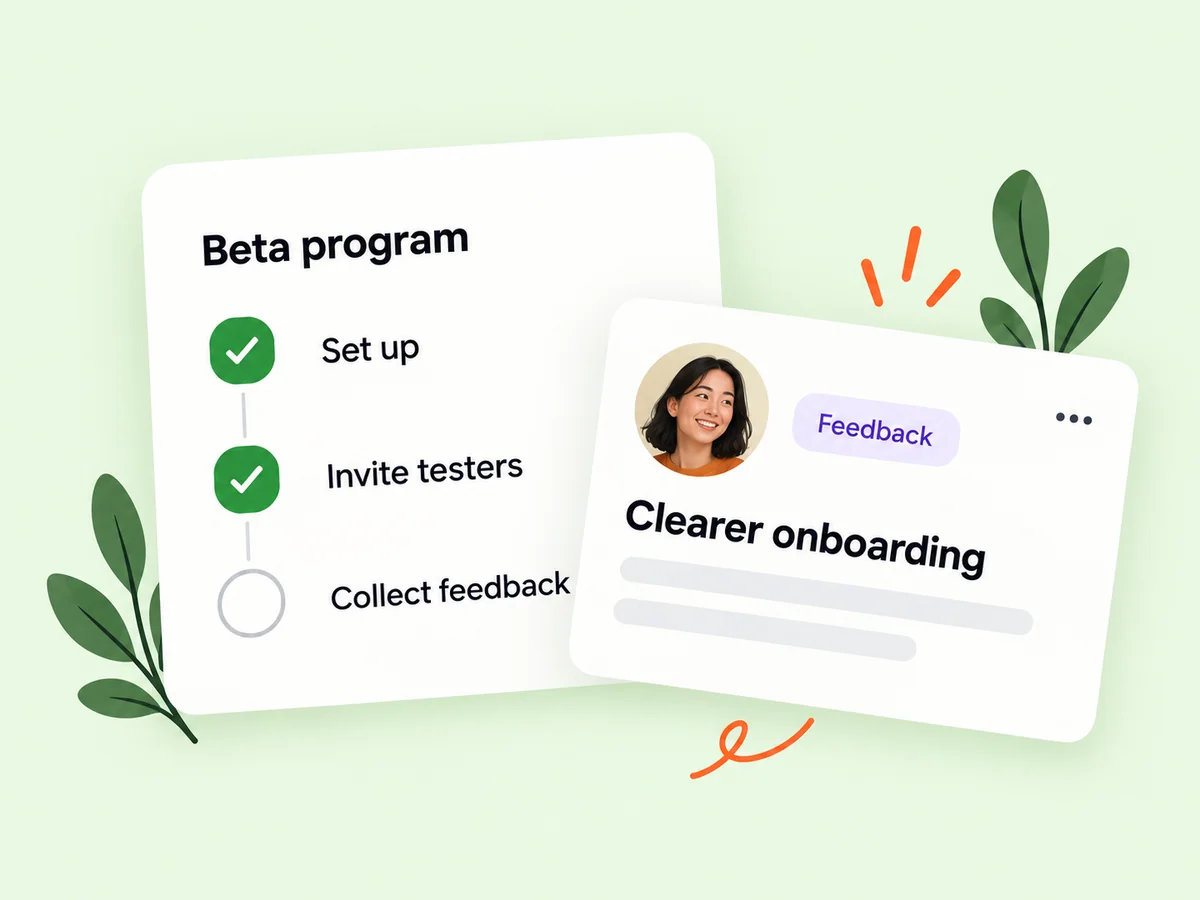
SaaS beta testing helps you learn how people use a product before you open it to a wider audience. On Buildside, create a testing round, share a product invitation, and manage applications from interested beta testers. Give participants a clear workflow to try so the product feedback can inform your next release, rather than becoming a collection of general opinions.
A closer look at Beta testing
A useful beta test begins with a question you can investigate. Can a new user finish setup? Do they understand the first report? Where does the workflow become confusing? Describe that task in the invitation and explain the product’s current stage. Focused instructions help interested testers assess whether they have the right experience and time to contribute.
Beta feedback becomes more useful when you know who tried the product and what they were attempting. A broad invitation to test everything can produce impressions that are difficult to compare. A round centered on one task, such as creating a first report or inviting a teammate, gives testers a clear starting point and gives you a better basis for interpreting what they report.
Make it useful
Prepare a clear beta testing invitation
A product page helps potential testers understand the audience, purpose, and current state of your SaaS. Pair that context with a testing invitation that describes the task and the kind of feedback you need. Clear expectations make it easier for people to decide whether they can contribute a useful perspective.
Explain the current state of the product before someone applies. Describe the intended audience, the workflow you want tested, and any setup the tester needs to complete. Keep the request realistic for an early product. A person can then decide whether their experience and available time are a good fit for the round.
Explore product pages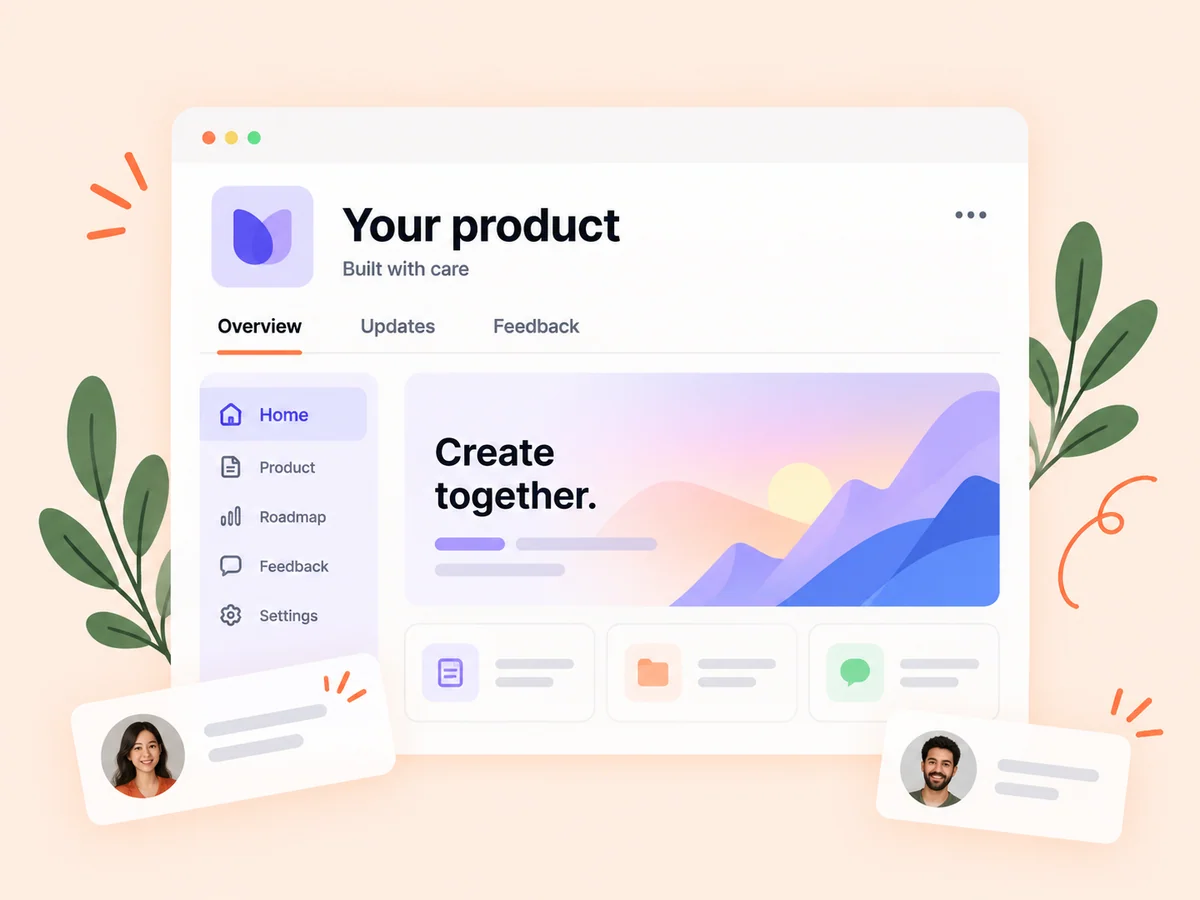
Keep building
Connect beta feedback with your product roadmap
Read feedback for patterns: where testers hesitate, what they misunderstand, and what they expect to happen next. Use those observations alongside your product goals when deciding what to improve. A roadmap or feedback item can connect a reported problem to planned work, while a later update explains what changed.
Separate the observed problem from the requested solution. A tester asking for another button may be describing difficulty finding an existing action. Ask what they expected and what they were trying to accomplish. That detail can reveal whether the next step is a wording change, a clearer flow, or a genuinely missing capability.
Explore product feedback
From idea to action
How to get started
Create a focused testing round
Choose the product and describe the task you want testers to complete. Make the intended audience and feedback goal clear. Describe the task and the kind of observation you need in the invitation. Give potential testers enough product context to decide whether they can provide a relevant perspective.
Share the invitation
Use the testing round’s invitation page and review applications from people interested in trying the product. Review applications with the intended audience in mind. A small set of relevant testers can reveal a different problem from a larger set of people who would never use the product.
Review and act on the feedback
Compare observations, identify a useful next change, and communicate what you learned from the round. Summarize what you learned before changing the product. Identify repeated observations, unanswered questions, and which changes need another test rather than treating every comment as a requirement.
Find your starting point
Choose a SaaS beta test around a real user task
Run a beta testing round when a working product needs outside perspective on a defined task. This could be an early release, a redesigned onboarding flow, or a new feature before wider launch. Choose people whose experience fits the intended user. Their observations are most useful when you know what they tried, what they expected, and where they needed help.
Use a beta round when observation can change a decision. If you already know a feature is broken, repair it before asking people to assess it. If you are uncertain whether a label, sequence, or missing action causes confusion, describe a task that lets testers encounter that uncertainty naturally.
An example to adapt
Example: test a first-report workflow
Imagine a SaaS that helps consultants prepare reports. Invite testers who understand that work and ask them to create a sample report from provided example information. Ask where they expected to add the source material and whether the finished report matched their expectation.
If several testers stop at the same step, investigate the instructions and screen layout before assuming they need more features. Revise the flow and run another focused check. This example illustrates a method for learning; it does not represent measured Buildside customer results.
Make the most of it
Turn beta testing feedback into specific improvements
Ask beta testers to describe what happened before proposing a solution. A report that identifies a confusing label and the action someone expected gives you more to investigate than a low score alone. Group recurring observations, check them against your product goals, and decide what to test next. Keep product launch decisions grounded in the evidence you actually collected.
Close the loop after a round. Explain which observations informed a change and which questions remain open. Preserve the distinction between a bug report, a usability issue, and a feature request so each receives an appropriate response in your own product planning.
Good questions, clear answers
About Beta testing
What is beta testing for a SaaS product?
Beta testing lets invited users try a working SaaS product or feature and report problems before broader access. Buildside supports testing rounds, invitation pages, and tester applications. Give participants a realistic task and ask for specific observations. A successful beta round can reveal usability issues and missing context, but it does not by itself prove market demand.
What kind of feedback should I ask for?
Ask about a specific task, expectation, or point of confusion. Concrete observations about a workflow are easier to turn into product decisions than a broad request for feedback. Useful prompts include what the tester expected to happen, where they hesitated, and whether they could complete the task. Ask for the circumstances around a problem so you can investigate it.
Does Buildside guarantee testers or results?
Participation depends on the people who see your invitation and choose to apply. A clear product description and a focused task help potential testers assess the opportunity. A testing invitation is a way to organize participation, not a promise of a particular sample size. Plan around the feedback you actually receive and be explicit about gaps in audience coverage.
How should I turn beta feedback into priorities?
Group observations by the user problem they describe. Consider whether a problem prevents the main task, how often it appears in your testing, and whether it affects the audience you intend to serve. Use that evidence alongside your product goals, then explain which issue you will investigate or change next.
Can a successful beta test prove product demand?
A tester completing a task shows something about that experience under the test conditions. It does not by itself establish willingness to pay, repeat use, or demand across a wider market. Use beta observations with customer conversations and real product behavior when making a broader decision.
Beta testing