




















Founder and product analytics
Product analytics and content performance on Buildside
Buildside analytics helps you understand attention around your founder profile, product pages, and community content. Review profile views, product activity, post performance, and outbound clicks across date ranges. These product analytics describe activity on Buildside, giving you evidence for your next update or launch experiment; they do not measure every action someone takes inside your own SaaS.

A closer look at Founder and product analytics
The useful question is what a metric tells you about a specific piece of work. A product page receiving attention after a launch post may deserve a clearer introduction or a follow-up explanation. Outbound clicks show interest in continuing to another destination. Read each measure in its own context before drawing conclusions about customer acquisition, revenue, or product adoption.
Founder analytics becomes more useful when every metric is tied to a question. Profile views can help you examine attention around your founder story. Content activity can help you compare updates, and outbound clicks show an action toward another destination. These measures describe different parts of discovery, so interpreting them together requires attention to their definitions, time windows, and available coverage.
Make it useful
Connect content performance with your product story
Review the performance of the posts you publish alongside the subject and format of each update. A post that introduces a new capability serves a different purpose from a question seeking advice. Use that context when deciding which approaches deserve another experiment rather than treating every interaction as the same outcome.
Compare posts with similar purposes before drawing a conclusion. A technical lesson may encourage discussion, while a product announcement may prompt readers to explore the product page. Record the question each post was intended to answer and look at the measures relevant to that purpose. A single high-performing update is a reason to investigate, not a reliable formula.
Explore the feed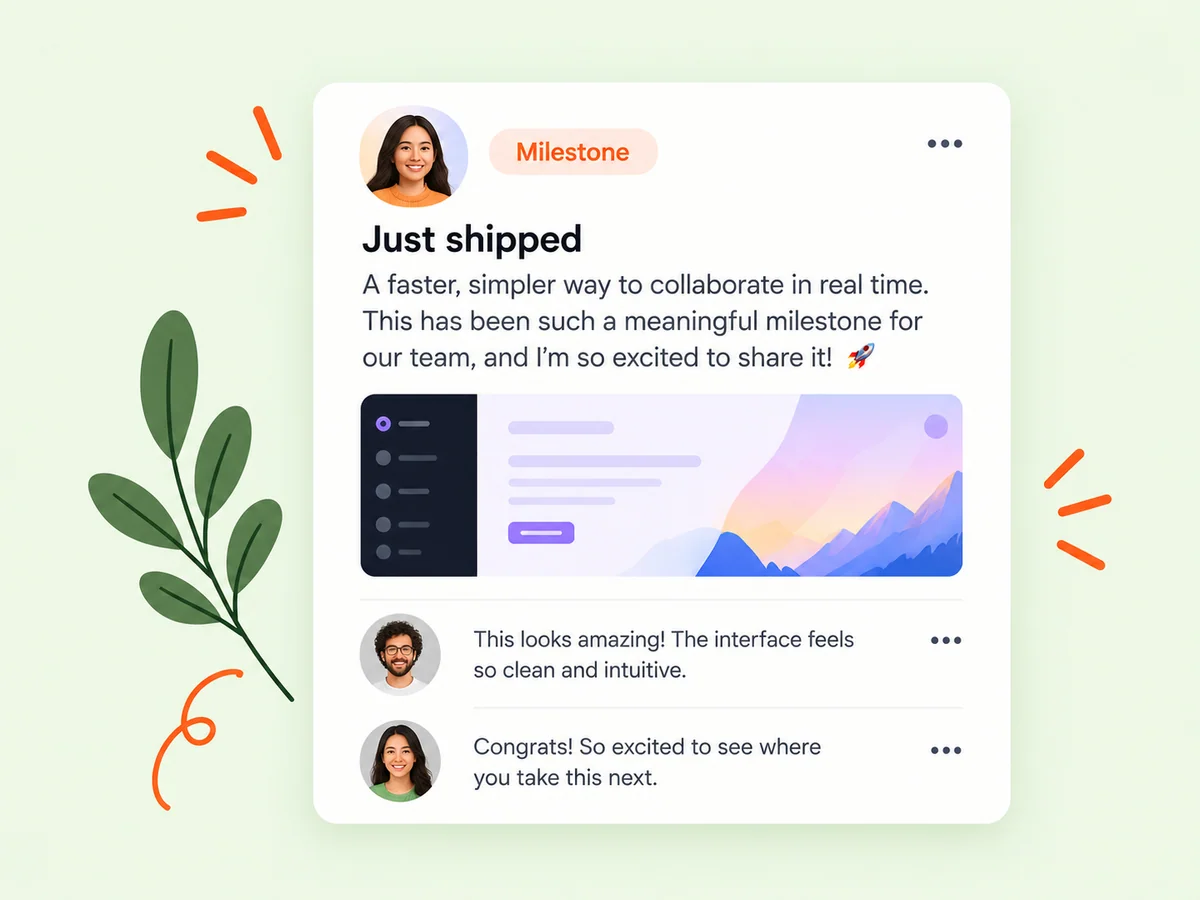
Keep building
Read product analytics in the context of a launch
Product activity and outbound clicks add context to profile and content performance. They can help you understand whether people are exploring the product after discovering its founder or updates. Recorded activity describes what happened on the platform; use your own product analytics to investigate what visitors do after leaving Buildside.
Keep the boundary between Buildside activity and your product’s results clear. A person may click through without signing up, or return later through another route. Use the destination product’s own measurements to assess activation and customer outcomes. Describe any gap in that connection instead of treating all attention as evidence of demand.
Explore product pages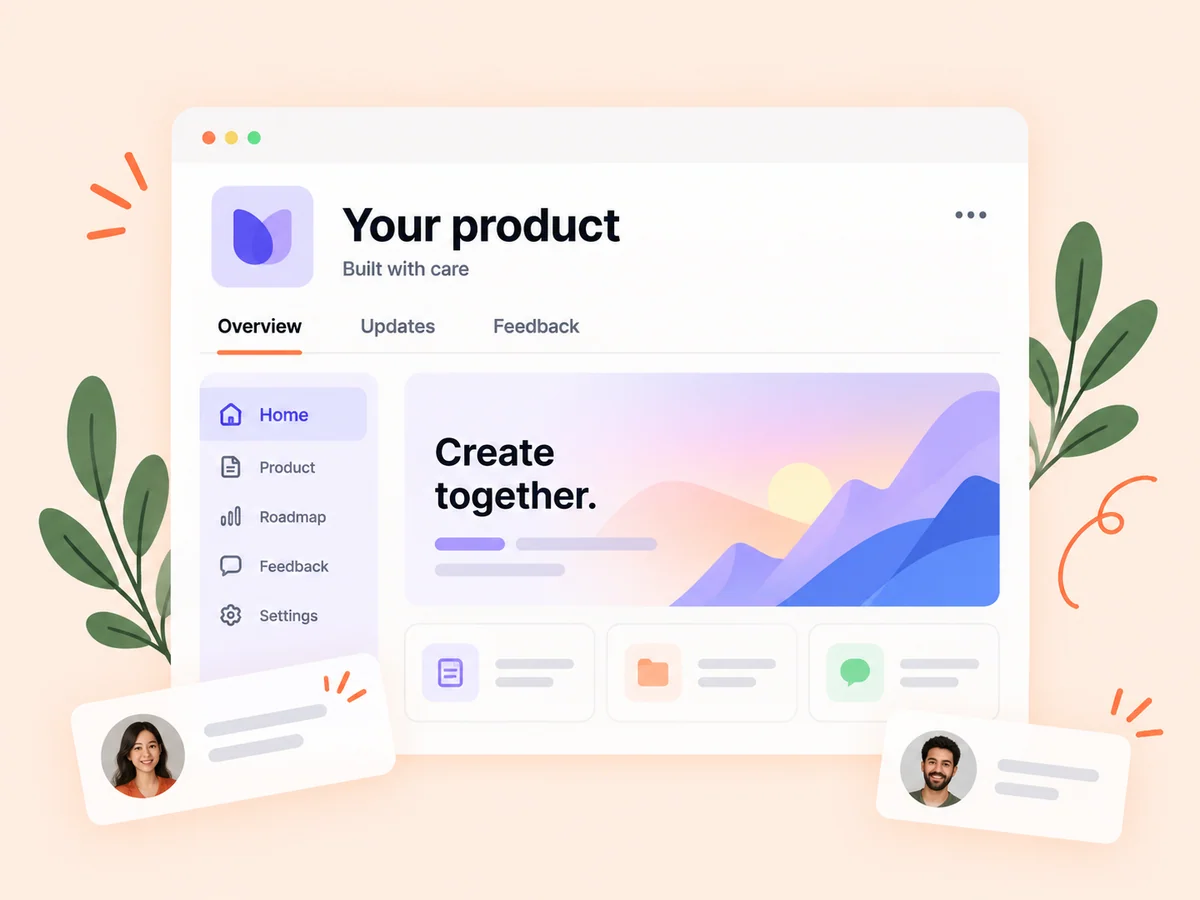
From idea to action
How to get started
Choose the question and date range
Decide what you want to learn, then select the relevant reporting window in analytics. Decide what you want to understand before opening the report. A question about profile discovery requires a different view from a question about which product update generated discussion.
Read the relevant measures together
Compare profile, content, and product activity where available. Check what each measure actually represents. Check the date range, comparison period, and metric definition shown. Similar-looking totals can describe different populations or windows, so keep the comparison consistent.
Plan a focused follow-up
Use the observations to choose one change in your next update or product presentation, then review its outcome later. Choose one next experiment based on the observation and record its purpose. Revisit the result after enough relevant activity, rather than changing your approach after every small movement.
Find your starting point
Use product and content analytics to plan an experiment
Use analytics when you want to understand how people encounter your public work on Buildside. Compare a product launch announcement with an explanation of a specific workflow, or review whether a profile update coincides with different activity. Choose similar date ranges and a question before interpreting the numbers. The goal is to decide what to investigate next, not assign a cause to every change.
Review the content behind a change in the numbers. A spike around a launch can be useful without being representative of an ordinary week. Keep the event, the amount of published work, and the available reporting coverage beside the observation when deciding what to try again.
An example to adapt
Example: compare an announcement with a workflow explanation
Suppose you publish one update announcing a new reporting feature and another explaining the task it helps a consultant complete. You compare the available content and product activity over equivalent windows, then read the replies to see what readers understood.
If the explanation prompts more useful questions, your next experiment might show another workflow in the same level of detail. That is a hypothesis based on the observation, not proof that a particular format always performs better. This example uses no invented performance figures or customer results.
Make the most of it
Understand what Buildside analytics can and cannot show
Keep your analytics question close to the available data. If you want to understand content performance, compare relevant posts over similar periods and note differences in topic or promotion. If you need customer conversion or in-product usage, consult the measurements for your own SaaS as well. Buildside’s recorded activity is one part of the product launch story, not the whole journey.
Write a short note about why you ran an experiment before reviewing the result. This makes it easier to judge the outcome against the original purpose instead of choosing whichever metric improved. Use repeated, comparable observations to refine your approach and keep important limitations visible.
Good questions, clear answers
About Founder and product analytics
What is product analytics on Buildside?
Buildside product analytics reports activity around your public product and founder presence, including product activity, profile views, post performance, and outbound clicks. Use date ranges to compare attention over time. This is different from tracking all behavior inside your own SaaS: a visit or outbound click does not establish that someone signed up, became a customer, or generated revenue.
Can I compare performance over time?
Analytics supports date ranges and available comparisons. Keep the selected windows and metric definitions consistent when assessing a change. Consider differences in what you published and how much activity occurred in each period. An increase can reflect more posts or a one-off event rather than a repeatable improvement in the content.
Do outbound clicks tell me how many customers I gained?
No. A click records a visit action, not a purchase or activation. Connect that observation with your own product data when evaluating customer outcomes. Use your own signup, activation, and customer records to assess those later outcomes. If the connection between systems is incomplete, report the click as the action you can observe.
Which metric should I focus on first?
Start with the purpose of the work you are evaluating. If you want a useful discussion, inspect the relevant content activity and replies. If you want readers to explore a product, consider product attention and outbound actions. No single metric describes every goal, and a larger number is not automatically a better result.
How can I compare two product announcements fairly?
Keep the metric and time window consistent, then note meaningful differences in subject, audience context, and the age of each post. Review the actual content alongside the totals. Treat the comparison as a way to form a next hypothesis rather than proof that one wording choice caused the difference.
Founder and product analytics