




















X cross-publishing
Cross-publish startup and product updates to X
Buildside cross-publishing lets you share a community update with your X audience when you choose. Connect your account, review the message, and select the option to publish it there as part of your posting workflow. Use it for product launch news, build-in-public progress, or a useful lesson that makes sense to readers on both platforms.

A closer look at X cross-publishing
Product launch marketing often involves audiences with different levels of context. Someone following you on X may not know the SaaS product that Buildside readers have seen develop. Write the update so a new reader can understand the problem and the change. Cross-publishing extends the message to another audience, but the explanation still needs to stand on its own.
Cross-publishing can reduce the need to prepare an update from scratch in two places, but the readers may have different context. Someone on Buildside can explore your founder profile and product story, while an X reader may encounter the post without that background. Write the core message so it identifies the product, audience, and development clearly enough to make sense on its own.
Make it useful
Write a product update that works across audiences
Start with something concrete: a launch, an improvement, a lesson, or a question about your work. Explain why it matters to the reader. Cross-publishing gives that update another place to appear, while its Buildside context connects it to your founder profile and product story.
A post should give the reader a reason to continue before asking them to explore another destination. Name the problem and the actual improvement, then include the context needed to understand it. Avoid assuming that your X audience has seen the earlier Buildside conversation or knows which product a short reference describes.
Explore the feed
Keep building
Include X publishing in your content preparation
Use a saved draft if you need more time to refine the message or select supporting media. When you are ready, return to the composer and review the available X publishing controls. Check the connected account and any validation shown before confirming how you want to share the update.
Confirm the connected account and the choices shown in the composer each time they matter. Review any content or media validation before publishing. A saved draft preserves preparation, while choosing the connected X option determines whether that publishing action also uses the integration. Keep those steps distinct in your routine.
Explore saved drafts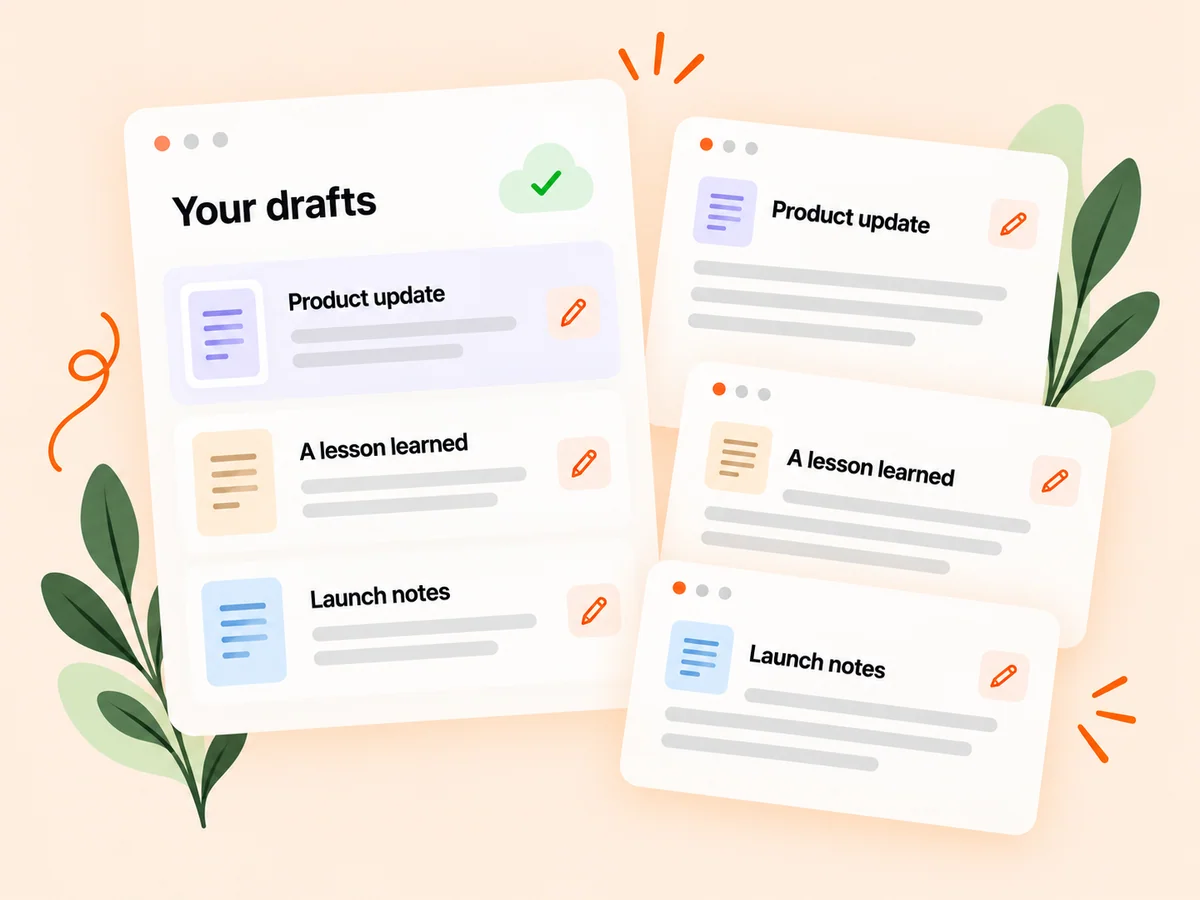
From idea to action
How to get started
Connect the intended X account
Complete the available X connection flow so Buildside can offer cross-publishing for that account. Confirm that the connected X account is the one you intend to use. Review the authorization and connection state shown before relying on a cross-publishing action.
Prepare and review the update
Write the post and check the content, audience context, and available cross-publishing options. Read the post without the surrounding Buildside profile. Add the product name or audience context if a reader on another platform would otherwise struggle to understand the point.
Choose to share on X
Select the X option when you want the update shared there, then review the publishing result. Check the publishing result through the available workflow and follow the discussions where they occur. Responses on one platform do not necessarily represent the audience on the other.
Find your starting point
Use cross-publishing for a product launch or useful lesson
Cross-publish when the same real development is relevant to your Buildside community and your X audience. A founder might announce a newly available workflow or share a lesson from a product experiment. Introduce enough context for both groups, then choose whether the post belongs on X. The feature supports another publishing destination without requiring every community update to appear there.
It is less suitable when a message depends on a conversation that only one audience can see. In that case, explain the relevant background before choosing the connected publishing option. Consistency matters, but every reader still needs enough information to understand the story.
An example to adapt
Example: share a product update with a clear introduction
Suppose you improve the way a freelance invoicing product handles recurring clients. The post names the audience, explains the old difficulty, and shows the new workflow. It does not begin with a reference such as the thing we discussed yesterday.
Review the connected X account, the content, and the available publishing controls before sharing. Follow the resulting conversations separately and answer questions about availability consistently. This hypothetical example shows how one grounded update can be understandable in different community contexts.
Make the most of it
Keep cross-published startup updates clear and deliberate
Review cross-published copy from the perspective of a reader encountering your product for the first time. Identify the tool and the change before asking for feedback or inviting exploration. Keep the decision to share deliberate, and return to responses on each platform. A broader distribution workflow can extend a conversation, but it does not guarantee the same reach or reaction everywhere.
Use a draft while important details are unsettled. Verify links, media, and account selection when you return to publish. Afterward, look at the actual questions people ask and use that information to improve the next explanation rather than relying on cross-publishing alone to create interest.
Good questions, clear answers
About X cross-publishing
How can I share a Buildside product update on X?
Connect your X account, prepare the Buildside post, and choose the cross-publishing option when you want the update shared there. Review the wording for readers who may not know your product. Connecting the account does not mean every Buildside post goes to X; you still decide which updates should be published to that audience.
Do I need to connect X first?
Yes. The feature uses an authorized X account. Check which account is connected before choosing to cross-publish. Use the connection controls to verify the current account and any required setup. If the integration needs attention, resolve that state before relying on it for an announcement.
Will the same post perform the same way on both platforms?
Different audiences and distribution systems can produce different responses. Use the actual discussions and available results to decide what is useful for each audience. Compare each response with the purpose of the post and the context the audience had. A difference in reactions is a prompt to investigate, not proof that the product itself is more suitable for one platform.
What should I change in a post intended for both communities?
Make the product, intended user, and main development understandable without earlier posts. Remove unexplained references and check how links or media support the message. The core story can stay consistent, but it should not require a reader to know your Buildside profile before understanding why the update matters.
Should I respond to replies on both platforms?
If people ask relevant questions, responding where the discussion occurs helps them understand the update. Keep track of which context each audience has and avoid assuming everyone saw the same follow-up. Use the conversations as input for a future post when a question deserves a clearer public explanation.
X cross-publishing