




















Product waitlists
Create a SaaS waitlist landing page before launch
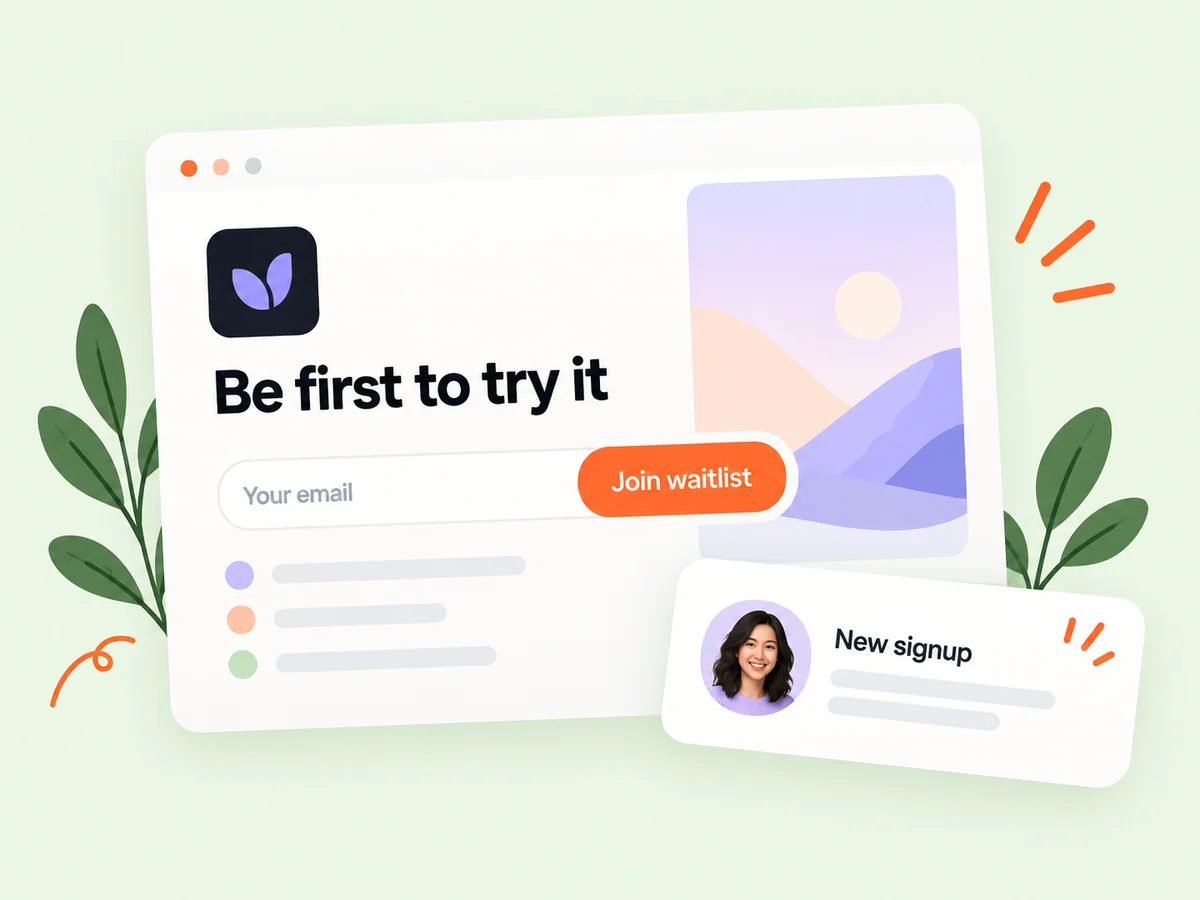
A SaaS waitlist landing page gives interested people a way to hear about your product before wider access opens. Buildside lets you introduce the idea, collect early-access signups, manage launch timing, and export the signup list. Use it to organize early interest around a clear product promise while you prepare the next stage of your launch.
A closer look at Product waitlists
Before a product launch, visitors need to know what they are joining. Explain the task your SaaS will help with, the intended audience, and what early access means at the current stage. A waitlist records interest in that promise. It gives you a list to work with, while beta testing can help you investigate how people respond to the actual product.
A waitlist is useful when a product is not yet ready for every interested visitor. It creates a consistent place to explain the upcoming offer and capture people who want access. The quality of that interest depends on the promise you make. Describe the problem, audience, and current stage clearly so a signup reflects an informed expectation about the product.
Make it useful
Explain the product behind your waitlist landing page
Connect the waitlist with a product page that explains what you are building. A concise pitch and useful screenshots can answer basic questions before someone signs up. As the idea develops, keep the public description aligned with the product you intend to release.
Explain what someone is joining the list for. A product that is still exploring its first workflow should use different wording from one preparing a wider release. Keep the waitlist promise aligned with the product description and launch timing you manage. Avoid implying that signing up provides immediate access if that is not the intended experience.
Explore product pages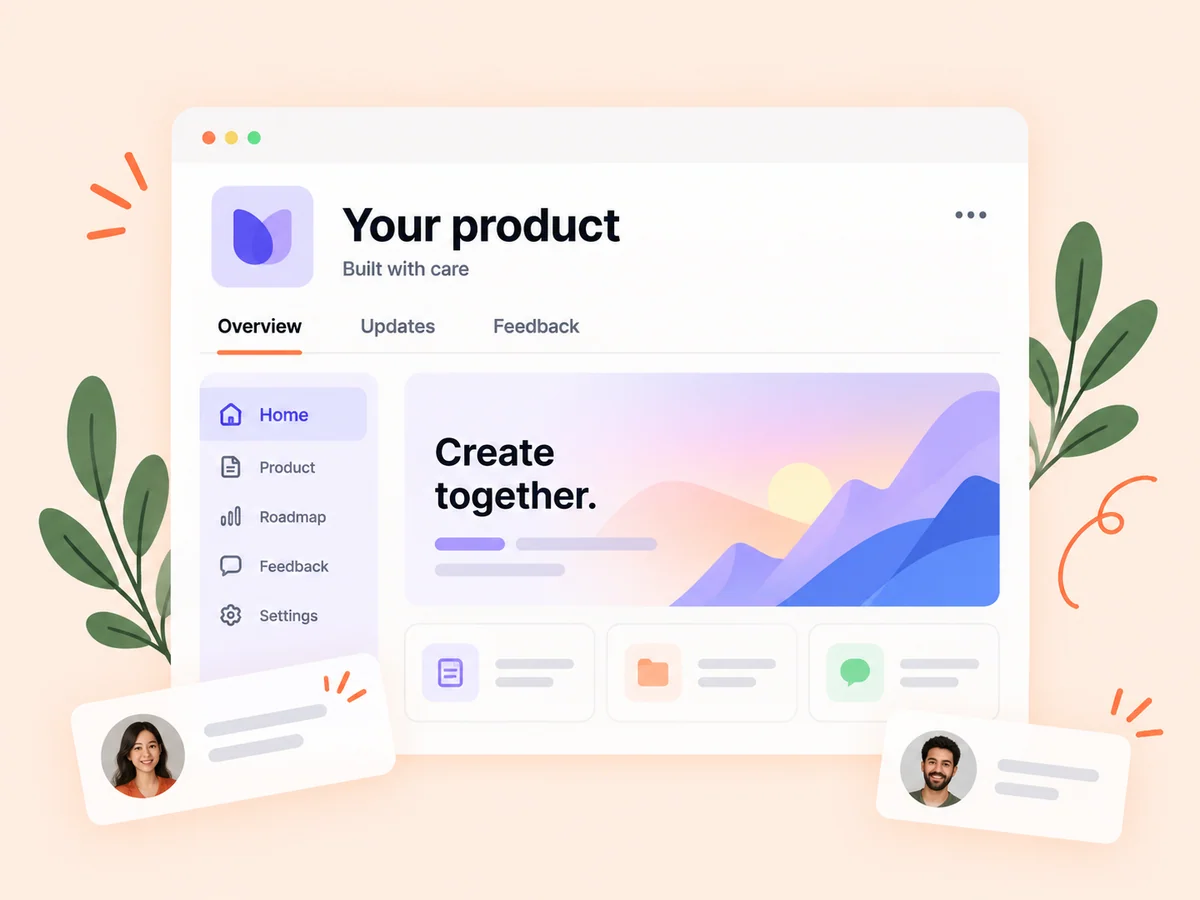
Keep building
Connect early-access interest with beta testing
A signup shows interest; trying a real workflow produces a different kind of evidence. When you are ready, create a focused testing round and invite participation through its own workflow. Use the observations from testing to understand usability and expectations alongside the interest captured by your waitlist.
Keep early interest and hands-on learning separate in your planning. A person may like an idea without being available to test it, and a tester may contribute useful observations without becoming a customer. Use the appropriate workflow for each next step and explain what participation involves before asking someone to commit time.
Explore beta testing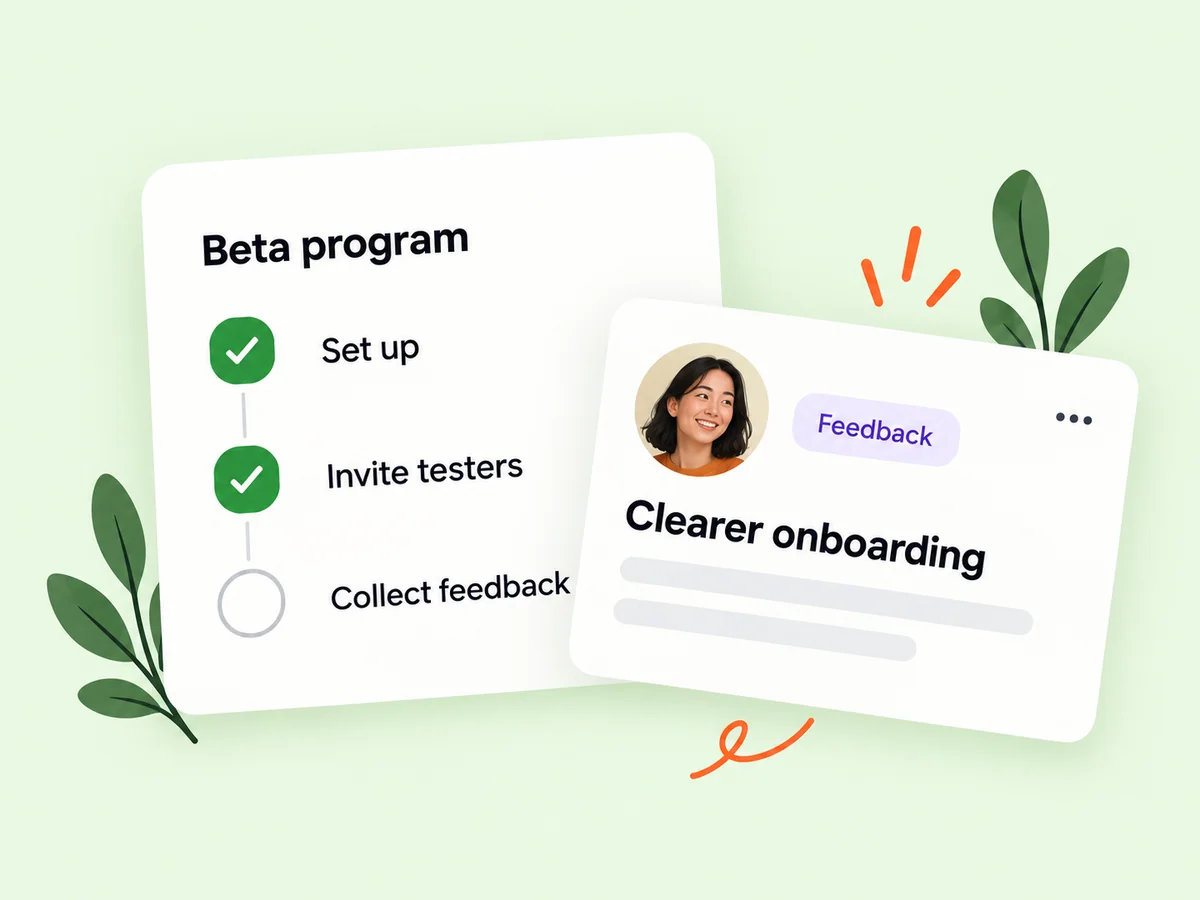
From idea to action
How to get started
Prepare the product introduction
Describe the audience and problem clearly. Give potential subscribers enough information to understand the upcoming product. Describe the specific audience and the problem your planned product addresses. Give visitors enough information to decide whether early access would be relevant to them.
Set up and share the waitlist
Use your product’s waitlist controls and share the dedicated landing page with relevant people. Review the public waitlist page and its timing before sharing it. Check that the wording does not promise access or functionality earlier than you intend to provide it.
Review signups and plan the next step
Manage launch timing and export the signup list when needed. Decide when the product is ready for testing or early access. Use the list according to the expectations set at signup. Plan what a useful next message or invitation would explain before treating a growing list as a launch result.
Find your starting point
Build a product waitlist before opening access
Use a waitlist when people can understand the product idea but you are not ready to offer broad access. A founder preparing a SaaS launch might describe the first supported workflow and collect early-access signups while finishing development. Be clear about the current stage. Joining a list should not imply immediate access if the product is still being prepared.
A product preparing a wider release can use the same principle to explain its next stage. Keep the offer precise: what is becoming available, who it is intended for, and how the waitlist relates to that release. This helps distinguish general curiosity from interest in a particular workflow.
An example to adapt
Example: prepare early access for a planning tool
Imagine you are building a planning tool for freelance designers. The waitlist page explains the problem of turning client requests into a weekly plan and describes the first workflow you are preparing. It uses a current product image and makes clear that access is upcoming.
When the workflow is ready to test, prepare a focused invitation that explains what participants would try. Do not assume every signup wants to join the test. This illustrative sequence uses early interest to support a next step while keeping the product’s promises and actual availability aligned.
Make the most of it
Keep your early-access signup promise clear
Write your waitlist landing page around a specific audience and task. Explain what the product is intended to do, what a signup means, and what is known about launch timing. Review that promise as plans change. A product waitlist is most useful when the people joining have accurate expectations, so avoid suggesting benefits or availability you cannot yet deliver.
Prepare the next experience as carefully as the signup page. A useful early-access invitation explains what is ready and what the person can do first. Evaluate the launch through what people actually try and report, using signup counts as one piece of context.
Good questions, clear answers
About Product waitlists
What should a product waitlist landing page explain?
Explain who the product is for, the problem it addresses, its current stage, and what happens after someone joins. Buildside supports a public waitlist page, early-access signups, launch timing, and signup exports. Keep any timing promise realistic. A waitlist indicates interest; use conversations and beta testing to learn more about the needs behind those signups.
Can I export my waitlist?
Yes. The product waitlist includes an export option for your signup list. Exporting makes the signup information available for your own launch workflow. Review the file and use it in a way that remains consistent with the expectations established by your waitlist.
Is a waitlist the same as beta testing?
No. A waitlist captures interest in access. A testing round asks people to try a product and provide feedback about a defined experience. You can move from early interest to a testing invitation when the product is ready. Explain the new task and let people decide whether they want to participate in that separate activity.
When should I create a waitlist before a product launch?
Create a waitlist when you can explain the intended user and product promise clearly, even if wider access is not ready. Give visitors an honest account of the current stage and avoid committing to a date you cannot support. As the launch approaches, review the page so its message still matches what early subscribers should expect.
Does a large waitlist prove demand for my SaaS?
A signup records interest in the offer presented on the page. It does not establish whether someone will activate, return, or pay once the product is available. Use the list to plan the next learning step, then compare expectations with actual participation and product behavior.
Product waitlists