




















Buildside developer API
Buildside API integration for founder and product data
The Buildside developer API lets you build integrations around documented public founder and product data. Explore supported endpoints, test with sandbox fixtures, and use appropriately scoped access when moving to live data. Start with a specific application need, such as a product-discovery view, and design the integration around the resources and visibility rules described in the developer documentation.
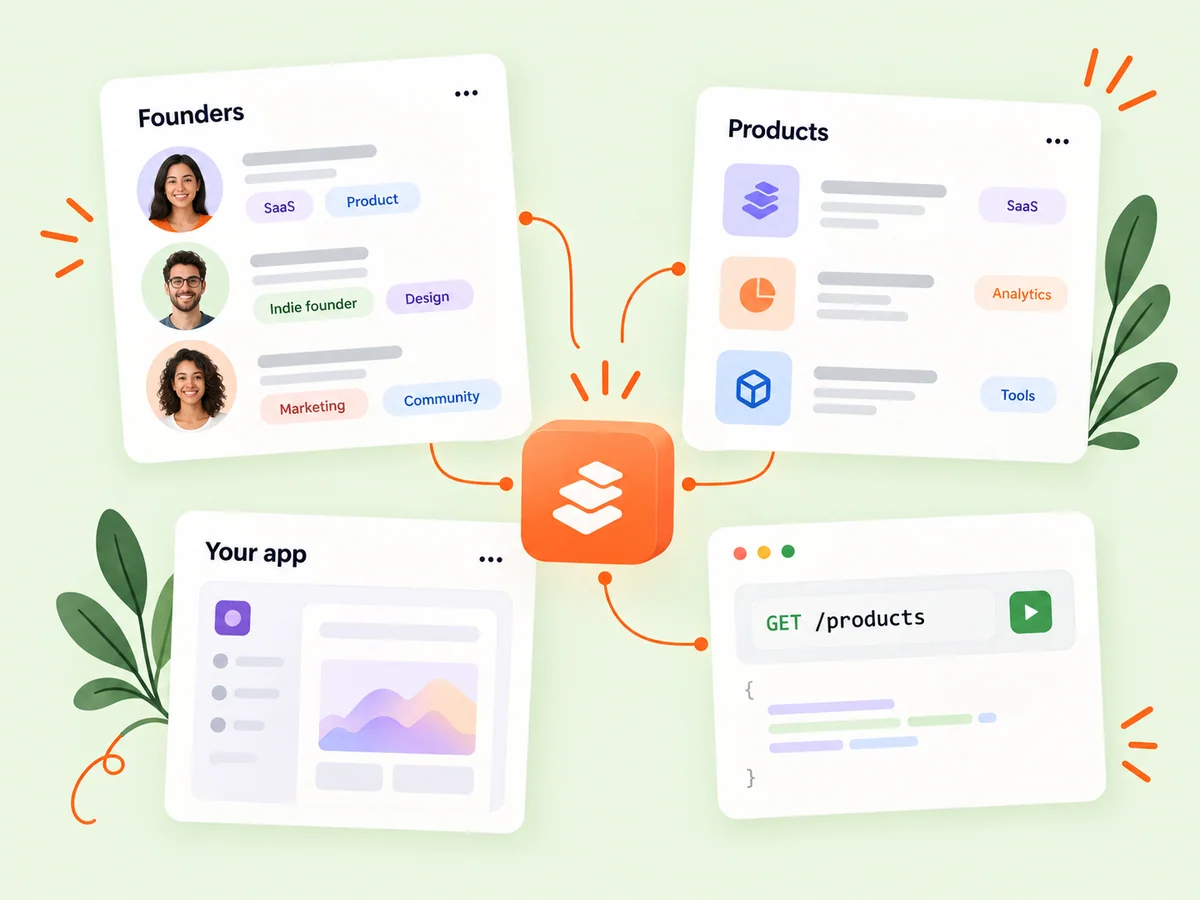
A closer look at Buildside developer API
An API integration connects your application with supported Buildside resources through documented requests and responses. Decide which data the experience needs before implementing the connection. Use the developer sandbox to understand response shapes and failure cases, then check live access requirements separately. Keep keys on the server and respect the visibility limits attached to the requested resource.
The developer API provides a defined way to build with supported Buildside data rather than treating public pages as an undocumented data contract. Start in the developer portal to understand resource availability, authentication, environment selection, and usage. The integration you design should handle the data the API actually exposes, including empty results, pagination, and records that are no longer available.
Make it useful
Design an API integration around documented resources
Review the available resource schemas and endpoints before designing your integration. Public founder and product data have defined visibility and availability rules. Use the documented search, filtering, and pagination behavior so your application handles both matching results and empty responses clearly.
Write down the smallest set of fields your application needs, then compare that requirement with the documented responses. A founder lookup and a product-discovery view may need different resources and permissions. Avoid building a user interface around a field you merely assume exists. Treat visibility rules as part of the contract rather than an exceptional condition.
Explore product discovery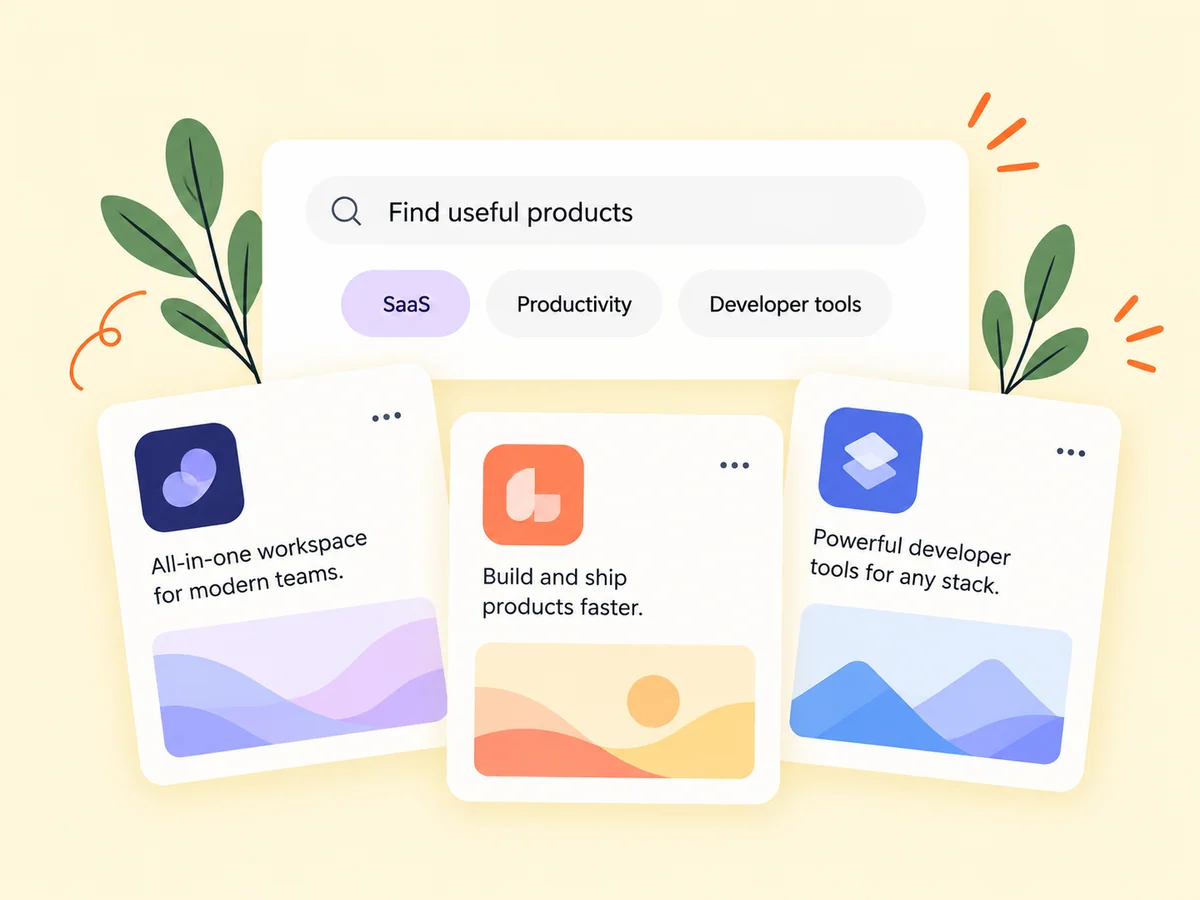
Keep building
Test with sandbox data before using live access
Use the sandbox to explore request and response shapes without treating fixture data as live community records. Keep secret keys on your server and choose the scopes needed by your integration. Review the portal’s current usage and billing information before enabling live requests, and handle errors and limits in the application you build.
Exercise more than a successful request in the sandbox. Check how your application responds to an empty page, an unavailable record, an authorization error, and a temporary failure. Keep environment configuration explicit so test fixtures are not mistaken for live data. Before live use, review the current limits and usage information in the portal.
Explore product pages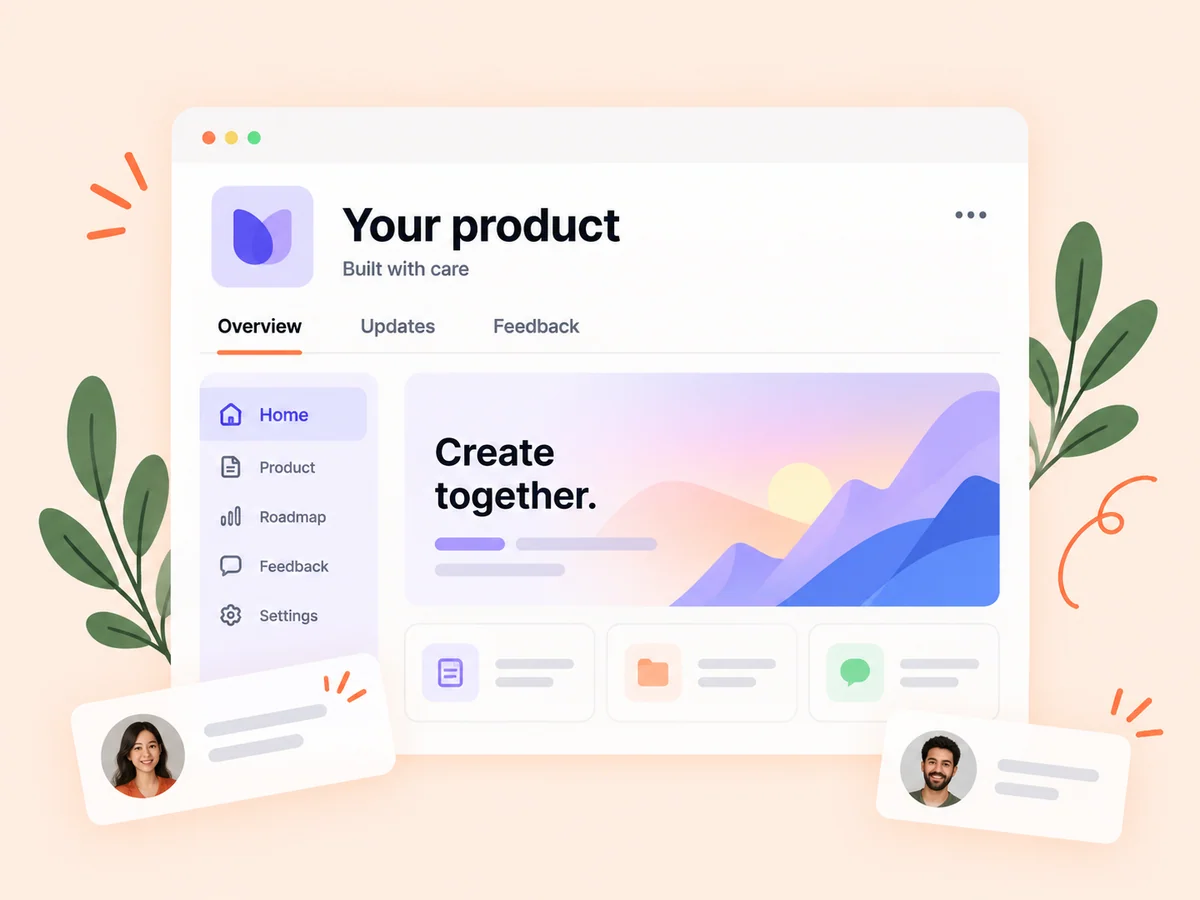
From idea to action
How to get started
Open the developer portal
Sign in with your Buildside identity and review the documentation for the resources your application needs. Choose a concrete integration and review the relevant resource documentation. Identify the requests, fields, and permissions needed before creating a broad data-fetching workflow.
Build and test in the sandbox
Use the correct sandbox environment and scoped key to check successful requests, pagination, empty results, and errors. Use sandbox credentials and fixtures to test response handling. Keep secret keys in your server environment, and make sure public browser code never contains those credentials.
Review live access and usage
Choose the appropriate live configuration only after testing. Keep credentials server-side and monitor your integration’s usage. Confirm the live environment and current access requirements, then monitor the integration’s actual responses and usage. Preserve clear error states instead of silently showing stale or incomplete information.
Find your starting point
Choose a focused use case for your Buildside API integration
Use the developer API when your application needs a supported view of public founder or product information. A prototype might display product results for a category or connect a selected founder with public product context. Define the screen and required fields first, then confirm the documented resources support them. A narrow integration is easier to evaluate than requesting data without a clear user need.
Use the portal documentation to decide whether the API supports that requirement. Keep the integration narrow enough to explain and test. Public resource access does not imply access to private conversations, arbitrary internal records, or every capability available inside the Buildside application.
An example to adapt
Example: prototype a product-discovery view
Imagine building a small application that helps users explore a documented set of SaaS product information. Start with sandbox requests, render the returned fields, and implement the documented pagination behavior. Show a clear empty state when a search has no matching result.
Next, test how the view handles an unavailable product and a failed request before configuring live access. Keep credentials on the server and link users to the relevant public context. This hypothetical integration pattern illustrates responsible use of the contract without implying an undocumented endpoint or capability.
Make the most of it
Keep API permissions, environments, and errors explicit
Keep the integration’s permissions and environment explicit throughout development. Test empty results, unavailable resources, and error responses in the sandbox before depending on live data. Store scoped API keys on your server and design a useful fallback when a request fails. Public-data access still follows documented visibility rules, so avoid treating every record as permanently available or suitable for indefinite caching.
Make limitations visible in the application. An empty result, an access problem, and a temporary service failure should not all look like a missing founder. Clear handling helps users understand what happened and helps you investigate without exposing secret credentials or unsupported data.
Good questions, clear answers
About Buildside developer API
What is an API integration with Buildside?
A Buildside API integration connects your application to documented endpoints for supported public founder and product data. Use the developer portal to inspect resources, test sandbox fixtures, and configure scoped access for live requests. Keep API keys on your server and handle errors explicitly. The API does not grant unrestricted access to every community record or private account information.
Does the API expose every founder or product record?
No. Supported public-data endpoints follow the documented visibility and availability rules. Design your integration to handle unavailable records. Handle an unavailable record without exposing old private or unsupported information. Review the documented rules and keep your application’s presentation consistent with the access it actually has.
Where should I put my API key?
Keep secret API keys on your server rather than in public browser code. Use the appropriate scopes and matching sandbox or live environment from the developer portal. Route authenticated requests through a trusted server environment and avoid logging secret values. Use the documented key-management controls when a credential needs to be replaced or its access changed.
What should I test before switching an integration to live data?
Test successful requests, pagination, empty results, unavailable records, and the documented error responses relevant to your workflow. Check that the application distinguishes sandbox fixtures from live information. Verify authentication and scopes, then review current usage and billing information before enabling live requests.
Should I cache founder or product data indefinitely?
Design caching around the documented behavior and the possibility that records change or become unavailable. A cached response is not a permanent guarantee of visibility or accuracy. Decide how your application refreshes information and handles missing records so users do not rely on an outdated public profile or product description.
Buildside developer API