




















Founder deals
SaaS deals and software offers for startup founders
Buildside founder deals help you discover SaaS deals and software offers alongside the products and people behind them. Browse the public offers, decide whether a tool fits your work, and sign in to reveal an available discount code or special checkout link. Check the provider’s current conditions before using an offer, especially when comparing software for a recurring startup task.

A closer look at Founder deals
The best SaaS tools for startups depend on the work that needs doing, not the size of a discount. Start with the problem, then explore the product’s current capabilities and the offer attached to it. A deal can make a relevant tool worth considering, but it cannot establish fit by itself. Read the provider’s terms and the product description together.
Software offers are most useful when you already understand the problem you want a tool to solve. Buildside’s deals experience connects an offer with product and founder context, giving you a starting point for that assessment. Review the specific code or checkout method and the terms at the destination before assuming that an offer applies to your account or intended use.
Make it useful
Evaluate the SaaS tool before using its deal
Explore the product category, pitch, and public details behind a deal. Compare the problem it solves with what you are trying to accomplish. A discount can make a relevant tool more accessible, but the product’s capabilities and suitability should guide the decision.
Write down the task the tool needs to support before comparing offers. Look for the relevant capability in the product’s public information and verify any important requirement at the product website. A large discount on an unsuitable workflow still leaves the original problem unresolved, so assess fit before focusing on the offer.
Explore product discovery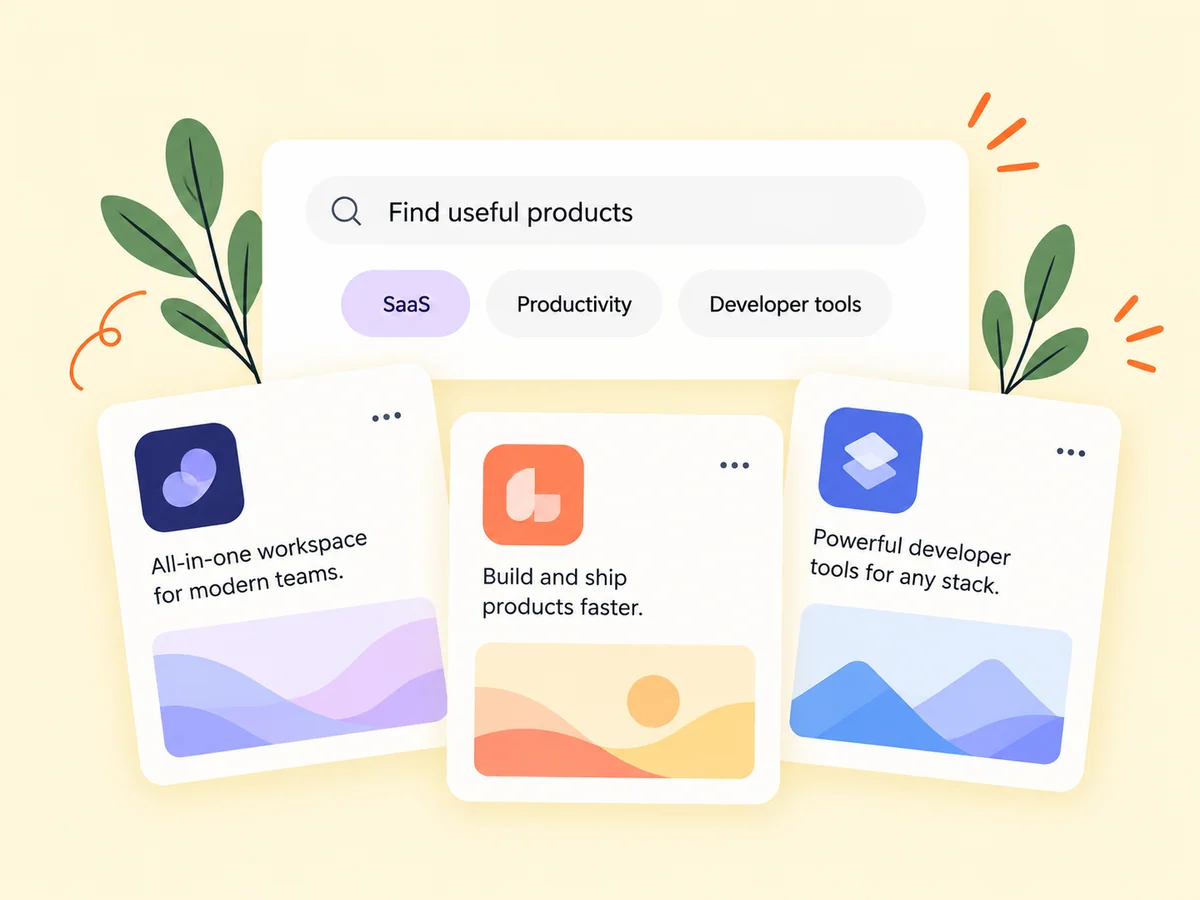
Keep building
Learn about the founder behind a software offer
A product page connects the offer to screenshots, a founder, and the story of the SaaS. Read the available context and updates to understand what is being developed. When you decide to use an offer, follow its stated instructions and review any conditions at the destination checkout.
Read the offer and the product description as separate sources of information. The description explains what the tool is intended to do; the deal explains the available purchasing route or discount. Check conditions such as the applicable plan or eligibility where they are stated, and confirm the final checkout reflects the offer you intend to use.
Explore product pages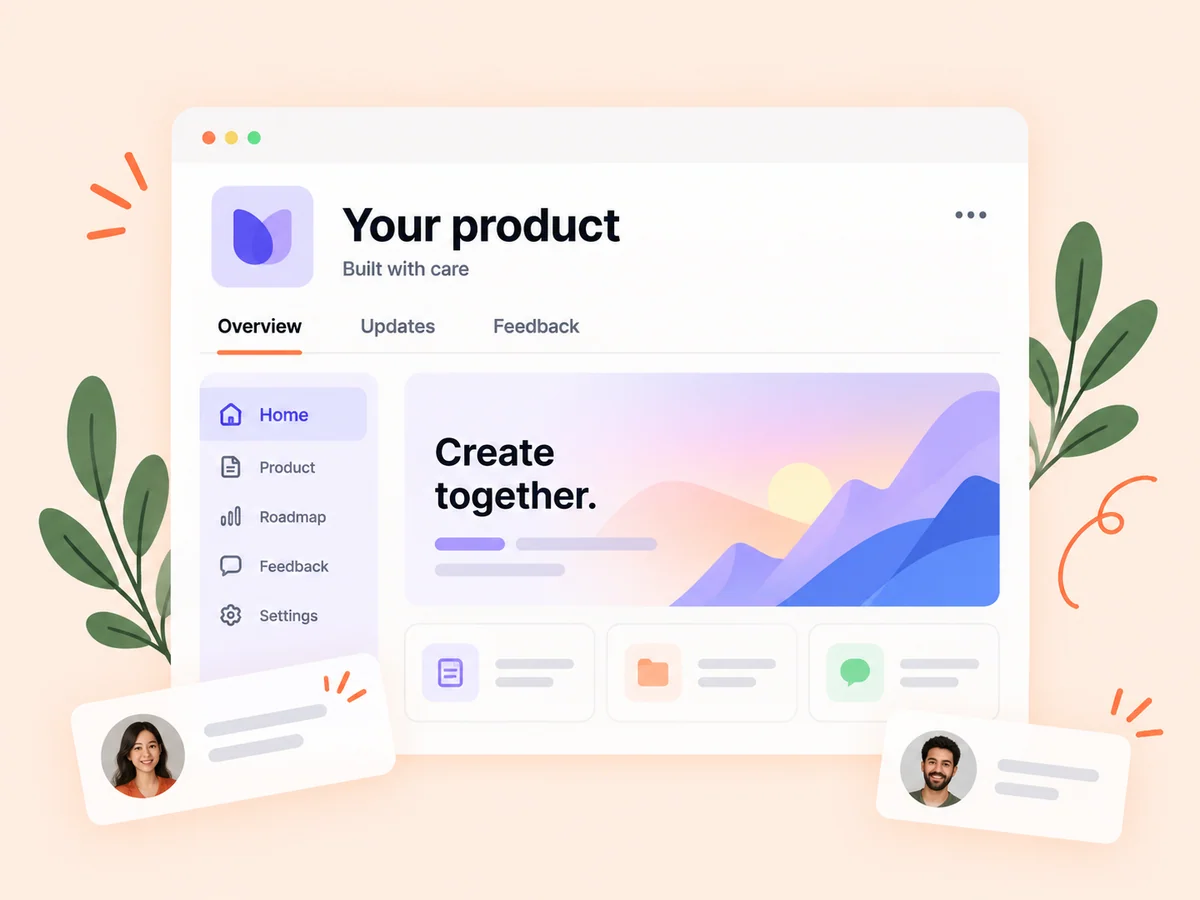
From idea to action
How to get started
Browse the available deals
Open the deals directory and find products relevant to a current need. Start with a current product or business task, such as preparing reports or managing a specific workflow. This gives you a concrete basis for deciding whether an offer is relevant.
Read the product and offer details
Check what the tool does and what the particular promotion includes before choosing it. Read the product details and the individual deal before revealing or using the available code or link. Note any eligibility or plan restrictions described in the offer.
Sign in to reveal the offer
Use the available code or checkout link and follow the instructions shown for that deal. Follow the stated redemption method and check the final terms at the destination. If the offer does not apply as expected, clarify it before completing a purchase.
Find your starting point
Choose SaaS deals around a real startup workflow
Browse founder deals when you are already evaluating software for a task such as reporting, design, or product operations. Compare what the product does with the workflow you need before looking at the incentive. A useful offer supports a decision you can explain in terms of product fit. Avoid adding a tool to your process solely because the deal appears attractive.
An offer can also prompt you to investigate a product you had not encountered before. Use that introduction to learn what it does, then decide whether it belongs in your work. Avoid collecting tools simply because they are discounted when the underlying workflow has not been defined.
An example to adapt
Example: assess an offer for a reporting tool
Suppose your startup needs to prepare recurring client reports. You find an offer for a reporting product and open its page to check whether it supports the task and audience you have in mind. You identify any requirement that still needs confirmation on the product website.
If the tool fits, read the deal’s redemption method and verify the offer at checkout. This hypothetical example separates evaluating a product from redeeming a promotion, without assuming that a discount produces a particular return or that every account qualifies.
Make the most of it
Compare software offers in the context of ongoing use
Check which plan or product the offer covers, how redemption works, and any conditions stated by the provider. Consider the cost and usefulness of continued use alongside the initial discount. SaaS deals may change, so confirm the current details at the destination before committing. Buildside helps you discover the offer and its product context; the provider defines the commercial terms.
Check the individual offer rather than applying assumptions from another deal. Codes, special links, eligibility, and applicable plans can differ. The final destination should provide the information you need to decide whether to proceed under the terms shown.
Good questions, clear answers
About Founder deals
Where can I find SaaS deals for my startup on Buildside?
Browse the founder deals directory to explore public software offers and the products behind them. Sign in when you want to reveal an available code or checkout link. Compare the tool with your actual workflow and read the provider’s current offer conditions. Not every deal uses a discount code, and availability or eligibility may vary by offer.
Do all offers use discount codes?
An offer may provide a code or a special checkout link. Follow the method and details shown on the individual deal. A code may need to be entered at checkout, while a special link may carry the offer into the destination flow. Review what is actually shown instead of assuming the methods are interchangeable.
Are all deals suitable for every founder?
No. Product needs and offer conditions differ. Review the tool and the specific offer before deciding whether to use it. Use your own requirements to assess suitability. A public offer provides an opportunity to investigate a tool, not an assurance that its features or terms fit every startup.
What should I compare before using a software deal?
Compare the specific workflow you need, the product’s relevant capabilities, and the conditions attached to the offer. Check the plan and eligibility information where provided, then review the final checkout. Keep a distinction between the product fitting your needs and the offer being attractive on its own.
Does a deal listing mean Buildside guarantees the product?
A deal listing provides offer information and a route to explore the product. It is not a substitute for evaluating the tool or reading its current terms. Use the founder and product context as part of your research, and verify consequential details with the provider before deciding to purchase.
Founder deals