




















Community polls
Community polls for product feedback and startup ideas
Buildside community polls let you ask a focused product question and compare responses from fellow founders. Add a poll to a post, explain the decision you are exploring, and use replies to understand the reasons behind each choice. Polls can support early product feedback, but the votes represent participating community members rather than a complete picture of your target market.
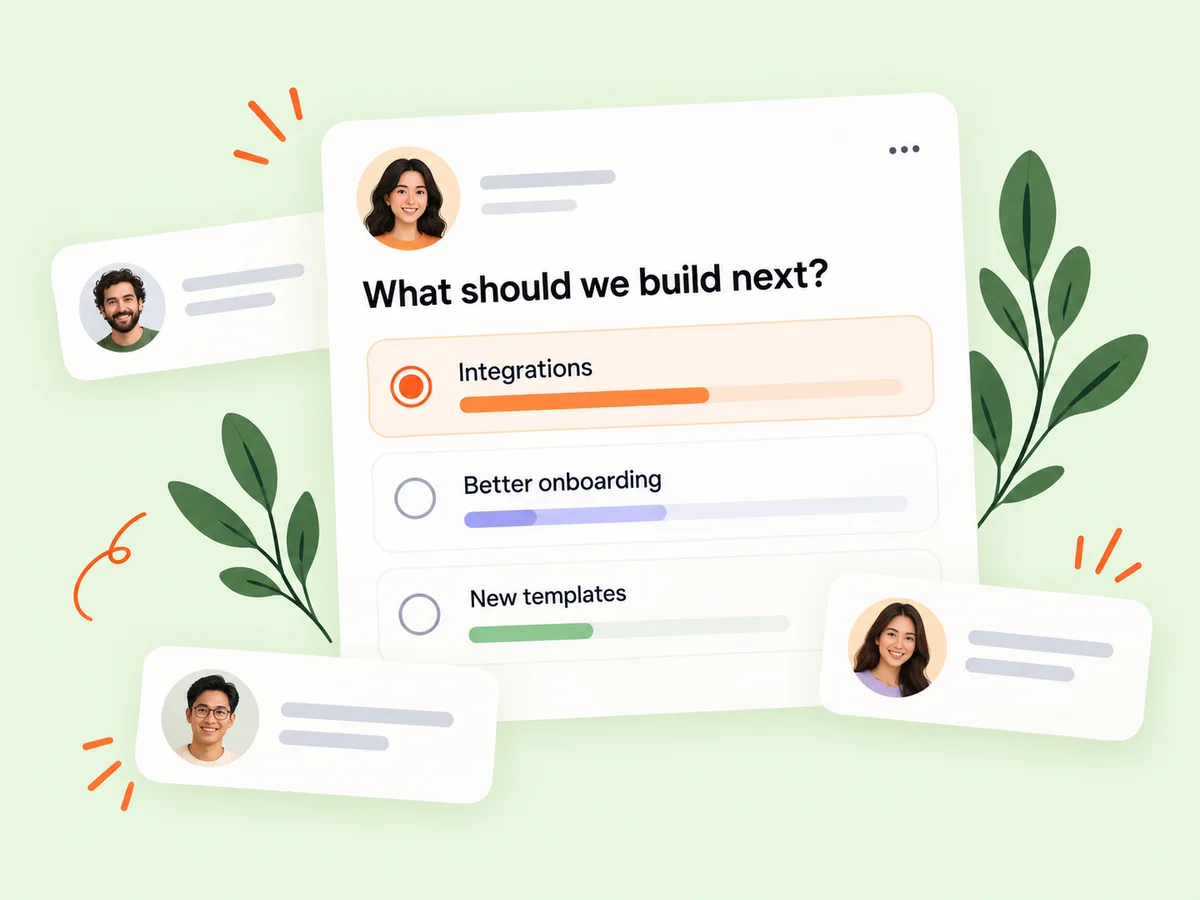
A closer look at Community polls
A product feedback question works best when the options describe one decision. For example, you might compare labels for an action or ask which workflow explanation is clearer. Give enough context for people to understand the intended user and task. The conversation around a poll can reveal interpretations the vote totals alone would not show.
A community poll is a lightweight way to explore opinions around a decision. It can reveal which option respondents prefer or prompt them to explain an expectation. The usefulness of the result depends on who responds, what they understood, and how the choices were written. Treat the poll as evidence about that question and group, rather than a direct measurement of the entire market.
Make it useful
Give your community poll a clear product question
Introduce the situation in the post rather than relying on the options to tell the whole story. For example, explain the type of user and the task before asking which workflow feels clearer. Invite people to add their reasoning so you can learn more than which choice received the most responses.
Write the question so a respondent can answer one thing at a time. Asking which design is clearer and more trustworthy mixes two judgments. Explain the relevant task first and make the choices comparable. If someone needs a screenshot to understand the distinction, provide that context in the surrounding post.
Explore the feed
Keep building
Compare poll responses with beta testing feedback
A poll can help you explore a direction, but it does not replace observing people using the product. Combine responses with feature requests, testing feedback, and your own product goals. If a result suggests a promising change, turn it into a focused experiment and share what you learn.
Look for the reason behind a choice before deciding what to build. A preferred option may be familiar rather than better for the intended workflow. Replies can explain that difference. Use a promising response to design a focused product test, then compare what people said with what they actually experience.
Explore product feedback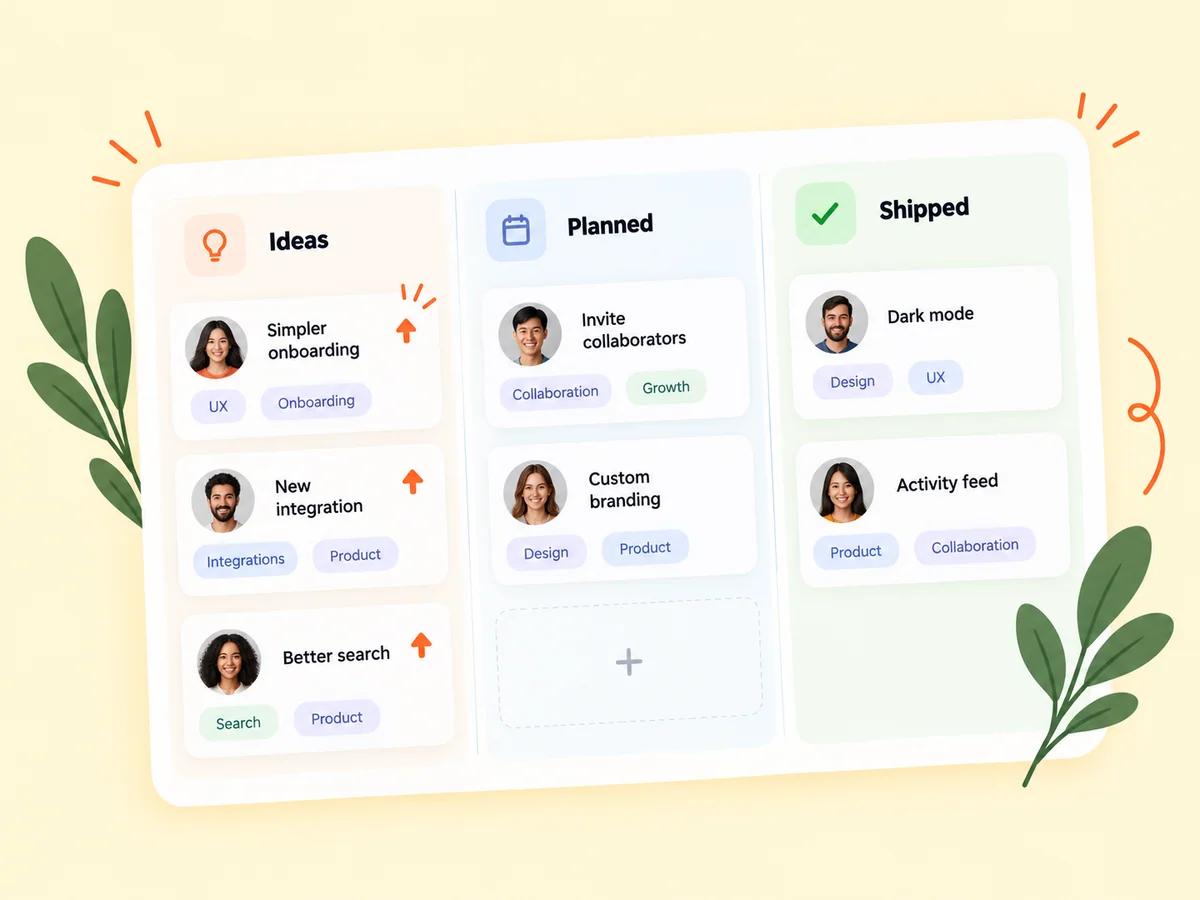
From idea to action
How to get started
Choose one decision or question
Keep the poll focused and include enough context for readers to understand the situation. Name the decision and the audience it concerns. Decide what a response would help you understand before writing the question, so the poll has a clear purpose.
Prepare clear options
Use distinct, understandable choices and review the post before publishing it. Review the options for overlap, missing context, and leading language. Each choice should mean something distinct and should not steer people toward the answer you hope to receive.
Read the responses and discussion
Look at the result together with the explanations people share, then decide what to investigate next. Read the responses alongside the discussion. Identify a next question or test and explain any limitations when you share what the poll suggested.
Find your starting point
Use community polls for a bounded product decision
Use a poll when community opinion can help you explore a small, well-defined question. A founder choosing between two descriptions might ask which one better communicates a workflow, then read the explanations in replies. Avoid combining several decisions in one question. If you need to know whether people can actually complete a task, pair the discussion with observation or beta testing.
Use a different method when the question requires observing a complex workflow. A person can prefer a label in a poll and still struggle to find the action in the real interface. Combining a focused poll with a later usability check can help you investigate both opinion and behavior.
An example to adapt
Example: compare labels for a report action
Imagine you are choosing between two labels for an action that creates a reusable report layout. Your post explains the task and shows where the action appears. The poll asks which label makes the result clearer, and the discussion invites respondents to explain what they expect each label to do.
If the answers reveal two interpretations, clarify the intended workflow before settling on wording. Then test the chosen label in context. This hypothetical example shows a poll generating a useful question without claiming that the winning option has been validated for every user.
Make the most of it
Write neutral product questions and interpret the answers
Write the options in comparable language and explain what participants are evaluating. Community polls should invite an honest response, not steer voters toward the choice you prefer. Read comments alongside the totals and consider who participated. Product feedback from a poll can help you form a better hypothesis, but it does not establish willingness to pay or validate an entire startup idea.
When discussing the result, describe who could respond and what was actually asked. Avoid presenting a community response as a representative market study. The most useful outcome may be a clearer question or a new testing plan rather than an immediate product decision.
Good questions, clear answers
About Community polls
Can community polls help me collect product feedback?
Yes. A Buildside poll can compare opinions about a focused product question, while replies explain why people chose an option. Give participants the user context and a clear decision to assess. Treat the result as community feedback rather than representative market research. Follow up with interviews, product observation, or beta testing when the decision needs stronger evidence.
Can I use a poll to validate a product idea?
It can help you explore opinions, but responses alone do not prove demand or usability. Combine them with conversations and product evidence. A response expresses an opinion under the conditions of the question. Demand requires additional evidence about real needs and behavior, especially when the respondents are not the product’s intended users.
What makes a useful product poll?
Ask a focused question, explain the audience and problem, and provide clear options. Encourage replies that explain why someone chose an answer. Avoid combining multiple decisions in one question. Comparable options and a neutral explanation make the result easier to interpret and give respondents a better basis for explaining their choice.
Can a poll tell me which feature to build next?
It can show what participating respondents say they prefer, but prioritization also depends on the problem, audience, effort, and product direction. Ask why an option matters and look for supporting evidence from actual use. Use the poll to inform a decision rather than assigning the roadmap to a vote.
What should I do when the replies disagree with the vote?
Investigate the difference. Respondents may interpret the question differently, or a smaller group may have a more relevant use case. Read the reasoning and clarify the task before acting. A mixed result can reveal an ambiguous question or different audience needs instead of a single winning solution.
Community polls