




















Post promotions
Post promotions for SaaS product launch marketing
Buildside post promotions give a public startup update an additional distribution option inside the community. Promote an eligible post with Reach+ or reserve a feed ad, then manage the campaign and review recorded performance. Use promotion as part of product launch marketing when the post clearly explains your SaaS, its intended audience, and the reason someone should explore further.
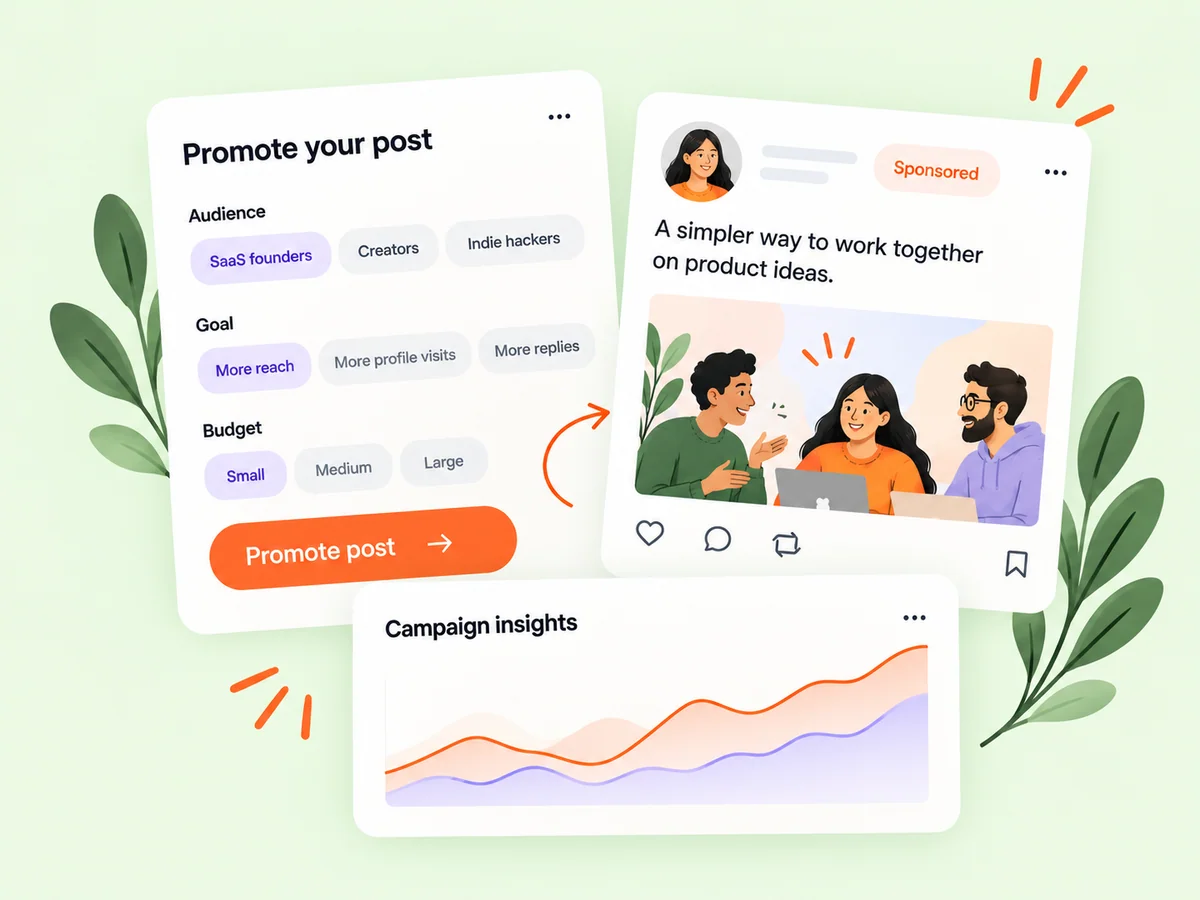
A closer look at Post promotions
A promotion gives a message placement; the message still needs to make sense to the reader. Introduce the product, explain a useful workflow, and make the next step clear. A founder encountering the post should understand its relevance without knowing your earlier updates. Start your startup marketing decision with that explanation before choosing the available promotion format.
A useful promotion starts with a post that can stand on its own. Readers need to understand the product, the intended audience, and the reason to take the next step. Reach+ and feed ads provide different promotional arrangements, so choose from the current options shown in the product. Keep the campaign objective specific enough that its recorded activity can help you evaluate what happened.
Make it useful
Prepare a product launch post worth exploring
Only eligible published public posts owned by the promoting founder can be used. Reach+ and feed ads have different delivery arrangements, which are explained in their purchase flows. Review the current details, audience information, and campaign timing before making a purchase. Delivery does not guarantee that someone will become a customer.
Prepare the source post before entering the purchase flow. Check the product description, availability, supporting image, and destination. A promotion can introduce the post to additional readers, but it does not supply missing context. Review the selected campaign type and its current terms carefully so the placement matches the purpose you have in mind.
Explore the feed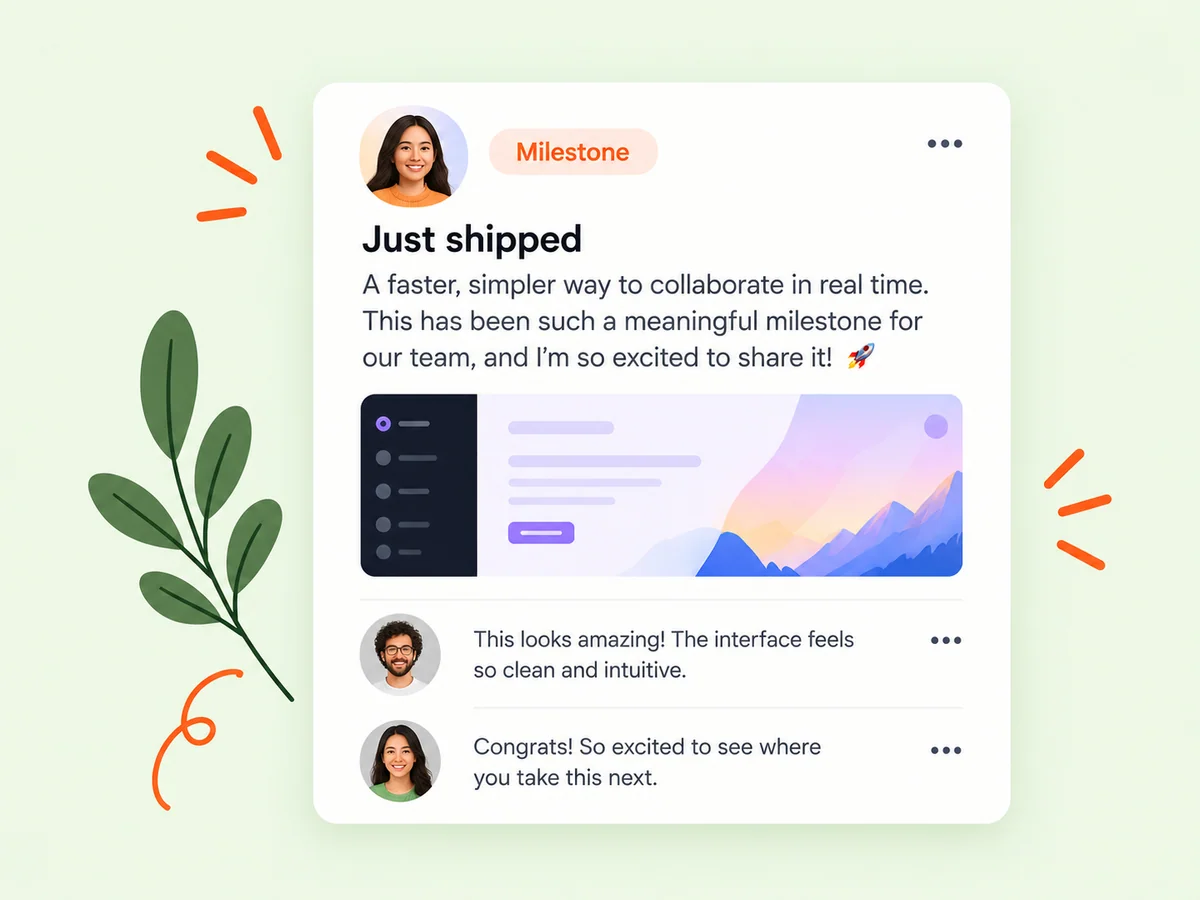
Keep building
Review the recorded performance of your promotion
Use the promotions workspace to manage campaigns and inspect their recorded results. Read those results alongside the original post and the action you wanted people to take. Keep platform activity separate from customer outcomes in your own product so that campaign decisions are based on the evidence you actually have.
Distinguish the measures the campaign reports from the outcomes your product records. An impression indicates recorded exposure under the platform’s definition; an outbound action is another stage of interest. Neither alone proves activation or a purchase. Use the campaign as a bounded experiment and keep its interpretation tied to the evidence available.
Explore analytics
From idea to action
How to get started
Choose an eligible public post
Select a published post you own and check the promotion options available for it. Select a published public post you own that meets the available eligibility rules. Make sure the message and linked destination are ready before deciding to promote it.
Review the promotion before purchasing
Compare Reach+ with the feed-ad option and review the displayed delivery, timing, and payment details. Review the difference between the campaign options, including their displayed timing and delivery arrangements. Choose based on the goal of the post and the current terms shown.
Manage and assess the campaign
Return to the promotions workspace to review status and recorded performance and use the available campaign controls. Record what you wanted readers to do and review the campaign’s actual activity. Use that result to improve the message or next experiment without promising yourself an unmeasured growth outcome.
Find your starting point
Choose a clear goal for product launch marketing
Use post promotions when an eligible public update has a clear audience and purpose. You might introduce a newly available SaaS workflow, explain a product change, or invite relevant readers to explore a launch. Check the promotion options for the post and choose the placement that fits your plan. A campaign should distribute a useful explanation, not compensate for an unclear product message.
Define the purpose before selecting the format. You might want readers to understand a product change or visit the product’s public information. That purpose should determine the message and the measure you later review, rather than choosing a campaign and deciding afterward what it was meant to achieve.
An example to adapt
Example: promote a focused product explanation
Imagine you publish an update explaining a new client-report comparison in your SaaS. The post identifies the audience, shows the workflow, and links to accurate product context. You review the available promotional options and choose the one whose displayed arrangement fits the campaign.
Afterward, inspect the recorded activity and any relevant destination data you have. If readers asked about an unclear requirement, improve the explanation before repeating the experiment. This hypothetical scenario illustrates campaign planning without inventing an expected number of views, signups, or customers.
Make the most of it
Evaluate startup promotion against the actual delivery
Keep the campaign goal tied to what Buildside can record. Review the available delivery and performance information, then assess whether the message needs a clearer introduction or next step. Reach+ and reserved feed ads have different placement models. Neither format guarantees customers, revenue, or a fixed growth result, so evaluate attention separately from conversions measured in your own product.
Use campaign results to learn about the communication as well as the reach. A clear product story, a suitable destination, and an understandable next step all affect what a reader can do after seeing the post. Review those elements alongside the reported numbers.
Good questions, clear answers
About Post promotions
How can I use Buildside for product launch marketing?
Create a useful public product update, confirm it is eligible for promotion, and review Reach+ or reserved feed ad options. Explain who the product helps and what readers can explore next. Manage the campaign in the promotions workspace and review its recorded performance. A promotion adds distribution within Buildside; it does not guarantee signups, customers, or sales.
Can I promote a private or unpublished post?
No. Post promotions apply to eligible published public posts owned by the promoting founder. Prepare and publish appropriate source content first. Ownership and public availability remain relevant to campaign eligibility; a promotion does not turn a private draft into eligible advertising.
Do promotions guarantee customers or a fixed growth result?
No. Review the actual delivery terms and recorded performance. Visibility, clicks, and customer outcomes are different measures. A campaign can be evaluated through the activity it records and the subsequent evidence you collect. Keep the distinction between exposure, interest, and product adoption clear when assessing the result.
What should a promoted product post contain?
Identify the intended user, the problem, and the capability or offer you are presenting. Include accurate availability information and a clear next step. Review the destination so a reader arriving from the post sees a consistent product story. A promotion is easier to assess when its purpose is specific.
How should I judge whether a promotion was useful?
Start with the objective you set before running it and examine the relevant recorded activity. Then use your own product data to assess later actions that Buildside cannot establish from exposure alone. Note any gaps in that connection and treat the campaign as evidence for a next decision, not a guaranteed acquisition method.
Post promotions