




















Scheduled posts
Schedule posts for your Buildside content plan
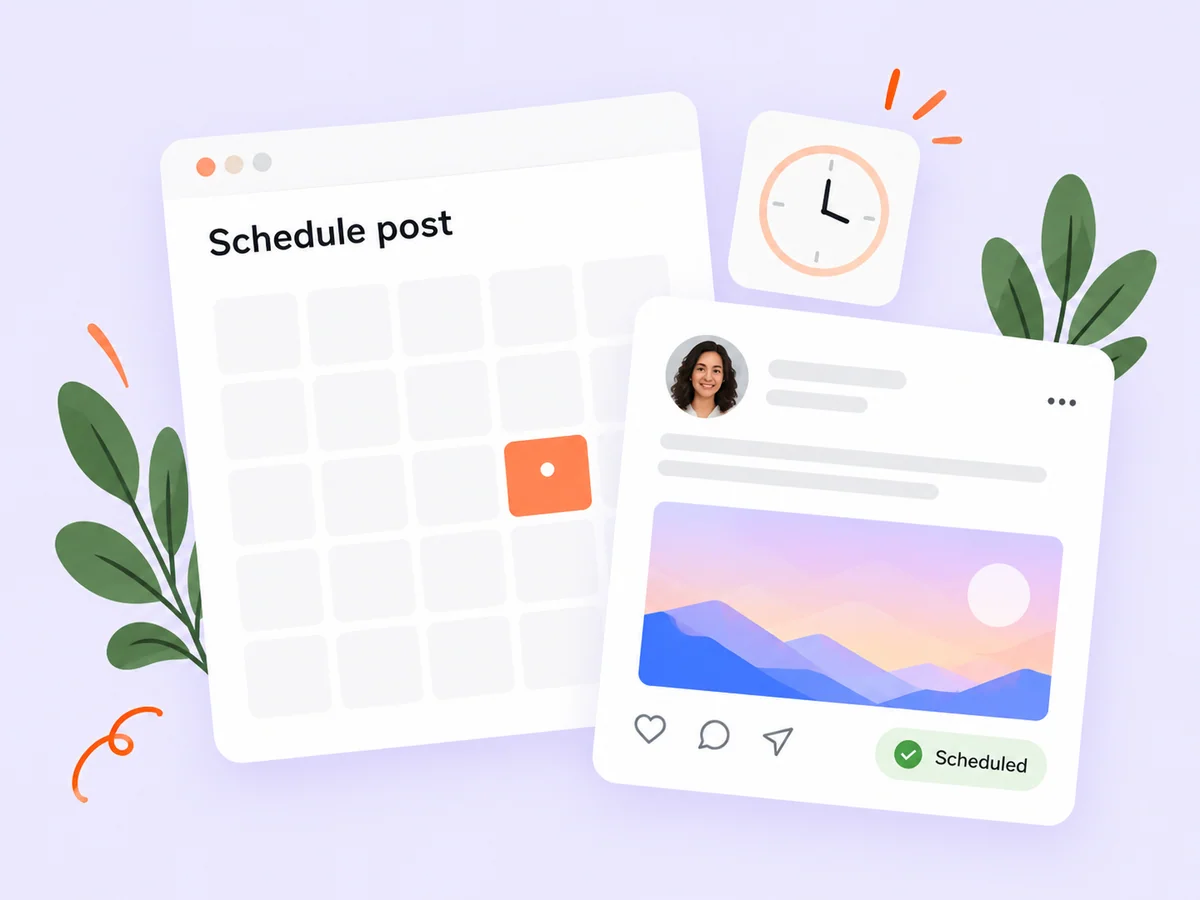
Buildside post scheduling lets you prepare a startup update now and choose when it should publish. Use it to support your content plan, coordinate a confirmed product launch, or keep writing separate from publication. Review the finished post and its timing together, then leave room to answer the questions your community may ask when the update goes live.
A closer look at Scheduled posts
Social media scheduling is useful when the message is ready before the right publishing moment. On Buildside, that means choosing a time for a prepared community post. Your wider content calendar can include product milestones and follow-up conversations, while scheduling handles the publication decision. Keep the planned message tied to a release or lesson that will still be accurate when readers see it.
Scheduled publishing separates two tasks that do not always happen at the same time: preparing a useful update and choosing when it should appear. That can help a founder protect focused building time or prepare an announcement ahead of a release. The schedule should reflect the actual state of the product, including whether the capability described will be available when readers encounter the post.
Make it useful
Prepare startup content before scheduling publication
Use saved drafts while the update is still taking shape. When its facts, attachments, and wording are ready, move into the scheduling flow. This gives you a clear distinction between work you are still editing and a post you have selected for future publication.
Check the complete post before selecting its future time. A finished title does not mean the screenshot, link, or availability statement is ready. Reopen the saved work and confirm those details together. A draft is the place for uncertainty; scheduling should represent a deliberate decision about the version you intend to publish.
Explore saved drafts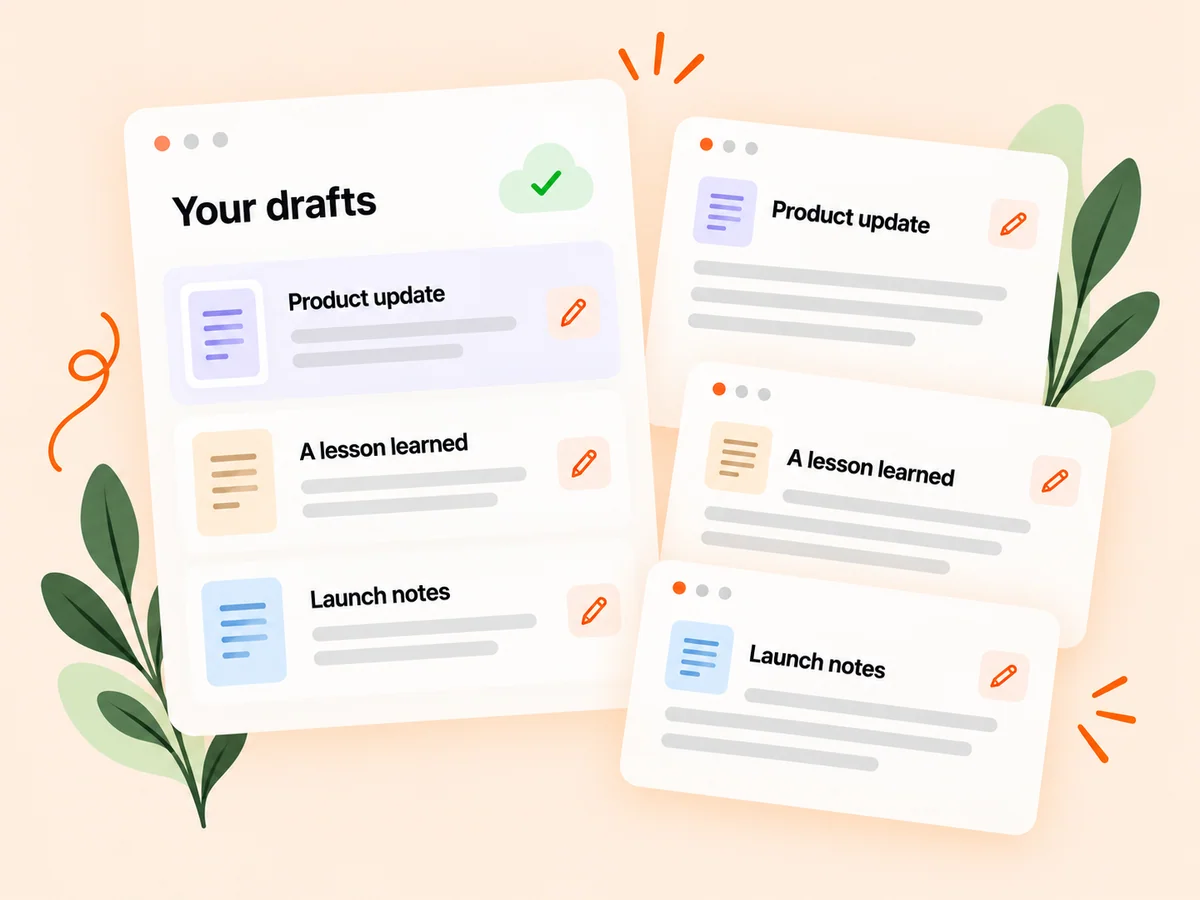
Keep building
Keep scheduled product updates accurate and useful
Write enough context for the post to make sense when it appears. Explain the product change or lesson, and review any time-sensitive wording before scheduling. After publication, return to the conversation so the update can become an exchange with other founders rather than a message you never revisit.
Use the displayed date and time information to confirm the intended publishing moment. If your release plan changes, review the scheduled update through the available management controls. Avoid relative wording that becomes ambiguous later, such as this morning without a clear reference. After the post appears, check that its description still matches the product.
Explore the feed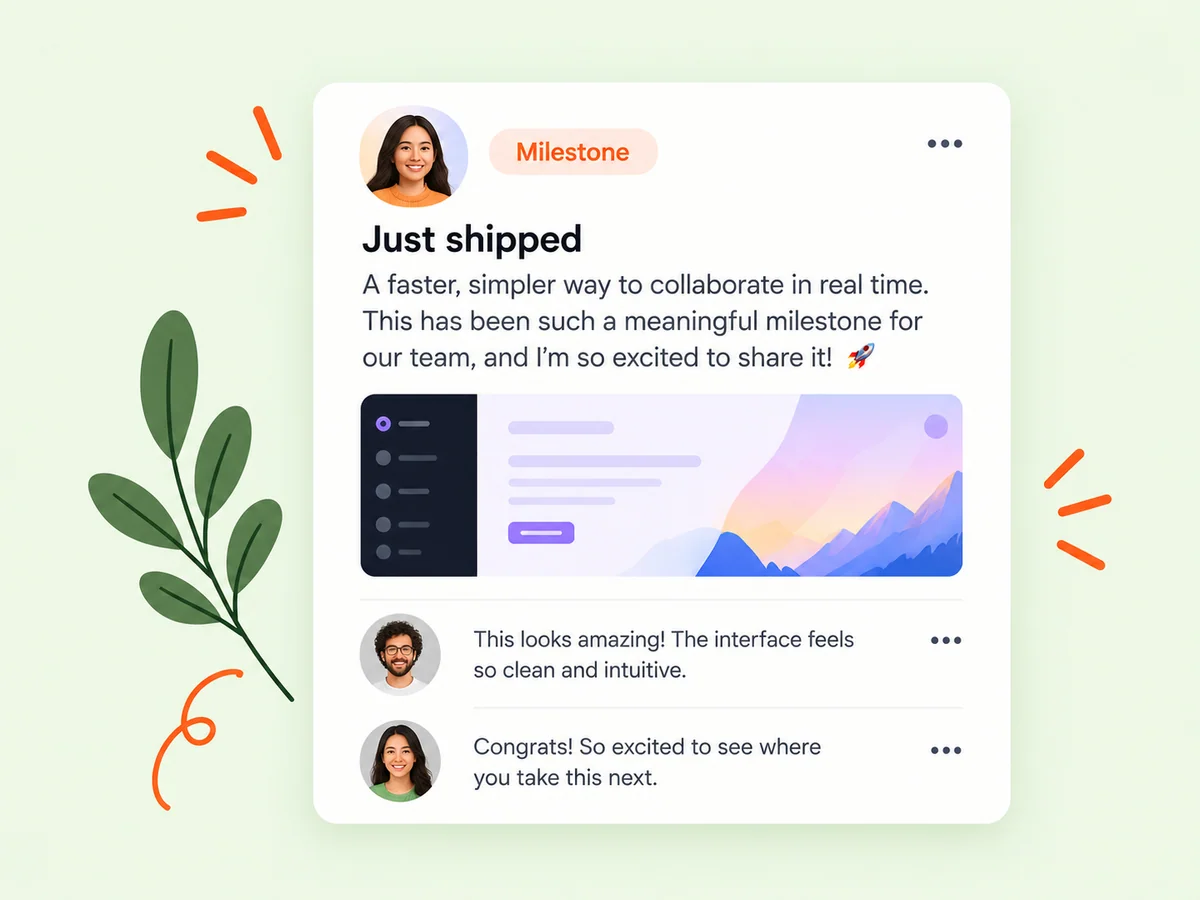
From idea to action
How to get started
Finish the update
Prepare the copy and relevant media, then review the post as you would before publishing immediately. Resolve the content questions first. Verify that the update explains a real change, includes the intended media, and does not depend on a product capability that may still be unfinished.
Choose the publishing time
Use the composer’s scheduling controls and check the displayed date and time before confirming. Check the selected day, displayed time, and time-zone context before confirming. A correct message at an unintended time can create confusion around access or an announcement.
Review and follow up
Use the available scheduled-post controls if plans change, and return to the discussion after the post is published. Review your planned posts when product timing changes. After publication, return to the conversation and answer questions that help readers understand the update.
Find your starting point
Use post scheduling in your startup content calendar
Schedule a post when you have a complete update and a reason to publish it later. A founder may want a release explanation to appear after a confirmed rollout or prepare a weekly lesson while the details are fresh. Choose content that will remain accurate at publication time. If the underlying product plan is uncertain, keep the message in drafts until you can make the commitment.
Use the feature when the timing serves a real purpose. There is no universal best posting hour implied by a scheduling control. Choose a moment that fits the announcement and your ability to follow the discussion, then use actual experience to refine your routine.
An example to adapt
Example: prepare an update for a confirmed release
Suppose a new reporting view is ready for release. You finish the explanation and screenshot, verify that the feature works for the intended users, and select a future publishing time. The post describes what is available and points readers toward the relevant product context.
If a release check reveals a problem, revisit the schedule and wording before the post appears. Once the update is public, answer questions about the workflow. This hypothetical sequence uses scheduling to organize communication while keeping the announcement dependent on the real release state.
Make the most of it
Review scheduled posts when product plans change
Treat scheduling as part of content planning, not a substitute for checking the product. Confirm the feature is available, the screenshots match, and the wording fits the intended date. Social media scheduling tools differ in the channels they support; this guide describes Buildside posts. Review the available publishing options directly when you want to share the same update elsewhere.
Use a simple review habit for planned updates. Look for changes in availability, dates, screenshots, or the question you want to ask. Scheduling handles the publication time; your review keeps the content accurate and your participation keeps the conversation useful.
Good questions, clear answers
About Scheduled posts
How does Buildside fit into a social media scheduling workflow?
Buildside lets you prepare a community post and choose its publishing time. Use that scheduled update as one item in your broader content calendar, alongside product milestones and follow-up conversations. Review the message before scheduling and check it again if plans change. The feature described here schedules Buildside posts, rather than managing every social network from one calendar.
What should I check before scheduling a post?
Review the wording, media, selected date, and displayed time. Make sure any launch references or time-sensitive statements will still be accurate. Check the destination link and whether any referenced offer or release will be available then. If an important dependency changes, revisit the scheduled post rather than relying on the earlier plan.
Can scheduling replace community participation?
It helps organize publication, but the useful discussion happens when you read and respond to people engaging with your update. Set aside attention for that follow-up when it matters. Readers may ask about availability, intended users, or the reasoning behind the change, and those answers add value to the original post.
What if my product launch is delayed?
Review any scheduled posts that depend on the launch and use the available schedule-management controls to adjust or cancel them as appropriate. Check the text as well as the publishing time. Moving the date alone may leave wording that describes a capability as available before it is actually ready.
What kind of content is suitable for scheduling?
An update with verified facts and a clear future publishing purpose is a good candidate. A finished product explanation or a carefully prepared lesson may fit well. Content that depends on an unresolved result or rapidly changing situation needs another review before its scheduled time.
Scheduled posts