




















Community chats
Meet fellow builders in community chats
Join free community rooms to meet other builders, ask questions, and share product feedback. Keep discussions together with replies, polls, helpful answers, and media, then invite people into conversations they can contribute to.
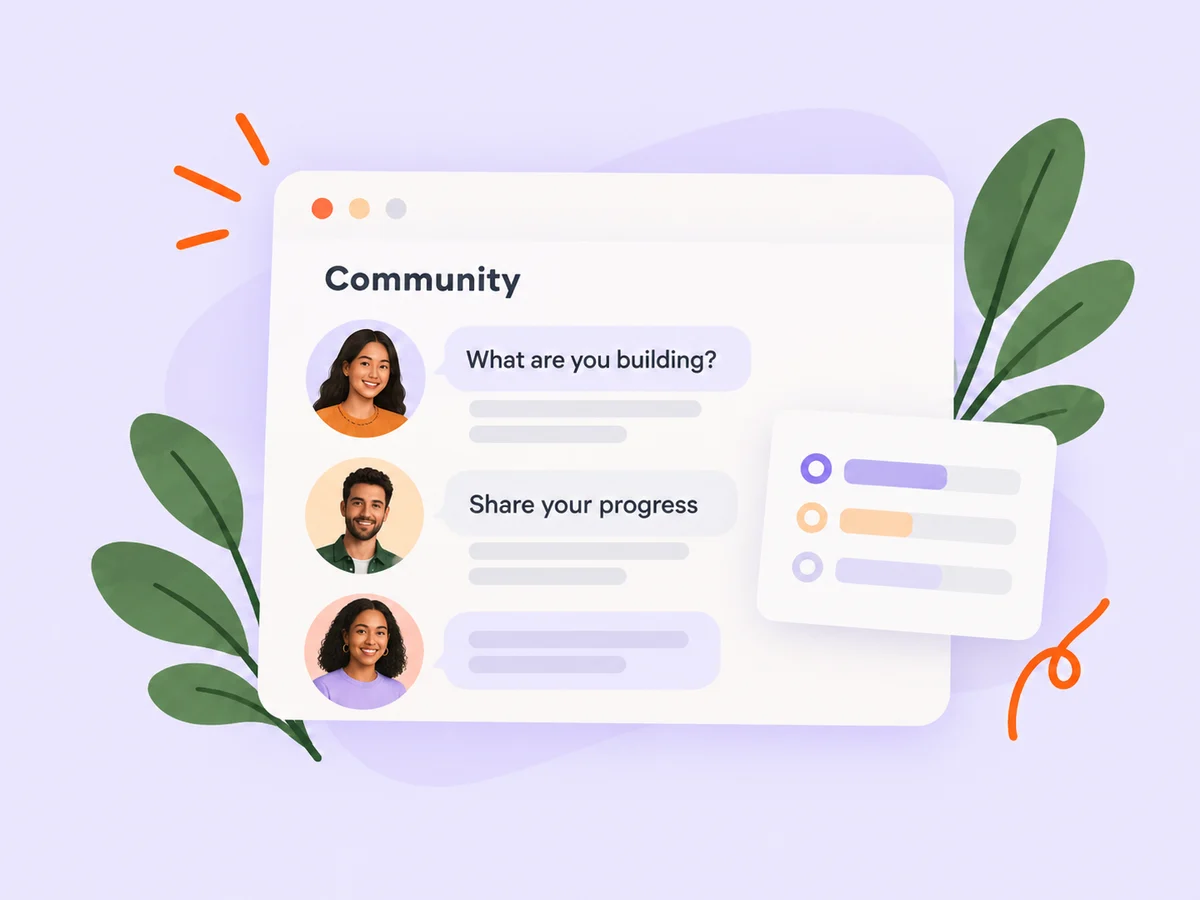
A closer look at Community chats
Community chats bring an ongoing group conversation alongside your direct messages. Signed-in members can discover published rooms, join a topic that interests them, and contribute without a paid membership.
Buildside creates and moderates the rooms. Members can suggest new communities for review, track their suggestions, and receive the decision. Within a room, discussions keep related replies together so a useful answer does not get lost in a busy conversation.
Make it useful
Get to know the people in the room
Open founder profiles to understand what other members are building. A shared topic makes introductions easier, while product and profile context helps you offer specific feedback.
Explore founders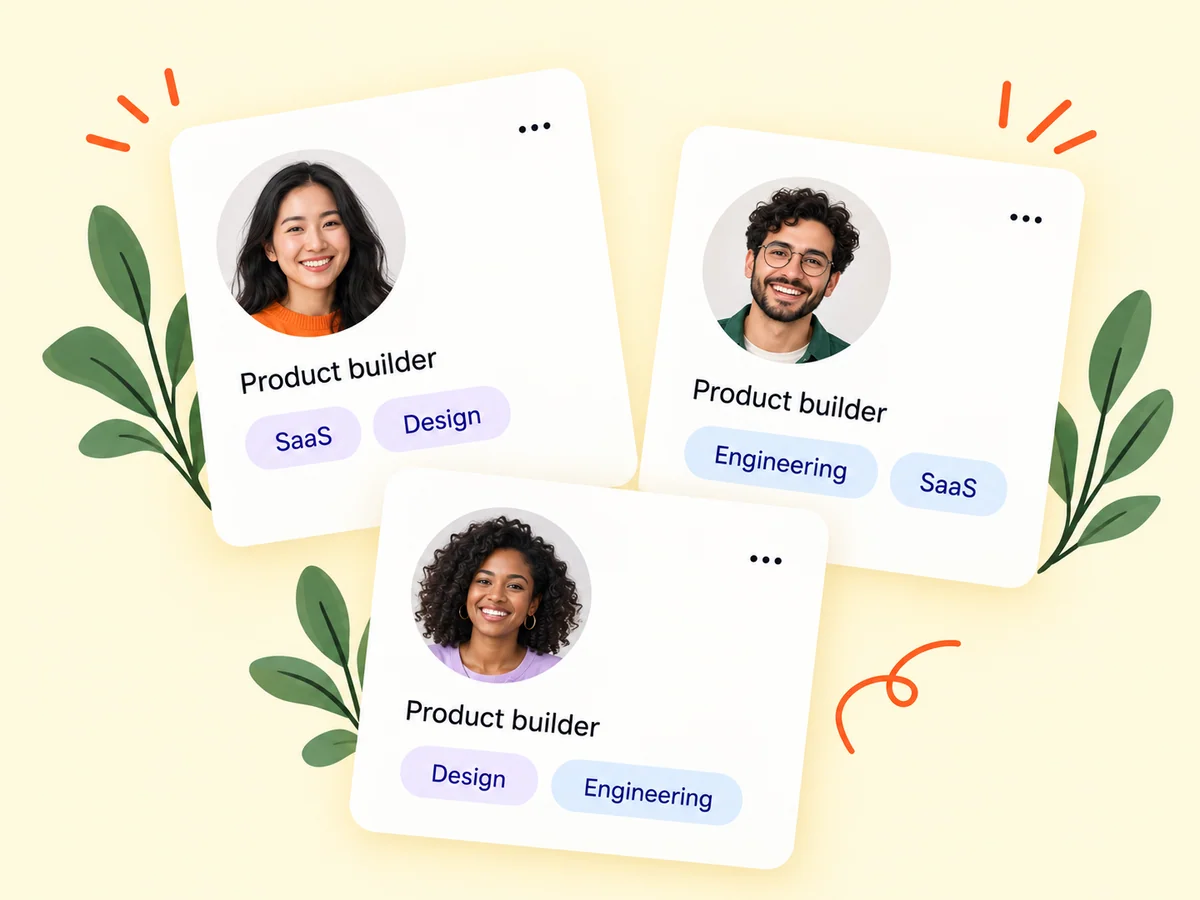
Keep building
Turn a conversation into useful product feedback
Explain the workflow you want someone to try and the question you need answered. Community feedback requests let members offer to help; use what you learn to refine your product and roadmap.
Explore product feedback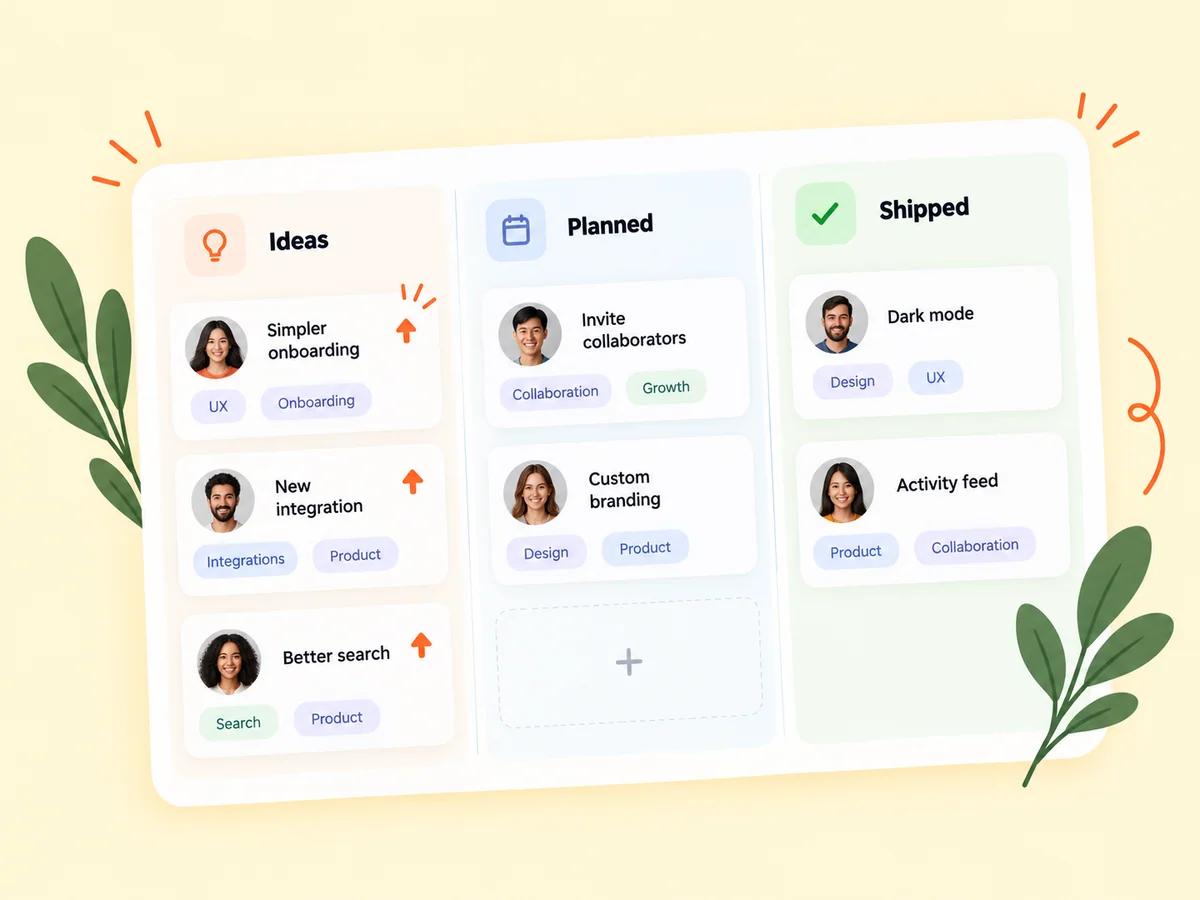
From idea to action
How to get started
Find a community
Open Messages, then Communities, and browse the rooms Buildside has published. Choose a topic that connects with your work.
Join and contribute
Read the room’s context, ask a focused question, or reply to an existing discussion. Share images, GIFs, or a short video when they help explain the work.
Bring others into the conversation
Invite Buildside members or share the community’s signup link. Mention room members and products when the reference adds useful context.
Find your starting point
Find people working through similar questions
Join a room when you want an ongoing conversation around a shared topic. Bring a specific question, offer feedback on another member’s work, or follow a discussion that helps with your current product decisions.
An example to adapt
Example: ask for feedback on a new workflow
Share a short onboarding video and explain where testers hesitate. Start a discussion around that step, respond to follow-up questions, and highlight a helpful answer so others can find it later.
Make the most of it
Keep shared conversations welcoming
Give enough context for someone joining the discussion later. Keep feedback specific, avoid sharing private customer information, and invite people because the topic is relevant to them.
Good questions, clear answers
About Community chats
Are community chats free?
Yes. Joining and messaging in community rooms are free for signed-in members. You need to join a room to read its conversation and participate.
Can I create a community?
You can suggest a community from the directory and follow its status in My suggestions. Buildside reviews suggestions before publishing new rooms.
What can I share in a room?
Rooms support messages, replies, polls, feedback requests, images, GIFs, and short videos. You can react, mute unread alerts, leave a room, or report a message.
Community chats