




















Long-form articles
Publish founder articles on Buildside
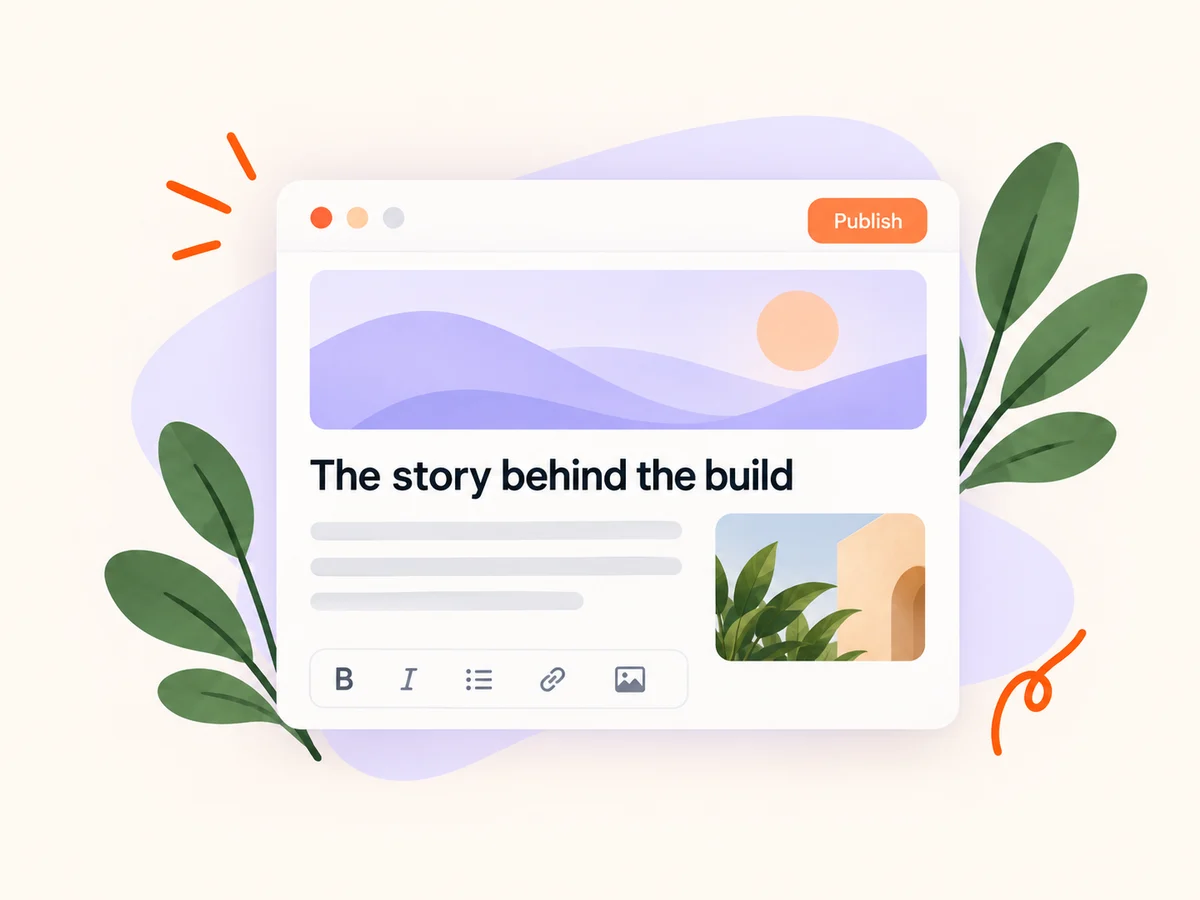
Write and publish long-form articles with cover images, rich formatting, and autosaved drafts. Share each story to the Buildside feed with a rich preview, a public reading page, and one discussion that stays connected to your article.
A closer look at Long-form articles
Some lessons need more room than a quick update. Use an article to explain the decisions behind a release, walk through an experiment, or share a practical founder guide. Every verified, active member can start writing from My articles.
Your article and its feed introduction publish together. Readers can open the full story from its cover, title, and excerpt, while reactions and comments stay in one shared discussion. Search metadata and social previews are prepared automatically.
Make it useful
Introduce the story to your community
Write a short feed introduction that explains who the article is for and what they will learn. Give readers a concrete reason to open the full story, then return to the discussion to answer their questions.
Explore the feed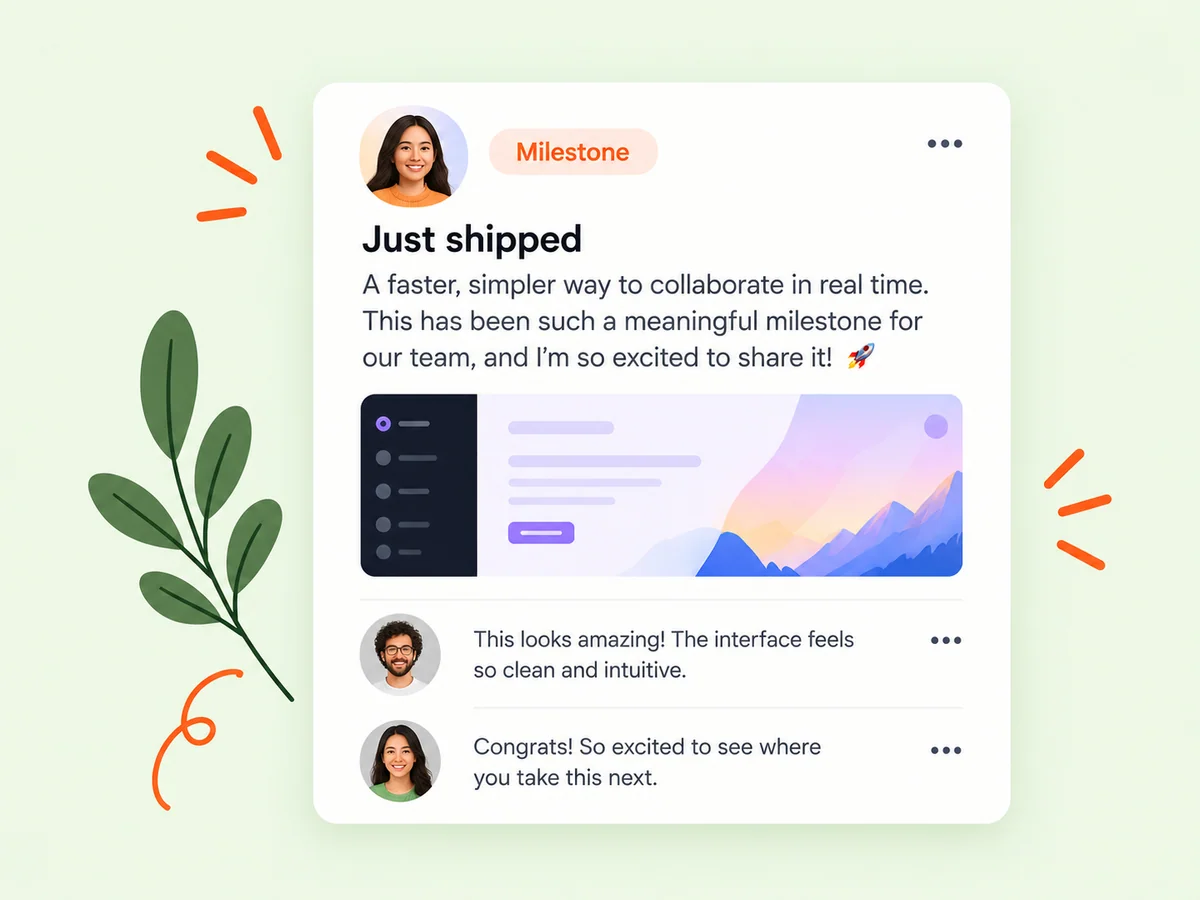
Keep building
Connect a lesson to the product behind it
Use product context to make your experience understandable. A walkthrough of an onboarding decision is more useful when readers know the intended customer, the task, and the stage of the product.
Explore product pages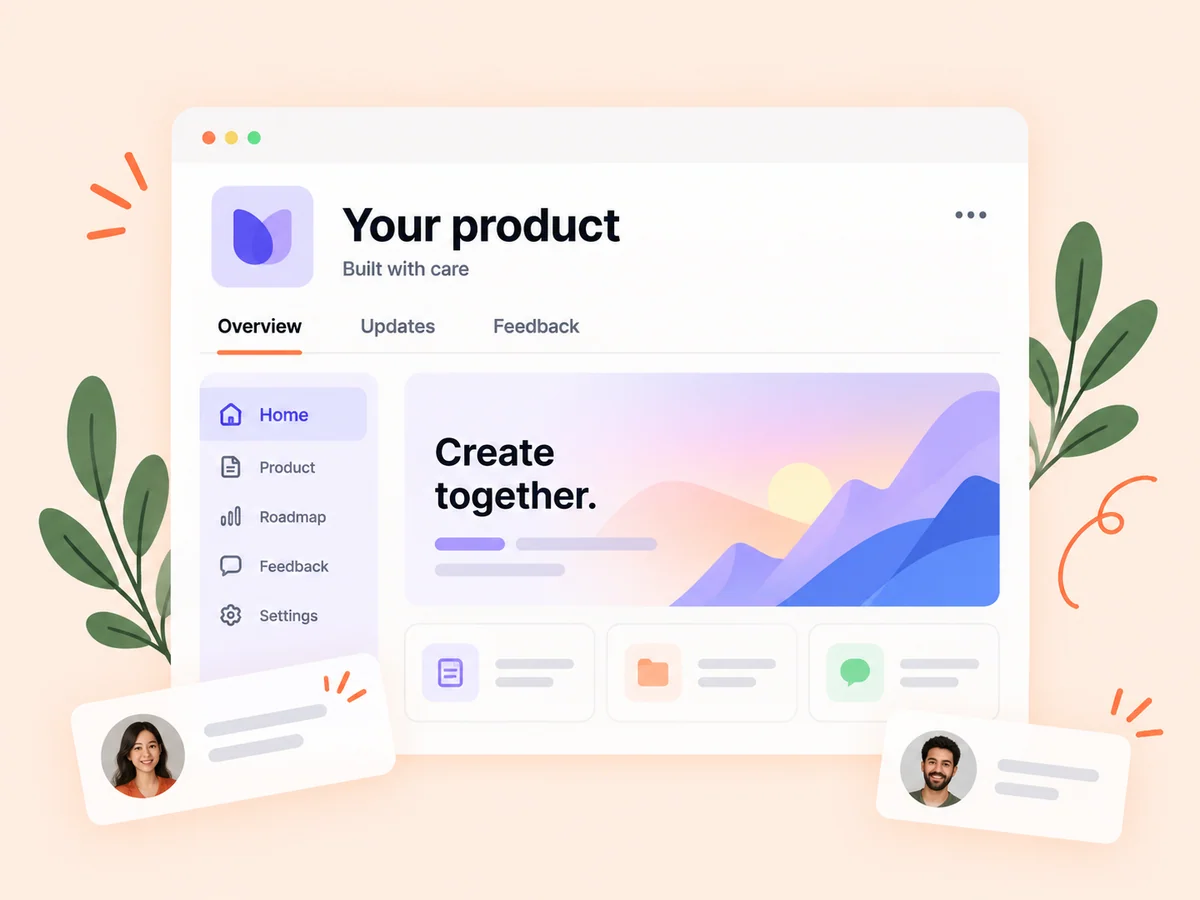
From idea to action
How to get started
Start in My articles
Create a draft, add a title and cover, and write with headings, links, and inline images. Your draft saves as you work.
Preview the complete story
Review the article and its feed introduction together. Check that the cover, excerpt, and opening accurately describe the story.
Publish and keep it current
Publish the article and feed card together. Return to My articles to edit, republish, or unpublish your story.
Find your starting point
When a short update needs more room
Use an article for a detailed build story, a tutorial, or the results of an experiment. Keep quick announcements in the feed and give longer explanations a clear beginning, useful headings, and a practical takeaway.
An example to adapt
Example: explain a pricing experiment
Describe the pricing question, the change you tested, and what you observed. Add screenshots where they clarify the experience, then use the feed introduction to invite other founders to discuss the tradeoffs.
Make the most of it
Make the story useful to another founder
Separate measured results from your interpretation. Explain the conditions behind your experience, credit relevant sources, and update the article when a conclusion changes.
Good questions, clear answers
About Long-form articles
Who can publish an article?
Article publishing is available to verified, active members. Daily first-publication limits depend on your plan; the editor keeps drafts available while you prepare your story.
Do edits create another article?
Republishing updates the existing story and feed card, keeping the public URL and discussion. Editing or republishing does not use another first-publication slot.
Can I take an article offline?
Yes. Unpublishing removes the public article and its feed introduction while preserving your draft and discussion.
Long-form articles