




















Featured product placements
Feature your product across Buildside
Choose a product, preview its card, and book a timed featured placement across the Buildside feed and product directory. Make a one-time payment, join the featured rotation, and let the placement end automatically.
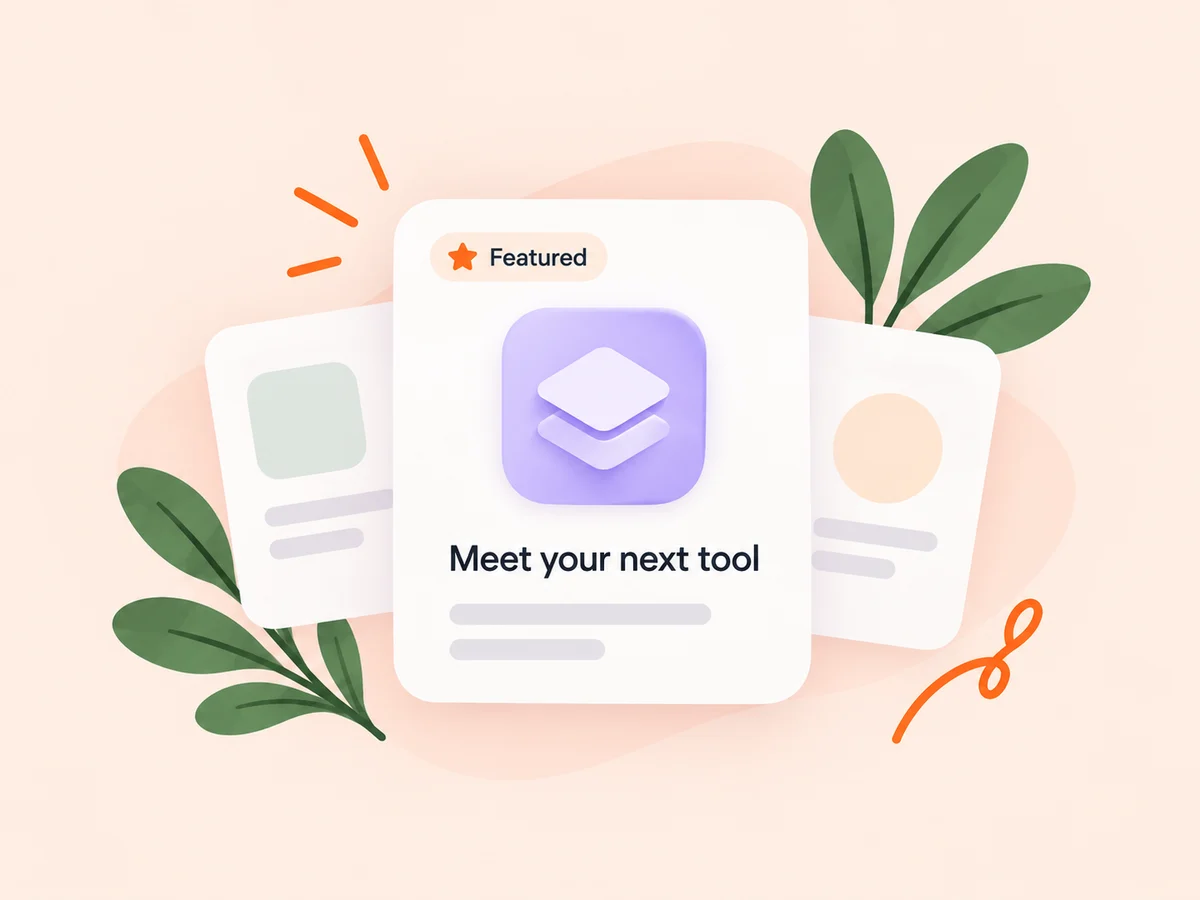
A closer look at Featured product placements
A featured placement introduces your product where founders already browse. Use Feature My Product to select a listing and preview its card before choosing a duration and paying.
Paid placements share the featured rotation across the feed and product directory. They begin after verified payment and end automatically, with no automatic renewal. A placement creates an opportunity for discovery; it does not guarantee views or customers.
Make it useful
Prepare the product page people will open
Make the pitch, screenshots, and website link useful before featuring the product. A clear card introduces the problem you solve, and a complete product page gives interested visitors somewhere to continue.
Explore product pages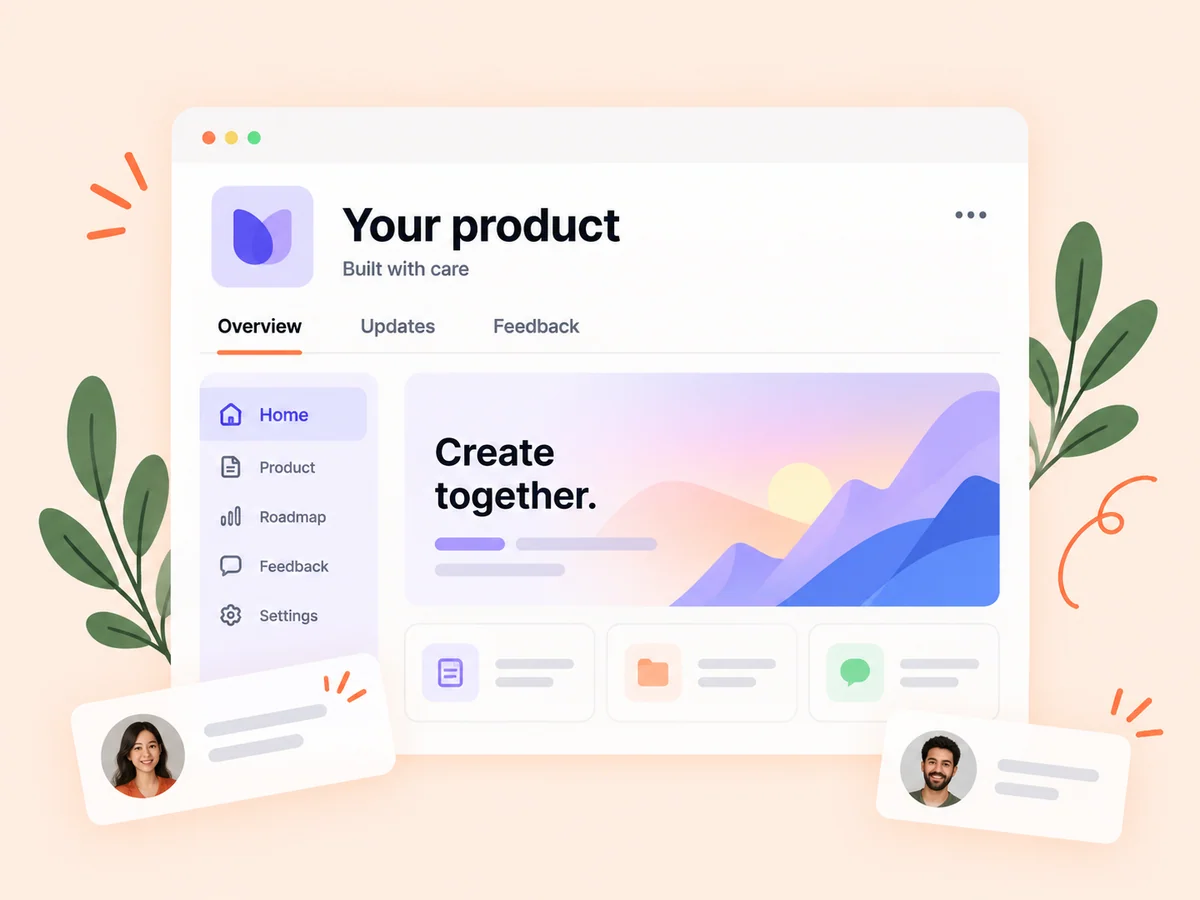
Keep building
Review the attention your product receives
Review recorded product activity and outbound clicks alongside the placement. Use the available evidence to assess your introduction without treating attention as proof of a signup or sale.
Explore analytics
From idea to action
How to get started
Choose your product
Open Feature My Product and select the listing you want to feature. Check its name, pitch, and imagery.
Preview and book the placement
Review the featured card and available durations. Complete the one-time payment shown in the purchase flow.
Follow the product’s activity
Your product enters the featured rotation after verified payment. Review its activity and let the placement expire at the end of the booked period.
Find your starting point
Introduce a product that is ready to explore
Consider a featured placement when your listing clearly explains the tool and visitors have a useful next step. A product launch or substantial release can give the introduction timely context.
An example to adapt
Example: introduce a new release
Update your product page with the current screenshots and demo, preview its featured card, and book a duration. Review product activity afterward to understand the attention the listing received.
Make the most of it
Make the first impression specific
Name the task your product helps with and keep the destination current. Choose a duration that fits your announcement and assess recorded performance without assuming a guaranteed result.
Good questions, clear answers
About Featured product placements
Where will the product appear?
Featured products rotate across the Buildside feed and product directory. Products share the available rotation.
Does a placement renew automatically?
No. It is a one-time purchase for the selected duration, and the placement ends automatically.
Is this the same as promoting a post?
No. A featured placement highlights a product listing. Reach+ and feed ads promote eligible public posts through their own campaign flows.
Featured product placements