




















Buildside on mobile
Take Buildside with you on mobile
Take Buildside with you through the iPhone app or install the web app from a supported browser. Catch up on founder updates, return to conversations, and enable push notifications where your device and browser support them.
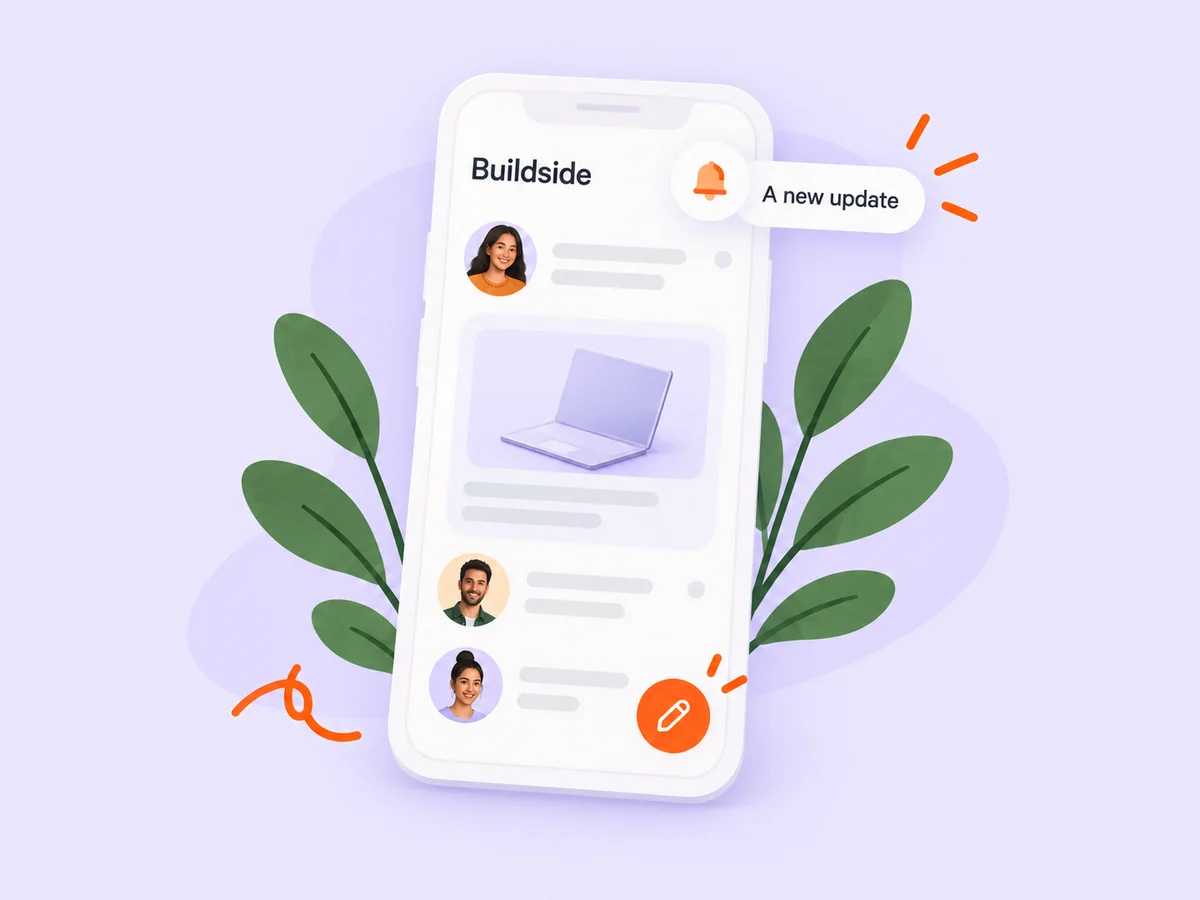
A closer look at Buildside on mobile
Your founder community can fit into the moments between building sessions. Download Buildside for iPhone from the App Store and sign in with your existing account, or use the website on your phone.
The installable web app provides another home-screen option on supported browsers. Supported offline features and push notifications depend on the device and browser; connected community activity still needs an internet connection.
Make it useful
Catch up with the founders you follow
Return to the products and people you care about while you are away from your desk. Read their updates, open the product context, and continue a conversation when you have something useful to add.
Explore following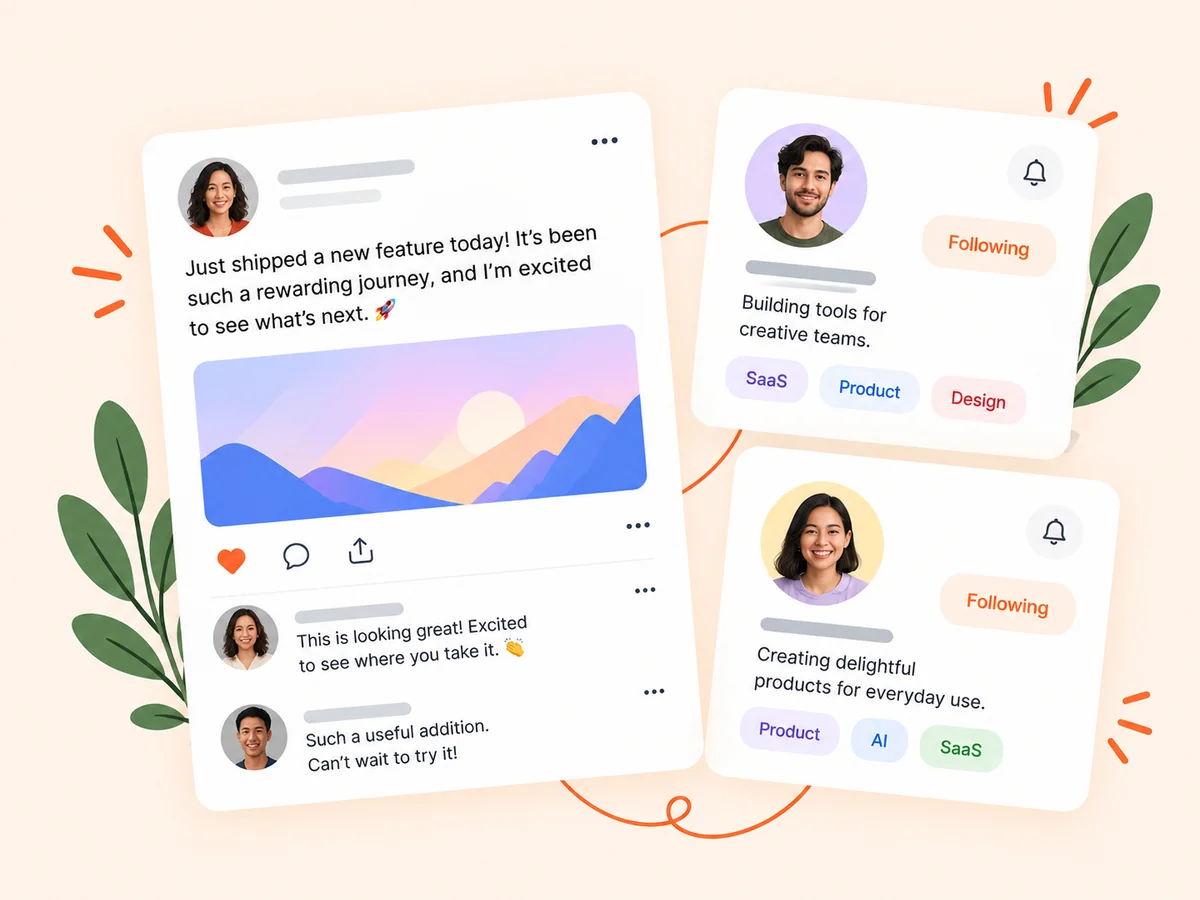
Keep building
Keep private conversations moving
Follow up with a collaborator or respond to feedback from your phone. Your account keeps the conversation available when you return to Buildside on desktop.
Explore messaging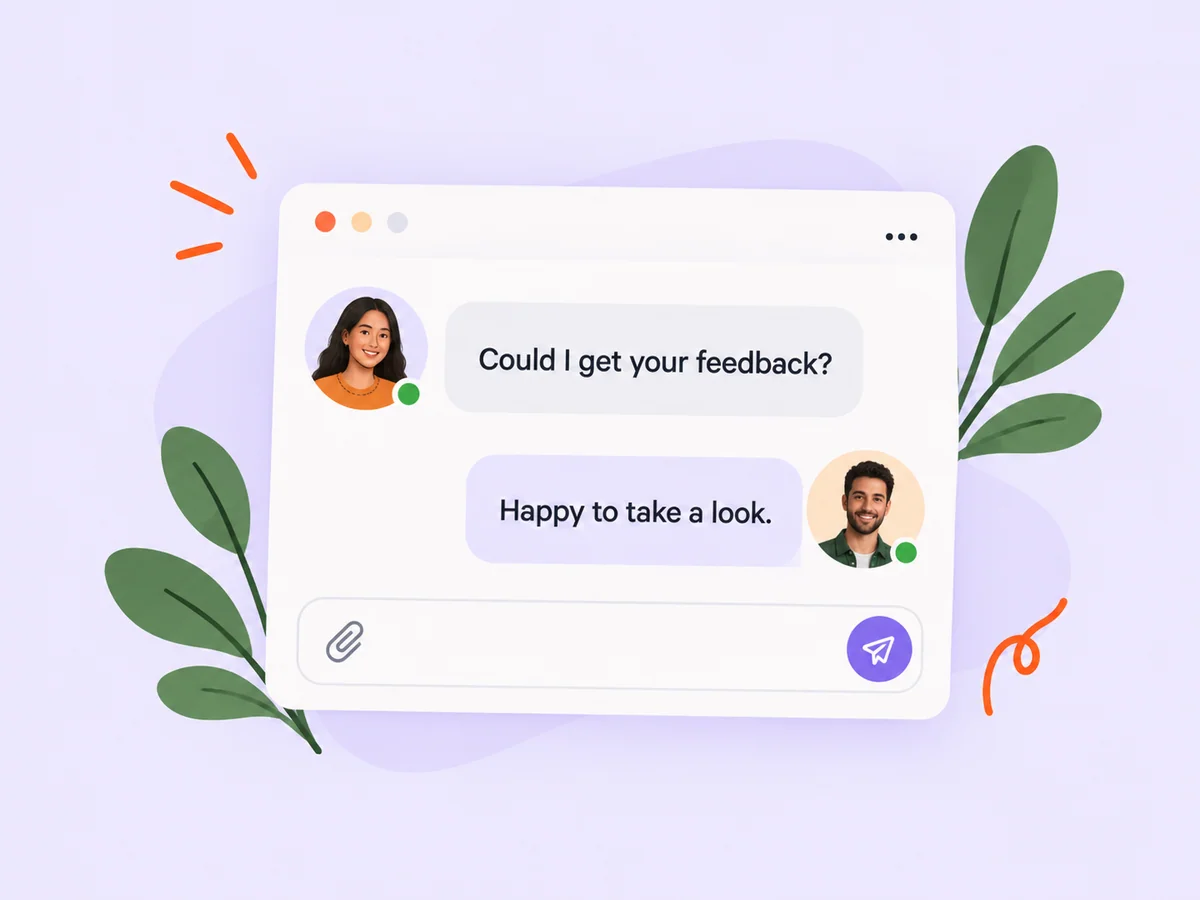
From idea to action
How to get started
Choose the app that fits your device
Download the iPhone app from the App Store, or open Buildside in a supported mobile browser.
Sign in with your Buildside account
Use your existing account to return to your community, products, and conversations. For the web app, use your browser’s installation option when available.
Set up the notifications you want
Enable supported push notifications and review your preferences so updates fit around your work.
Find your starting point
Stay connected between building sessions
Use mobile access to catch up on a discussion, respond to feedback, or read an update when you are away from your main workspace. Return to desktop for longer writing sessions when that suits you.
An example to adapt
Example: continue a collaboration on the go
A founder replies to your product question while you are away from your desk. Open Buildside on your phone, read the conversation, and respond with the context they need to continue.
Make the most of it
Choose a sustainable notification routine
Enable the updates you find useful and revisit your preferences as your community grows. Check connectivity before relying on fresh information or sending a time-sensitive reply.
Good questions, clear answers
About Buildside on mobile
Is there an iPhone app?
Yes. Buildside is available from the App Store. Sign in with your Buildside account to use it on your iPhone.
Can I use Buildside without an iPhone?
Yes. The website works on mobile browsers and desktop. Supported browsers also offer an installable web app for home-screen access.
Does every device support offline use and push notifications?
Support varies by browser and device. The web app includes supported offline behavior, but live community data and sending activity require connectivity.
Buildside on mobile