




















Product demos and videos
Show your SaaS with product demos and videos
Bring your product page to life with an uploaded demo video and a choice of presentation layouts. Growth and Scale owners can also customize demo slides with their own images, titles, and descriptions to explain the workflow in their own words.

A closer look at Product demos and videos
A product pitch becomes easier to understand when people can see the workflow. Add a demo video above your screenshots, choose a layout, and use editable titles and subtitles to introduce what viewers are about to see.
Custom demo slides give Growth and Scale owners another way to tell the story. Upload marketing images, edit the accompanying copy, and arrange the slides around the task your product helps someone complete.
Make it useful
Give visitors a clearer product introduction
Keep the video and product pitch focused on the same customer problem. Show a real workflow and let the surrounding product page explain the wider capabilities and founder story.
Explore product pages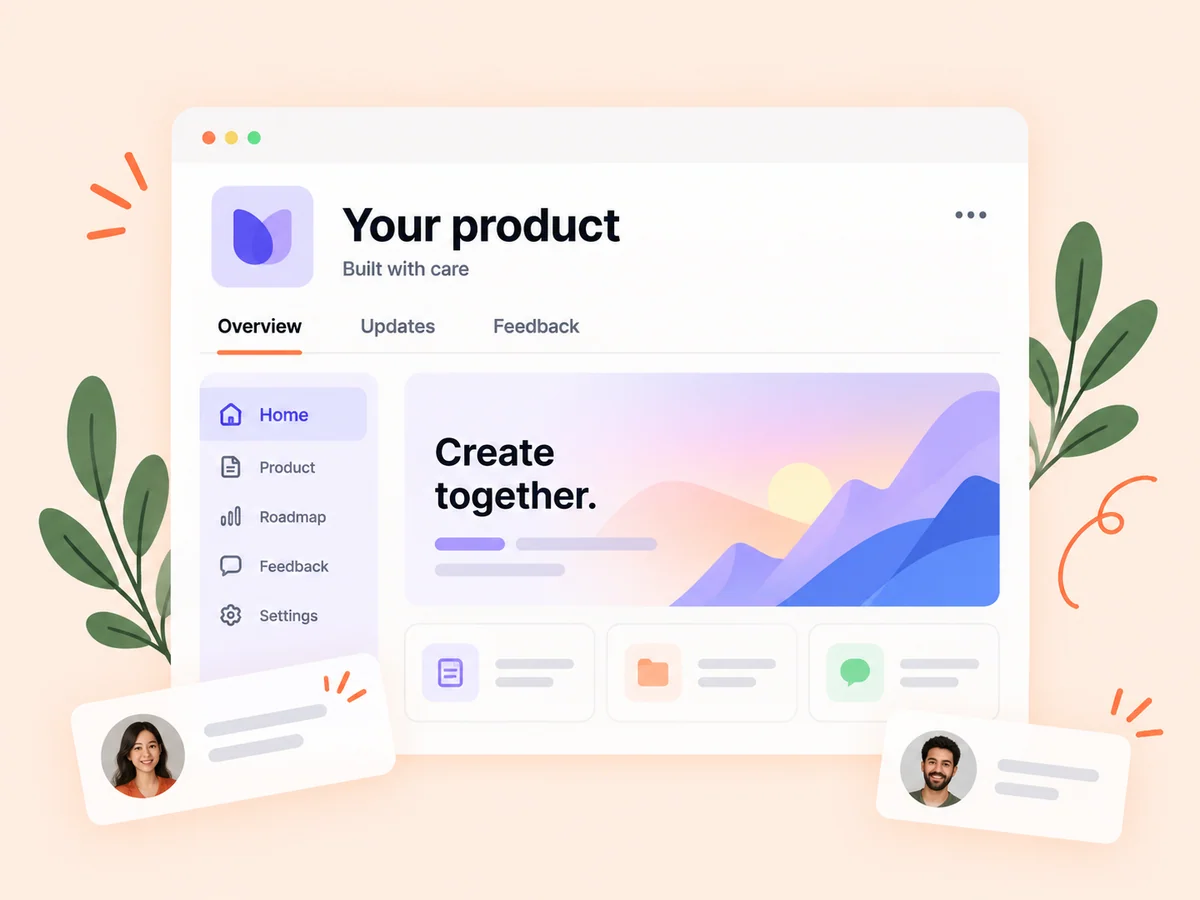
Keep building
Use feedback to improve the demonstration
Invite viewers to identify the step they found confusing. Their questions can help you refine the demo or reveal a product improvement worth adding to your roadmap.
Explore product feedback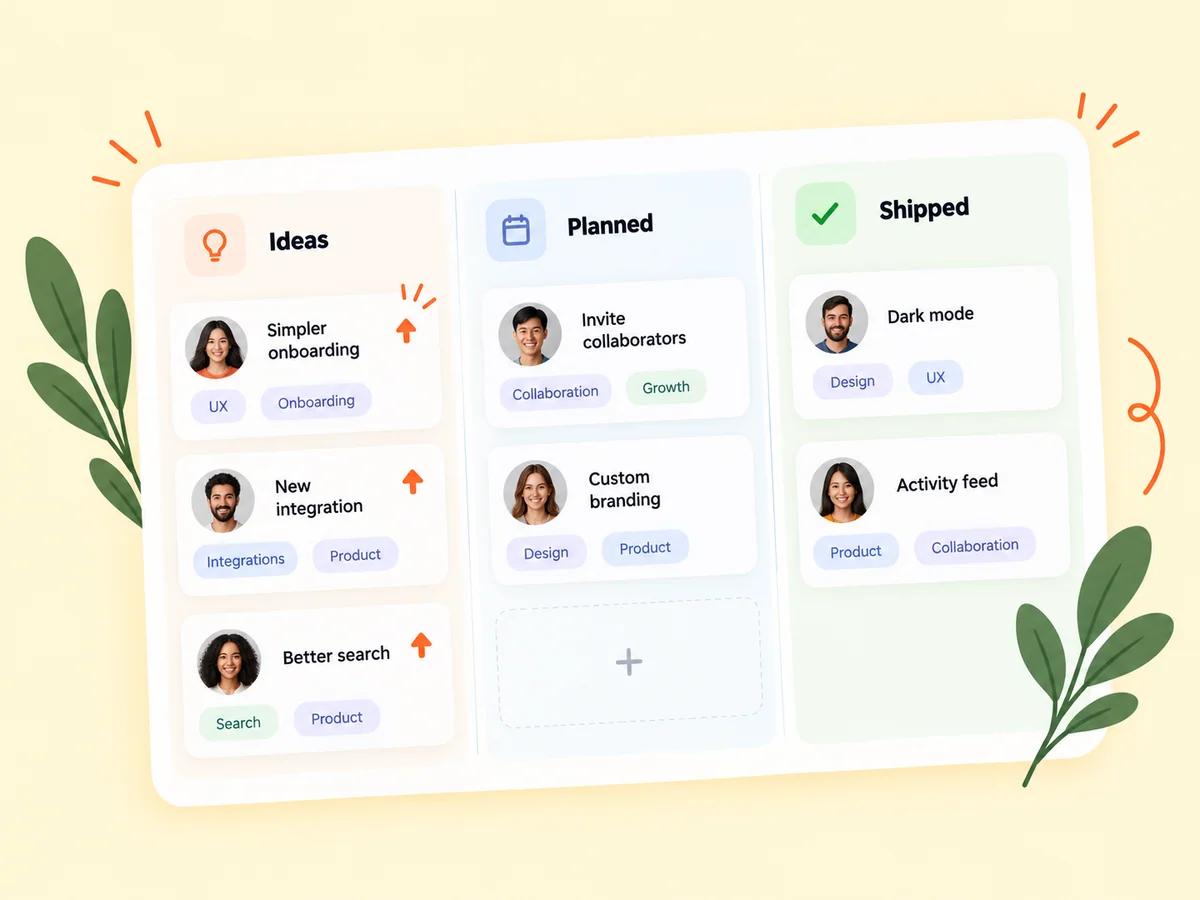
From idea to action
How to get started
Open your product’s Demo section
Choose the product you want to present and open its demo controls. Prepare a video that shows one useful workflow.
Choose how to present the story
Upload your video and select a presentation layout. Eligible owners can also edit demo slides, including their images, titles, descriptions, and order.
Preview the visitor’s experience
Review the demo with the product pitch and screenshots. Check that the first few moments show what the product helps someone accomplish.
Find your starting point
When a demonstration makes the difference
Use a demo when a screenshot cannot show the interaction: creating a report, organizing a project, or finishing a task. A short, focused recording can answer a question before someone leaves your product page.
An example to adapt
Example: show the first useful result
For an invoicing tool, record the path from an empty draft to a finished sample invoice. Introduce the task, show the key interaction, and finish with the result rather than touring every setting.
Make the most of it
Keep the workflow easy to follow
Use readable text and realistic sample data. Remove private customer information, trim unnecessary pauses, and make sure the demo reflects the product people can use today.
Good questions, clear answers
About Product demos and videos
Which video layouts can I choose?
The demo offers Classic split, Video first, Cinematic overlay, and Offset editorial layouts, with editable titles and subtitles.
Can free members upload a demo video?
Yes. Free members can share a demo up to 15 seconds; paid members can share up to five minutes. Check the upload controls for current limits.
Will a rebuild overwrite my custom slides?
Custom slides stay in place when the automatic demo rebuilds. You can restore the generated version when you want to return to it.
Product demos and videos