




















Verified product revenue
Verify your SaaS product revenue
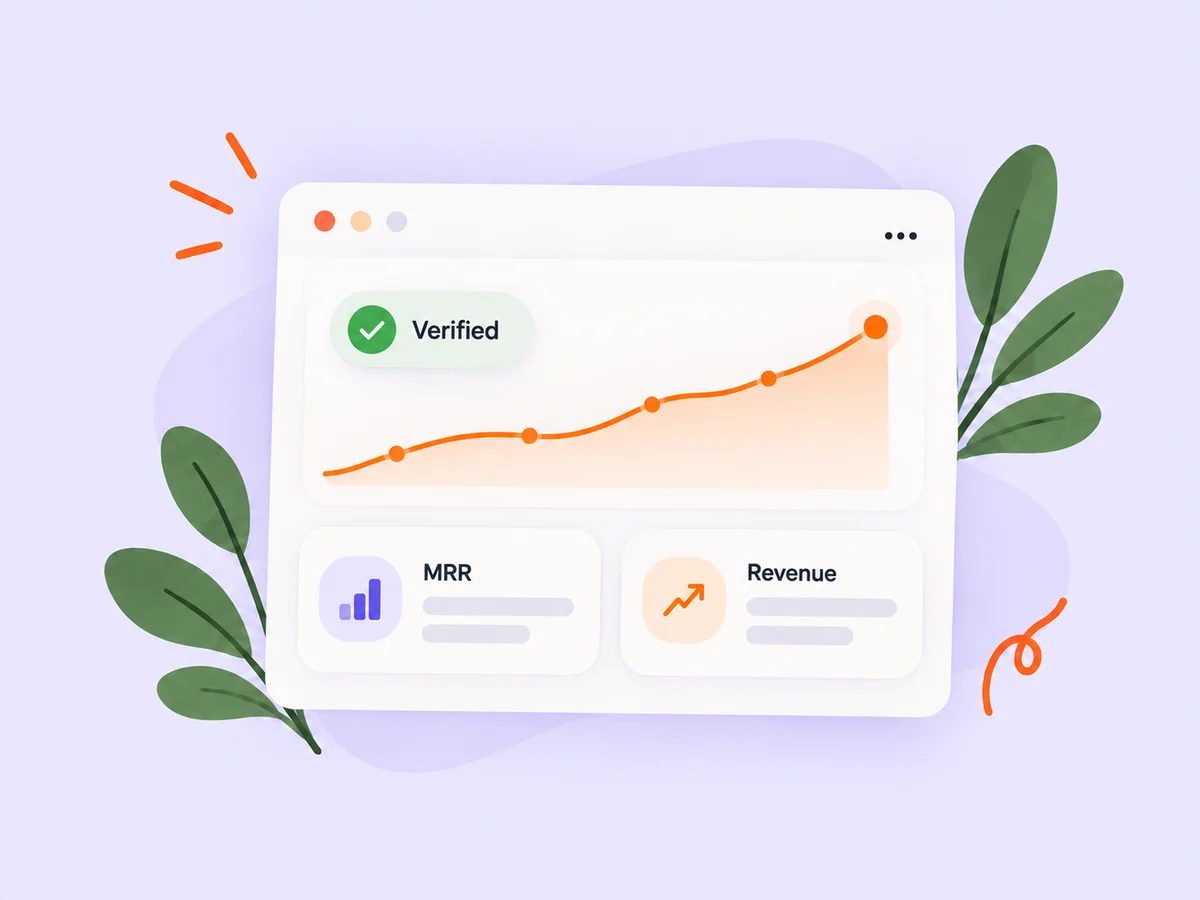
Connect Stripe, Dodo Payments, or Lemon Squeezy to verify your product’s monthly recurring revenue and total revenue. Keep figures refreshed, show the connected provider, and choose whether your financials appear publicly.
A closer look at Verified product revenue
Give people a clearer view of the business behind your product. A supported payment connection can provide verified figures instead of manually entered numbers. The product identifies the provider behind a successful verification.
Each product supports one connected provider. Dodo Payments and Lemon Squeezy connections include product selection so you can choose the records that belong to the listing. Financial visibility remains your choice.
Make it useful
Bring financial context to your product page
Add revenue alongside the pitch, screenshots, and founder story people already use to understand your product. Keep the description clear about what the product does and the stage it has reached.
Explore product pages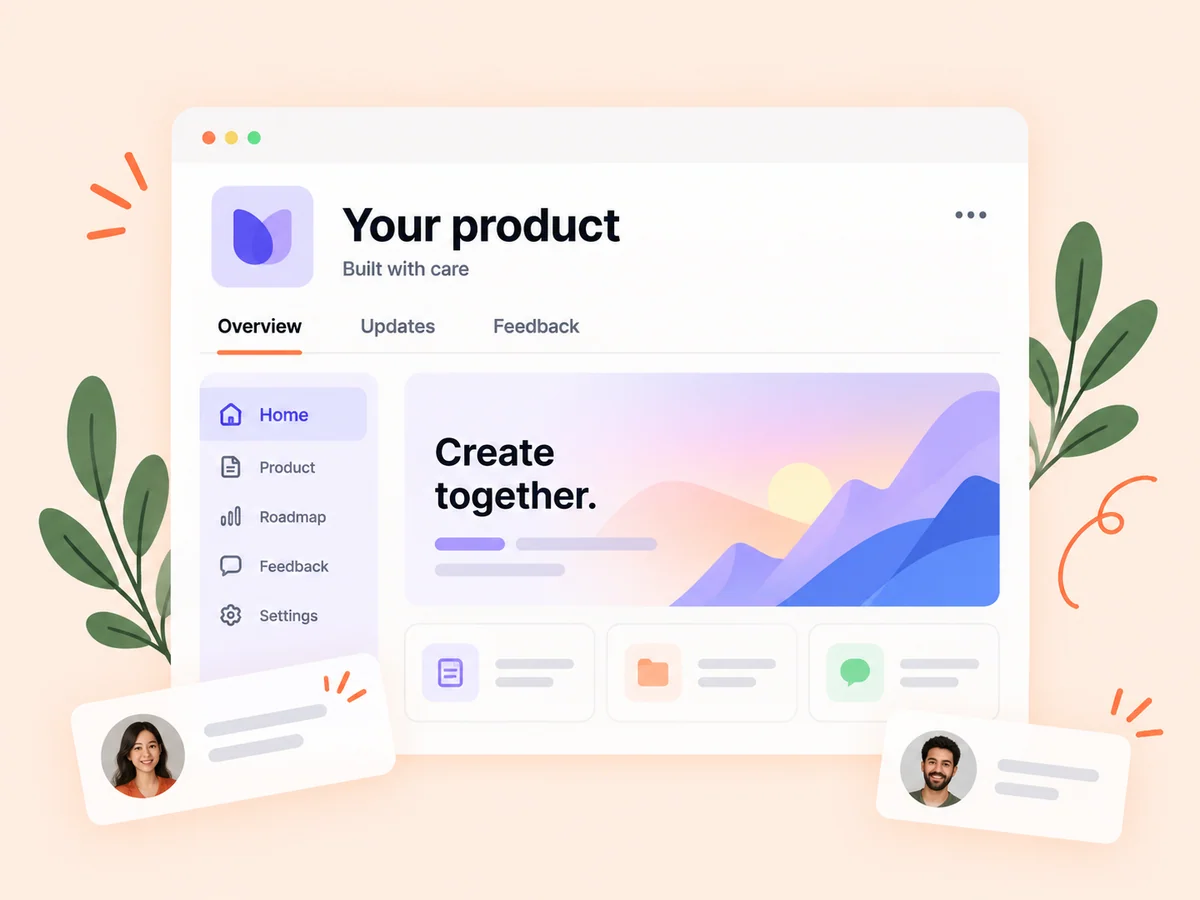
Keep building
Read revenue alongside audience activity
Product attention and business revenue answer different questions. Review profile activity, post performance, and outbound clicks alongside verified financials without assuming that every visit becomes a customer.
Explore analytics
From idea to action
How to get started
Open your product’s financial settings
Choose a supported provider while creating or editing your product, then follow the connection instructions.
Select the product and review the figures
For Dodo Payments and Lemon Squeezy, select the provider products to include. Review the resulting MRR and revenue before sharing them.
Choose visibility and keep it current
Decide whether financials should be public. Connected products refresh daily, and you can request a refresh from product settings.
Find your starting point
When to connect your revenue
Connect revenue when you want to share business progress with clearer evidence. Keep financials private when you prefer to focus your public profile on product work.
An example to adapt
Example: verify one product in a larger account
A founder with several products in Lemon Squeezy selects the store and product IDs for the Buildside listing. They review the synced figures and decide which financial information to make public.
Make the most of it
Keep financial claims precise
MRR describes supported active recurring pricing. Total revenue deducts successful refunds from collected payments before provider fees. Review the definitions and provider scope before comparing figures across products.
Good questions, clear answers
About Verified product revenue
Which providers are supported?
Stripe, Dodo Payments, and Lemon Squeezy are supported, with one provider connected per product. You can switch providers or return to manual entry.
Can I keep my revenue private?
Yes. Connecting a provider does not remove your financial privacy controls. Choose whether your product’s financial figures appear publicly.
Are manually entered figures verified?
No. Manual values remain self-reported. A successful supported provider sync supplies the verification label; unsupported recurring pricing can require review.
Verified product revenue